OpenMAIC generates a classroom, not a single answer
OpenMAIC takes a subject or uploaded material and creates a staged lesson. AI teachers and classmates can speak, write on a whiteboard, discuss the topic, present slides, ask quiz questions, and run interactive or project-based activities. The browser handles playback and learner interaction, while an editor lets the author adjust outlines and scenes instead of accepting the first generation unchanged.
That format solves a different problem from a tutoring chatbot. A chat responds turn by turn; OpenMAIC assembles an experience with an order, roles, media, and assessable moments. Exports include editable PowerPoint files, self-contained interactive HTML, classroom archives, and MP4 video. An educator can reuse the output outside the live application, subject to checking what each export preserves.
What happened when we ran it
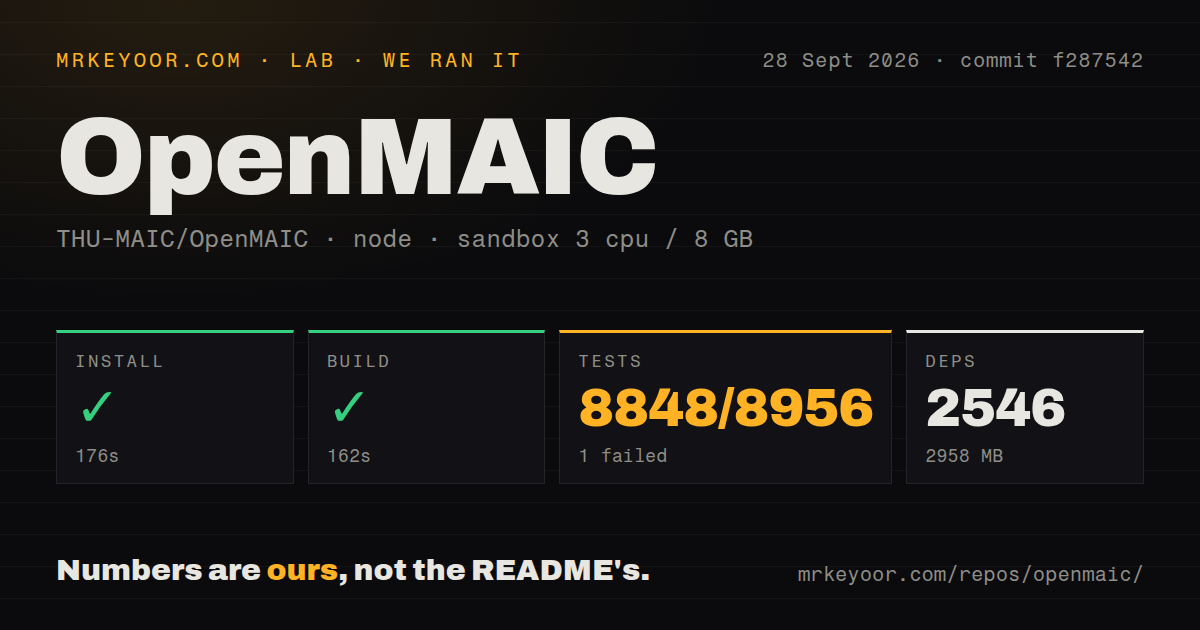
Our sandbox cloned commit 0088034 with 3 CPUs and 8 GB of RAM. The 108.5 MB checkout contained 2,310 files and about 429,513 lines of source. pnpm install succeeded in 133 seconds, adding 2,569 packages and occupying 2,672 MB. That is a large local footprint before model caches, PostgreSQL, generated images, audio, or video assets.
The production build completed successfully in 116 seconds. Vitest then ran for 87 seconds and returned exit code 1: 4,892 tests passed, 1 failed, and 61 were skipped out of 4,954. The supplied excerpt points to a test that checks blocked imports across guarded paths. It does not include the assertion message, so we cannot say whether the fault was a parser rule, fixture, path, or environment.
The monorepo has 5 CI workflow files, a Dockerfile, compose configuration, and a tests directory. Node 20 and pnpm 10 are the stated minimums. A one-command container path exists, but the 2,672 MB dependency result makes resource budgeting worthwhile even when Docker hides the package installation steps.
One model key starts it, while rich lessons need more services
The basic configuration needs at least one language-model provider. OpenMAIC supports hosted vendors, Amazon Bedrock, OpenAI-compatible endpoints, and local options such as Ollama and Lemonade. Per-stage routing can send different parts of generation to different models. That flexibility is useful for cost and data policy, but it creates a matrix of model names, credentials, rate limits, and output differences.
A complete media lesson may also use image generation, text to speech, speech recognition, search, video generation, or document parsing. Some providers reuse a language-model account; others need another endpoint or key. Local FunASR and Lemonade routes avoid hosted credentials but bring their own Python, model, hardware, and service requirements. One click describes the learner interaction better than the operator setup.
Provider selection affects the lesson itself. Different models can produce different outlines, quiz distractors, citations, and scene instructions from the same document. Pin the model and prompt configuration for assessed material, save the source used, and run a review step after generation. A polished voice and animated whiteboard can make a false claim feel more authoritative than plain text.
PostgreSQL persistence is documented as trusted-network only
By default, course data can live in the browser. The optional server-persistence compose profile adds PostgreSQL and an embedded HTTP endpoint so sessions and course documents can move to server storage. Device-scoped values still remain in the browser, and existing browser courses migrate lazily as they are accessed. This is enough for a controlled single-user or trusted-network deployment.
The README is unusually direct about its development token. NEXT_PUBLIC_PERSISTENCE_TOKEN is compiled into public JavaScript, so anyone who can load the application can extract it. The token offers no confidentiality or learner isolation, and a caller can choose a learner key. Production use requires server-verified sessions that derive the learner partition from identity, plus authorization rules for documents, merges, and administration.
A separate ACCESS_CODE can place a shared password in front of the site and API routes. That can deter casual access, but it is not a school identity system with students, teachers, classes, and revocation. Open edX or Moodle starts much closer to those institutional requirements, though neither aims to generate this kind of multi-agent lesson on demand.
Version 0.3.2 adds storage and export machinery quickly
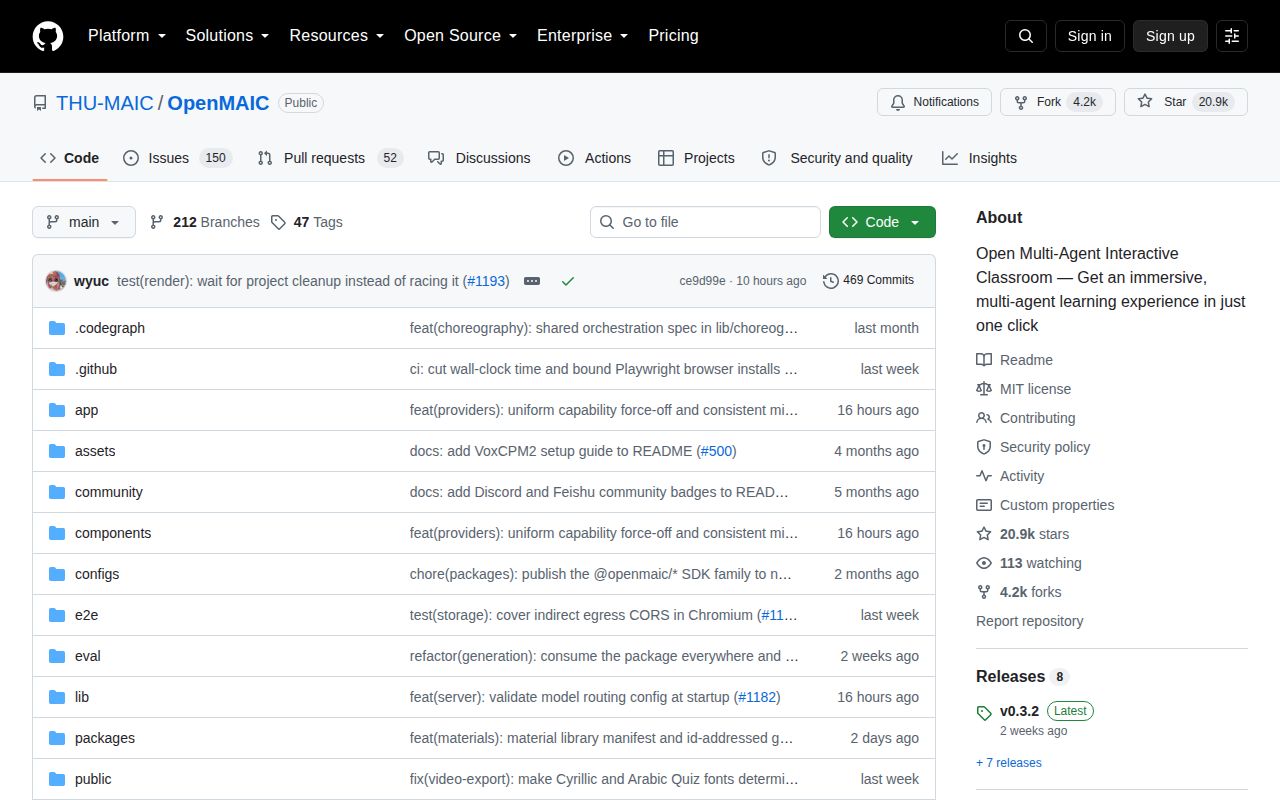
GitHub recorded 20,932 stars, 202 combined open issues and pull requests, and a last push on August 26, 2026. The repository was created on March 11, 2026, and v0.3.2 was published on August 14. That is rapid adoption and code movement over roughly five months. It is also a young operational surface despite the high star count.
The v0.3.2 notes cover deterministic quiz and project covers for video, interactive HTML capture, CPU profiles, parallel rendering, PostgreSQL document storage, incremental saves, an asset registry, new locales, and additional model providers. Fixes span binary persistence responses, chat migration, access-code provider loading, Windows image startup, international fonts, and release packaging. The breadth explains both the product's appeal and the need for controlled upgrades.
The root is MIT-licensed, after a June 2026 change from AGPL, while bundled workspace packages retain their own licenses. Redistributors need to preserve those component terms. The release notes also show that storage contracts and SDK packages are still being separated from the application, so extension points are improving while their ownership is still moving.
OpenMAIC earns a trial when a teacher or training designer wants something more structured than chat and will edit the result. The passing build and 4,892 passing tests are encouraging. The 2,569-package install, single failure, public persistence token, and number of optional providers argue for a sandbox first. Use it as an authoring instrument today; build the missing institutional controls before students depend on it.