Carrying an object between scenes gives the skill its purpose
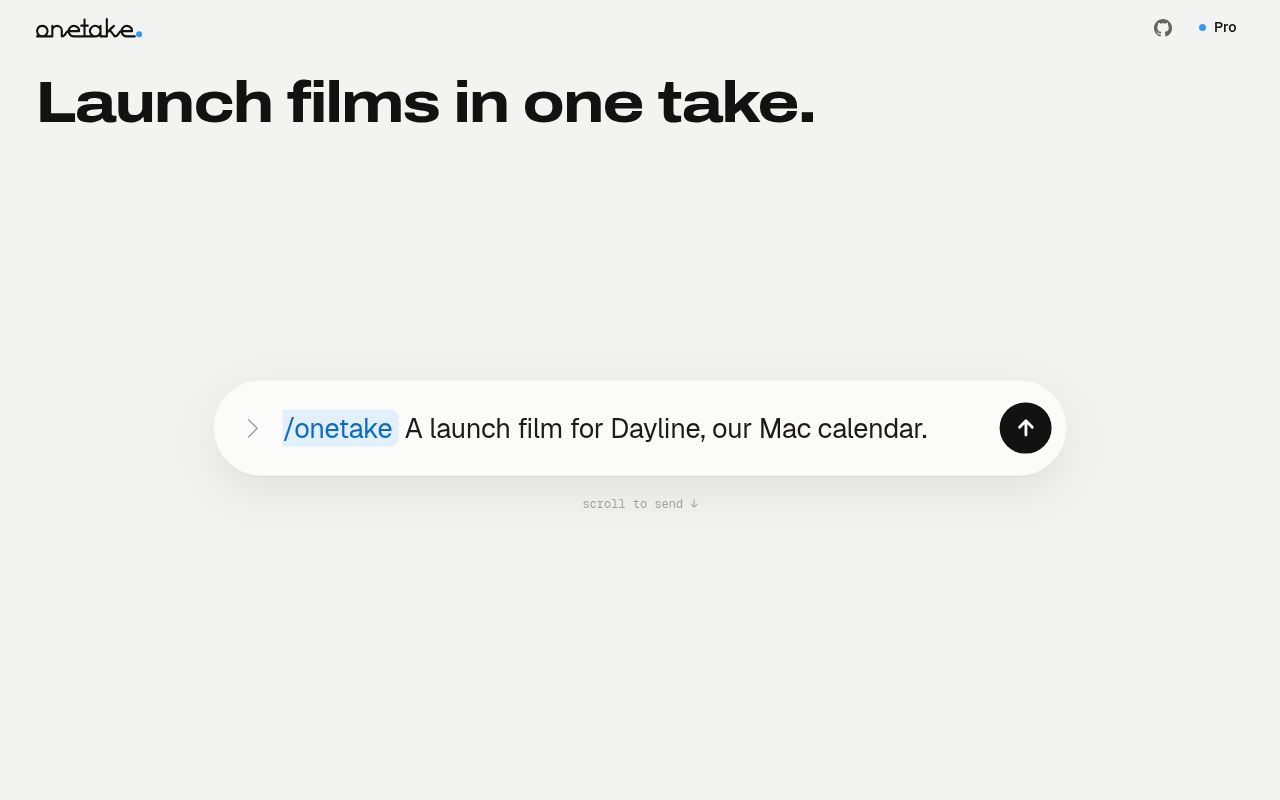
A product film loses its thread when a title disappears and an unrelated interface suddenly replaces it. onetake asks the coding agent to design a visible connection: a prompt box might expand into the application window, for example. The repository combines instructions, a JavaScript motion library, and Python media scripts around that idea. Its README includes complete English and Chinese sections. This is a specific creative method you can adopt, rather than a general video editor.
The checkout occupied 106.3 MB even though our installed package environment used only 38 MB. Finished clips and visual assets accompany a comparatively small codebase of roughly 2,696 source lines across 110 files. Those examples help explain the intended visual result. The README says the example films' source code is excluded, however. Watching a case and reading its breakdown won't give you the editable composition that produced it.
What happened when we ran it
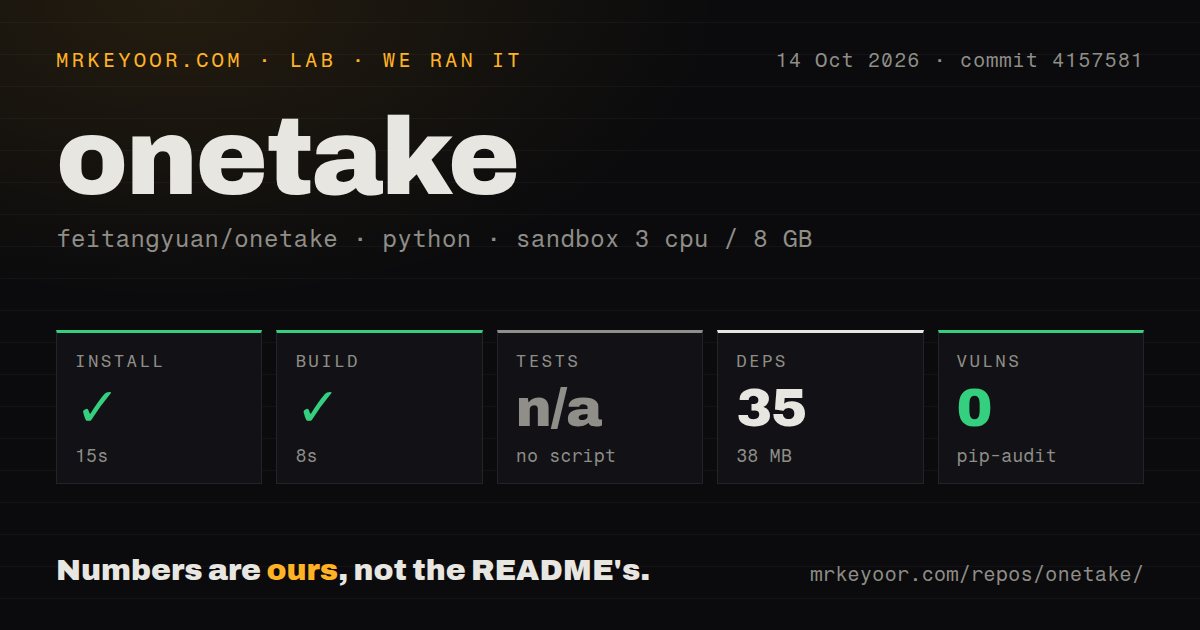
Our sandbox installed onetake at commit 4157581 in 15 seconds, adding 35 packages, then built successfully in 8 seconds. We ran it on October 14, 2026, in an unprivileged Debian container with 3 CPUs, 8 GB of RAM, the uv Python 3.12 Bookworm image, and no secrets. The installed environment occupied 38 MB. Those are encouraging setup results for a developer experimenting with the repository.
Tests were skipped because no tests script or target was available. Pip-audit reported 0 known vulnerabilities. Our repository scan found 0 CI workflow files, no Dockerfile, and no tests directory. The supplied run contains no completed film, playback assessment, or rendering benchmark. In particular, the successful build establishes neither that a generated composition follows the continuity rules nor that the renderer produces correct colors and sound on a finished export.
A skills-folder clone leaves browser and media setup to you
The installation instructions place the repository in Claude Code's skills folder or the equivalent folder for other agents. The prerequisites then list Playwright with Chromium, Python image and scientific packages, ffmpeg, and Node. OpenCV supports reference analysis. Narration adds faster-whisper and Kokoro TTS. The intended workflow therefore includes a coding agent plus local media tooling, even though the installation example itself is a short clone command.
Our 15-second install does not establish whether an agent registered the skill. Open PR 1 reports that the description in the skill's frontmatter exceeds the Agent Skills limit and proposes shortening it. The measured checkout still has the long description. The report is relevant to the documented installation route, but we did not test its claimed loader behavior. Confirm that your agent can see the skill before debugging film-generation prompts.
Rebuilt HTML interfaces need their own accuracy review
The documented product-demo method recreates an interface from screenshots in HTML, then animates that replica. A single composition exposes a seek function so the renderer can request frames at particular times. That gives the author control over camera movement and transitions without capturing every action from the live app. It also means an attractive demo can diverge from the real product unless someone checks the recreated text, layout, and behavior.
The 8-second build is separate from that creative review. The repository's probe and verifier inspect continuity and other motion properties, including framing and audio clipping. Those checks can catch specified faults in a film. They cannot decide whether a recreated feature communicates what the actual app does, or whether a concept is interesting. The project's own workflow ends with human review. Keep that step attached to the exported file, especially after the agent changes composition code.
The public edition excludes commercial work and case source
The README and license identify PolyForm Noncommercial 1.0.0, and the README expressly prohibits commercial use. onetake Pro is the advertised route for a commercial license and the films' source. For a developer selecting tools for client work, this changes the decision before rendering begins. Publicly readable code is useful for inspection, but the repository does not grant the same usage permissions you might expect from an MIT animation library.
Our 35-package setup says nothing about those permissions. A noncommercial learner can use the public edition within its terms, study the examples, and author a new composition. A commercial team needs to resolve the license first, then assess whether the method fits its production process. Open issue 3 is specifically a commercial client-work inquiry, so this is a limitation prospective users have already encountered rather than an abstract concern about licenses.
Renderer reports make export checks part of adoption
Open PR 2 concerns render.py's color conversion and missing output metadata. The measured renderer invokes ffmpeg with H.264 encoding and a YUV pixel format without the proposed explicit color-matrix settings. The contributor reports shifted colors in a synthetic-frame check and proposes BT.709 conversion. That is a documented report, not a finding from our sandbox. It deserves attention when a product's brand colors must survive export and playback.
GitHub recorded the last push on October 13, 2026, with 2,315 stars and 3 combined open issues and PRs. Release v1.1.0-lite arrived October 8, while the loader and renderer proposals remained open. Recent activity supports a trial without making those reports disappear. Choose Motion Canvas for direct TypeScript animation authoring, or Remotion for a React video workflow under its own terms. Beyond onetake's 38 MB package environment, the useful check is a real export on the delivery platform.