The desktop audio route suits an Omarchy workstation
Meeting Recorder captures your microphone and the computer's audio as separate tracks, so you can record a call without inviting a bot. The README targets Omarchy on Hyprland and uses GTK 4 with libadwaita for the window. That is a sensible fit if this is already your daily desktop. You open the app, check that both audio meters move, then start recording. Those meters give you something useful to check before the conversation you need to keep begins.
The checkout we measured contained 106 files and about 12,436 source lines in 20.2 MB. Its purpose stays fairly narrow: capture a meeting, transcribe it, and let you revisit the words alongside the audio. You can click a transcript line to play that moment, correct its text, change its speaker, or delete it with an undo option. Those editing controls matter because an incorrect transcript needs a repair path close to the recording.
What happened when we ran it
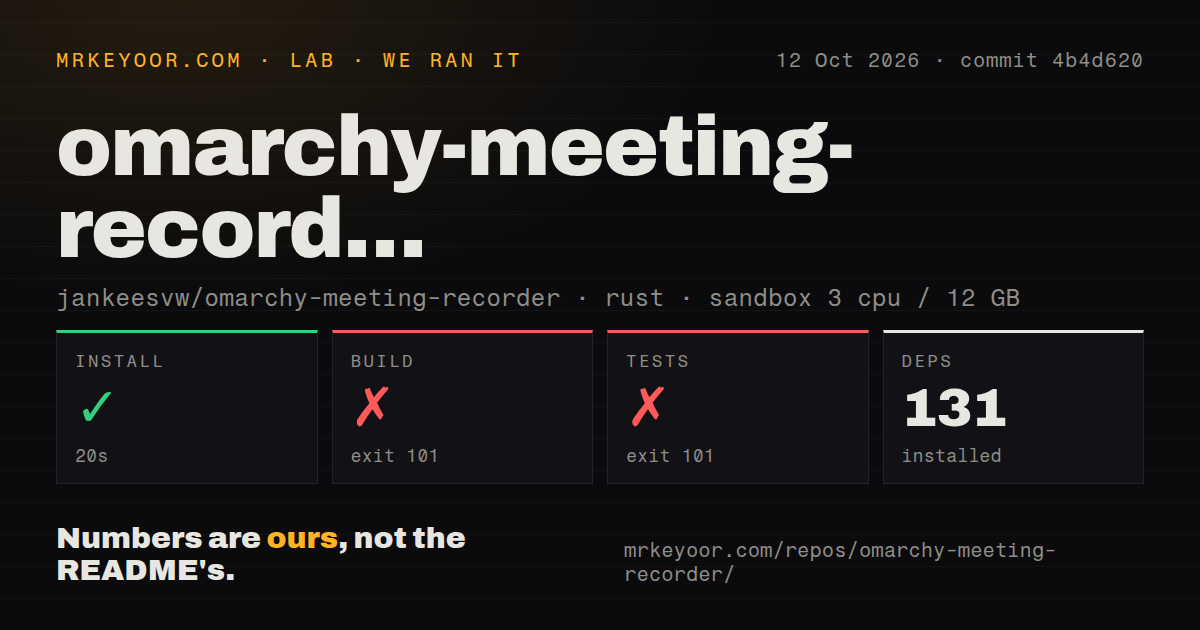
Our sandbox installed commit 4b4d620 in 20 seconds, adding 131 packages, then failed its build after 23 seconds with exit code 101. We cloned it on October 12, 2026, into a fresh Debian container with 3 CPUs, 12 GB of RAM, the lab-rust:1 image, no secrets, and no elevated privileges. The install succeeded, but that result did not carry through to a compiled application. We have no recording or transcription performance result from this run.
The test command also failed with exit code 101 after 5 seconds. Both log tails show the same requirement: gdk4-sys asked pkg-config for GTK at least 4.12, while the installed GTK was 4.8.3. The check rejected that older library. This is an environment compatibility finding, not evidence that a transcription assertion failed. Our scan found three CI workflow files, no Dockerfile, and no tests directory. None of those file signals supplies a passing test result.
The source instructions omit the GTK minimum our build required
GTK 4.12 is a practical starting condition for the source path we attempted. The README's requirements list GTK 4 and libadwaita with a minimum version for the latter, but do not spell out the GTK minimum exposed by our log. A developer on an older distribution can follow the listed source command and still stop before the application exists. I'd resolve the desktop library versions before spending time on model configuration or audio routing.
The documented package route uses Omarchy's package repository and Arch tooling. Recording and playback need PipeWire plus parec and pacat; saving audio uses ffmpeg with libopus. The source path also lists Rust, CMake, Vulkan headers, and the shader compiler. A CPU-only build option removes the Vulkan requirement, but we did not measure that alternative. Choosing it is a documented option, not a demonstrated fix for the GTK rejection in our sandbox.
Local transcription still leaves a separate choice about chapters
The 131 packages in our install covered repository setup, not a demonstrated ready-to-record desktop. Speech models download separately, and the README lets you choose another model or a local model file in ~/.config/omarchy-meeting-recorder/config.toml. Basic transcription requires no hosted speech credential. The recorded audio and Markdown transcript go into a meeting folder under ~/Documents/Meetings, with hidden copies of both tracks available for another transcription pass.
Chapters introduce a different data path. With an Omarchy default coding agent configured, transcript text goes to that agent's service for chapter generation. The recorder disables the agent's tools, which limits what the agent can do, but does not make the request local. Custom actions can send data wherever your scripts send it, including automatic actions. If meeting text must stay on the workstation, leave the agent unset and inspect any action before enabling it.
Speaker edits help, but they cannot certify the transcript
Our 23-second build failure prevented us from checking speaker attribution or transcript accuracy. The README describes track-based separation for recorded calls and local voice separation for imported files. It also acknowledges that similar voices and quick exchanges can receive the wrong speaker. The swap-speaker control is therefore useful rather than decorative. For interviews or decisions attributed to a particular person, compare the disputed line with the audio before passing it on.
Open issue 20 concerns hallucinated text on the microphone track during a Czech Teams call, including repetition and subtitle credits. That is a report about this recorder's transcription path, not a complaint about an unrelated component. An open pull request addresses the report, but an open change is not a shipped remedy. I would keep this app out of unattended minutes workflows where plausible wording could reach colleagues without anyone listening back.
October maintenance supports a trial on the intended desktop
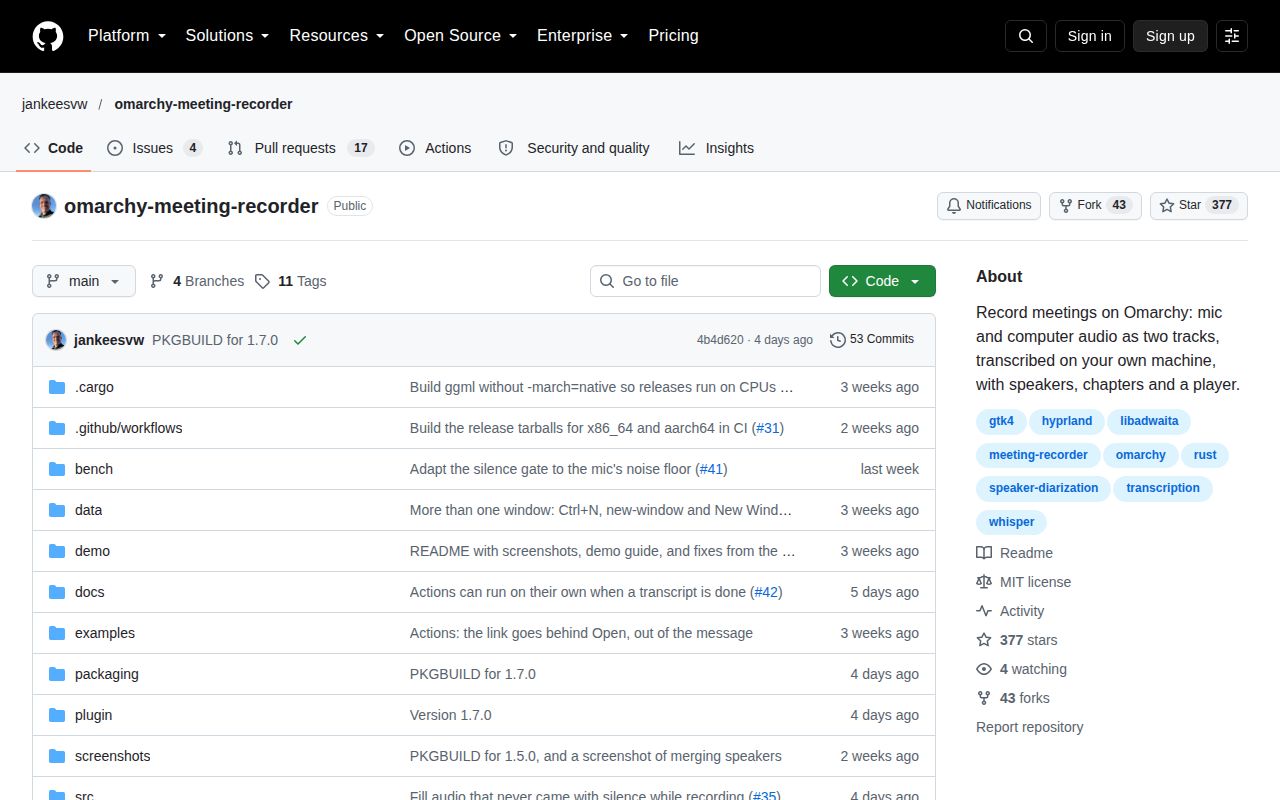
The repository's last push was October 13, 2026, and release v1.7.0 was published October 9. GitHub listed 377 stars and 21 open issues and PRs. Recent activity includes work on transcript hallucinations and optional meeting detection; the release describes automatic actions and keeping audio tracks aligned when capture pauses unexpectedly. These dates and concrete discussions show ongoing maintenance. They do not establish recording reliability across every headset or meeting app.
Buzz is the alternative I'd examine for offline transcription on a desktop outside Omarchy. Its scope is transcription and translation rather than this recorder's theme integration and meeting folders. For a scripted speech pipeline, whisper.cpp is the underlying transcription project worth considering directly. Choose Meeting Recorder when the Omarchy workflow itself saves you work. Before relying on it for a call you cannot repeat, check both meters, keep the audio, and confirm that your desktop satisfies the GTK requirement our build exposed.