Version 31.1.2 renders one configuration across many shells
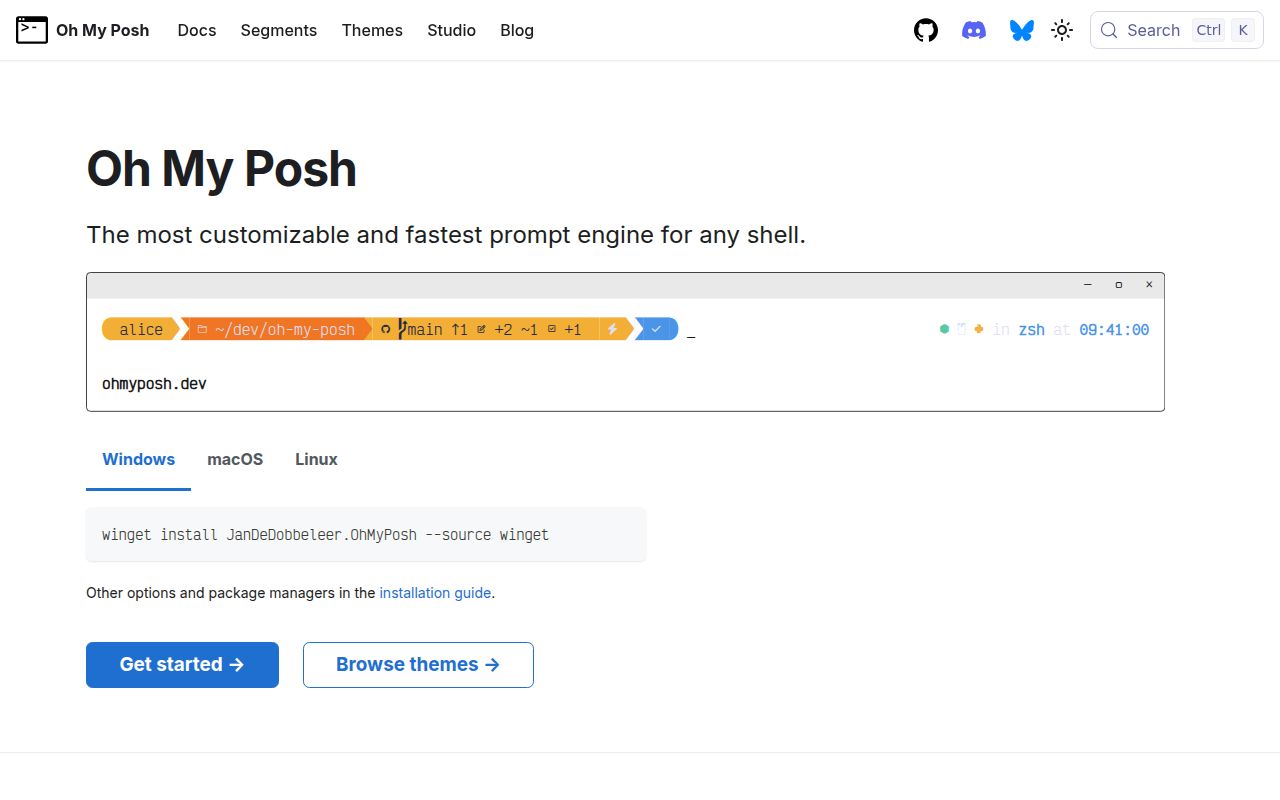
Oh My Posh replaces shell-specific prompt scripts with a Go executable and a shared theme file. Version 31.1.2 can render left, right, secondary, and transient prompts from blocks of segments. A segment can show the path, Git branch and status, a language runtime, cloud account, command duration, battery, time, or text. Templates control what appears and colors can react to segment data, giving experienced users much more room than a fixed theme switcher.
The setup guide lists 12 prompt targets, including Bash, Zsh, Fish, PowerShell, Nushell, CMD through Clink, and status lines for Claude Code and other agents. Each target gets its own initialization snippet, while the theme structure stays portable. That is the strongest reason to choose Oh My Posh. A developer moving between PowerShell on Windows and Zsh on macOS can keep the same visual grammar without translating every segment into two scripting languages.
What happened when we ran it
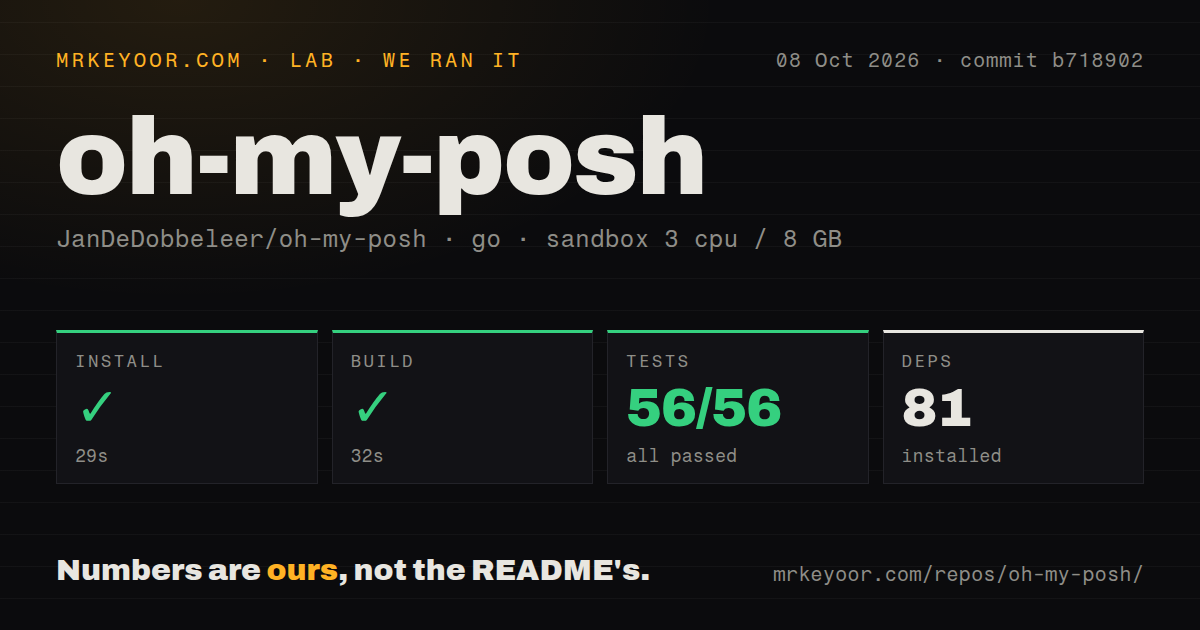
Our sandbox installed 82 Go packages in 35 seconds and built the project in 34 seconds. We checked commit 23d140c under src/ in a fresh unprivileged container with 3 CPUs and 8 GB of RAM, using the Go 1.24 Bookworm image. The repository itself occupied 13.8 MB and contained 1,183 files with roughly 104,046 lines of source. These are build figures, not prompt-rendering latency measurements.
Go test completed in 25 seconds and reported 54 passed with 0 failures. The scan also found 20 CI workflow files and a tests directory, while the repository has no Dockerfile. That result is unusually reassuring for a utility that runs every time a shell draws its prompt. It confirms the measured source built and its selected tests passed in our Linux container. It does not cover every shell hook, terminal emulator, font renderer, remote segment, or Windows package path.
Icon themes require a font on every host terminal
Version 31.1.2 can start with a package-manager install and one profile line, but many screenshots depend on a Nerd Font. The font guide explains that the font belongs to the terminal host. Installing it inside WSL or a container will not fix missing glyphs in Windows Terminal, VS Code, or another host application. Users must install the font and select it separately wherever the prompt is drawn.
Minimal themes avoid patched icons, which makes them a better default for remote machines and managed desktops. The configuration itself can live in JSON, YAML, or TOML, with blocks, segments, templates, colors, and per-segment properties. That freedom has a maintenance cost. A copied gallery theme may call tools you do not use or spend time collecting Git and cloud context. The built-in debug command identifies slow segments, but our 25-second test run provides no evidence about interactive speed.
Streaming is beta and supports four shells
The current streaming guide marks the feature beta and limits it to PowerShell, Zsh, Fish, and CMD. It starts one background process per shell session, can show placeholders for slow segments, and repaints them as data arrives. The documentation suggests beginning near a 100 ms timeout. PowerShell Editor Services, including the VS Code PowerShell extension, is called incompatible because its idle processing can collide with streaming pipelines.
Release v31.1.2 contains one fix: POSH_DISABLE_STREAMING is now respected at runtime. That followed reports of PowerShell pipeline races and a prior patch that did not fully stop the background service in cached initialization scripts. The environment switch gives affected users a clean escape route. Streaming is optional, so the ordinary prompt remains usable. Teams that cannot tolerate repaint glitches or background-process behavior should leave it off until the beta label and host caveats change.
Open Git bugs affect uncommon repository layouts
GitHub issue 7798 reports wrong remote lists, worktree counts, repository names, and even the displayed branch in linked worktrees, submodules, and separate Git-directory layouts. Issue 7799 covers bare repositories, where detached HEAD and reftables can produce bad ref data and multiple remotes can become a newline inside the prompt. Both have open pull requests with added tests, which is encouraging without making the defects disappear from current users' decision.
Most developers use an ordinary working tree and may never see those paths. Anyone using git worktree, bare management repositories, submodule worktrees, or --separate-git-dir should test the Git segment before trusting it. The 54 tests from our run passed at commit 23d140c, while the issue reports describe layouts outside that measured result or changes still awaiting merge. A prompt displaying the wrong branch is worse than omitting the branch because it looks authoritative during a release or deployment.
Seven open items sit beside daily releases
GitHub recorded 23,395 stars, 7 combined open issues and pull requests, and a last push on September 3, 2026. Release v31.1.2 arrived on September 1, one day after v31.1.1; the API lists several more releases during late August. That pace and the 20 workflow files show active maintenance. It also means users should read patch notes and avoid assuming every frequent update is risk-free in a tool loaded by all shell sessions.
Oh My Posh earns a recommendation for developers who want the same informative prompt across operating systems and shells. Our install, build, and 54-test pass remove much of the source-level doubt. The remaining work is personal and visible: choose a restrained theme, install the font on the real terminal host, add the correct initialization once, and measure prompt rendering with your repositories and network-backed segments. Users with one shell and modest needs may be happier with its native prompt or a smaller alternative.