Choose an installation route first
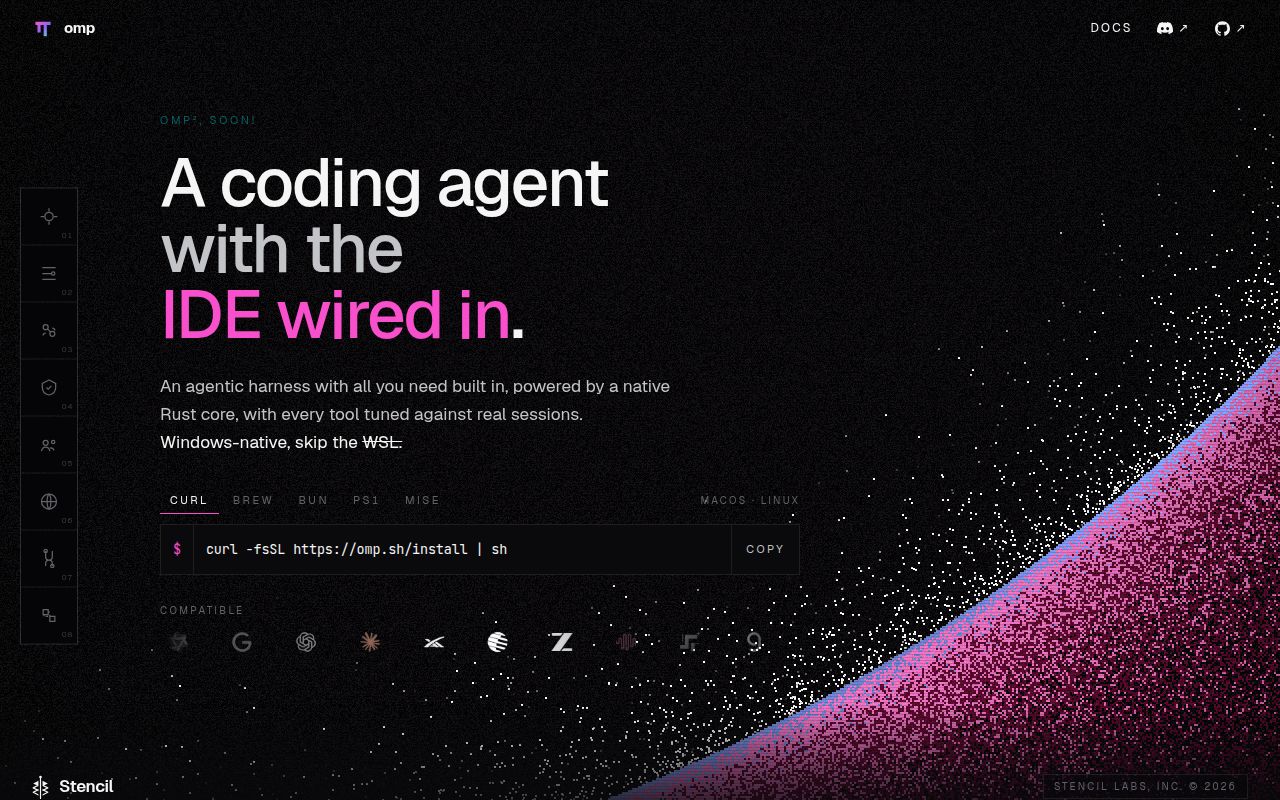
OMP is worth evaluating when its documented development tools solve a concrete need. The project README describes language-server operations, debugger control, subagents, browser control and desktop automation. We did not exercise those capabilities.
For an agent evaluation, consider a documented packaged installation route. For source development, establish a working native build first. Our source checks do not establish whether the packaged distribution works.
Where the source build stopped
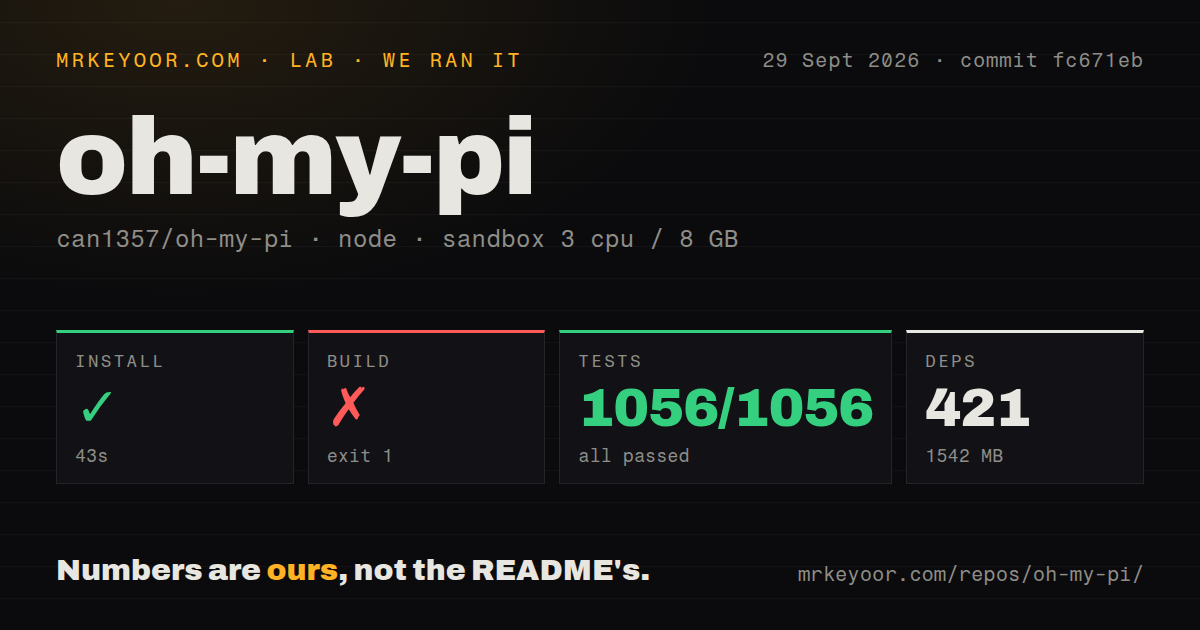
Installation succeeded in 43 seconds; the build and test commands then exited with code 1. These results belong to the September 29, 2026 run at commit fc671eba383f2a7208500836673b485c0dc7073d, abbreviated fc671eb. A successful dependency install does not establish a working CLI.
CMake could not find the Ninja build program during the native build. The later embedding step reported no Linux native addons, and the coding-agent build stopped after bun --cwd=../natives run gen:native failed. The log identifies a missing build prerequisite in this sandbox. It does not establish that supplying Ninja would resolve every build problem; no rerun is attached.
The README at the tested commit says fresh clones need workspace dependencies and the local Rust/N-API addon before the source CLI can start. It also documents nix develop for pinned toolchains and native build dependencies. Contributors can consult the README at fc671eb for that route. We did not test it.
Why the test counts need context
The stored parser summary records 1,056 passed, 0 failed and 1 skipped. Those counts do not establish unique, exhaustive coverage or a successful full test command.
Separately, the raw footer reports 641 pass, 1 skip, 15 fail and 15 errors, with 657 tests across 80 files. The tail names test/runtime-install.test.ts, shows an unhandled native-addon loading error, and ends with the wrapper reporting that packages/utils exited with code 1. Another summary line reports 1,056 tests across 85 files.
The complete logs have not been reconciled. These figures are therefore kept separate rather than added together or substituted for the stored parser summary. The skipped test is not a failure. The command outcome was unsuccessful, with native-addon errors visible in the supplied tail.
What remains untested
The supplied run did not exercise provider authentication, model-driven edits, debugger sessions, browser or desktop control, SDK integration, or a deployed workload. No audit result is attached, and scanned-package coverage is unknown. This evidence cannot establish security, coding accuracy or runtime performance.
MrKeyoor's testing methodology explains the distinction between command outcomes and parsed counts. Its supplied current text is provenance context, not proof that the September run used the procedure unchanged. No new execution was performed for this review.
Alternatives for different workflows
Pi describes itself as a minimal, extensible agent harness and skips built-in subagents and plan mode. Consider Pi when you prefer assembling those workflows through extensions or packages. Its README says it has no built-in permission system for restricting filesystem, process, network or credential access; use an appropriate external boundary if you need one. We did not run Pi or establish that it would pass these source checks.
Aider automatically commits changes with sensible commit messages. Consider Aider when conversational repository editing with Git commits is your main requirement. Its README also documents repository mapping and automatic linting and testing. We did not run Aider or compare its results with OMP.
What the ratings assess
The numerical ratings are editorial judgments on a five-point scale: 1 means substantial obstacles, 2 means material setup friction, 3 means mixed evidence, 4 means strong evidence within the assessed scope, and 5 means extensive evidence within that scope. They are not benchmarks. An unassessed dimension has no numerical rating.
Setup ease is 2/5 for source setup: dependency installation succeeded, but the build and test commands failed. Documentation is 5/5 for the breadth of supplied installation, native-development, provider and integration guidance. That rating assesses documented scope, not the correctness of every instruction; we did not comprehensively execute them. Maturity is 3/5 because the documented functionality and release maintenance sit alongside unsuccessful source checks in this environment.
Community is unassessed. The supplied repository metadata shows a November 1 push, and the v18.4.5 release lists multiple contributors. These snapshots show development activity and participation, but do not establish sustained participation, support quality or adoption. See the repository metadata and v18.4.5 release.