Odoo puts ten business areas in one application family
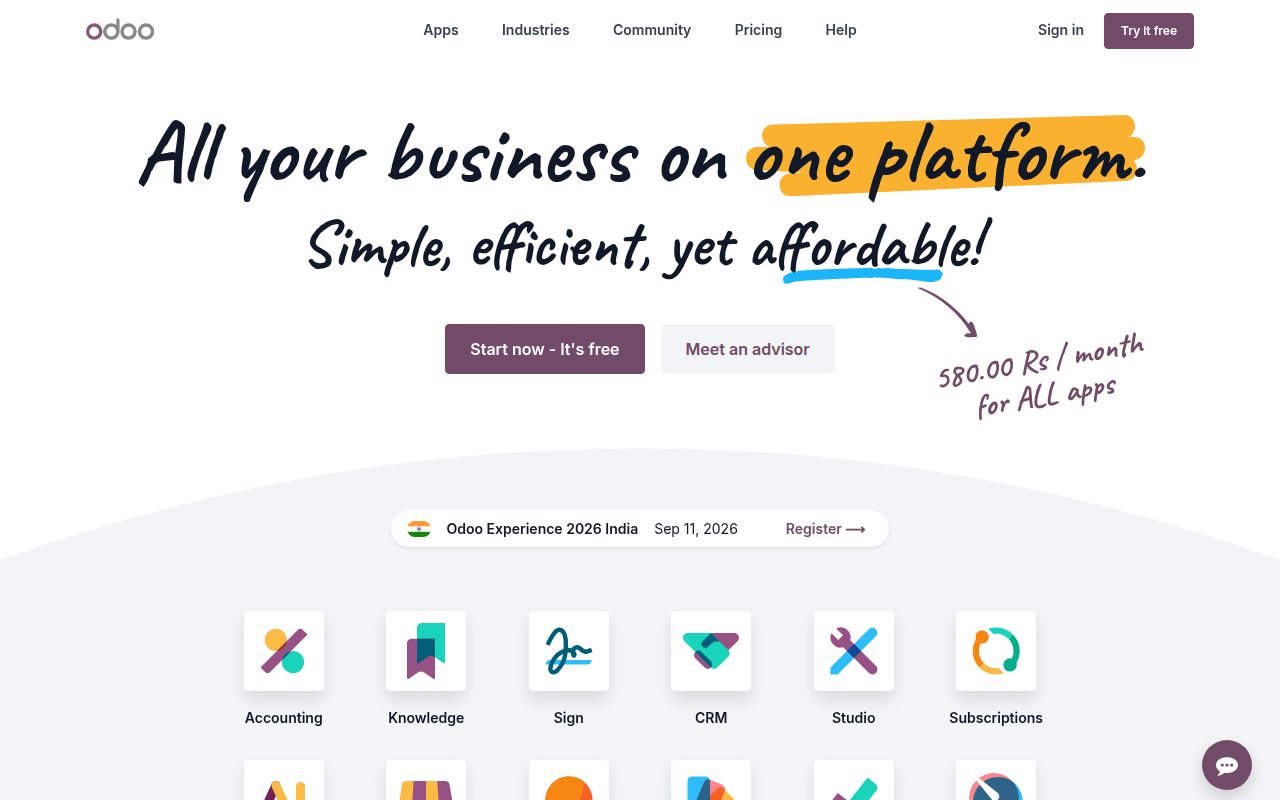
The README names 10 main areas, including CRM, website building, ecommerce, inventory, projects, billing and accounting, point of sale, human resources, marketing, and manufacturing. Each app can run by itself. Install several and they share an Odoo system, which is the reason to consider this project over a pile of unrelated SaaS subscriptions.
That breadth changes the buying decision. Odoo is closer to a business operating system than a downloadable accounting package. Sales can affect inventory, invoicing, and manufacturing without custom connectors between separate vendors. The payoff is attractive for a company whose workflows cross departments. It also means a bad configuration or upgrade can reach several departments at once, so an implementation needs process owners as well as Python developers.
What happened when we ran it
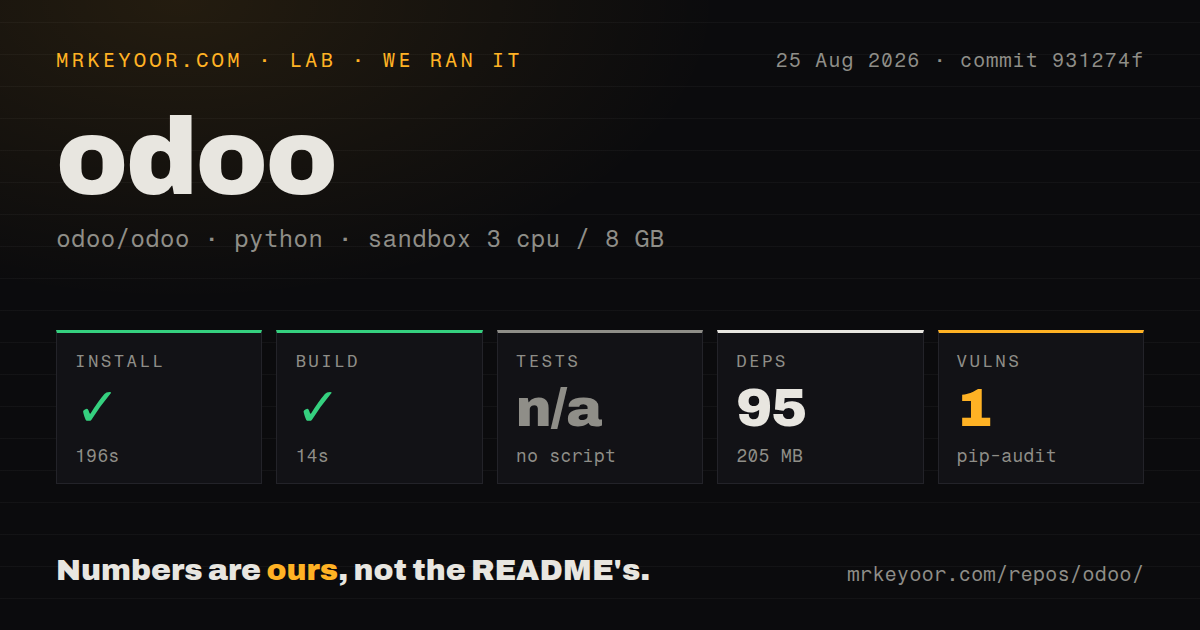
In our 3-CPU, 8 GB Debian sandbox, the install completed in 196 seconds at commit 931274f. It pulled 95 packages and occupied 205 MB. The build succeeded in another 14 seconds. Those results show that the Python dependency and build path can complete on a clean machine without credentials.
Tests were a different matter. Our runner found no test script or target, so it skipped them; this is not a passing test result. Pip-audit reported 1 known vulnerability, but the supplied measurement does not identify its package or severity. The same snapshot had 0 CI workflow files, no Dockerfile, and no tests directory. Odoo links to its own Runbot service in the README, yet a GitHub user does not get the familiar workflow and container cues from this checkout.
A 1,103.7 MB checkout is only the first deployment layer
The repository held 48,042 files and about 2,422,190 lines of source. Its checked-out size was 1,103.7 MB before any working database, filestore, logs, or backups existed. That scale is understandable for a suite spanning accounting through manufacturing, but it rules out treating Odoo like a small Python service that one developer can casually patch and redeploy.
Odoo's source-install guide requires PostgreSQL and walks through system packages, Python dependencies, a database user, and the server command. Configuration has operational consequences: admin_passwd protects database-management actions, while database filters control which databases a hostname can expose. The deployment guide says the PostgreSQL user must not be a superuser. These are setup decisions that deserve review before real customer or finance data enters the system.
The default threaded server is intended for development and demonstrations. Production uses an opt-in multi-process server on Linux, with worker counts and memory limits chosen for the workload. Odoo also documents a reverse proxy for HTTPS and a separate websocket route. Its guide warns that authentication information otherwise travels in clear text, so TLS is part of the minimum deployment rather than optional polish.
Backups have two pieces: the PostgreSQL database and Odoo's filestore. Restoring only one leaves an incomplete system. Add monitoring, patching, mail configuration, scheduled jobs, and an upgrade rehearsal, and the gap between our 14-second build and a trustworthy production service becomes obvious. The repository can compile cleanly while the business system around it is still far from ready.
Community 19 is LGPLv3, while Enterprise needs a subscription
Odoo 19 Community Edition uses LGPLv3, and the repository license says bundled external work may carry other compatible terms. Enterprise Edition follows Odoo's separate license and requires a valid subscription for the correct number of users. The official license page also says Odoo Apps may use a proprietary license unless stated otherwise. Review the exact modules in a proposal before assuming the GitHub repository covers the finished system.
This split is not a footnote for buyers. A proof of concept built only from Community modules may need a paid Enterprise feature or a licensed marketplace app later. That can be a sensible purchase, but it changes cost, redistribution rights, and how freely a team can modify or deliver the complete installation. Ask an implementation partner for a module-by-module license list, including custom and marketplace code.
A same-day push sits beside 3,770 open issues
The default branch was pushed on August 25, 2026, the day of this review. GitHub search also showed 3,770 open issues, while the repository counter showed 10,414 issues and pull requests combined. Recent issue updates on the same date cover concrete behavior in LDAP, accounting, stock, email composition, and loyalty flows. This is an active project with an enormous support surface, not a quiet repository with a forgotten queue.
Odoo's contribution file says issues receive much lower priority than pull requests and asks contributors not to open an issue when submitting a patch. That policy matters if your team expects a normal issue-first support path. The repository has no GitHub latest-release object either. Follow Odoo's supported branch, nightly-build, and official upgrade guidance instead of waiting for a GitHub release badge to define your maintenance process.
Choose Odoo when integration pays for dedicated ownership
A successful 196-second install and 14-second build make Odoo approachable enough to inspect, but 95 packages are the smallest part of the commitment. The harder work is mapping permissions, accounting rules, inventory moves, and integrations, then rehearsing backups and upgrades against those choices. A capable implementation partner can be worth more than shaving time from the initial install.
ERPNext is the nearest broad open-source comparison. Tryton suits teams that prefer a smaller modular base, while Dolibarr is worth testing when a PHP ERP and CRM covers the requirement. Odoo wins when its connected app family replaces enough separate systems to repay the operating and implementation cost. If the requirement is only CRM, invoicing, or projects, choose the narrower product and keep the blast radius smaller.