Scenes make OBS useful when a recording has several sources
Put a webcam over a captured window and OBS Studio starts to make sense. A scene holds the sources you want viewers to see, while the audio mixer handles what they hear. That suits a developer explaining an application or a teacher recording a lesson. If you only need to send a colleague a screen clip, arranging that scene may feel like unnecessary work.
The repository we cloned contained 5,577 files and about 489,465 lines of source, occupying 41.6 MB. Its README describes video capture, composition, encoding, recording, and streaming, and links separate user and developer documentation. OBS earns its place when you need control over the finished picture. Choose it for that control, with time reserved to check the resulting recording before someone else depends on it.
What happened when we ran it
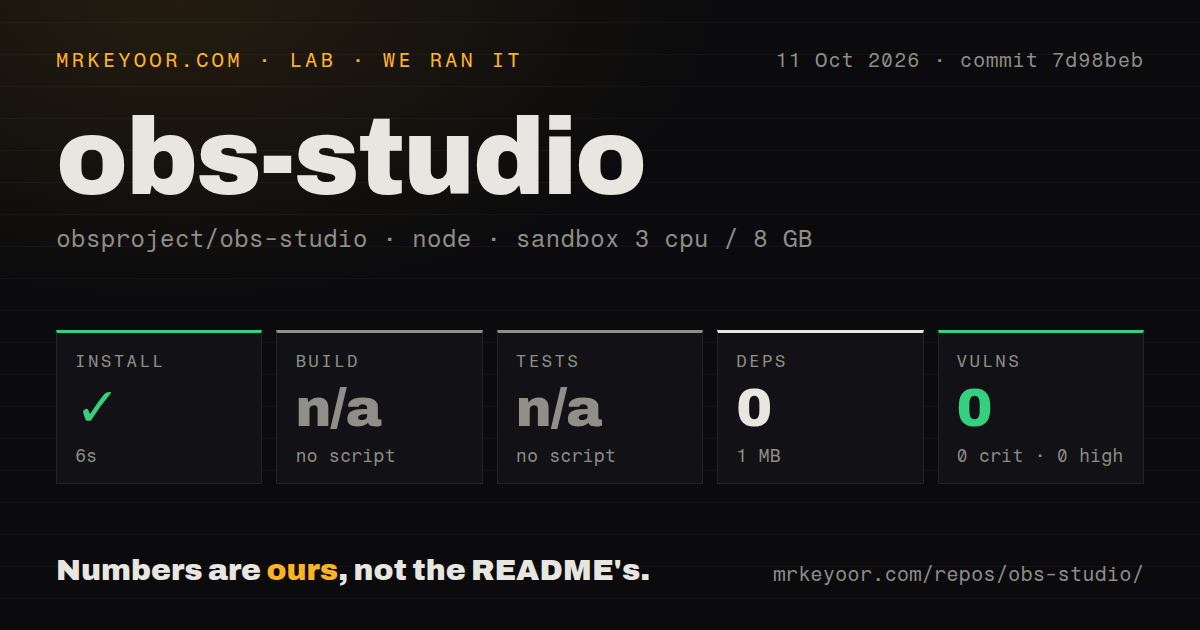
Our sandbox completed the npm install step in 6 seconds, adding 0 packages and reporting 1 MB on disk. The run used commit 7d98beb on October 11, 2026, inside a fresh, unprivileged Debian container with 3 CPUs, 8 GB of RAM, image lab-node:22, and no secrets. The selected project directory was ./plugins/rtmp-services/data/. Those results cover that directory's npm path.
Build and test steps were skipped because the selected path exposed no build or test script or target. The repository scan found 9 CI workflow files and a tests directory, with no Dockerfile. Skipped commands establish no passing native build or test suite. The summary contains no compiler or test failure to diagnose, or evidence about capture or encoding in use.
The npm audit reported 0 known vulnerabilities across critical, high, moderate, and low severities. With 0 packages installed on this path, that finding provides little assurance about the desktop application's security. Our measurement method covered repository mechanics in the selected directory. It did not establish recording quality, encoder performance, or whether a particular camera and microphone combination works together.
The wizard still leaves you responsible for sources and sound
OBS's quick-start guide begins with an automatic configuration wizard, then asks you to add sources and check audio meters. The initial scene is blank. A moving microphone meter deserves attention before you press Record, especially if the computer has several audio devices. The guide explicitly recommends a trial recording or stream before the real session. That's sensible advice for a tool with separate picture and sound controls.
Our container's 3 CPUs and 8 GB of RAM are conditions of the repository run, not recommended broadcast hardware. OBS's system requirements warn that compatible hardware does not guarantee recording or streaming capacity. Encoder choice, resolution, frame rate, and scene complexity affect the load. Local recording needs no streaming-service credential. Broadcasting adds a destination account or stream key, along with network settings that a local file does not exercise.
OBS 32.2.2 can require a driver or operating-system change
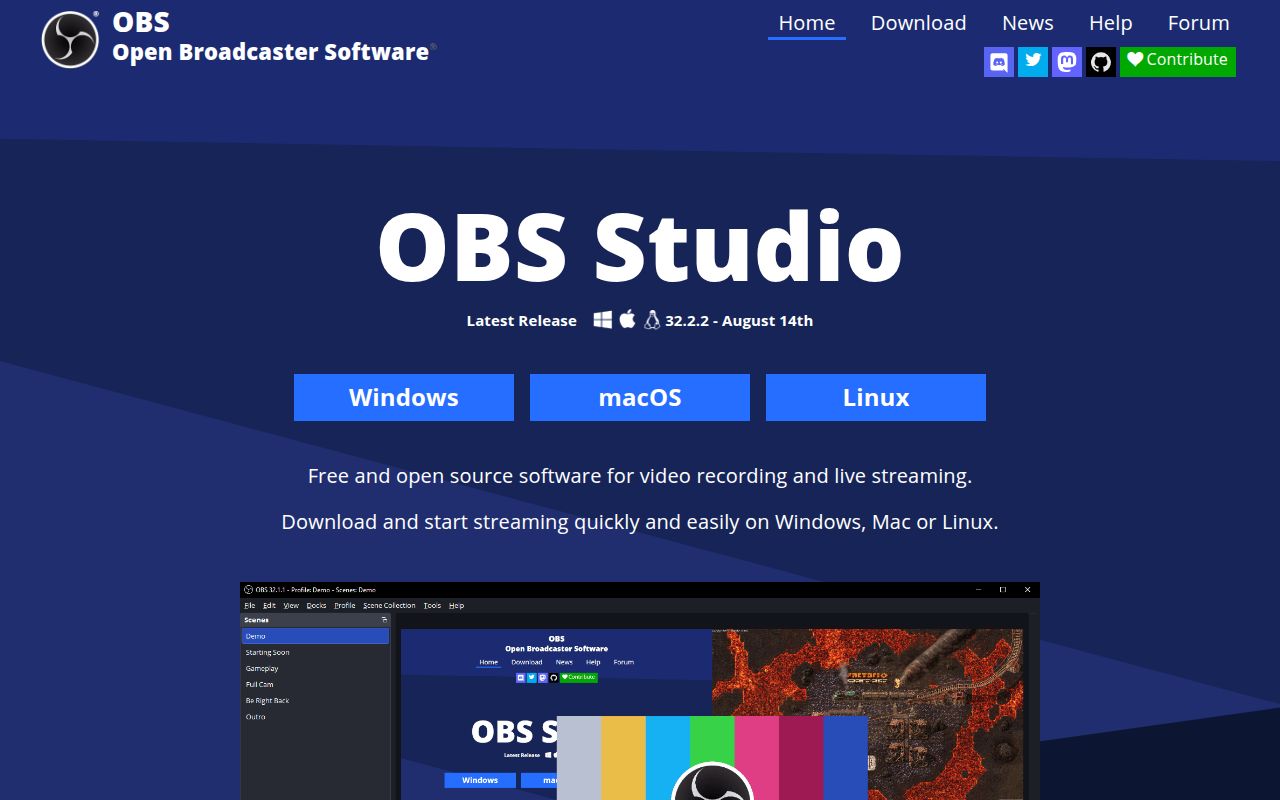
The 32.2.2 release notes require NVIDIA driver 570 or newer for NVENC after an SDK update. They also block macOS 12 and direct its users to OBS 32.1.2. Those are hard compatibility boundaries for a workstation held on an older operating system or driver. Check the release-specific requirements before upgrading, even if an older copy of OBS already runs well.
Apple Silicon users have another migration task: the release notes describe replacing Intel OBS running on Apple Silicon with the native application, after which third-party plugins need matching Apple Silicon versions. The 6-second npm step in our sandbox says nothing about that compatibility. If a broadcast relies on a particular plugin, verify its replacement before changing the application.
MKV recording and separate audio tracks give you recovery options
The recording guide recommends MKV because an interrupted recording need not corrupt the whole file. OBS can then remux the recording into MP4 for editing or sharing. Advanced output settings also let you select recorded audio tracks. Separating material you want in a live stream from material you want in the saved recording is a practical reason to learn those settings.
The reported 1 MB from the npm path is no guide to storage for video files. You still choose a recording destination and an encoder, and the guide warns that a separate recording encoder or quality setting consumes extra resources. Rehearse the exact combination you intend to use. Listen to the saved file as well as watching the preview, since a convincing picture cannot tell you whether the intended audio was recorded.
October activity supports continued use, with capture caveats
The last repository push was October 16, 2026. GitHub listed 77,647 stars and 1,152 open issues and PRs, with recent activity in both bug reports and proposed changes. That combined count is not a bug tally. The August 14 release fixed Windows plugin loading after updates, while current discussion includes platform-specific capture problems. Together, the push date and issue activity show ongoing maintenance rather than a project surviving on an old release.
Issue 12423 reports PipeWire screen capture freezing after sleep and needing source reconfiguration. It's a user report, not a failure from our run. For a laptop recording workflow, waking the machine and rechecking capture belongs in your rehearsal. Our scan's 9 CI workflows cannot establish that your particular desktop session will recover correctly. Avoid treating upstream automation as a substitute for checking the source you'll actually broadcast.
Choose OBS for scene control, Screenity for a quicker clip
Screenity's Chrome extension includes screen annotation and recording edits, making it a closer fit for narrated browser feedback. Streamlabs Desktop combines OBS with Electron and is another option for a streaming desktop workflow, though its README limits support to Windows and macOS. Neither comparison comes from our sandbox measurements. For OBS, save a short rehearsal file with your actual sources and listen back before trusting the setup with a lesson or live show.