A focused Windows editor, not a miniature IDE
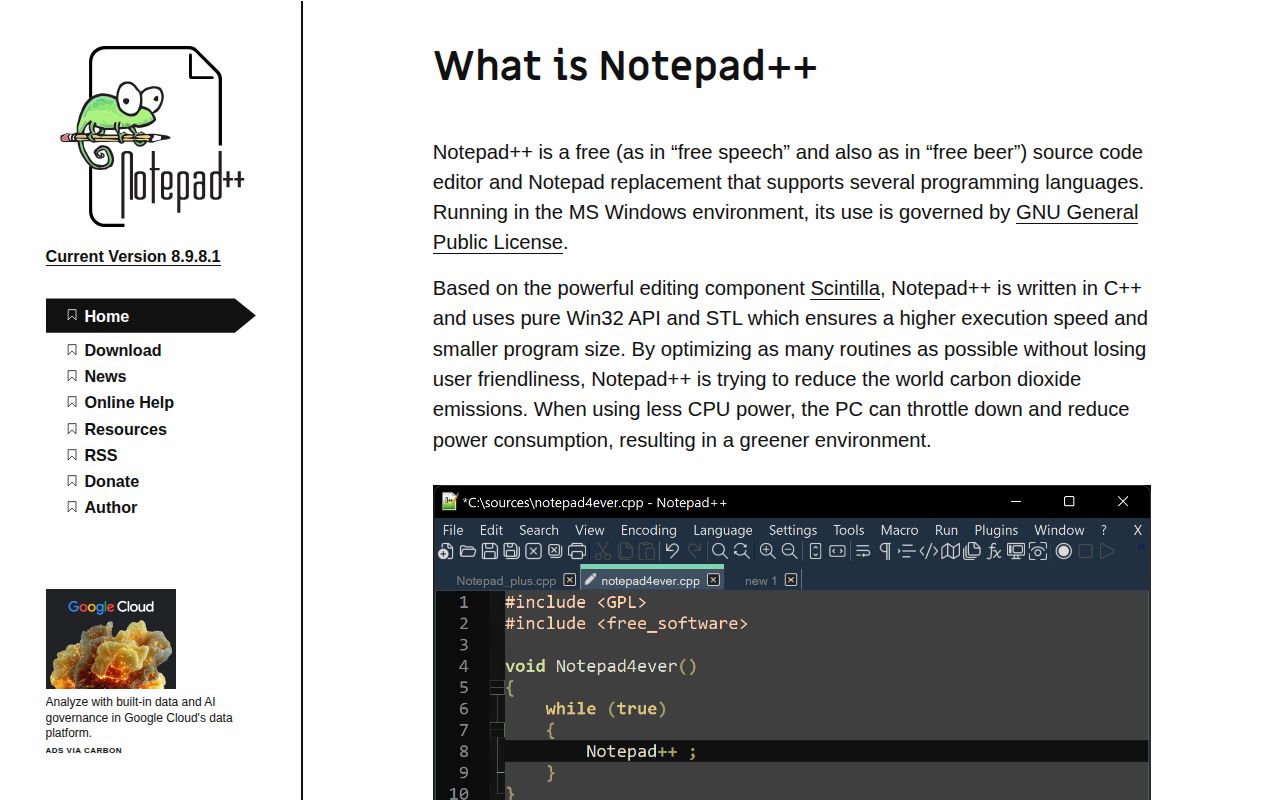
Notepad++ is best understood as a practical replacement for Windows Notepad that also handles source code. The README promises support for several programming and natural languages, but not a sprawling all-in-one development environment. That narrower promise is the attraction: open a file, read it clearly, make an edit, and stay close to the text. With 29,221 GitHub stars, this is an established choice.
The platform boundary matters more than any feature checklist. The project says it runs on Microsoft Windows and supports Windows systems still supported by Microsoft. It links to a compatibility document for people who cannot or do not want to use the newest system. Version v8.9.8 was released on August 23, 2026, so users are evaluating a recently packaged release, not merely an old reputation.
What happened when we ran it
We did not run Notepad++, and that is the central limitation of this review. Our run used a fresh, unprivileged Debian container with 3 CPUs, 8 GB of RAM, and no secrets. The harness had no supported ecosystem for this C++ repository, and the repository had no Dockerfile as an alternate route. We therefore have no honest install, build, test, or performance result to report.
That is a finding about fit, not evidence that the application is broken. Notepad++ targets Windows, while our box was Debian, so the environment did not represent the advertised desktop. We cannot confirm how cleanly v8.9.8 installs, how long a source build takes, or whether its test suite passes. Claims about those outcomes would go beyond what we measured.
The strongest details are practical and verifiable
At v8.9.8, the clearest strength is disciplined scope. Notepad++ calls itself both a source-code editor and a Notepad replacement, placing it between a bare text box and a large IDE. Support for programming and natural languages broadens its usefulness without changing that role. For a Windows administrator editing configuration or a developer checking a small source file, that directness can beat another layer of project management.
Release integrity receives specific attention. Since version 7.6.5, releases have been signed with a published GPG key. The README identifies an RSA 4096 key, gives its full fingerprint, and says it expires on March 13, 2027. Those details let careful users verify provenance instead of simply trusting a download button. The repository also links directly to the public key.
The v8.9.8 project provides clear next doors beyond the short README. There is a BUILD.md for compilation, SUPPORTED_SYSTEM.md for Windows compatibility, CONTRIBUTING.md for contribution rules, an official site, and a community forum. That structure keeps the front page readable while signaling that building and contributing have enough constraints to deserve dedicated documentation.
The rough edges start at the platform boundary
Windows-only positioning is reasonable for a Windows Notepad replacement, but still limiting. A mixed-platform team cannot standardize on it as its sole local editor, and a Linux-first developer cannot reproduce our review through a conventional container path. The missing Dockerfile is unsurprising for a graphical Windows application, yet it removed the only obvious fallback for our 3-CPU Debian runner.
At the v8.9.8 review point, the README is more signpost than onboarding guide. It explains the product, names supported operating systems broadly, and points elsewhere for builds, but does not show the actual source-build sequence in the supplied text. Readers must inspect BUILD.md. Repository metadata reports the license as NOASSERTION, while the README says use is governed by the GPL License, an inconsistency worth resolving through the linked license before redistribution.
Issue volume deserves balanced reading. There are 2,933 open issues, too many to interpret as proof of either trouble or popularity alone. A mature editor can accumulate requests, platform edge cases, and old reports over years. Without closure times or maintainer response data, the honest conclusion is that the backlog is substantial, not that it is neglected.
Recent activity supports confidence, with one caveat
The repository was last pushed on September 2, 2026, one day before this review, and the latest release arrived on August 23. Together, those dates show current code activity and recent release work. The 29,221-star audience adds adoption evidence, while the README offers a forum and contribution path. This looks alive, even though the issue count suggests maintainers must prioritize heavily. One supplied release date cannot establish a release cadence.
Activity cannot substitute for results from our own run. We verified neither the Windows binary nor the C++ build, so readiness rests on release signing, explicit OS support, current commits, and version history. Those are strong signals, but not a benchmark. Teams with strict assurance requirements should perform a Windows-side install and build evaluation before approving v8.9.8.
It belongs on individual Windows workstations
For teams considering v8.9.8, Notepad++ sits at the human editing edge, not in deployment infrastructure. Use it for inspecting logs, editing configuration, reviewing source snippets, and making focused changes on Windows. Keep compilers, linters, tests, version control, and deployment automation in their existing tools. Notepad++ can front those workflows without pretending to replace them.
Choose it when a focused Windows editor is exactly the job. Choose Visual Studio Code when a team wants a larger extension ecosystem across 3 desktop platforms, or Geany and Kate when Linux-native availability matters. Notepad++ earns confidence through narrow purpose, signed releases, and current maintenance; it is not universal because its platform scope is deliberate and our Debian run could not cross that boundary.