Should you evaluate Nginx UI?
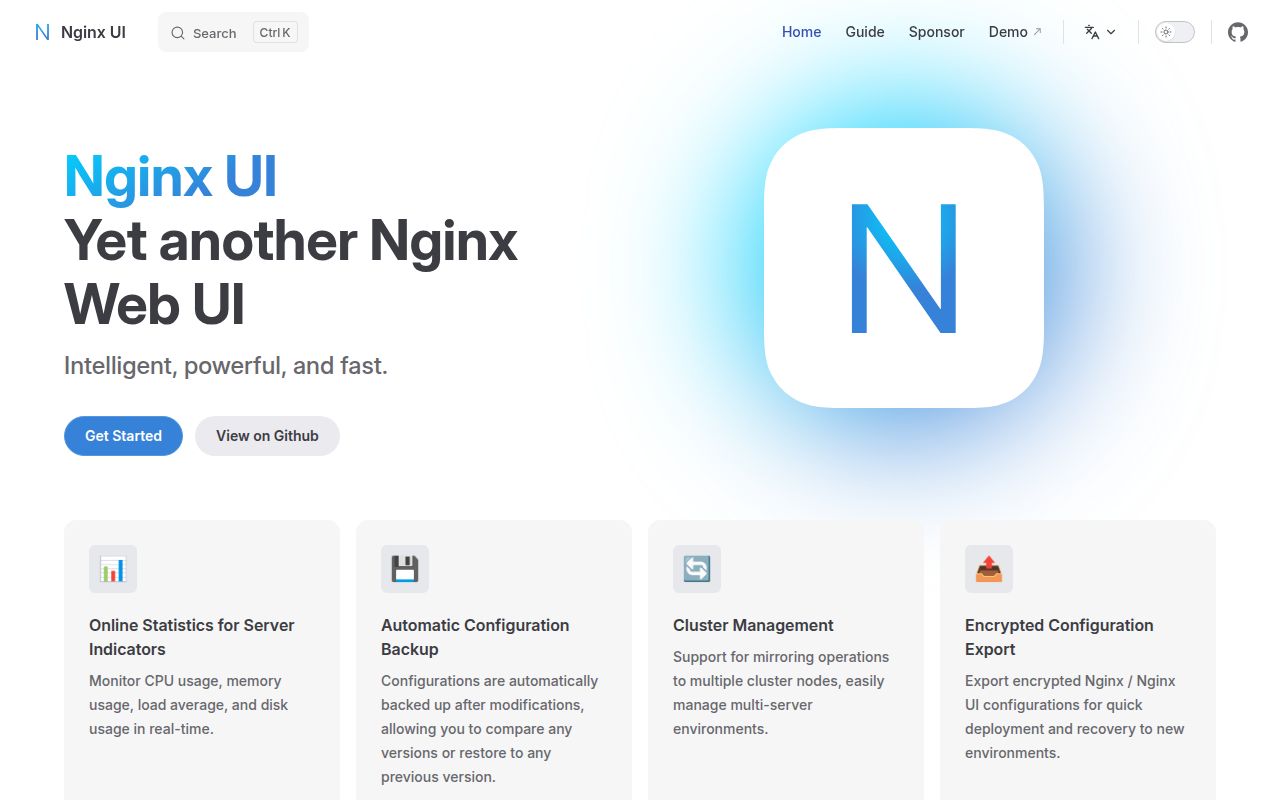
Nginx UI documents browser configuration editing, automatic configuration checks and Nginx reloads after saving. Evaluate it if those controls fit your work and you can verify their behavior before using live configuration. The repository README also lists certificate renewal, logs, configuration history, restoration and node management. These are documented capabilities, not workflows our sandbox exercised.
Shared administration needs a separate check. Issue 1478 requests read-only users; its author reports that accounts have overly broad permissions and present a risk of accidental changes. The supplied extract shows an open user request, not an authorization audit of our measured commit. Verify your required account boundaries in the version you evaluate.
What did our sandbox establish?
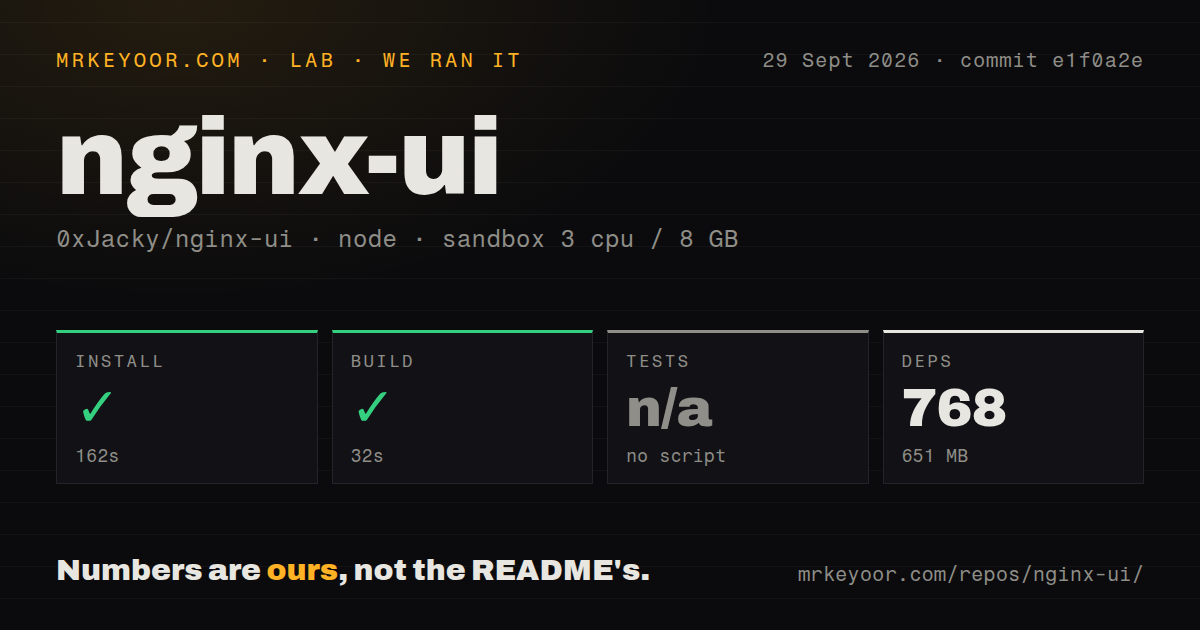
Our sandbox recorded installation in 162 seconds and building in 32 seconds, both with exit code 0. Our run took place on 2026-09-29 at commit e1f0a2e, using lab-node:22 with 3 CPUs and 8 GB RAM. The install log identifies Bun 1.4.2, and the build tail contains generated frontend assets.
The harness stores each step's outcome, exit code, elapsed time and log tail. Its test step was skipped because it found "no script". That is neither a failed test suite nor passing coverage. The detected tests directory does not establish that any tests ran.
The build emitted warnings about an ineffective dynamic import and large chunks before exiting successfully. Those warnings do not establish browser performance. The supplied record also does not show backend compilation, a launched panel, traffic routing, certificate issuance, restoration, cluster synchronization or MCP calls. Audit data is null; scan coverage and advisory results remain unknown.
This correction uses the existing stored run, with no new execution. The MrKeyoor testing methodology explains how command outcomes are recorded and why their scope matters. That page describes the publisher's current procedure; it does not establish which methodology revision governed this September run.
What needs preparation before deployment?
Nginx UI follows Debian's sites-available and sites-enabled configuration layout. The README at the measured commit warns that other systems may need their nginx.conf organization changed. Inspect your existing includes before letting the panel create sites.
The documented Docker image can replace the host's Nginx, and its example mounts the Docker socket. The README requires the volume mapped to /etc/nginx to be empty on first use. Start with disposable configuration and establish a migration and restoration procedure before connecting an existing server.
The measured README separates the frontend build from Go generation and backend compilation. The supplied current README lists different toolchain prerequisites. Follow instructions matching your selected checkout rather than applying today's requirements retrospectively to our run.
What does MCP add?
Nginx UI documents MCP interfaces for automated configuration management and service control. The README separately lists an assistant and editor code completion. Our run did not connect an AI client or exercise these interfaces.
Before enabling agent access, inspect the available actions and authentication in your chosen version. Test a reversible change and restoration with disposable configuration. Successful frontend building provides no evidence about MCP permissions or operational outcomes.
Which alternative fits your task?
Nginx Proxy Manager documents forwarding hosts, SSL certificates, access lists, user permissions and an audit log. Consider it when routing services and managing their certificates are the main requirements. Its primary README establishes that role, while the existing Nginx Proxy Manager review addresses the gateway decision. This makes it a task-specific alternative; the supplied evidence does not establish equivalent MCP or configuration-editor behavior.
1Panel documents host monitoring, file management, database management and container management. Its primary README supports considering it for broader Linux server administration. That scope does not establish that it replaces every Nginx UI workflow. Neither alternative was tested in this run.
What do the ratings mean?
Setup ease is rated 3/5 because installation and frontend building completed, while deployment remains unverified. Documentation is rated 4/5 for its installation routes and explicit configuration and volume caveats. Maturity is rated 3/5 for documented recovery and cluster features, with operational reliability and authorization still untested. Community is unassessed because the supplied material does not establish support responsiveness or contributor continuity.
The editorial rubric is: 1 means a demonstrated blocker in the assessed dimension; 2 means substantial evidenced constraints; 3 means useful supporting evidence with important checks outstanding; 4 means detailed evidence across the dimension with limited gaps; 5 requires broad corroboration and direct validation relevant to that dimension. These ratings express the strength and limits of the available evidence, not benchmark results or guarantees.