1Panel puts routine server work behind one web login
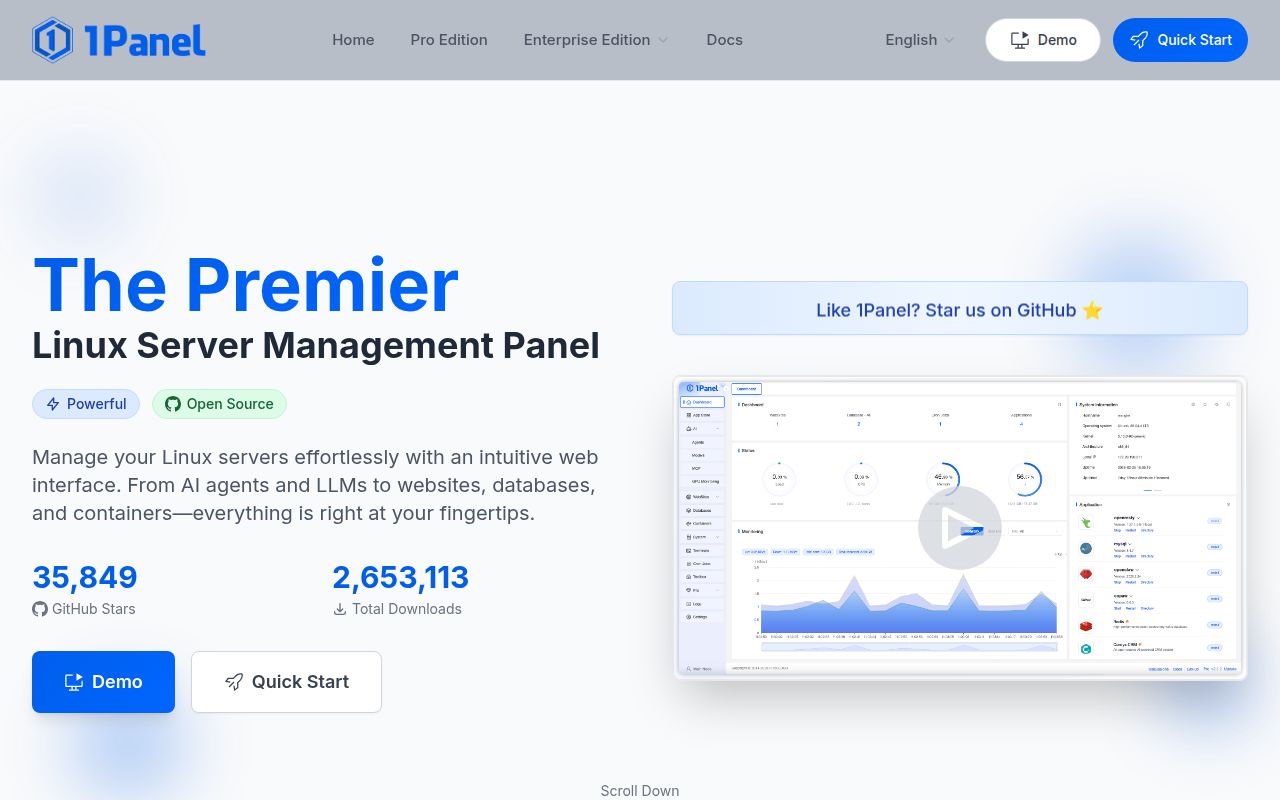
1Panel combines host monitoring, file operations, database work, containers, websites, certificates, backups, and an application catalog. The free edition includes one-click application installs and a basic web application firewall. Release v2.2.5 also added or changed agent plugins, model accounts, website templates, Compose handling, MySQL backups, and trusted-proxy settings. That breadth is useful for a small team that otherwise repeats the same shell and configuration work across servers.
A browser panel also concentrates authority. Anyone who controls 1Panel can affect websites, files, databases, containers, firewall behavior, and backup jobs from one place. The product therefore belongs on a management address with strict access rules, current patches, and tested recovery. Its convenience is highest when administrators already understand what each screen changes. A panel cannot make a dangerous delete, exposed port, or broken restore harmless.
The 64-second dependency step is smaller than the host installation
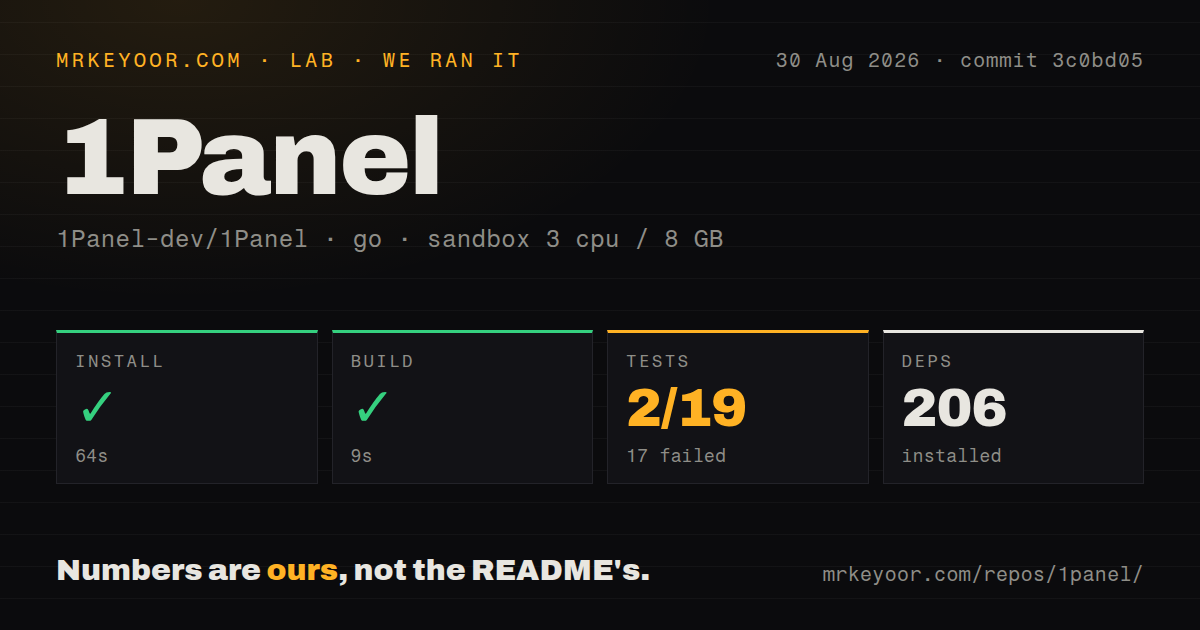
Our source run worked inside the core directory, where the Go project lives. Dependency installation completed in 64 seconds and pulled 206 packages. The build succeeded in 9 seconds. Those results show that commit 3c0bd05 compiled in a fresh Go 1.24 Debian container with 3 CPUs and 8 GB of RAM, but they do not reproduce the product's privileged installer or start a managed server.
The README's quick start pipes a downloaded shell script into Bash on a prepared Linux machine. Afterward, the administrator opens a generated port and security path, then uses credentials that can be recovered with 1pctl user-info. That approach is fast for a new host and hard to approve in an environment where every root-level change must be reviewed before execution. Read the script, pin the intended release, and test it on a disposable machine first.
What happened when we ran it
Our sandbox installed 206 Go packages in 64 seconds and built the core successfully in 9 seconds. The repository held 1,783 files, roughly 454,180 source lines, and 22.1 MB at commit 3c0bd05. The scan found 3 CI workflow files. It found no Dockerfile and no top-level tests directory, although the Go command discovered testable packages in the source tree.
The test step failed with exit code 1 after 62 seconds. Go reported 2 passing packages and 17 failed packages out of 19. The log tail names setup failures in areas including the server command, web layer, router, middleware, and security utility, then ends with FAIL. It does not include the earlier error that triggered those setup failures, so assigning a database, network, generated-file, or dependency cause would be guesswork.
This is a meaningful failed result because most of the tested packages did not get through setup. It is also bounded to our unprivileged, secret-free Debian container and the named commit. A team evaluating 1Panel should rerun go test with the complete log retained, identify the first setup error, and require all 19 packages to complete before trusting a source build for production use.
Free and paid editions solve different operating problems
The edition table deserves attention before installation. The open-source edition includes the application catalog and allows 5 OpenClaw agents. Pro removes that agent limit and adds advanced WAF controls, tamper protection, uptime monitoring, multi-node management, custom branding, and priority support. Enterprise adds a KVM web interface and the AI gateway. Those are product boundaries, not later configuration switches available in the free build.
For one personal server, the free feature set can cover a lot. A fleet changes the calculation because the README puts multi-node management in paid editions. Compare the subscription with the cost of separate monitoring, configuration management, and support before standardizing. Also check license obligations: the repository is GPL-3.0, while paid functionality and support are commercial offerings described separately from the open-source edition.
Container and app-store changes can affect recovery
Issue 13627 reports that upgrading a container converted a dynamic address into static IPAM configuration, followed by an address-in-use error after reboot. That is the sort of panel bug that can turn a routine upgrade into service downtime. Export Compose definitions, inspect generated networking, and keep a path to start important workloads without the panel before using its upgrade button on a production container.
The application catalog has a similar ownership tradeoff. Issue 13641 says the bundled Discourse entry had not been updated for a long time. Issue 13598 describes an application uninstall failure that blocked both deletion and reinstallation. One-click installation saves initial effort, while patch timing and repair still belong to the server owner. Check the upstream application version and preserve its data outside the lifecycle of the catalog entry.
August 2026 activity is current and mostly bilingual
GitHub showed 36,731 stars, 315 open issues and pull requests combined, and a last push on August 28, 2026. Release v2.2.5 was published on August 7 with a long bilingual English and Chinese change log. The default README is in English and links 15 other language versions. Recent issue activity includes both English and Chinese reports, so English-speaking operators can read the main material but may encounter useful reports in Chinese.
1Panel makes the strongest case on a small number of Linux hosts where one person owns the whole stack. The 9-second build is encouraging, while 17 failed packages and host-level installation keep this from being a low-risk convenience layer. Prove backup restoration, container rollback, certificate renewal, and panel lockout recovery on a spare server before letting its web interface become the only way your team knows how to operate the machine.