mrkeyoor.com_
Thu 03 Sept 15:38 UTC
Self-Hostedevaluationupdated 03 Sept 2026

MicYou review

MicYou turns an Android phone or mobile web browser into a microphone source for a Windows, Linux, or macOS computer. It sends audio over Wi-Fi or USB, then adds monitoring and optional processing before another app receives the signal through a virtual audio device.

Verdict

Our MicYou checkout installed 346 npm packages in 18 seconds and built in 278 seconds, but it offered no test target and npm audit found 4 high and 1 low vulnerability. MicYou is worth trying for a personal backup microphone if you can test the complete phone, network, virtual-device, and target-app chain before a real call. Teams should wait for clearer automated coverage and resolved high-severity advisories, while commercial plugin authors need written permission under the custom license exception.

We ran it

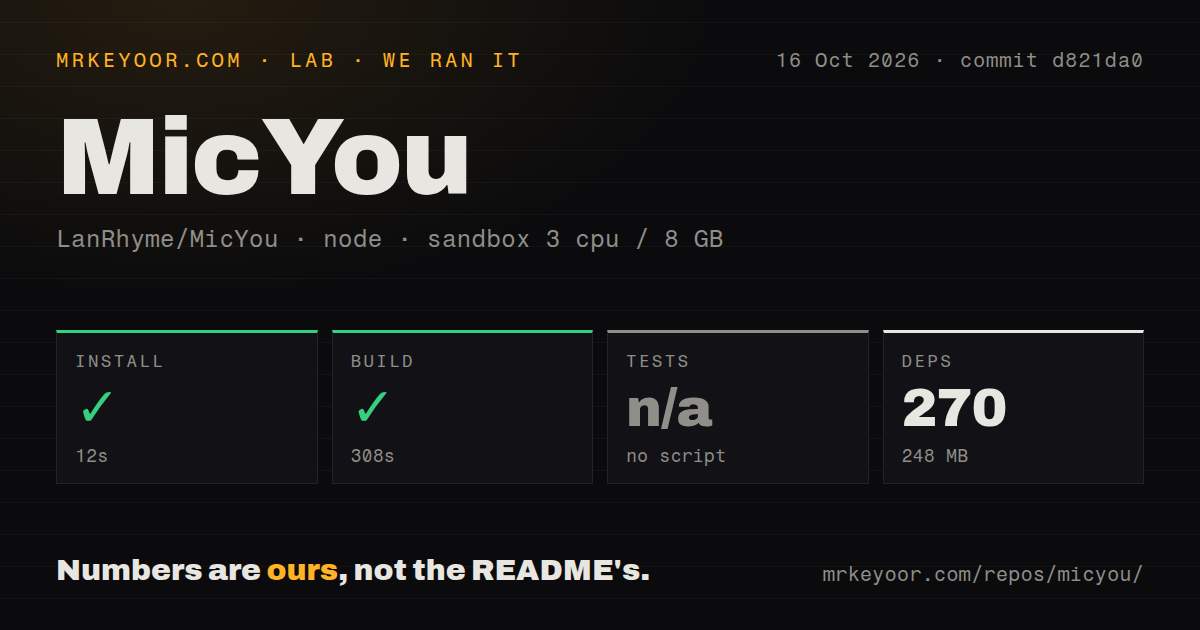
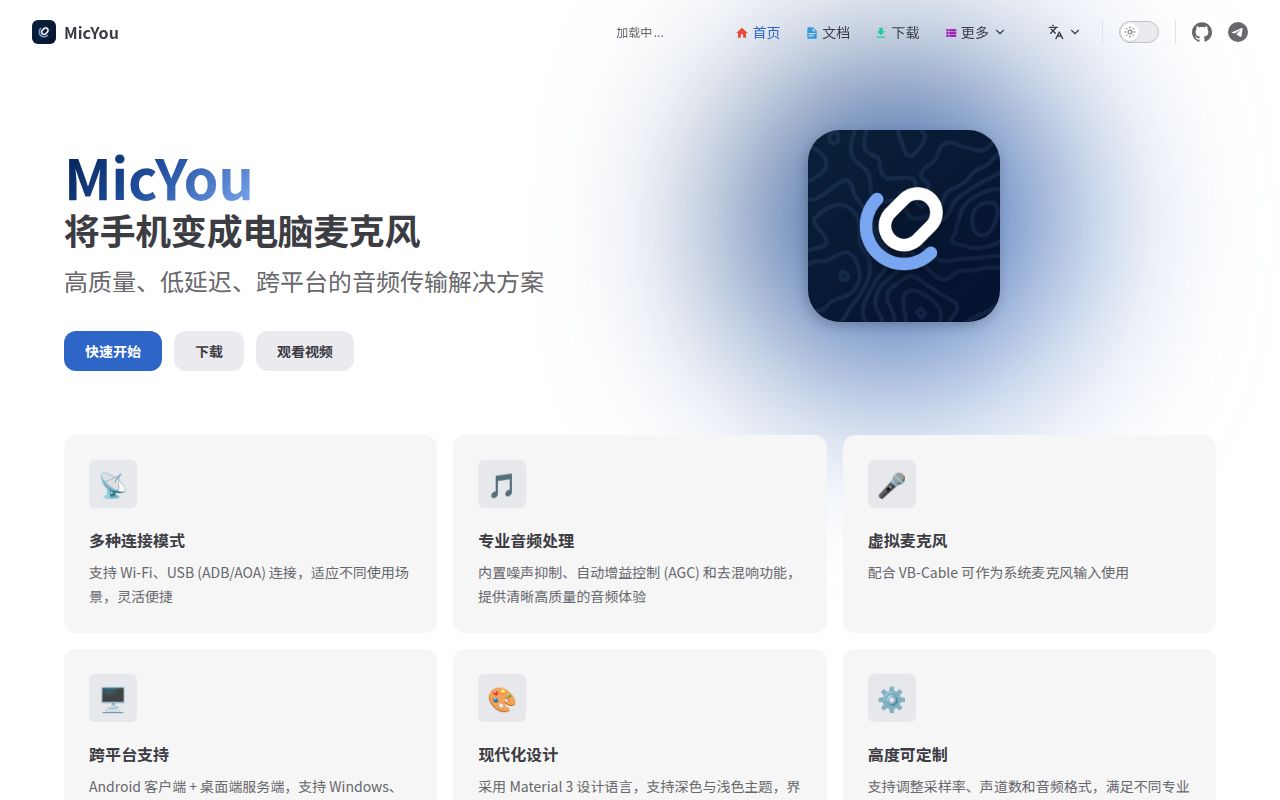
Lab card: what happened when we ran MicYouScreenshot of MicYou (micyou.top)
Install✓ · 18s346 packages · 184 MB
Build✓ · 278s
Testsn/ano test script
Known vulns50 critical · 4 high · 0 moderate · 1 low (npm audit)
Repo447 files~50,511 lines of source · 93.4 MB · 6 CI workflows

Answers from our run

Does MicYou build from source?

Dependencies installed in 18 seconds (346 packages), and the build succeeded in 278 seconds. We cloned commit 98e5b93 into a clean Debian container with 3 CPUs and no project-specific setup.

Does MicYou have tests you can run?

Not through a standard command: the project exposes no test script or target that our harness could run.

Does MicYou have known vulnerabilities in its dependencies?

npm audit flagged 5 known advisories in the dependency tree at the time of our run.

Who should not use MicYou?

Users who want a native iPhone client: the v2.0.1 release ships an Android APK, desktop packages, and a browser mode, but no iOS app asset.

What are the alternatives to MicYou?

DroidCam OBS, AudioRelay, Noise Suppression for Voice. Our MicYou checkout installed 346 npm packages in 18 seconds and built in 278 seconds, but it offered no test target and npm audit found 4 high and 1 low vulnerability.

Setup3/518-second install, but every OS needs a virtual-audio routing step
Docs4/5English and Chinese guides cover three connection modes and OS routing
Community4/53,520 stars, recent maintainer activity, and responsive issue triage
Maturity3/5v2.0.1 ships widely, but tests and dependency health need work

Who it’s for

People who need a temporary computer microphone and already have an Android phone.
Streamers or callers willing to configure VB-CABLE, PipeWire, or BlackHole correctly.
Linux users who value a GUI, command-line server, and terminal dashboard in one project.
Audio tinkerers who want local noise suppression, echo cancellation, equalization, gain control, and plugin hooks.

Who it’s NOT for

Users who want a native iPhone client: the v2.0.1 release ships an Android APK, desktop packages, and a browser mode, but no iOS app asset.
Anyone unwilling to configure a virtual audio device: the README requires VB-CABLE on Windows, PipeWire on Linux, or BlackHole on macOS before other apps can use the stream as a microphone.
Windows users who cannot verify output routing before speaking near loudspeakers: issue 322 documents severe feedback when MicYou fell back to a physical speaker, resolved by selecting VB-CABLE correctly.
CLI or TUI users who need plugins today: issue 308 says plugin discovery is tied to the Tauri GUI lifecycle and does not run in those modes.
Teams requiring a clean dependency audit and automated tests before deployment: our npm audit found 4 high-severity and 1 low-severity vulnerability, and the project exposed no test script or target.

Setup reality

In our tauri-app run, npm installed 346 packages in 18 seconds and used 184 MB. The build succeeded in 278 seconds. There was no test script or target, so tests were skipped; npm audit reported 5 known vulnerabilities: 4 high and 1 low.

Using a release needs no cloud credential. You install the Android APK or use Web mode, install the desktop package, and configure VB-CABLE, PipeWire, or BlackHole. Wi-Fi needs both devices on the same network; USB needs Android debugging and ADB.

Our Node build did not exercise the Android client, Rust desktop packaging, real audio, or device connection. The 93.4 MB checkout contains Kotlin, Rust, and Vue code. The repository has 6 CI workflow files and no Dockerfile, while correct audio routing varies by operating system.

One phone can feed 3 desktop operating systems

MicYou sends an Android phone's microphone to Windows, Linux, or macOS. Wi-Fi uses the local network, USB uses ADB, and Web mode lets a mobile browser join by QR code. The desktop side comes as a graphical app, command-line server, or interactive terminal dashboard. English is the default README, with Simplified and Traditional Chinese versions. Normal use needs no account or provider key.

MicYou documents AI and traditional noise suppression, acoustic echo cancellation, dereverberation, equalization, amplification, automatic gain control, and voice activity detection. Its status display includes bitrate, latency, jitter, packet loss, and buffer state. Those readings help diagnose a weak link, but they do not guarantee good sound from a particular phone, room, or network. Our sandbox did not measure audio quality or latency.

What happened when we ran it

Our run used commit 98e5b93 in an unprivileged container with 3 CPUs and 8 GB of RAM. The Node project lives under tauri-app. Npm installed 346 packages in 18 seconds, using 184 MB, and the build completed in 278 seconds. The full checkout had 447 files, about 50,511 source lines, and occupied 93.4 MB before installation.

The harness found no test script or target, so it skipped tests, and its scan found no tests directory. Npm audit reported 5 known vulnerabilities: 0 critical, 4 high, 0 moderate, and 1 low. The repository contains 6 CI workflow files and no Dockerfile. Our result confirms the Node install and build, not Android capture, Rust packaging, live audio, or virtual-device behavior.

Every desktop needs its own virtual-audio route

Another program needs an operating-system audio device to see MicYou's stream as microphone input. The README points Windows users to VB-CABLE, Linux users to PipeWire, and macOS users to BlackHole. You then select that virtual microphone in a call, game, or recorder. This extra hop is the setup step most likely to surprise someone expecting the downloaded app to appear as a microphone immediately.

Issue 322 shows why routing needs a real check. The Windows reporter sent MicYou output to physical speakers instead of CABLE Input, feeding the sound back into the nearby phone and producing severe echo. Correct VB-CABLE selection fixed the setup. The issue asks MicYou to warn before falling back to a speaker. Until a release confirms that safeguard, start with speaker volume low and verify the complete route before joining a call.

Wi-Fi discovery can succeed while port 8554 times out

Version 2.0.1 supports Wi-Fi, USB, and Web connections. Wi-Fi depends on local addressing, firewall rules, and whether both devices can reach the service port. Issue 312 records an Android 13 and Windows 10 setup where discovery found the desktop at port 8554 but repeated TCP attempts timed out. One report does not establish a general defect, but it supplies a useful failure signature.

USB removes the wireless path but adds Android debugging, a data cable, and ADB. Web mode avoids the APK, though it still needs the desktop server and browser access. A restricted office network may make USB easier, while a borrowed phone favors Web mode. Test reconnection as well as first connection because a backup microphone must recover after a cable or network interruption.

CLI and TUI users do not get the GUI plugin lifecycle

MicYou v2 combines a plugin system with Rust, Tauri 2, Vue 3, and Kotlin. Open issue 308 says the CLI and TUI initialize the plugin host but never trigger discovery and loading because that lifecycle remains inside graphical Tauri setup. The issue was updated on September 3, 2026 and remained open, with labels showing work toward a merge. Treat the 3 interfaces as different product paths until a release includes and verifies the change.

Licensing adds a firm boundary for extensions. Core modifications remain under GPLv3. Independently made non-commercial plugins may use another license through the MicYou Plugin Exception, but commercial distribution or monetization requires prior written authorization or a separate commercial license. A company planning a paid DSP plugin should settle that permission before writing against the C ABI or WASM interfaces.

v2.0.1 ships broadly with little callable test coverage

Release v2.0.1 arrived on August 12, 2026 with packaging and mode-switching fixes. Assets include an Android APK, Windows installer, Linux AppImage, DEB and RPM packages, and an arm64 macOS disk image. There is no iOS app asset, although browser mode offers another mobile route. GitHub recorded the last push on September 3, the same day several open items were updated.

The repository showed 21 combined open issues and pull requests: 20 issues and 1 pull request. That is activity, not a confirmed-defect count. Our stronger concern is the 4 high-severity npm advisories and absent test target at commit 98e5b93. MicYou spans phones, networks, desktop systems, audio backends, 3 interfaces, and plugins. Those boundaries need repeatable behavioral checks.

Try MicYou as a backup before trusting it as the main mic

The 18-second install and successful 278-second build make MicYou easy enough to trial. Missing tests, 5 audit findings, virtual routing, and current connection reports keep it out of the set-and-forget category. Install the release, route it into a virtual device, record a sample, and reconnect once. Only then make it the input for an important meeting or stream.

Alternatives

ProjectWhat it isPick it when
DroidCam OBSAn OBS source for bringing phone camera and audio into a production scene.pick this instead when phone video inside OBS is the main job and microphone input is secondary.
AudioRelayA phone-and-desktop audio streaming app with a more conventional packaged experience.pick this instead when you prefer a supported consumer app and open-source licensing is not required.
Noise Suppression for VoiceAn RNNoise-based plugin for cleaning a microphone that is already connected.pick this instead when noise removal is the problem and you do not need phone-to-PC transport.

What people are saying

  1. [github-trending] LanRhyme/MicYou

Sources

  1. MicYou README
  2. MicYou v2.0.1 release
  3. GPLv3 with MicYou Plugin Exception
  4. Issue 322: Windows physical-speaker feedback report
  5. Issue 312: Wi-Fi connection timeout on v2.0.1
  6. Issue 308: plugins unavailable in CLI and TUI
  7. MicYou repository activity

More self-hosted reviews

kopia · openreplay · NetAlertX · Tasmota · lede · bitchat · the whole board →