Task APIs spare you the low-level media graph
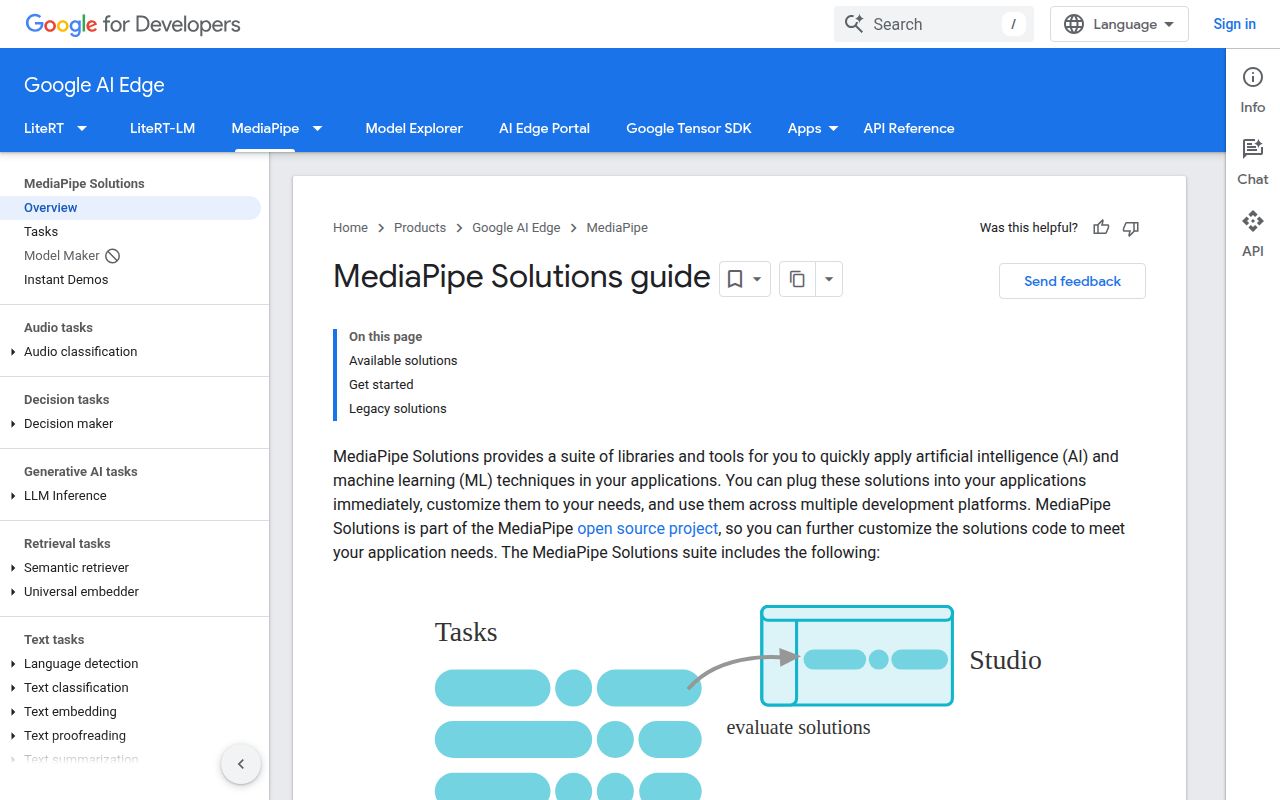
Add hand tracking to a camera view and you need more than a model file: frames must reach the model, and its coordinates must reach your interface. MediaPipe packages those jobs into task APIs for vision, audio, and text. The README also describes a lower-level Framework built around packets, graphs, and calculators. I'd start with Tasks unless the application needs a custom processing pipeline that those APIs cannot express.
The source checkout contained 4,859 files and roughly 572,593 lines, occupying 76.2 MB. You don't need to understand all of it to choose a hand or pose task, but that size explains why adopting an application-facing package and maintaining the framework source are different commitments. MediaPipe makes sense when its task outputs match your feature. An arbitrary model with unusual inputs deserves a separate compatibility check.
What happened when we ran it
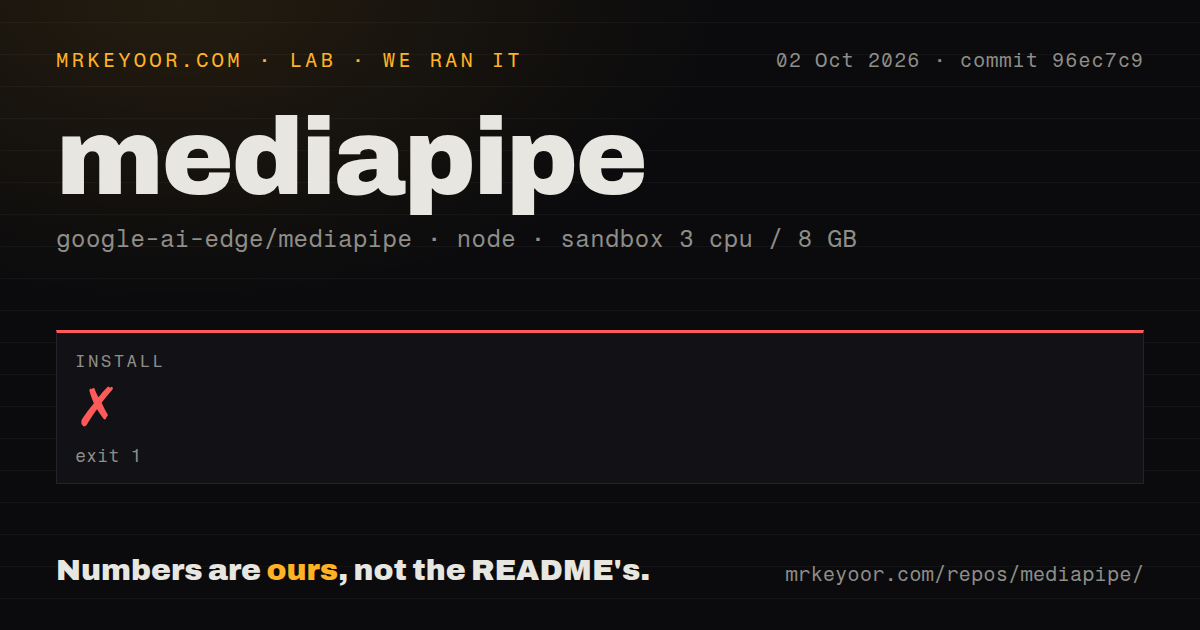
Our MediaPipe install failed with exit 1 after 6 seconds at commit 96ec7c9. We ran the pnpm path on October 2, 2026, in an unprivileged Debian container using image lab-node:22, with 3 CPUs, 8 GB RAM, and no secrets. The supplied log reports ERR_PNPM_IGNORED_BUILDS and names protobufjs@7.5.6 as a dependency whose build scripts were ignored. The install never gave us a successful result.
The log suggests pnpm approve-builds to select dependencies allowed to execute scripts. It also warns that pnpm no longer reads the pnpm field in package.json, specifically ignoring pnpm.onlyBuiltDependencies. The reported protobufjs 7.5.6 script and ignored setting are concrete findings. They don't establish whether the configuration belongs to an upstream package or another part of the installation environment, and they don't show a missing Debian system package.
Our scan recorded 1 CI workflow file, a Dockerfile, and no tests directory. No build result, test result, dependency footprint, or vulnerability audit was supplied for this run. The lockfile-policy success message in the log isn't a vulnerability audit, either. We can report a dependency-policy stop on this path, but cannot convert it into a claim that MediaPipe's Python, Android, or iOS applications fail.
Web deployment needs model and runtime assets
The Node ecosystem label describes our lab-node:22 run, while GitHub identifies the repository's primary language as C++. The official web setup guide names Chrome or Safari and provides npm packages or CDN imports. Its task configuration accepts a model asset path or an in-memory model buffer. A package reference alone leaves the application responsible for supplying the model and, for vision tasks, the WebAssembly runtime assets.
Hand Landmarker illustrates the integration clearly: load the vision runtime, give the task a compatible trained model, then pass images or video frames. Basic local inference doesn't require a hosted prediction API credential. Camera permissions and asset delivery still belong to the app. I'd serve pinned runtime and model assets together, and check that a release works without depending on an unversioned CDN example.
Our 76.2 MB checkout measurement says nothing about the size of your chosen model or browser downloads. Those were outside the supplied results. Budget and measure the actual app assets separately. For a mobile product, choose the platform-specific guide before copying web setup assumptions. The supported task and hardware path matter more than the fact that the repository contains implementations for several platforms.
Hand detection can block the browser interface
The Hand Landmarker web guide says both detection methods run synchronously and block the UI thread. It recommends web workers for camera-frame detection. That is a practical production requirement for an interface with scrolling, buttons, or animated overlays. Put inference away from the UI thread and verify the frame handoff, rather than assume an example rendering loop will stay responsive on every supported device.
The protobufjs 7.5.6 error happened before our run could establish any browser behavior. There is another app-level detail to verify: open issue 6376 asks the Hand Landmarker and Gesture Recognizer docs to explain handedness after image mirroring. It describes conflicting assumptions between legacy documentation and current task examples. Treat that as a documentation report, then check the labels with your own mirrored and unmirrored camera inputs.
Local input processing still sends usage metrics
The README's privacy notice says MediaPipe Tasks process input images, video, and text on the device without sending that input to Google. It also says the APIs send performance and utilization metrics to Google. That distinction is decisive for teams choosing MediaPipe because recordings should stay local. A requirement covering all outbound metrics needs an explicit policy review before adoption. The local-input statement doesn't answer that broader requirement.
Legacy binaries remain available after support ends
The README says support ended for listed Legacy Solutions in March 2023, with code and prebuilt binaries supplied as-is. That compatibility boundary is independent of our 6-second installation failure. A tutorial importing an older solution can still lead you toward an unsupported API. Check the official migration table for the exact component you need, then write the application against its current task interface where a replacement exists.
October maintenance favors a focused device trial
GitHub recorded the last push on October 10, 2026, and the issue list contained fresh reports that week, including the handedness documentation request. Release v1.1.0 arrived October 7. The repository showed 37,232 stars and 370 open issues and PRs combined. The release notes describe changes across platform APIs and fixes for native and WebAssembly paths. This is ongoing maintenance, though that later release wasn't what our October 2 sandbox validated.
Choose OpenCV for a custom computer-vision pipeline, ONNX Runtime when executing your own ONNX models is the central requirement, or TensorFlow.js for broader JavaScript model work. I'd trial MediaPipe for a defined camera or audio feature whose task API already fits. Our 3-CPU container stopped at dependency installation. Before shipping, verify the chosen device path, camera orientation, UI responsiveness, and the metrics policy that your application must accept.