Production choice: start with the README's recommendation
The README recommends Agent Toolkit for AWS for production software using coding agents or agents built for customers. It calls the toolkit the successor to the AWS Labs servers, plugins and skills, while saying this repository continues to work and accept contributions. That distinction matters when deciding whether to evaluate an existing package or choose a starting point for new production work.
The catalog remains useful for inspecting a particular integration. Its entries cover documentation retrieval, infrastructure, databases, messaging and operations. Choose the server that matches your task, then review its own requirements. The repository's breadth does not establish that any individual server meets your deployment needs.
Our sandbox built documentation and skipped tests
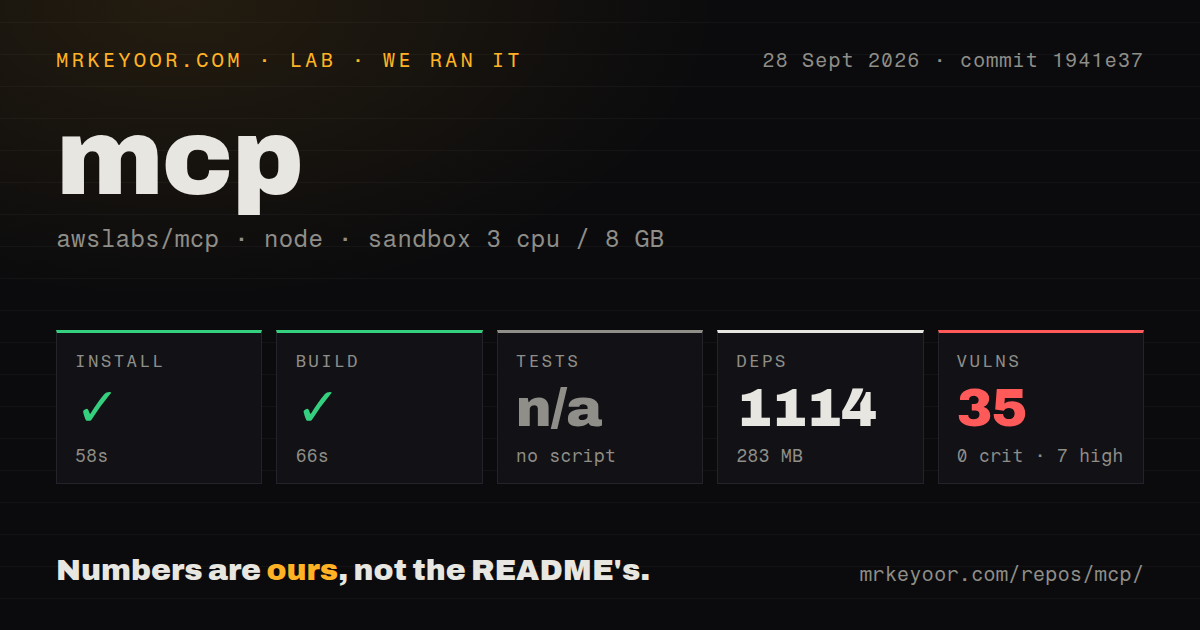
Our run on September 28, 2026, at commit 1941e37 built documentation; it did not validate the AWS servers. The full recorded checkout is 1941e37b5d4d16c07814cbc340f6692e92ca1ee2.
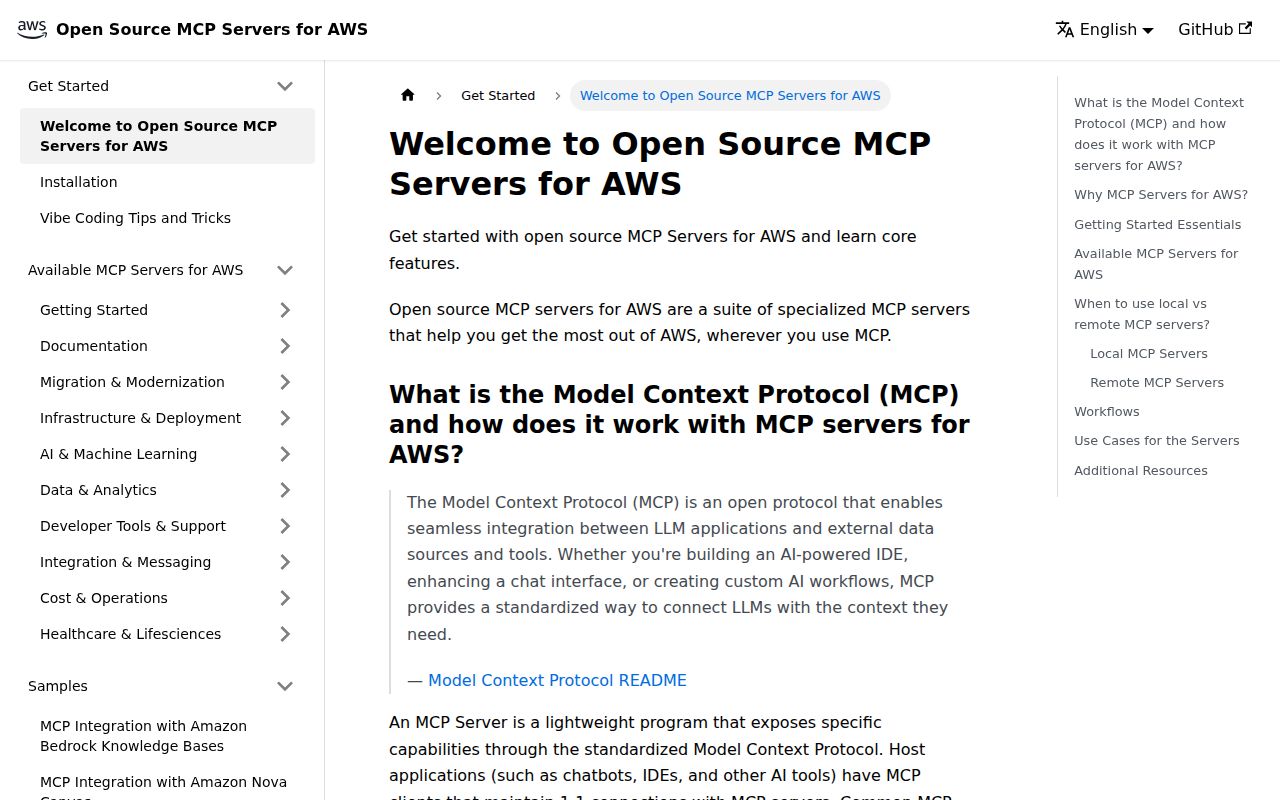
Our sandbox selected docusaurus/. The harness records each command's outcome, exit code, elapsed time and timeout status. The stored summary reports installation in 58 seconds and the documentation build in 66 seconds. Both returned zero without timing out. The test step records a skip with the reason no script, which is not a failed test.
The raw build output shows generated English and Japanese static files. It also reports a broken #installation anchor on the HealthImaging server page in both locales. The successful command therefore establishes that static output was generated despite that warning.
Our run did not boot a Python MCP server, initialize an MCP connection, list or call tools, authenticate to AWS, deploy a workload or verify permission switches. A documentation build cannot answer those operational questions. The MrKeyoor testing methodology explains command reporting and its limits. That page describes the current procedure; this review relies on the attached September record and reports no new execution.
Audit coverage is unknown
The stored parser summary records 35 npm audit advisories: 7 high and 28 moderate. It records zero critical and low advisories. These are dependency advisories associated with the installed documentation project, not results from a security assessment of the AWS tools.
The stored dependency summary records 1,114 packages and 283 MB on disk. The raw installation output uses different package-counting language, which has not been reconciled with that summary. We retain the stored figures without treating either output as proof of scan coverage. The record contains no scannedPackages value, so the number of packages covered by the audit is unknown. No unique or exhaustive test count was established.
Local packages use stdio
The README says the repository's MCP servers are designed to support stdio only. It dates removal of SSE support from their latest major versions to May 26, 2025, and describes Streamable HTTP support as work in progress.
The catalog separately lists AWS-managed remote services, including AWS Knowledge MCP Server and the preview AWS MCP Server. Those are different connection choices. It also describes a Lambda handler library for building MCP HTTP endpoints; that component does not establish HTTP support in every local server package.
For a local trial, follow the selected server's instructions and choose an update policy. The README warns that @latest checks and downloads the latest package at client startup. Verify the selected version with your intended MCP client and AWS role before relying on its behavior.
The EKS report is closed and remains unreproduced here
Issue 2942 was closed as not planned after inactivity on September 4, 2026. The reporter alleges that list_k8s_resources can expose Secret metadata without checking the sensitive-data flag and that documented redaction is absent.
The supplied thread references a proposed fix, but does not establish that it merged or that the reported behavior persists at our measured commit. Our sandbox did not reproduce the report. For an EKS evaluation, check Secret listing and reading separately against the exact version you intend to use. Closure after inactivity does not establish that the reported behavior was fixed.
Alternatives serve different tasks
AWS CLI provides a unified command-line interface to Amazon Web Services. Choose it when you want direct AWS commands without an MCP client. It can also sit alongside an MCP workflow. The supplied evidence does not establish a reliability or permission-enforcement advantage over these servers.
The Model Context Protocol servers repository provides educational reference implementations, not production-ready solutions. Use it to study protocol features and SDK usage. It is a learning complement rather than a replacement for this AWS integration catalog.
Agent Toolkit for AWS is the successor recommended by the awslabs/mcp README for the stated production use cases. The README describes agent-aware IAM condition keys and CloudWatch and CloudTrail visibility. We did not test those capabilities.
Scores describe the available evidence
The retained scores use a 1 to 5 editorial rubric. Setup ease runs from substantial manual prerequisites to a verified straightforward setup. Documentation runs from missing instructions to complete, checked task guidance. Community measures visible participation, from none in the supplied evidence to releases with multiple contributors. Maturity runs from an early example to demonstrated operational stability. These ratings do not measure adoption, security or runtime performance.
Setup ease is 3: general setup instructions exist, but individual servers need their own configuration and our run did not verify server setup. Documentation is 4: the README supplies server selection and client guidance, though our build reported a broken anchor. Community is 5 under the participation rubric because the supplied release notes name multiple contributors and a new contributor; support responsiveness and adoption remain unknown. Maturity is 3: the README says contributions continue while naming a successor, and our evidence provides no operational server validation.