Start with your seat and your MCP client
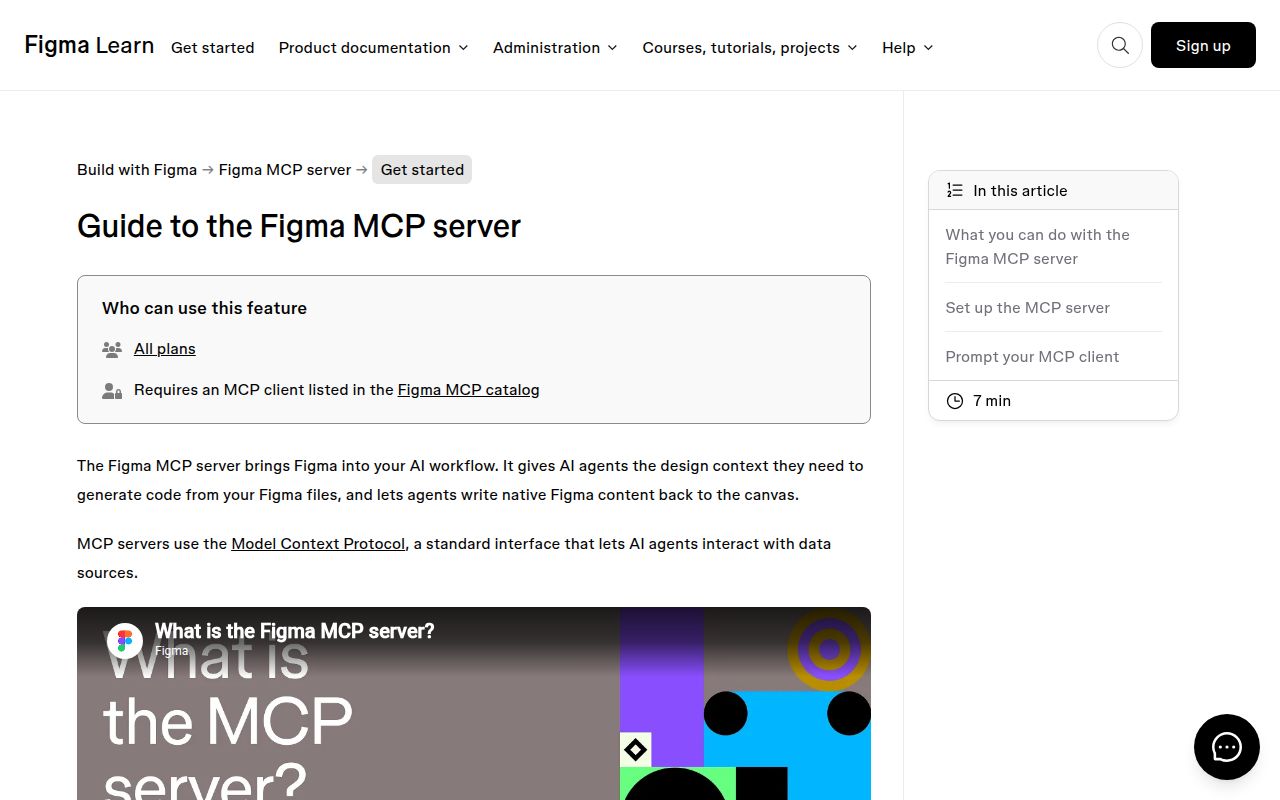
Figma's MCP Server Guide points your coding agent at design context from Figma files. The useful first decision is whether your account and client can support the workflow you want. The current README limits Starter users, and View or Collab seats on paid plans, to up to six read-tool calls per month. That allowance is a serious constraint for repeated design-to-code work, even before you evaluate the generated code.
The repository supplies connection instructions and skills around Figma's service. Its setup examples direct clients to https://mcp.figma.com/mcp. Treat this as an integration guide when choosing what to adopt. Cloning the repository isn't evidence that you have a working, independently hosted copy of Figma's service.
What happened when we ran it
Our November 10, 2026 sandbox record for commit 9d296d0 says NOT RUN: the harness found no supported ecosystem and no Dockerfile, while identifying the repository language as Python. We have no installation, build or test result for this repository. That is a harness coverage boundary, not evidence that Python is unsupported by the project or that Figma's service failed.
The recorded sandbox configuration lists 3 CPUs and 8 GB RAM, with image n/a. There is no executed runtime to identify from that label. We did not authenticate a client, fetch a design node or assess generated UI output. The instructions and feature boundaries below come from the public documentation, not a completed integration trial.
This distinction prevents a misleading setup verdict. A hosted connection can have clear instructions and still fail for a particular account, editor or file permission. Without exercising that path, a numerical setup score would conceal the missing evidence. Our useful contribution here is to identify which documented conditions to check before spending time on a trial.
Read access depends on the plan and seat
Figma documents per-minute read limits for Dev or Full seats on Professional, Organization and Enterprise plans, following its Tier 1 REST API limits. It also reserves the right to change those limits. The six-call monthly allowance applies to different account categories, so a colleague's successful workflow doesn't establish what your seat permits.
The README says some tools, including tools that write to Figma files, are exempt from the read limits. That distinction doesn't make an entire workflow unlimited. A task can need design context before it can create anything useful. Check the read operations your intended task requires rather than assuming canvas-writing access settles the account question.
Canvas writing requires the remote server
The README marks writing to the canvas as remote-server-only. It describes agents creating or modifying native content with the appropriate skills, including frames and components. Figma says this feature is free during beta and will eventually have usage-based pricing. That is a documented future charging intention, without a price or a timetable supplied here.
A team whose policy requires running the entire design integration inside its own infrastructure should resolve that service boundary before adopting the guide. Likewise, current beta access should not be used as a permanent operating-cost estimate. Our review establishes neither a self-hosting path nor a price for future usage.
Client capabilities matter too. Other editors need Streamable HTTP support for the documented remote connection. The Make integration separately requires MCP resources support. An editor advertising MCP support therefore needs a closer compatibility check: the transport and resource capability are concrete requirements, not interchangeable labels.
Component reuse needs more than a frame link
The guide says get_design_context returns a structured React + Tailwind representation that an assistant can translate into another framework. That is useful context, but it doesn't prove the resulting code follows your application's conventions. The README recommends Code Connect for links to existing components and variables for design tokens. These are preparation tasks for the team maintaining the design system.
Its suggested workflow retrieves design context and a screenshot before implementation, then compares the result against Figma. For oversized responses, it recommends fetching metadata and narrowing the requested nodes. These instructions give an engineer something actionable to try when a full-screen request is incomplete. We haven't measured whether they improve output accuracy or reduce turnaround time.
An appropriate first trial is one component with an existing implementation. Check whether the agent reuses that component, preserves its behavior and carries over the relevant tokens. Keep the design link and inspect the actual output. A successful connection alone says nothing about keyboard behavior or responsive layout quality.
Framelink and Code Connect solve narrower problems
Framelink MCP for Figma describes simplifying Figma API responses into layout and styling context for coding agents. Its documented configuration requires a Figma access token. Evaluate it when that separate server approach fits your integration requirements. We have no comparative output-quality or rate-limit result, and a different server should not be assumed to remove Figma's account restrictions.
Code Connect connects code components to Figma components so Dev Mode can display production code snippets. It is a narrower alternative when consistent component handoff is the main problem, and can also complement the MCP workflow. Its README requires an Organization or Enterprise plan and a full Design or Dev Mode seat. It warns that framework-specific parsers no longer receive updates or support, with template files now the maintained route.
Recent changes support a documentation rating
GitHub records the guide's last push on November 9, 2026. Recent activity includes merged skills updates and an open documentation pull request for comment-tool listings. That combination shows ongoing work.
Documentation receives 4 on our editorial scale: 1 means a documented blocking gap, 2 substantial omissions, 3 an adequate path, 4 detailed guidance with explicit boundaries, and 5 instructions independently checked across their stated scope. Setup, support quality and production maturity remain unassessed. Start by verifying your seat allowance and client capabilities, then try a small design against your existing component code.