Framelink turns Figma nodes into smaller agent context
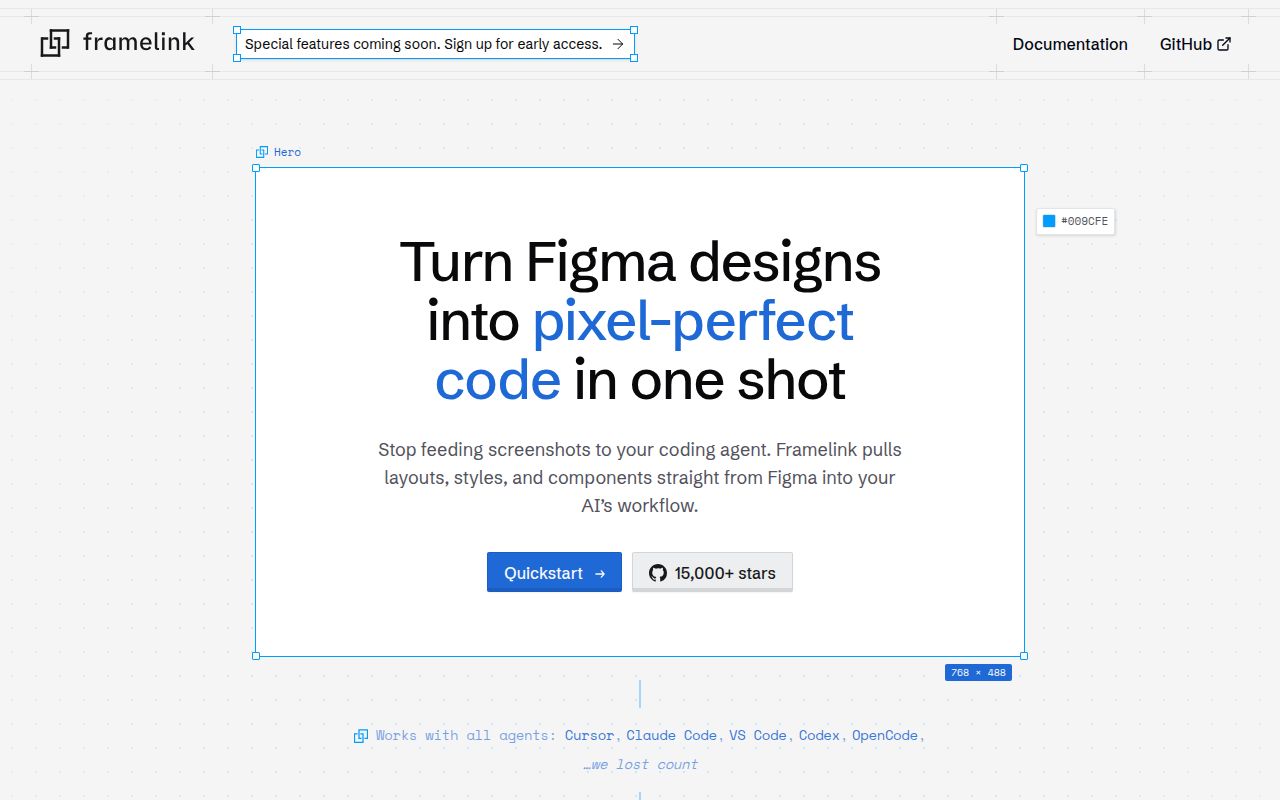
Framelink MCP for Figma sits between a coding agent and the Figma API. A developer gives the agent a link to a file, frame, or group, and the server fetches the relevant Figma metadata. It then simplifies and translates that response before returning layout and styling information through Model Context Protocol. The goal is to spend less context on the raw API response and give the model a cleaner implementation brief.
That approach carries more structure than a screenshot. An image shows pixels, while Figma data can describe hierarchy, dimensions, colors, spacing, and other properties represented by the design file. The README markets one-shot implementation, but generated code still needs comparison with the frame, responsive behavior, and the product's existing component rules. A structured input reduces guessing; it does not make the model a design-system expert.
The server is described as specifically designed for Cursor. Other clients can run MCP servers, and the setup is a normal stdio command, but documentation and examples should be judged through that Cursor-first lens. If a team uses another agent, it should verify tool discovery, link parsing, asset handling, and the exact context returned before adopting the workflow.
What happened when we ran it
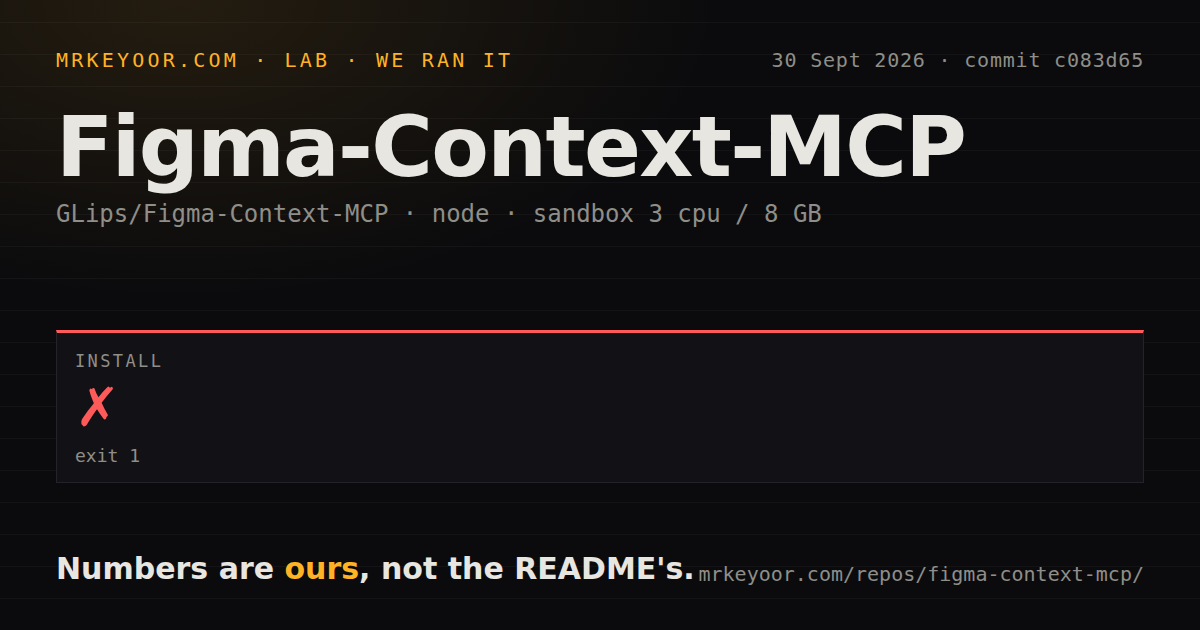
Our sandbox cloned commit c083d65 into an unprivileged Node 22 container with 3 CPUs and 8 GB of RAM. The checkout was compact: 105 files, about 12,832 lines of source, and 0.6 MB. pnpm installation succeeded in 20 seconds, adding 354 packages and using 157 MB on disk.
The build completed successfully in 18 seconds. Tests also succeeded, finishing in 29 seconds. The supplied result does not include an individual test count, so we do not invent one. The repository scan found 2 CI workflow files, no Dockerfile, and no top-level tests directory. Those layout signals do not change the successful commands.
Our run stopped at repository validation. It did not supply a Figma token, call the Figma API, retrieve a private design, send context to Cursor, or compare generated code with a frame. The 20-second install and passing checks make a local trial easy. They do not measure design fidelity, response size, token savings, or behavior under API limits.
A personal access token is the price of useful context
The README requires a Figma personal access token. Its macOS and Linux example launches the published package with npx and places the token in a command argument. An alternative uses FIGMA_API_KEY in the MCP client's environment. Environment configuration is the cleaner starting point because command arguments can appear in process listings or copied diagnostics. The token should have only the access needed for the intended files and should be rotated like any developer credential.
Once configured, the server reads file data through Figma's API and returns selected context to the agent. That means the trust boundary includes the local MCP process, Figma, and whichever coding agent receives the result. Teams handling confidential designs should document which client is allowed, where its conversations go, and whether design identifiers may appear in logs or telemetry.
Open issue 354 reports that raw telemetry error messages can contain Figma file keys and node IDs even though credentials are redacted. The issue remained open when checked. It does not claim that file contents or access tokens are sent, and we did not reproduce it in the sandbox. A security-sensitive team should inspect the current telemetry code or disable the tool until its policy matches internal requirements.
API limits can interrupt iterative design work
Open issue 258 describes HTTP 429 responses while using the server with Cursor. The reporter said direct API curls still worked with the same token, but the issue does not establish the source of the limiting. The safe conclusion is narrower: repeated MCP reads can hit a rate-related failure, and a buyer should test its own account, client, and interaction pattern.
This matters because design implementation is iterative. An agent may inspect a large frame, request nested nodes, revisit the design after a change, and ask again during debugging. A workflow that succeeds for one selected card may behave differently across a full application screen. Use representative files and observe how many API calls a normal implementation consumes.
Figma's official MCP guide documents account-dependent limits and a wider tool set, including Code Connect and remote write-to-canvas support. Framelink remains appealing when the requirement is a local, readable bridge that narrows Figma data for a coding agent. The official service is the more direct comparison when account integration or canvas modification matters.
August activity supports a trial, not blind code acceptance
GitHub recorded the last push on August 7, 2026, with 15,719 stars and 25 open issues and pull requests combined. Release v0.13.2 arrived June 18 and fixed gradient output that had ignored layer opacity. That bug is a useful example of why design metadata needs visual verification: structurally plausible context can still produce the wrong strength for a visible effect.
The small 0.6 MB checkout, 18-second build, and 29-second passing test step lower the cost of inspecting or self-hosting the server. The unresolved questions sit at the service boundary: token handling, telemetry, Figma rate behavior, and whether the agent maps extracted design facts into maintainable code. Framelink earns a controlled trial on a real component, followed by a pixel, accessibility, and code-quality review.