Scan the configuration before approving the server
An MCP launcher can give a server a broad filesystem path, a credential, or permission to run without another confirmation. mcp-audit-tool reads those client settings and reports patterns worth reviewing. That is a useful intervention before you connect an agent to a new server. Its clearest value is making risky configuration visible, with a named rule and a suggested correction you can assess against the actual job the server needs to do.
Our measured checkout was 0.3 MB, containing 28 files and about 1,308 source lines. That makes the Python implementation approachable for a team that wants to inspect the rules it adopts. The README documents terminal output, JSON, and SARIF for GitHub code-scanning integration. I would start with an explicit configuration path and review the findings manually before making a severity threshold block changes across an entire development team.
What happened when we ran it
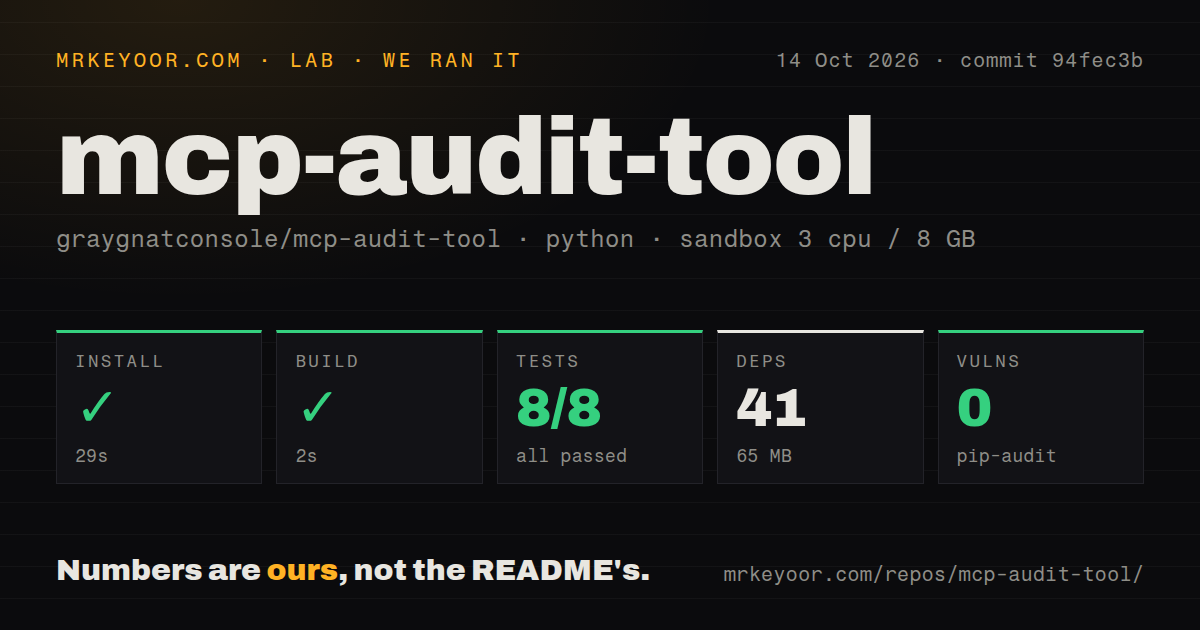
Our sandbox installed mcp-audit-tool commit 94fec3b in 29 seconds and built it in 2 seconds on October 14, 2026. Installation added 41 packages and used 65 MB on disk. Pytest passed all 8 tests with 0 failures in 5 seconds. The run used a fresh Python 3.12 Debian container with 3 CPUs, 8 GB of RAM, no secrets, and no elevated privileges.
Pip-audit reported 0 known vulnerabilities for that installed environment. The checkout had a tests directory, but our scan found 0 CI workflow files and no Dockerfile. These are encouraging local execution results for a small command-line program, with limited evidence about detection quality. Passing the available suite does not measure recall against malicious configurations or establish how often a rule incorrectly flags an acceptable setting.
The rule boundaries matter more than the grade
The README's rule table covers secrets in environment blocks, unpinned package launchers, shell wrappers, broad filesystem paths, and insecure remote transport. Those are concrete settings a reviewer can change. A severity grade makes the output easy to scan, but the useful decision happens at the individual finding: why is this server receiving that credential or directory, and is that access necessary? The grade cannot answer the application's permission requirements for you.
The 8 passing lab tests leave an important question open: which inputs do the rules never inspect? Issue 2 reports missed bearer tokens in launcher arguments and missed poisoning text in nested tool descriptions. The inspected secret rules work through env blocks. The metadata helper reads description, instructions, systemPrompt, and prompt directly on the supplied server object. That source structure supports the reported scope limits without requiring an invented detection benchmark.
Live tool discovery remains a roadmap item
The README lists live tools/list probing and comparison with pinned definition hashes as unchecked roadmap work. That boundary is especially relevant to a product advertised around tool poisoning and rug pulls. Reading a saved client configuration cannot establish what descriptions a live server returns later. The present scanner can flag configured text and launch risks, while a review of changing server behavior needs evidence from somewhere else.
Our 5-second successful test step gives no result for live discovery, runtime enforcement, or server-definition drift. The README also leaves baseline mode and automatic repair unchecked. Treat each of those as an aspiration recorded by the project, rather than a committed delivery promise. If your approval process requires detecting a server that changes after onboarding, include a separate control that observes the server instead of assigning that responsibility to this static scanner.
Follow the Python instructions and name the files
The README requires Python 3.9 or newer and documents direct pipx and pip routes. It also presents an npm-based one-line command while saying Node is unnecessary. That contradiction makes the direct Python guidance easier to trust as an instruction set. It is a documentation finding, separate from the lab: our successful installation does not establish whether that advertised npm command works on a fresh workstation.
The 65 MB environment we measured is small enough for a deliberate local evaluation. The more consequential setup choice is which configuration files reach the scan. Auto-discovery documents different locations across clients and operating systems, and explicit paths let a reviewer state exactly what was checked. A passing report on a checked-in project file tells you nothing about an additional personal configuration the scanner was never given or did not discover.
A small active discussion exposes useful limits
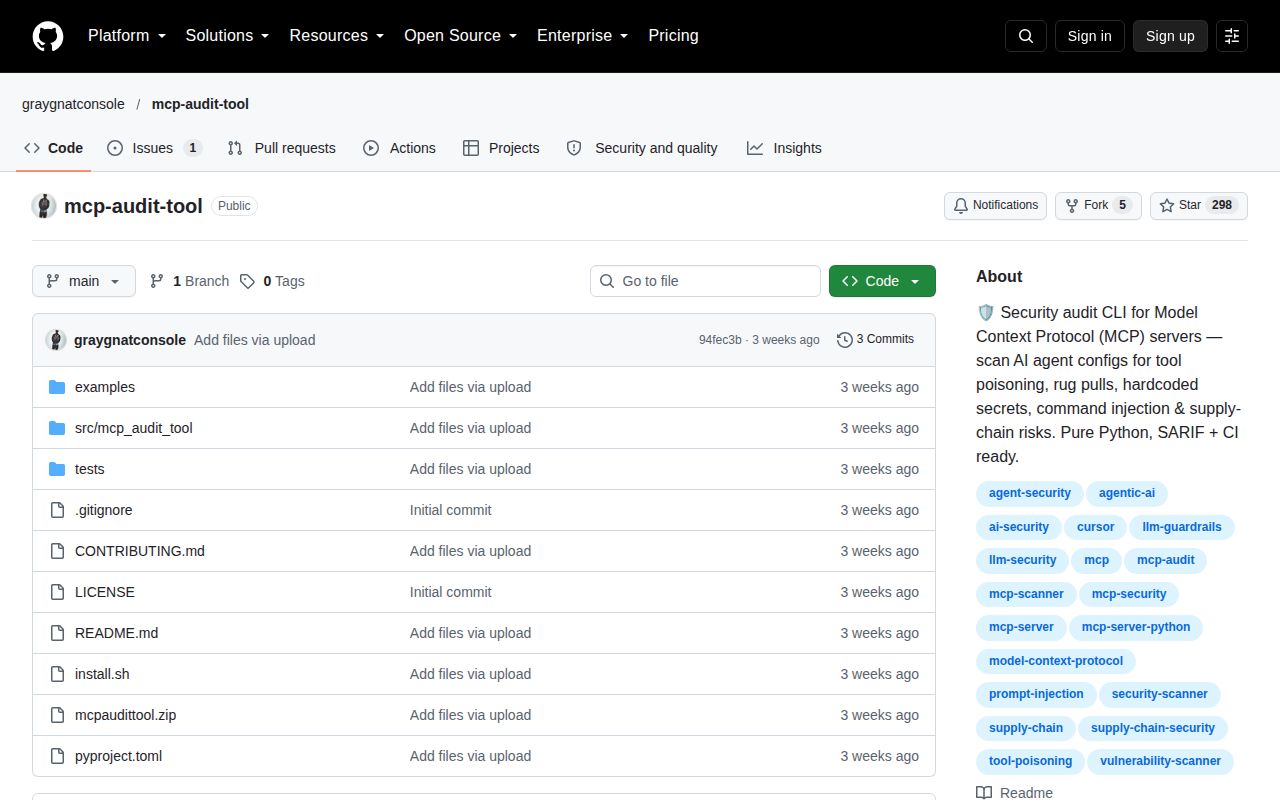
GitHub recorded the last push on September 26, 2026, with 298 stars and 1 open issue or PR. That open issue was updated October 9 and describes the argument-secret and nested-description gaps. No latest published release was available. The combination shows a recently pushed project with a current technical report, rather than evidence of abandonment. It also gives an adopter a specific limitation to follow before widening reliance on the scanner.
After our 29-second install, the tool cleared its build and available tests. That earns it a place in a supervised configuration review. APIsec MCP Audit is worth examining for inventory and its separate source scan, while Snyk Agent Scan addresses a broader agent-security scope. Keep this tool's report beside the configuration you approved, and record why each remaining permission is needed. That record is more useful than retaining only a letter grade.