Root access comes with control over app processes
Magisk's Zygisk runs code inside Android app processes, so choosing a module means choosing code that can act there. MagiskSU gives apps root access, and Magisk modules can modify read-only partitions. For a developer investigating behavior ordinary Android permissions cannot reach, those are concrete reasons to consider it. Pick the capability you need before choosing a module to install.
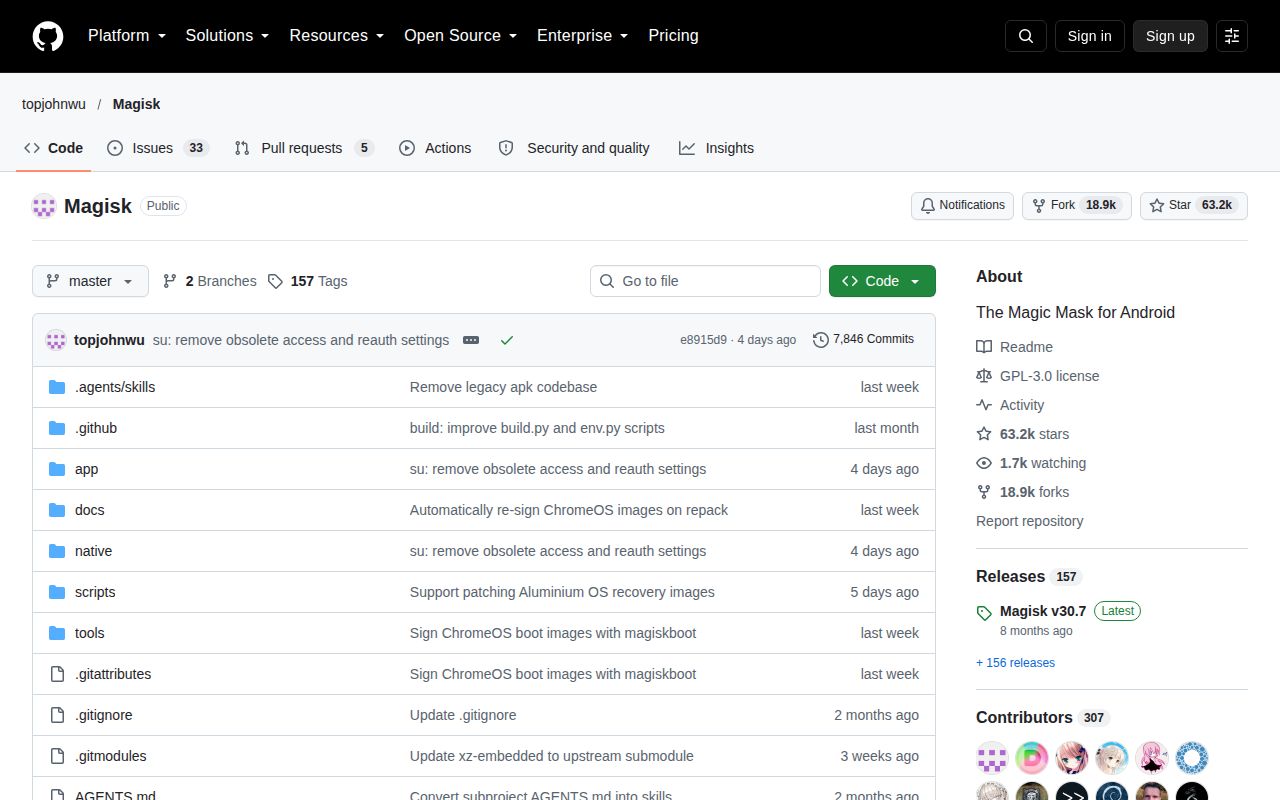
MagiskBoot handles unpacking and repacking boot images, which also makes the project useful to people working below the app layer. The 54.3 MB checkout we measured contains roughly 556,719 source lines across 4,825 files. GitHub identifies Kotlin as the primary language, while our lab selected the Rust workspace under native/src/. Understanding that distinction matters: the native workspace is one part of a larger Android project.
What happened when we ran it
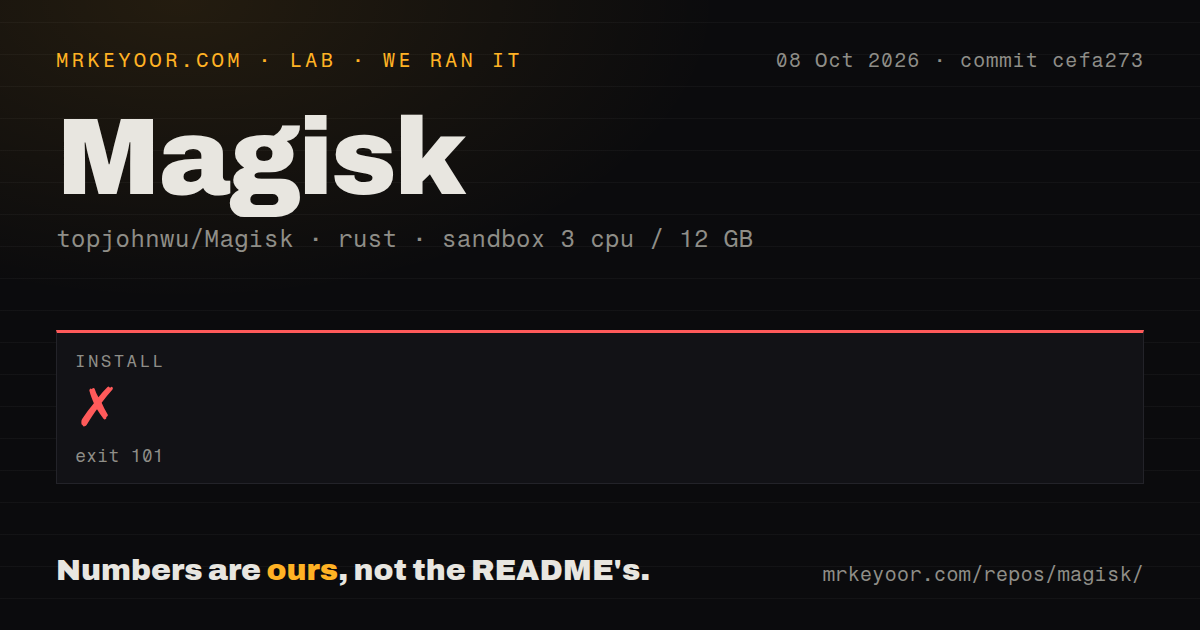
Our Magisk install failed after 2 seconds with exit 101 at commit cefa273. We cloned it on 2026-10-08 into a fresh Debian container using image lab-rust:1, with 3 CPUs, 12 GB of RAM, no secrets and no elevated privileges. Cargo stopped while parsing /work/repo/native/src/Cargo.toml. The log says the panic-immediate-abort feature requires nightly Cargo, while our container used stable.
The 2-second failure establishes a toolchain requirement before compilation could begin. The supplied results contain no successful build or test outcome, so they give us no basis for judging Android runtime behavior. Our scan found 1 CI workflow file, no Dockerfile and no tests directory. A missing directory named tests does not prove that tests are absent elsewhere, and those file signals cannot establish device reliability.
The development guide supplies its own Rust toolchain
The development guide routes source work through Android Studio, SDK environment paths and a JDK. It asks you to clone submodules and use build.py to obtain ONDK, which bundles Rust. Rust developers can link that bundled toolchain into rustup for their editor. This is useful guidance for someone contributing native code who would otherwise treat native/src/ as an independent Rust application.
The 3-CPU sandbox attempt used stable Cargo and stopped at manifest parsing, so we haven't verified whether the documented ONDK route completes. Installing an arbitrary nightly and declaring the problem solved would go beyond the evidence. I would follow the project's own route first. Custom APKs need signing configuration, and release signatures constrain which manager apps the root daemon accepts.
Your phone determines which image needs patching
The device guide starts with an unlocked bootloader and familiarity with ADB and fastboot. You patch an image on the target phone, then flash it. Whether you need boot, init_boot or recovery depends on the device. That choice deserves attention before you touch the firmware.
The native install returned exit 101 before any phone-side work. Samsung owners have an additional decision: the guide requires a wipe and warns that Knox changes permanently. For devices using Magisk in recovery, ordinary startup can leave root disabled. Read the instructions for your device before treating the APK as sufficient preparation.
Root hiding belongs to separate modules
The FAQ says Magisk no longer handles root hiding. If your reason for rooting depends on an app accepting the modified device, Magisk alone doesn't promise that result. The FAQ points to separate Magisk or Zygisk modules for hiding functionality. That puts another component, with its own behavior, into the decision. I would reject Magisk for any requirement that specifically demands built-in hiding.
Module recovery is documented too: magisk --remove-modules removes modules and reboots when ADB access is available, while Safe Mode detection depends on button timing. The 1 CI workflow file found in our scan cannot tell you whether a chosen module will boot on your phone. Read those recovery instructions while the phone still works. The FAQ distinguishes Magisk's early Safe Mode detection from Android's later detection, an easy detail to miss.
KernelSU and APatch move root into the kernel
KernelSU offers kernel-based root with app profiles and a module system. Its README makes kernel compatibility part of the choice, including a manual kernel route for older supported devices. Consider it when you specifically want per-app root restrictions and your hardware fits. It isn't a reason to skip checking compatibility, and choosing it means examining a different approach to root than Magisk's documented image-patching workflow.
APatch provides kernel patching and modules that can inject kernel code. It supports ARM64 and warns that its SuperKey has privileges above root. Pick it for that particular capability when you can protect the key. We measured only Magisk's 54.3 MB checkout and failed native install here. These alternatives are architectural choices from their documentation, with no comparative setup or runtime measurements to rank them.
October activity outweighs the older stable-release date
Magisk's last push was 2026-10-09, and its issue feed showed updates through October 13. GitHub listed 38 open issues and PRs. The latest stable release returned by the API, v30.7, dates to February 23 and includes Android compatibility changes. The open charger-mode report describes a Samsung autoboot customization affected after v30.7. That's a specific user report, separate from our sandbox finding, and a reason to check your own customization before upgrading.
The 4,825-file checkout is worth tackling when you have a specific Android root or module job, though the native setup failed in our sandbox. We haven't demonstrated a working phone installation, so check your firmware route before relying on it. Upstream accepts bug reports only from debug builds and requests logs. If you're willing to work at that level, start with a development device and one specific job for root to do.