More than 30 widgets fit into a C-first embedded UI stack
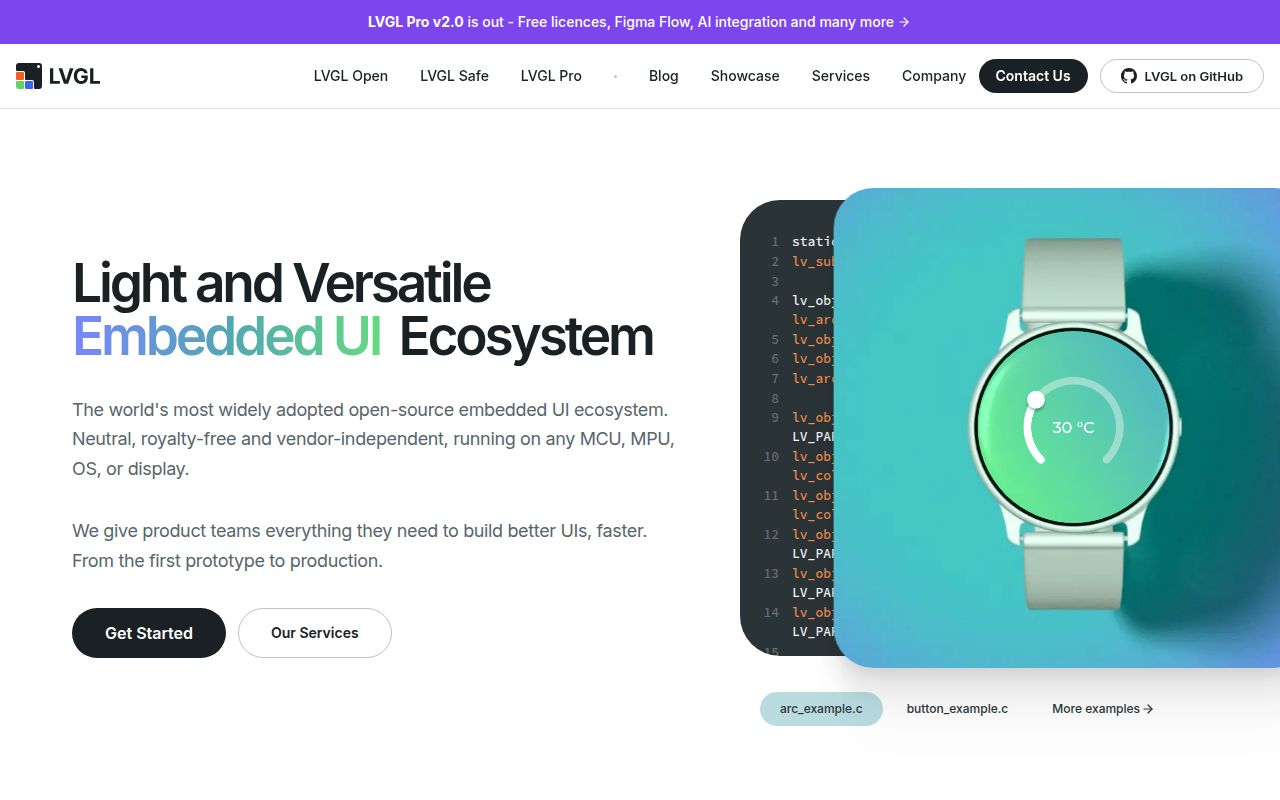
LVGL gives firmware developers a widget system instead of asking them to paint every button, label, chart, keyboard, and list by hand. The README lists more than 30 built-in widgets, over 100 style properties, and Flexbox-like and Grid-like layouts. It handles touch, encoders, keyboards, buttons, and multiple displays. Rendering covers ordinary 2D work as well as SVG, Lottie, vector graphics, and optional 3D through OpenGL. Text uses UTF-8 and includes support for scripts such as Arabic, Hindi, Thai, and CJK.
The library is written in portable C and is compatible with C++. LVGL says the core has no external dependencies and can run with or without an operating system, external memory, or a GPU. Existing integrations cover ESP32, STM32, Zephyr, NuttX, Arduino, PlatformIO, and embedded Linux paths such as DRM/KMS, Wayland, and framebuffer devices. That range is the main reason to shortlist it: a team can develop in a desktop simulator and still target a much smaller device, provided both paths use the same configured features.
A manual port needs five pieces of device plumbing
A fresh hardware port needs a millisecond tick, display buffers, a flush callback, input callbacks, and repeated calls to lv_timer_handler. The supplied example makes each responsibility visible. Your code tells LVGL when time advances, where rendered pixels should go, how touch or buttons are read, and when rendering and animation timers may run. Supported boards and operating systems can supply much of this work, but a custom display controller still leaves the product team responsible for correct timing and transfers.
Compile-time configuration is extensive. lv_conf.h, Kconfig, or compiler definitions select color depth, widgets, rendering backends, operating-system support, and bundled libraries. The README's typical estimate is about 100 kB RAM and 200 to 300 kB flash. Its stated floor is 32 kB RAM and 128 kB flash, plus a frame buffer and a rendering buffer at least one tenth of the display. Those are useful starting figures, not a promise that a particular screen, font set, animation load, or color depth will fit.
Threading also needs a deliberate rule. LVGL's integration guide says the library is not thread-safe. Applications that call UI functions from multiple tasks must use a mutex; with OS support enabled, lv_lock and lv_unlock are supplied for that job. Event, timer, and animation callbacks already run sequentially from the timer handler, while lv_tick_inc and lv_display_flush_ready are named exceptions. This is manageable, but it should be part of the architecture before several firmware tasks start updating widgets.
What happened when we ran it
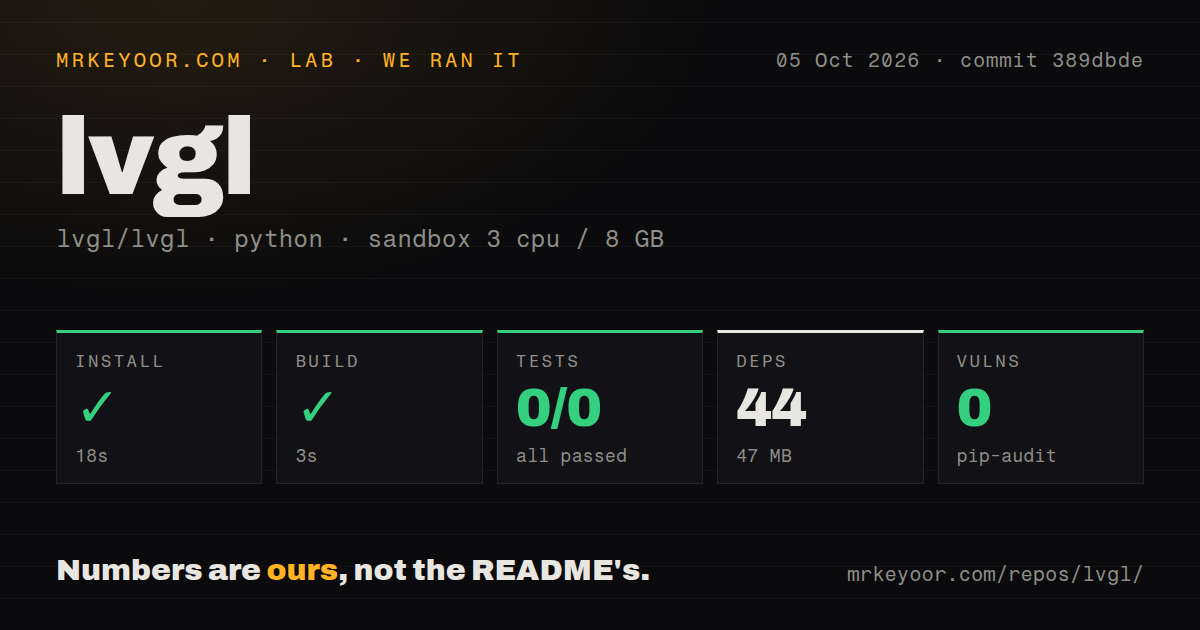
Our sandbox cloned commit 8a711eb and worked in the Python project under ./sbom/. Installation succeeded in 23 seconds, added 44 packages, and occupied 46 MB on disk. The build then succeeded in 9 seconds. The checkout contained 6,493 files, about 867,223 lines of source, and used 195.6 MB before the installed Python dependencies were counted.
The test step failed with exit code 5 after 23 seconds. Pytest printed no tests ran in 0.00s, with 0 passed and 0 failed out of 0. That is a collection outcome, not a set of passing tests. The log tail does not say why no tests were collected, so we cannot attribute it to missing packages, a wrong directory, or repository configuration. The honest result is that the command supplied to our fresh Debian sandbox did not exercise a test.
Pip-audit reported 0 known vulnerabilities across the installed Python environment. The repository scan found 34 CI workflow files, no Dockerfile, and a tests directory. These measurements describe the ./sbom/ Python path at commit 8a711eb on 3 CPUs and 8 GB RAM. They do not measure frame rate, memory use on a microcontroller, display correctness, or the C test suite, and we are not turning them into claims about those areas.
The MIT runtime and LVGL Pro have different terms
The LVGL runtime is MIT licensed for open-source and commercial products, with no royalties stated in the README. The visual workflow is separate. LVGL Pro has an Editor, browser Viewer, Figma import, and a CLI that generates ordinary LVGL C code from XML. Community and Evaluation tiers are free for non-commercial use, while commercial use requires a paid license. A procurement conversation is therefore optional for the runtime and relevant for teams that want the visual toolchain.
That split is reasonable, though it changes the comparison with tools that bundle a visual designer into a commercial SDK. Teams comfortable writing C can ignore Pro and use the 100-plus C and XML examples, simulators, and platform guides. Teams expecting designers to own screens in Figma or XML should price the editor before committing to that workflow. Generated C avoids adding another runtime to the device, but it does not make commercial editor rights free.
v9.5.0 is active, with current Linux and text reports
GitHub showed 24,506 stars, 213 open issues and pull requests combined, and a last push on August 27, 2026. The latest stable release was v9.5.0, published February 18, 2026. Activity was current on both sides of the tracker: pull requests were updated on August 27, while issue 10493 about centered wrapped text and issue 10522 about fbdev tearing had updates on August 26. That evidence supports active maintenance; it does not tell us how quickly either report will be resolved.
LVGL has enough history and integration coverage to be a credible default trial for embedded C interfaces. The failed zero-test run matters because it leaves our measured ./sbom/ path without test evidence, and board work remains hardware-specific. Prototype on the actual panel, test touch and tearing under the intended buffer mode, record peak memory with real fonts and screens, and enforce one locking policy. If those checks pass, LVGL offers far more UI machinery than most firmware teams should build themselves.