LocalAI lets several kinds of models share an API
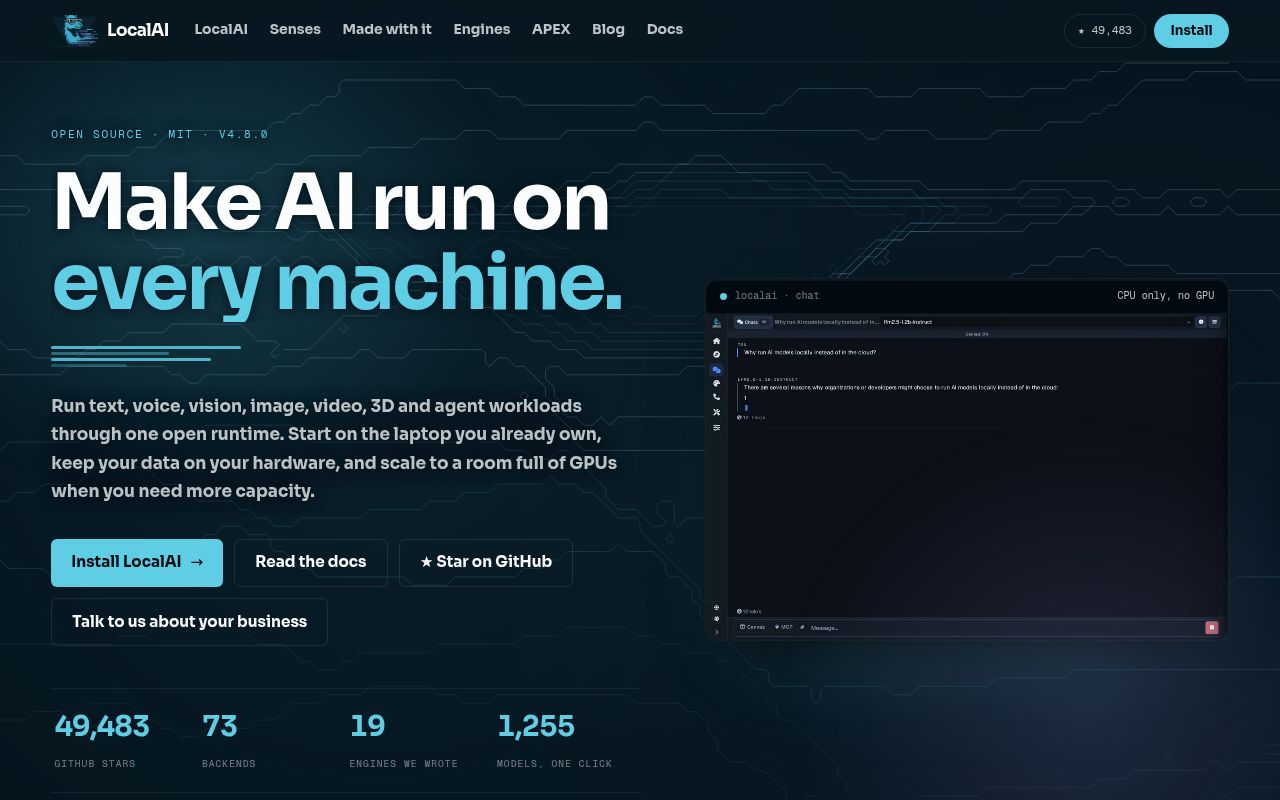
Point an existing OpenAI client at LocalAI and you can keep the request format while moving inference onto your own hardware. The same service also handles speech and images, with agents available through its web interface. That's the reason to choose it: an application with several model jobs can share an operating layer instead of growing a separate service for each task.
That convenience sits on a substantial project. Our checkout contained 6,101 files and roughly 660,265 source lines, occupying 100.7 MB before installation. The README's description of a small core concerns its modular runtime: backends arrive separately when needed. It doesn't describe the amount of source a contributor must navigate. Keep those two meanings of small separate when deciding whether to adopt or modify it.
What happened when we ran it
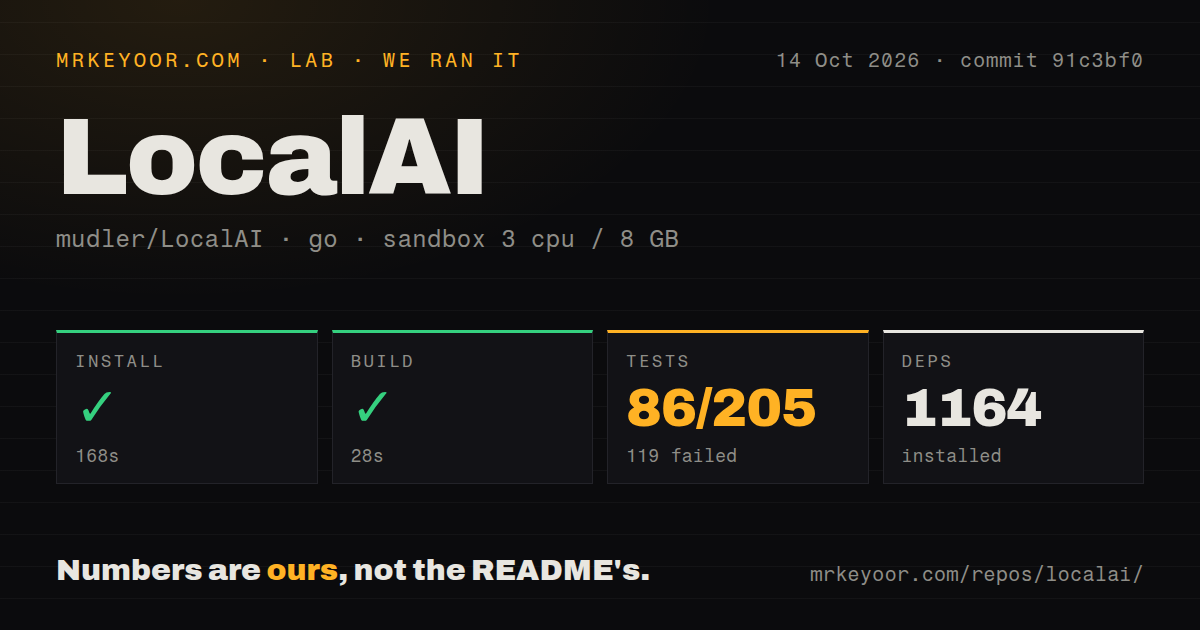
Our run installed LocalAI in 168 seconds, adding 1,164 packages, and the build succeeded in 28 seconds. We cloned commit 91c3bf0 on October 14, 2026, into an unprivileged Debian container using golang:1.24-bookworm, with 3 CPUs, 8 GB of RAM, and no secrets. These are source-workflow results. They establish neither model response speed nor the hardware needed for your chosen weights.
The test command exited with status 1 after 430 seconds: 86 tests passed and 119 failed out of 205. The supplied tail names a failing shape-preserving audio conversion case in pkg/utils: a WAVE_FORMAT_EXTENSIBLE upload should be transcoded instead of passed through. TestUtils failed. The excerpt doesn't show the assertion details or explain the other failures, so it cannot establish a common cause.
Our scan also found 39 CI workflow files, a Dockerfile, and a tests directory. Those are useful maintenance provisions, but they don't cancel the failed run. The log alone cannot tell us whether additional system packages would fix the suite in this fresh Debian environment. Before approving an upgrade, reproduce the failures that affect your workload and require a working check for the exact backend you will deploy.
Model downloads and hardware choices follow the first launch
The README's container examples separate CPU, NVIDIA, AMD, Intel, and Vulkan routes. GPU use changes the image or device permissions. Automatic detection can retrieve a suitable backend, while models can come from the gallery, Hugging Face, Ollama's registry, OCI registries, or a YAML configuration. That flexibility is useful when you already know which model and hardware combination you want.
Our 3-CPU, 8-GB sandbox describes the source checks, not a sizing recommendation for all those routes. A CPU launch doesn't promise comfortable performance for every gallery entry. Budget separately for model weights and downloaded backends, and preserve the versions and configuration you actually approve. A server that starts successfully still needs to produce acceptable answers or audio on the machine where people will use it.
The macOS download has a concrete deployment snag: the README says the DMG is unsigned and documents removing its quarantine attribute. Managed Macs may prohibit that route. The documentation also describes distributed mode with PostgreSQL and NATS, adding services beyond the local launch. Choose the single-host path unless you have a specific need for the cluster and someone responsible for operating its extra components.
Simple API keys grant administrator access
The quickstart's authentication guidance says simple API keys grant full administrator access. Its separate user-authentication mode provides admin and user roles, OAuth login, and per-user keys. That distinction matters when several applications or people share a server. A convenient key for a private experiment is a poor default credential for callers who should only submit inference requests.
The 1,164 packages installed in our run cover the measured repository setup, not every service an agent might contact. Local model use doesn't require a hosted inference subscription, but private model sources can require credentials, and external agent tools bring their own access. The built-in agents support MCP and tool use. If keeping data local is the goal, inspect those tool connections alongside the model configuration.
October activity shows maintenance, with hardware reports still open
GitHub recorded the last push on October 16, 2026, and showed 49,589 stars plus 191 open issues and PRs when checked on October 17. Release v4.11.0 shipped on October 2. Recent activity includes backend updates and work on gallery models. This is an actively changing codebase, which makes pinning a release and checking the chosen inference path more useful than relying on a floating image tag.
Open issue 9138, updated October 17, reports Qwen speech models failing to load because FlashAttention2 wasn't found in an AMD hipblas container. Its original report concerns LocalAI v4.0.0 on Fedora with AMD hardware. It is a relevant compatibility question for that route, not proof that v4.11.0 fails the same way. Our separate 119 failed tests don't establish that connection either.
A narrower server makes sense for a narrower job
Ollama is my first comparison for someone who mainly wants to download models and use them locally. llama.cpp is worth choosing when direct control over GGUF inference matters more than a broader application layer. vLLM deserves consideration for a service centered on language-model serving. These choices reduce how much of LocalAI's wider feature set you need to evaluate.
I would trial LocalAI for a private application that needs speech alongside chat, especially if its existing client already speaks an API LocalAI supports. I wouldn't approve an unattended rollout from the successful 28-second build alone. Start with the actual audio files and requests your users send, including the extended WAV format named in the failed test, and make their correct handling an upgrade requirement.