LiteParse turns local documents into spatial data
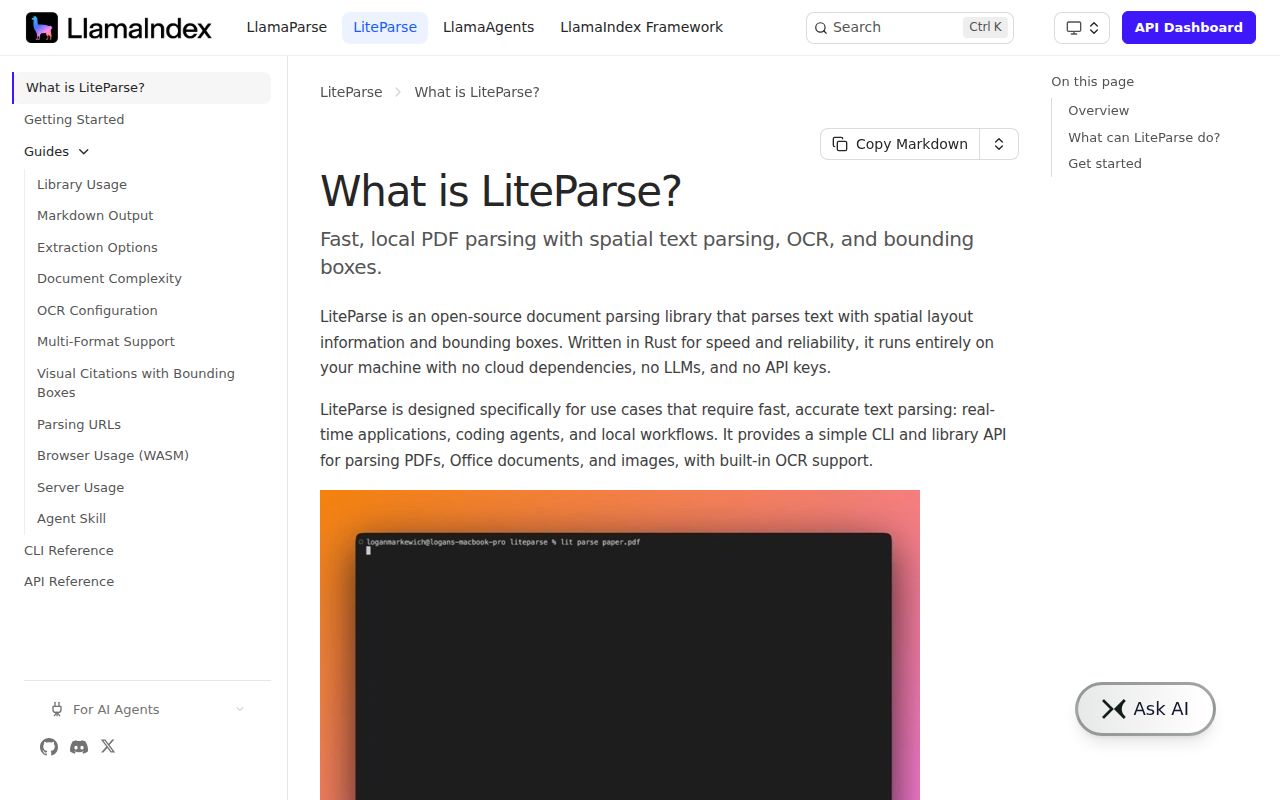
LiteParse sits between a low-level PDF library and a cloud document-understanding service. It extracts text with bounding boxes, reconstructs Markdown through rules, renders pages, and exposes images, annotations, form fields, tagged structure, vector paths, and layout blocks. Office files and images are converted before the same parsing path. The core is Rust, while Node.js, Python, Rust, WASM, Docker, and a shared lit command cover common deployment choices.
The most useful idea is routing. lit is-complex performs a cheap text-layer check and marks pages that appear scanned, sparse, garbled, image-heavy, or dependent on vector text. A pipeline can accept easy files locally and send only difficult pages to OCR or a hosted parser. That design is more honest than pretending one extraction mode suits every PDF, and it gives teams a place to enforce cost or privacy rules before full processing.
Markdown remains heuristic on difficult layouts
The README directly warns that dense tables, multiple columns, charts, handwriting, and scans are better handled by LlamaParse, the maintainers' cloud service. Local Markdown reconstruction classifies headings, paragraphs, lists, code, figures, and tables from spatial relationships. The JSON block output includes the coordinates behind those decisions, so an application can inspect or replace the rendered Markdown when the heuristic gets a page wrong.
Current reports show why that escape hatch matters. Issue 400 describes a sparse table row being turned into column-wise prose, while issue 395 reports interleaved free text causing a table header to be emitted as prose. Another report covers text disappearing near the edge of rotated pages after version 2.12.0. These are not reasons to reject the parser outright. They are reasons to build a corpus of representative contracts, reports, slides, scans, and exported spreadsheets before adoption.
What happened when we ran it
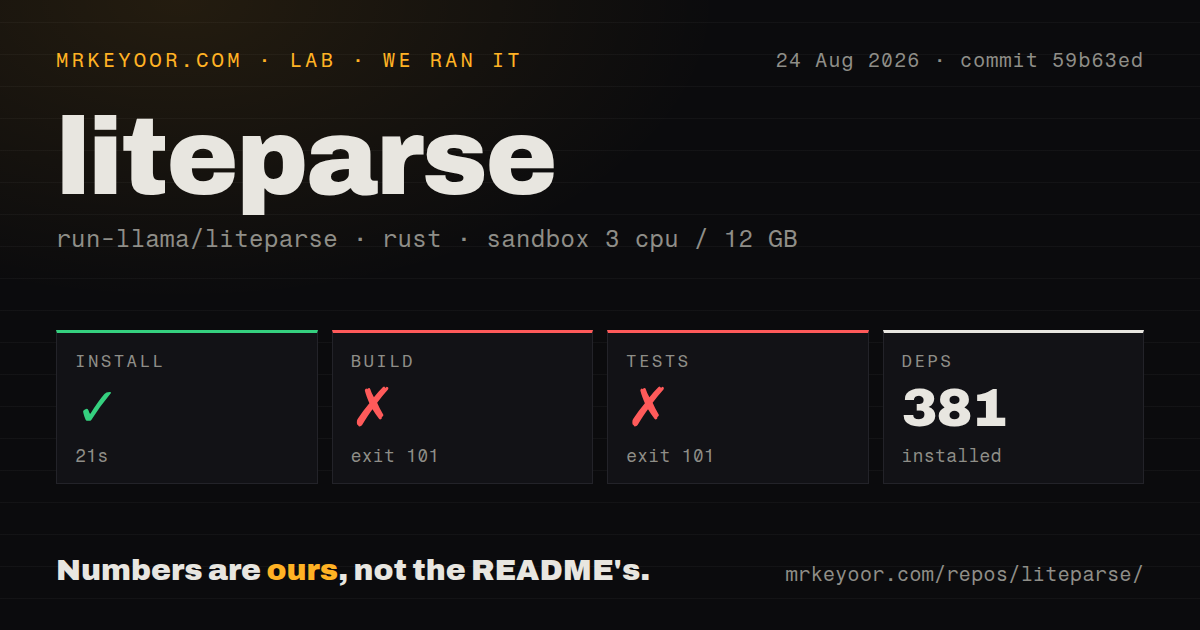
Our sandbox cloned commit 59b63ed into an unprivileged container with 3 CPUs and 12 GB of RAM. Cargo installation succeeded in 21 seconds and fetched 381 packages. The source build ran for 378 seconds, then exited with code 101. The checkout contained 221 files, roughly 59,083 lines of source, and 5.6 MB before compilation.
The failing build log came from tesseract-rs after it had configured native Tesseract and Leptonica paths. Its build script tried to download eng.traineddata from the Tesseract tessdata_best repository on GitHub, the request timed out, and the script panicked. That is the complete observed cause. It does not show a Rust compilation error or a problem inside LiteParse's parsing code.
Tests failed with exit code 101 after 51 seconds on the same eng.traineddata download. Because the dependency build did not finish, no project test results were produced. The repository had 13 CI workflow files and a Dockerfile, but no conventional tests directory in our scan. For controlled builders, the finding is concrete: the source path depends on a remote OCR asset being reachable during compilation unless it has already been staged.
OCR can be local, remote, or avoided page by page
The bundled path uses Tesseract, and LiteParse can also call an HTTP OCR service such as EasyOCR, PaddleOCR, or a custom server that follows its documented API. Native text and OCR output are then merged. The complexity check lets callers skip OCR on clean text PDFs, which can reduce work and prevent a slower recognizer from altering already usable text. Worker pools in Python and Node isolate parses in persistent processes and can kill a document that exceeds its time limit.
That flexibility creates configuration decisions. Local Tesseract needs language data and native dependencies. An HTTP recognizer adds a service, network boundary, credentials if protected, and its own capacity planning. Office formats depend on LibreOffice conversion. Browser WASM avoids server installation but does not make every native feature or large document a good browser workload. Choose one deliberate path instead of assuming the same package command produces equivalent behavior everywhere.
Structured output is more valuable than the Markdown alone
JSON consumers can request page-level text items, block classifications, cell coordinates, embedded-image metadata, form widgets, link annotations, vector shapes, XFA packets, document metadata, and content bounds. Several expensive fields are opt-in, and XMP parsing is skipped above a documented 16 MiB source threshold. Image bytes stay outside JSON, with paths and duplicate relationships recorded instead. These limits keep ordinary output usable while preserving deeper inspection for selected jobs.
For agent systems, page screenshots and coordinates provide a second view when extracted text loses meaning. A model can inspect the rendered page or map a questionable table cell back to its region. That does not prove extraction correctness. It gives the pipeline evidence for review, which is a stronger design than passing untraceable prose downstream.
August activity is fast and still fixing parser edges
Docker v2.14.0 was released on August 26, 2026, the same day as the latest repository push. GitHub showed 31 combined issues and pull requests. Recent work addressed screenshots, nested images, page boundaries, and table separation, while open reports covered invisible text and image detection. The project is active enough that a stale release is not the concern; regression coverage across varied PDFs is.
LiteParse is a good fit when local execution, spatial data, and several language bindings matter, and when the team accepts a routed parsing architecture. It is a poor fit when every hard document must become perfect Markdown without review. Start with the packaged build rather than our failing source path, pin the version, preflight OCR assets, and score the output against documents your users actually submit.