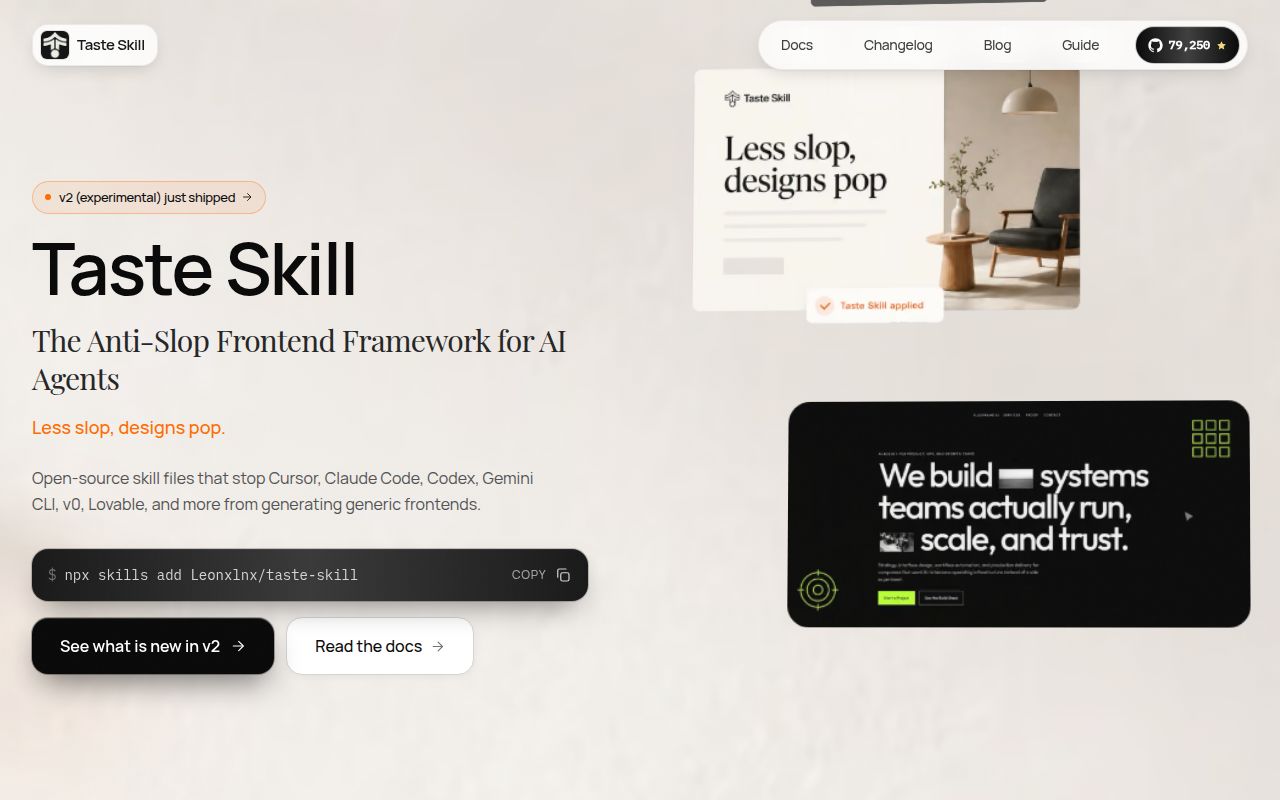
Artificial intelligence can write code, but it often lacks a crucial ingredient: taste. AI-powered coding assistants are notorious for producing front-end UIs that are functional but bland, stitched together from the most common denominator of their training data. The result is a sea of digital sameness, what the creators of Taste Skill call "slop." With over 70,000 stars on GitHub, Taste Skill is a massively popular project that acts as an "anti-slop agent," injecting a strong dose of design sensibility directly into the AI generation process.
How It Works: Skills, Not Libraries
It's important to understand that Taste Skill is not a component library like Bootstrap or a CSS framework like Tailwind. You don't import its components into your project. Instead, it's a collection of portable "Agent Skills", essentially, sophisticated and well-crafted prompt files in Markdown format. You install them using a simple command-line tool, npx skills add, which integrates with a Vercel Labs standard for AI agent skills. Once installed, these skills provide your AI assistant (like Cursor, Claude Code, or a ChatGPT session) with a new set of instructions and aesthetic principles.
This approach is incredibly flexible. You can load a skill for a specific project, or even just copy and paste the contents of a SKILL.md file directly into your chat with an LLM. It's a lightweight, context-based enhancement rather than a heavy project dependency. This makes it easy to experiment with different design directions without refactoring your codebase.
An Arsenal of Aesthetics
The project's power lies in its diverse and opinionated set of skills. The default skill, design-taste-frontend, is a comprehensive v2 rewrite labeled as "experimental" but packed with features. It claims to read a project brief, infer the appropriate design language, and then tune its output along three axes: VARIANCE, MOTION, and DENSITY. It even includes specific rules like a "hard em-dash ban" and provides canonical skeletons for GSAP animations, pushing the AI toward high-quality, modern motion design. This level of detailed instruction is what separates its output from generic boilerplate.
Beyond the default, Taste Skill offers a palette of aesthetics to choose from:
minimalist-ui: For achieving the clean, editorial feel of apps like Notion or Linear.industrial-brutalist-ui: For a more experimental, hard-edged style with sharp contrast and Swiss typography.soft-skill: Aims for a polished, "expensive" look with softer contrast, generous whitespace, and premium fonts.
There are also utility-focused skills. redesign-existing-projects provides a protocol for auditing and refactoring an existing UI, while full-output-enforcement tackles the frustrating habit of some AI models shipping half-finished code with // TODO comments. It even includes skills for specific pipelines, like image-to-code and stitch-design-taste for compatibility with Google's Stitch design system.
Finally, a unique feature is the inclusion of image-generation skills. These don't produce code but instead guide an image-generating AI (like DALL-E via ChatGPT) to create website compositions and reference boards. This creates a powerful workflow: generate a visual target with one skill, then hand that image to a code-generating agent armed with another Taste Skill to implement it.
Strengths and Rough Edges
Taste Skill's primary strength is that it elegantly solves a real and growing problem. It makes AI-assisted development viable for visually demanding projects. The modular, skill-based system is brilliant, offering flexibility without bloat. Its strong, opinionated stance on design is a feature, not a bug, providing clear direction where AI often flounders.
However, the project is not without its rough edges. The "experimental" label on the main v2 skill is a significant caveat for anyone considering it for mission-critical work. Compounding this is the lack of formal, versioned releases. The project appears to follow a continuous development model, which is fine for a tool like this, but challenging for teams that require stability and predictable updates. The documentation, while clear in the README, is thin. There's no dedicated website with in-depth guides, advanced examples, or a detailed breakdown of what parameters like VARIANCE or DENSITY actually control. You have to read the source SKILL.md files to truly understand the capabilities.
Where It Fits in Your Stack
Taste Skill isn't a production dependency you list in package.json. It's a developer workflow enhancement that sits alongside your AI coding assistant. Think of it as the art director providing a creative brief to your tireless AI programmer. It's ideal for rapid prototyping, building internal tools, or kickstarting new projects where you want a strong visual identity from day one without the overhead of a custom design system.
For teams, it can act as a shared set of aesthetic principles, ensuring that work produced by different developers using AI has a consistent level of quality and style. It bridges the gap between a blank canvas and a rigid component library, offering guided creativity that accelerates development without sacrificing quality. For the solo developer or small startup, it's like having a senior frontend designer on call.