The 5,666-file tree is a firmware distribution, not an app
LEDE is Lean's modified OpenWrt source tree for routers, gateways, and small network computers. Our checkout contained 5,666 files and roughly 1,658,998 lines of source before dependencies, which explains the repository's mix of kernel code, target definitions, toolchains, packages, feeds, and Lua web-interface components. You do not install this on a router like a normal package. You select a hardware profile and features, cross-compile an image, then accept the risk of flashing and testing that image on the device.
The primary Chinese README says the tree includes R24 sources and adds Loongson loongarch64 and Phytium D2000 support. It also presents Radxa network-computer models spanning gigabit and 2.5G Ethernet. The separate English page is less current: it still refers to R23 and promotes an ArmSoM board series instead. English instructions are available, but readers should compare them with the Chinese page and current commits before treating either hardware description as the final support matrix.
Ubuntu 22 or 24 is only the start of the documented build
The README recommends Debian or Ubuntu LTS 22 or 24, followed by a long apt command that installs compilers, multilib support, build generators, archive tools, emulators, development headers, and Python utilities. After cloning, you update and install all feeds, open make menuconfig, download source archives, and run the build. The README recommends one thread for the first compile. That sequence assumes you already know which target, subtarget, device profile, kernel, and packages belong in the image.
Configuration is where LEDE changes from a download into a maintenance commitment. A feed update can alter packages independently of the core tree, while menuconfig can produce combinations that few other users exercise. The README puts finished artifacts under bin/targets and gives a shorter rebuild path using make defconfig. It does not provide a target-by-target acceptance table for the current commit. For production hardware, keep the exact .config, commit, feed revisions, and recovery method alongside every image you deploy.
What happened when we ran it
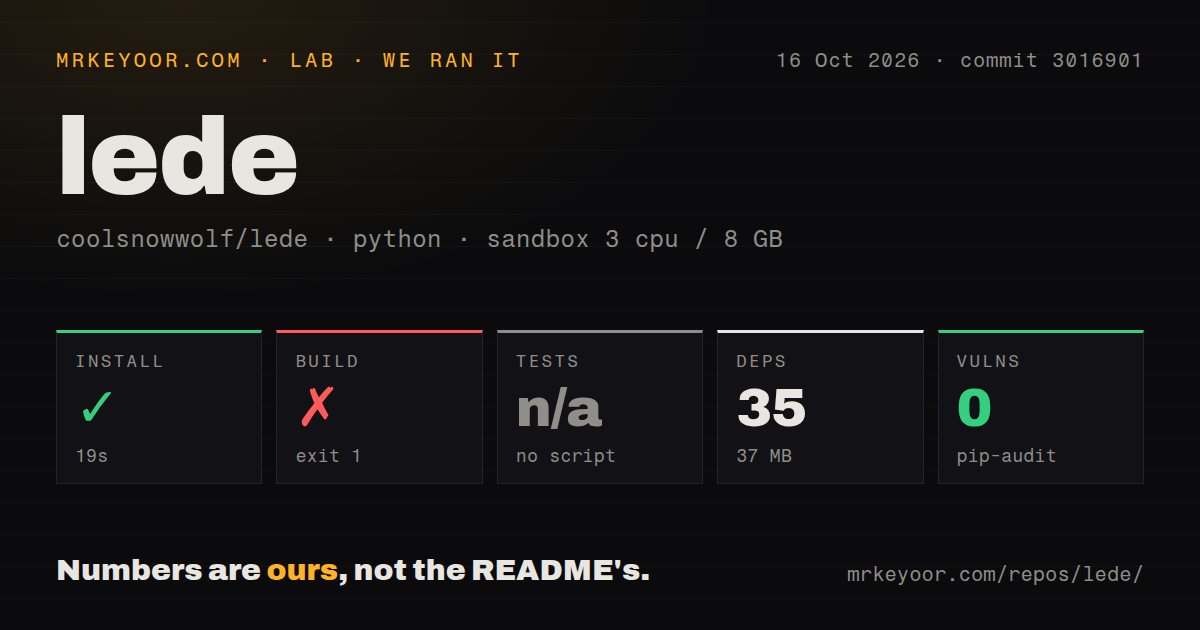
Our run used commit 16b091e in a fresh unprivileged Debian container with 3 CPUs and 8 GB of RAM. The repository occupied 112.2 MB before setup. Its Python install succeeded in 37 seconds, adding 35 packages and using 37 MB on disk. Pip-audit found 0 known vulnerabilities in those installed Python packages. That clean audit result applies only to the measured Python environment, not to every package, kernel component, or binary that a firmware image could contain.
The build failed with exit code 1 after 11 seconds. The measurement supplied for this review does not include the failing log lines, so it cannot support a claim about which dependency or build stage stopped. Tests were skipped because the harness found no test script or target. The scan also found one CI workflow, no Dockerfile, and no tests directory. A failed build without its error tail is still useful evidence: commit 16b091e did not complete under the stated sandbox recipe.
WSL needs a case-sensitive directory before the clone
The README warns against compiling as root and spells out two WSL traps. Windows paths containing spaces can pollute PATH, so the documented workaround replaces it with Unix system locations. NTFS-mounted directories are commonly case-insensitive, and the OpenWrt build check rejects that arrangement. The page says case sensitivity must be enabled on a new directory before cloning because changing an existing checkout is ineffective. The default firmware login is also documented as 192.168.1.1 with password password, which should never survive first boot on an exposed network.
macOS has a separate route using Xcode, Homebrew, GNU command variants, and GCC 11, plus manual PATH changes. That list is a warning about host-tool assumptions as much as an installation guide. A container image could make the toolchain more repeatable, yet our repository scan found no Dockerfile. Teams can build their own image, but they then own the base image, package pins, cache, disk allocation, and device-specific flashing workflow.
September activity coexists with 873 open issues and pull requests
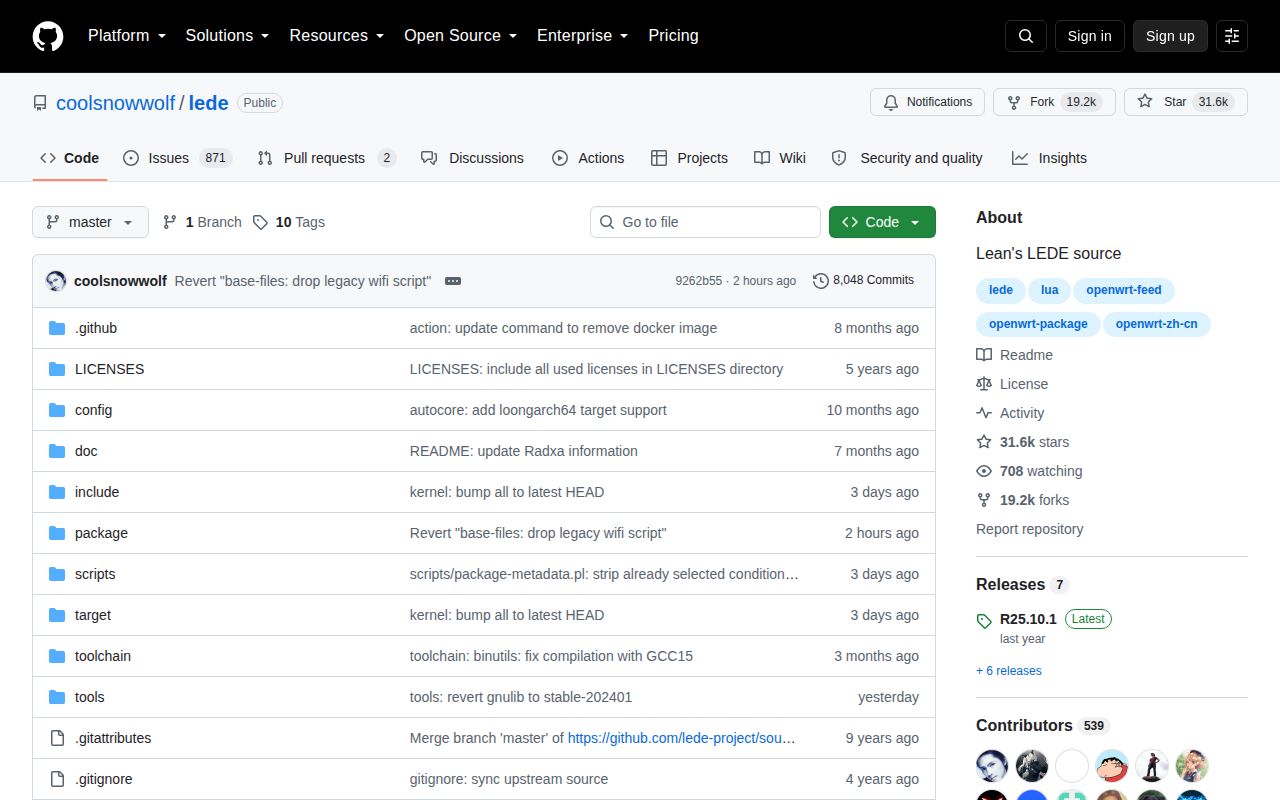
The last push was September 3, 2026, and GitHub listed 873 combined open issues and pull requests. Several build reports were updated the same day. Issue 14131 shows an implicit-function compile error for an ACRH17 target, and issue 14104 reports a Perl host-build type error for N1. Recent closures also matter: multiple build failures filed on September 1 were closed that day, while a containerd toolchain report from August was closed within two days. This is active maintenance with a large support surface.
The latest tagged release is R25.10.1, published September 30, 2025. Its notes list kernel updates across several branches, device additions, package work, and build fixes. The older release date does not make the project dormant because master moved on September 3, 2026 and issue handling continued. It does mean release users and master builders are choosing different risk profiles. A tag gives a fixed starting point; master carries newer hardware work and the freshest regressions.
Exact device and package choices decide whether LEDE fits
LEDE makes sense when this tree supports a board or package set that upstream OpenWrt does not serve as well. The choice should start with a device-specific check, not the repository's overall popularity. Issue 14117 reports that selecting sqlite3-cli on R2S reached a package-install failure because the available package did not match the configured architecture. Issue 14073 says a ZYXEL NGB7815 image from newer master could not reliably open its management page, while the reporter's 20251001 source worked.
Those reports make a spare-device trial mandatory. Build commit 16b091e with the intended .config, boot it without overwriting the known-good image, confirm networking and the LuCI page, then exercise upgrades, DNS, firewall, VPN, storage, and recovery. Our 11-second build failure prevents a recommendation based on repository setup alone. LEDE is worth the effort for builders who need its specific changes and can diagnose firmware failures; it is a poor default for anyone who simply wants a supported router image.