Four machines buy you a view inside Kubernetes
Kubernetes The Hard Way makes you assemble the parts that managed services and installers usually hide. Its 13 labs move from a jumpbox and machine inventory through certificate generation, kubeconfigs, encryption keys, etcd, the API server, worker nodes, network routes, and a smoke test. The finished cluster has 1 control-plane server and 2 workers. That is enough to watch the system form without pretending to be a fault-tolerant design.
The cost is deliberate friction. You need 4 ARM64 or AMD64 machines running Debian 12 on the same network. The published minimums add up to 4 CPU cores, 6.5 GB of RAM, and 70 GB of storage across the jumpbox, server, and workers. Provisioning is left to you. That makes the tutorial portable across local and hosted machines, but it also means there is no single command that reproduces someone else's lab.
Version 1.32.x is the lesson's fixed reference point
The component list names Kubernetes 1.32.x, containerd 2.1.x, CNI 1.6.x, and etcd 3.6.x. Holding those versions steady helps a tutorial: commands, download paths, flags, and expected output can agree. It also dates the material. The main branch remains at commit 52eb26d from April 10, 2025, although readers and contributors were still active in issues and pull requests during September 2026.
That distinction matters if you substitute current binaries. Open issue 944 describes a reader trying Kubernetes 1.37.x and reaching the end of the worker setup without nodes appearing. The report also changed the documented hostnames, so it does not prove a fault in the guide. It does prove that a version swap plus local changes is a different experiment. Follow the named versions first if your goal is to learn the documented system.
What happened when we ran it
Our sandbox did not run commit 52eb26d. The repository has no detected language ecosystem and no Dockerfile, leaving the lab runner without an install, build, or test command. We inspected it in an unprivileged container with 3 CPUs and 8 GB of RAM on September 25, 2026, but that environment cannot stand in for the four networked machines required by the course.
This result is useful because it tells you what the repository is. It is a set of operational instructions and configuration files, not an executable project with a machine-checkable entry point. We have no lab test count or completion time to report. A proper evaluation would provision the prescribed Debian 12 hosts and complete all 13 labs, including cleanup. Our automated run did not do that, so we will not imply that the current walkthrough passed end to end.
Root SSH makes the lab convenient and unsuitable as a blueprint
The compute lesson tells you to enable root SSH on the 3 cluster machines, distribute a key from the jumpbox, and append host entries across the group. The page acknowledges the security tradeoff. This is convenient for copying units and running the same command remotely during a course. On internet-reachable systems, leaving password-capable root login enabled would be a poor operating choice. Keep the network isolated and remove the lab when you finish.
Production gaps go beyond SSH. Every control-plane component lives on 1 server, there is no high-availability etcd cluster, and cloud-provider integration is outside scope. The smoke test checks encrypted Secret data in etcd, an nginx Deployment, port forwarding, logs, exec, and a NodePort Service. Those checks prove that the lesson's basic cluster can do useful work. They do not cover upgrades, backups, node failure, policy, ingress, storage, or day-2 operations.
Open corrections can stop an otherwise careful reader
The issue queue contains concrete reports against the instructions. Issue 905 says the API server unit omits --service-cluster-ip-range=10.32.0.0/16, allowing a default address that does not match the certificate prepared earlier. The reported symptom is a certificate validation failure when CoreDNS tries to reach the API. A linked pull request proposes adding the missing flag, but the main branch still deserves a line-by-line check before you begin.
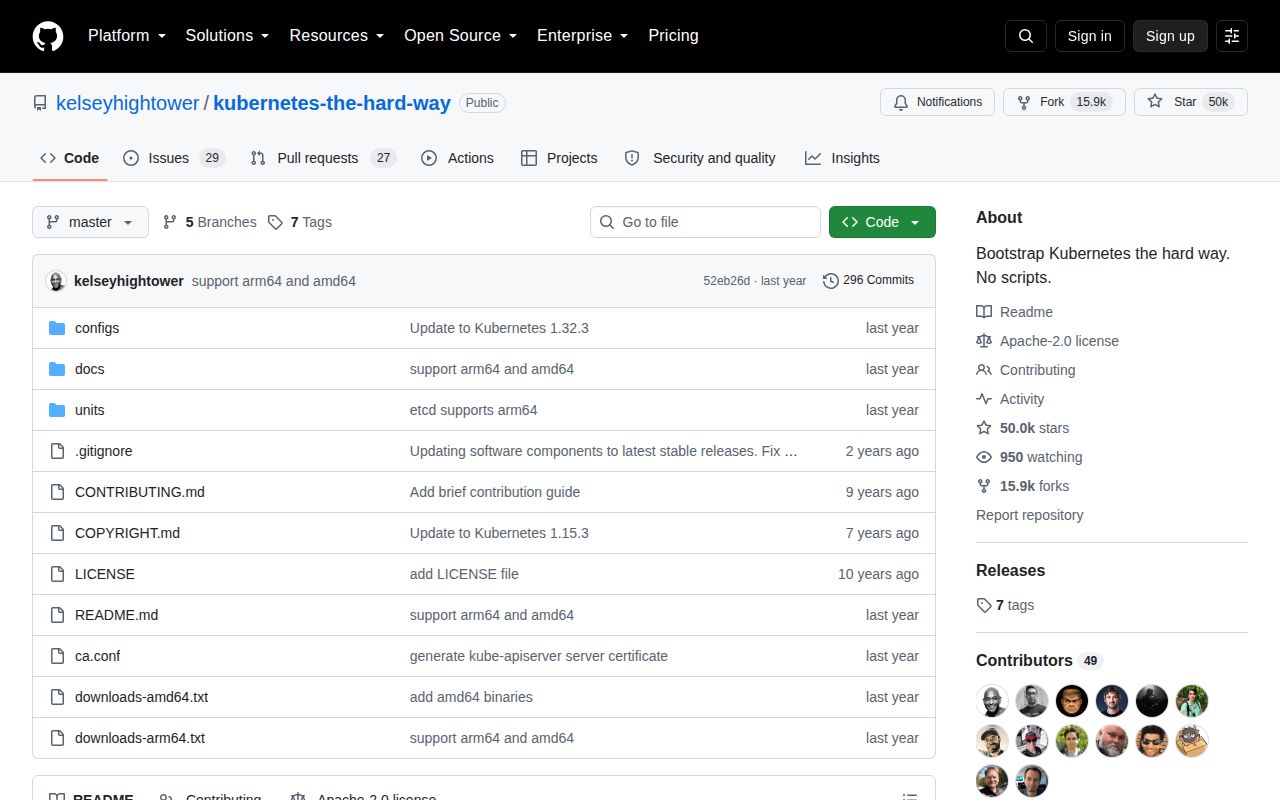
GitHub showed 56 combined open issues and pull requests and 50,033 stars when fetched. The repository had no GitHub release object, so there is no tagged package to prefer over the branch. Recent issue and pull-request activity shows that people still use and correct the course even though the last push date is older. Treat the discussion queue as errata, especially when a command fails at the boundary between certificates, network ranges, and services.
Use it for anatomy, then use supported tools for clusters
The tutorial succeeds when you finish knowing which file, flag, and certificate each Kubernetes component needs. That understanding pays off when an automated cluster breaks. It does not follow that manual bootstrapping is the right way to operate one. For repeatable local development, kind or minikube removes most of the machine work. For a maintained deployment procedure, start with current Kubernetes documentation and a supported installer or service.
Kubernetes The Hard Way remains worth the 4-machine detour for an engineer who wants the control plane to become tangible. Stay on the documented 1.32.x component line, read the open corrections before each lab, and dismantle the permissive SSH setup afterward. The repository promises a long route to understanding, and that is exactly what it supplies.