Koharu 0.81.10 keeps translation and page editing together
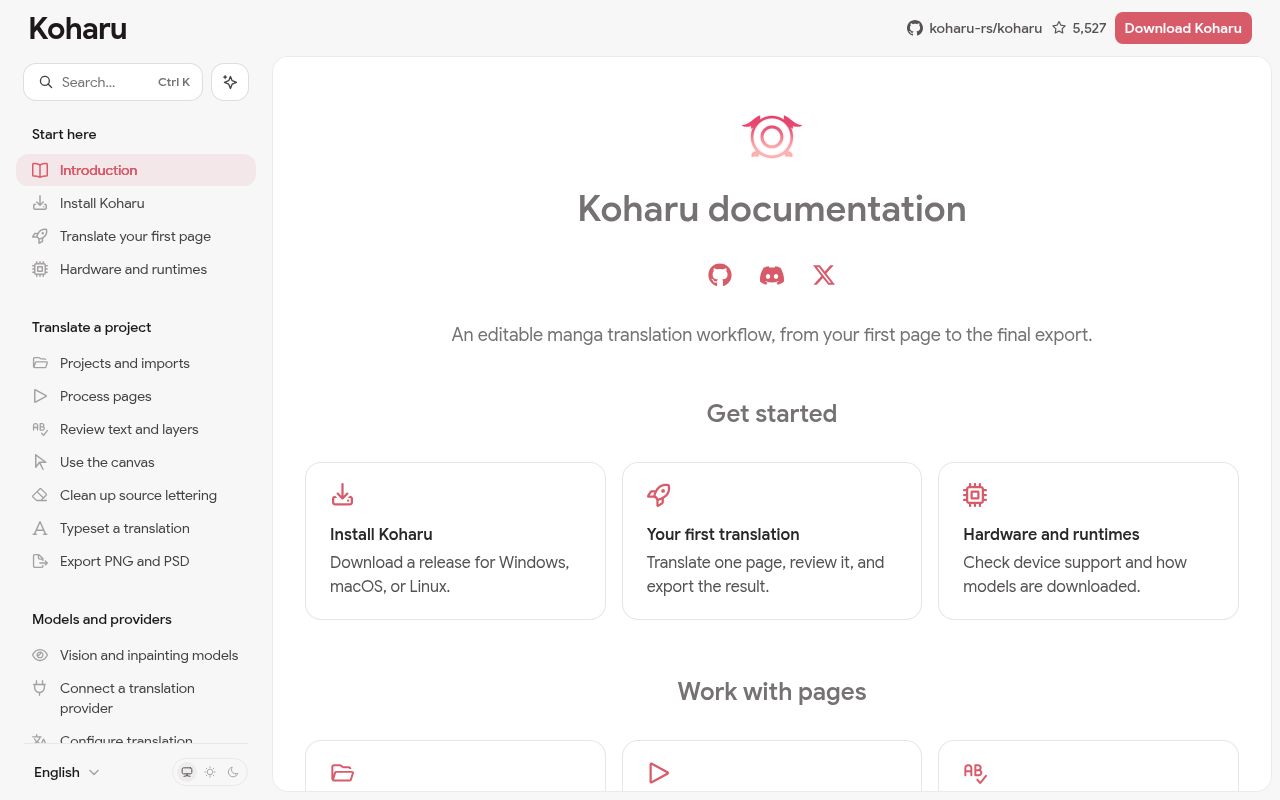
Koharu 0.81.10 combines the jobs that usually bounce between scripts, translation services, and an image editor. It detects text regions and speech bubbles, reads source text with OCR, translates it, removes the original lettering, and lays out the replacement. Projects accept raster images, archives, and PDFs while preserving page order. The English documentation sits beside Japanese and Simplified Chinese editions, so the feature set is explained beyond a screenshot and an install command.
The 18.2 MB checkout held 828 files and roughly 278,315 lines of source in our measurement. That size reflects a Rust desktop application, a WebGPU canvas, documentation, and JavaScript packages in a monorepo. The payoff is continuity: proofreading, paint layers, text fitting, font fallback, vertical CJK, and right-to-left layout all operate on the same project. This is useful when a translator wants machine assistance but still expects an editor to make the final calls.
Three desktop platforms have releases; source work needs native packages
Windows, macOS, and Linux each have release builds, with WinGet and Homebrew instructions for the first two. First launch can take longer while native packages download, and selected model files arrive on first use. Current source work is fussier. The guide names Rust 1.97.1, Bun 1.3.14, LLVM 22.1.8, and Linux packages for GTK, Xdo, SSL, app indicators, SVG handling, CJK fonts, D-Bus, and the keyring.
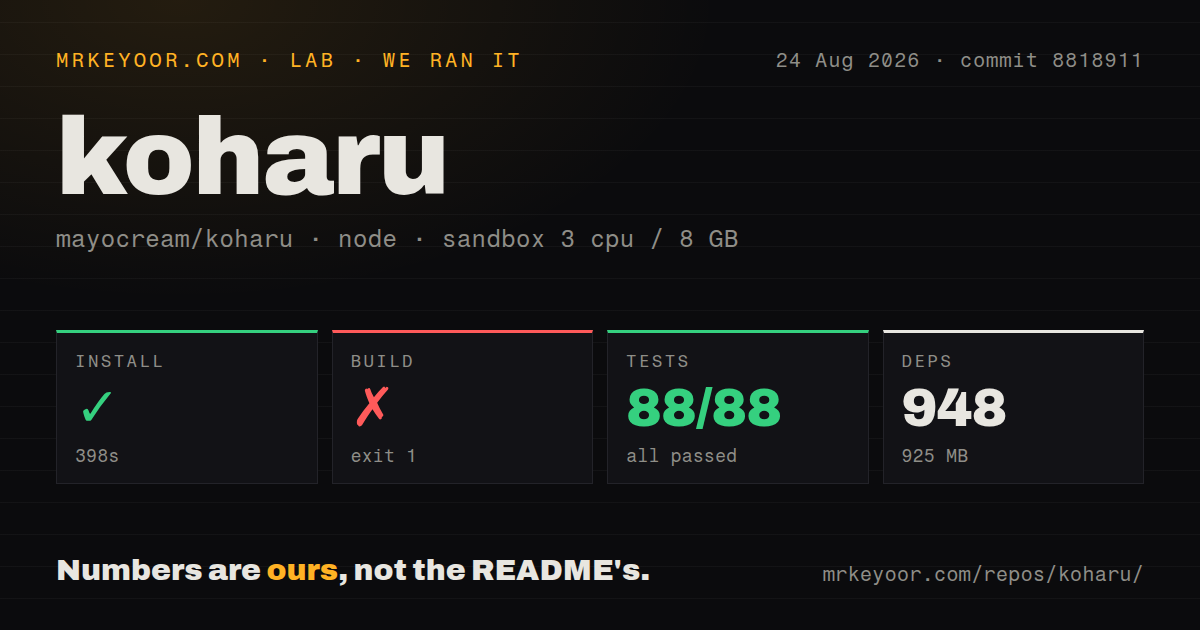
Our dependency install succeeded, but it was substantial: 948 packages, 925 MB on disk, and 398 seconds. The later build did not complete. That makes the official installers the sensible evaluation path for translators, while contributors need to follow the full platform setup rather than treating bun run build as a self-contained command. The repository has 11 CI workflow files but no Dockerfile, which fits a native desktop application whose graphics and operating-system integration matter.
What happened when we ran it
Our sandbox installed Koharu at commit 8818911 in 398 seconds. The install added 948 packages and occupied 925 MB in a fresh Debian container with 3 CPUs and 8 GB of RAM. The build ran for another 358 seconds, then exited with code 1. Pkg-config reported that it could not find the atk package, the atk.pc file was unavailable in its search path, and PKG_CONFIG_PATH was unset.
That log supports a narrow conclusion: the source build needs a system library our container did not have. It does not show a defect in OCR, translation, or inpainting. Vitest completed separately in 19 seconds and passed all 88 tests with 0 failures. The clean test result covers the available Vitest suite, while the failed application build means we could not judge the finished desktop runtime from this checkout. No timing or quality claim about model inference follows from this run.
Eight hosted model providers make privacy a per-provider choice
The provider guide names 8 hosted language-model services beside local GGUF inference through llama.cpp. Koharu also separates detection, OCR, inpainting, and translation models, with local vision and cleanup options. Provider credentials live in the operating system's secure store, while non-secret settings go in ~/.koharu/config.toml. Once a hosted service is selected, request content goes to that provider under its retention terms.
The 8 GB sandbox did not reach an inference session because the 358-second build failed first. Actual hardware selection has several moving parts: Metal is available on Apple silicon, while CUDA, ROCm, and Vulkan cover different Windows and Linux combinations. CUDA 13.0 requires compute capability 7.5 or newer and an R580-series or newer driver. The editor still needs a working WebGPU adapter when every ML stage runs on CPU.
PSD export stops above 30,000 pixels, and CBZ export is still manual
A finished page can leave Koharu as flat PNG or layered PSD. The PSD path retains the original image, a hidden removal mask, cleanup or paint layers, and editable text layers. It does not preserve every project concept, and the guide says per-layer visibility and opacity are omitted even though the merged preview respects them. Pages over 30,000 pixels on one side cannot be exported as PSD, so the native project directory remains the safest editable source.
Issue 1016 records a sharper publishing limit: Koharu can import CBZ but cannot export a finished project back to CBZ. Users must export loose pages and create the archive elsewhere. Open issue 1069 describes nested detections producing overlapping text blocks, and issue 731 reports inpainting that can leave random lines on a plain background. Those are specific reasons to inspect region boundaries, cleanup, translation, and final exports rather than running a whole chapter unattended.
The September 9 push and 114 open items show active, fast-moving work
GitHub recorded 5,527 stars, 114 combined issues and pull requests, and a last push on September 9, 2026. Of those open items, 107 were issues rather than pull requests. Release 0.81.10 arrived on September 8, after several other 0.81 releases in the same week. The queue includes fixes under review as well as user reports, so the combined number is not a bug count. It shows current maintenance and a steady stream of edge cases across editors, exports, runtimes, and hardware.
Some of those edge cases sit at startup. Issue 1005 describes a CUDA creation failure on one Windows installation, while issue 1052 reports ROCm device detection failures on a particular Linux and AMD setup. The documentation is candid about compatibility matrices and fallback rules, yet the 358-second source-build failure on our box adds another reason to trial one representative machine and chapter first. Koharu is worth that trial for its unified editing workflow, but it has too many hardware and output paths to approve from a feature checklist alone.