One maintained source replaces copied skill folders
Kitter keeps each Agent Skill in one local library, then creates managed links where an agent expects to find it. Different projects can receive different combinations while every installation points back to its maintained source. Updating once removes the copied folders that otherwise drift apart.
The desktop app also inventories skills Kitter did not install. Its project view searches project, parent, user-level, built-in, and plugin-provided locations, then identifies which agents can discover each capability. An estimated context cost helps flag a skill that is active everywhere but useful nowhere. The view answers a practical question: what instructions will this agent load in this repository?
Shared links make updates broad by design
A single update reaches every project linked to that skill source. If a skill changes its tool permissions, instructions, or expected files, all linked consumers see the new version. Kitter preserves the selected trigger mode across updates, but it cannot decide whether new content is safe for every project.
Review upstream changes before running kitter update, keep important sources under version control, and test a changed skill against one project first. Independent copies are better when each repository needs a frozen, reviewable snapshot. Kitter fits when copy drift is the larger risk and someone owns the shared source.
What happened when we ran it
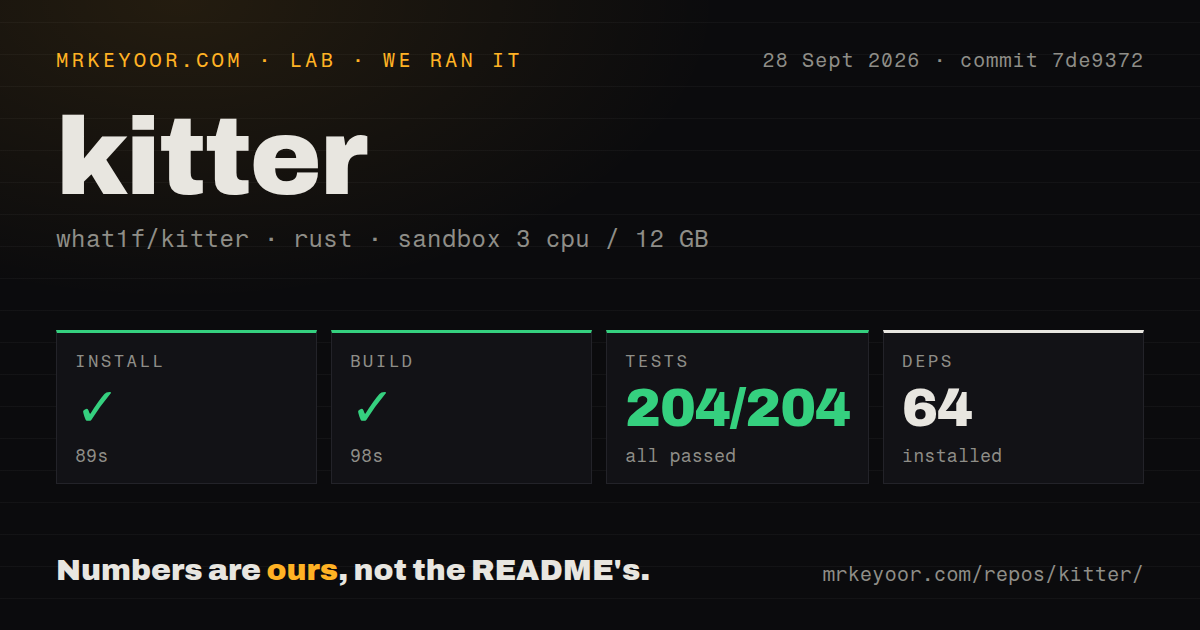
Our Rust sandbox installed 64 packages in 89 seconds. The checkout contained 123 files, roughly 25,952 lines of source, and used 8.9 MB before installation. The build completed in 98 seconds on commit 7de9372 inside an unprivileged container with 3 CPUs and 12 GB RAM.
Cargo test finished in 25 seconds with 204 passed and 0 failed out of 204. This is the strongest test result among the four projects in this batch. The repository has no separate tests directory, but Rust commonly keeps unit tests beside the code they cover, and cargo discovered and ran a real suite.
Our scan found 2 CI workflow files and no Dockerfile. The missing container recipe is unsurprising for a native desktop application distributed as platform-specific artifacts. A source builder must supply the Rust and GPUI environment. Most buyers should start with a release binary, using the source result as evidence that the code can be built and tested independently.
Three desktop platforms do not have equal support
Release v0.1.8 provides a macOS app for Apple Silicon and Intel, an x64 Windows executable, an x64 Linux archive, and separate CLI artifacts. The macOS application is not signed with an Apple Developer ID. Users must approve it through Privacy & Security or remove the quarantine attribute themselves. That is workable for an individual and awkward for a managed fleet.
The README calls Windows tested and notes platform-specific startup and performance fixes. An open report against v0.1.7 describes about 500 ms of delay in several GUI areas, with no reply when we checked. It does not prove v0.1.8 still has the problem, but current Windows hardware deserves a trial. Linux has both artifacts, while its desktop app still needs real-system validation.
The CLI covers the useful workflow without the desktop app
Four commands cover the core cycle: add a skill source, install it, inspect a project's effective skills, and update the maintained copy. Sources can come from a local folder, GitHub, a skills.sh-compatible source, or a Claude plugin. Targets include shared .agents/skills and agent-specific locations. Existing installations can be adopted without moving their sources.
Kitter also ships an Agent Skill through npx skills, so a coding agent can guide the same CLI workflow. The standalone binary must still be present or downloaded from an official release. This gives conversational management a deterministic local tool underneath it.
Version 0.1.8 is active and still young
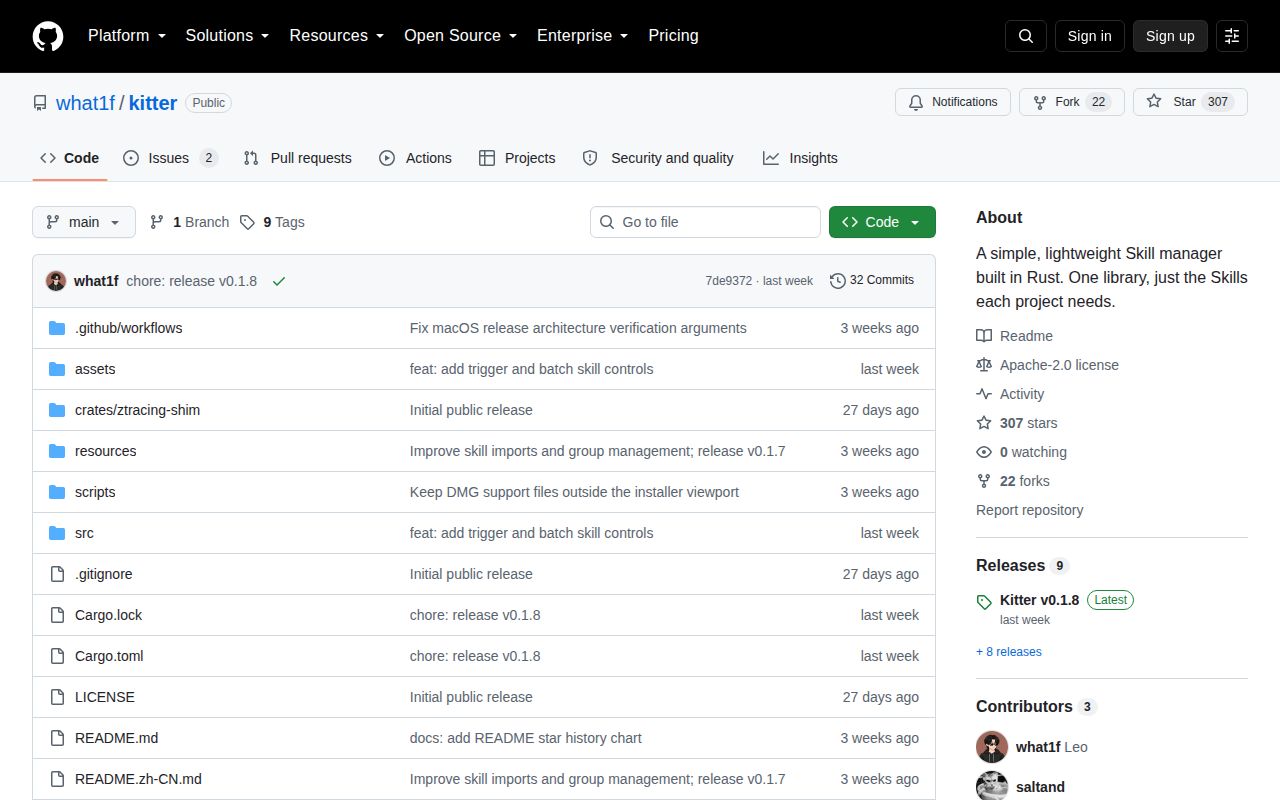
GitHub showed 307 stars, 2 open issues, and a last push on September 20, 2026. Release v0.1.8 was published the same day with batch skill management, three trigger modes, update progress, and macOS fixes. The repository was created on September 2, so eight version tags in less than three weeks show fast iteration rather than long compatibility evidence.
One open request asks Kitter to manage AGENTS.md, CLAUDE.md, and custom agent definitions. That capability is not present today. The current boundary covers skills, sources, installation targets, trigger behavior, updates, and effective discovery. Do not assume the request is a roadmap commitment.
Kitter fits developers already feeling skill drift
The 204 passing tests, 2 CI workflows, Apache-2.0 license, and three-platform releases make Kitter credible enough to try. The CLI avoids the unsigned macOS app and the remaining Linux and Windows desktop questions. Start with one noncritical skill, inspect the links, update it once, and confirm each agent sees the intended source.
Vercel's Skills CLI is simpler when installation is the only need. Skillshare focuses on syncing across clients, while Anthropic's repository supplies reference skills rather than an installation inventory. Kitter earns its place when you need inventory, per-project selection, and one-source updates together. If every repository must pin an independent skill copy, its central design works against your policy.