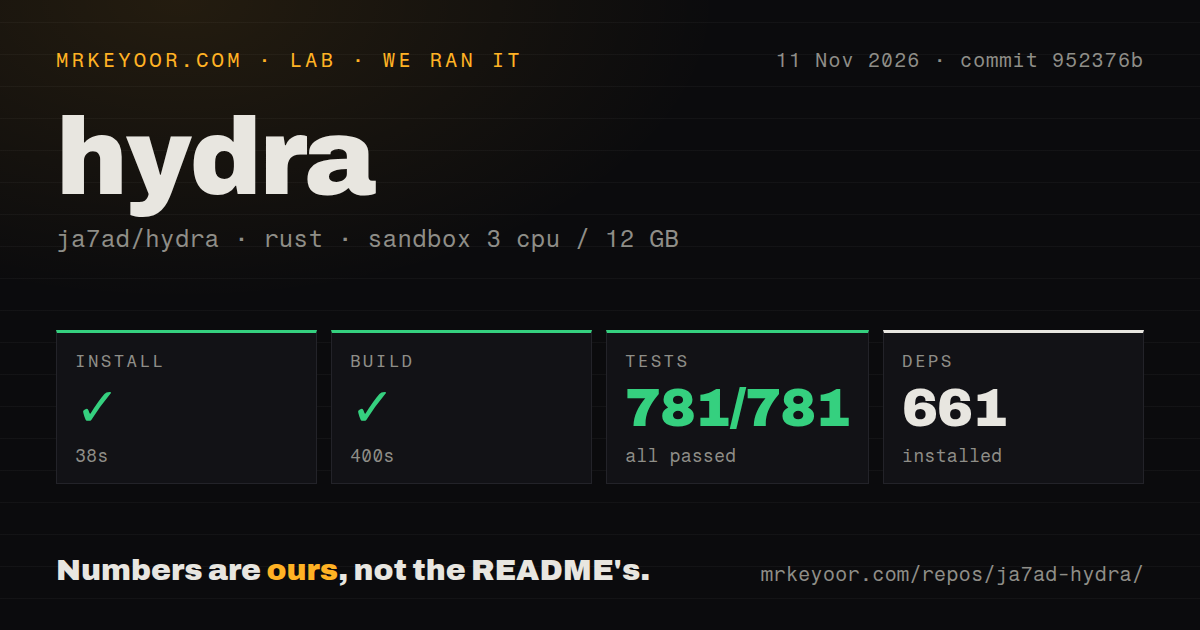
Hydra Download Manager passed all 781 tests in our sandbox, with a 400-second build. Consider it if you want a desktop queue and browser download handoff alongside a command-line downloader. Avoid choosing it from upstream speed charts alone. The more immediate decision is which artifact supports your operating system and the plugins you intend to run.
This review covers ja7ad/hydra, also called HDM. Hydra Launcher is a separate game-library application. The shared name is an easy way to reach the wrong project before you have even selected a download.
The same download project has CLI and desktop routes
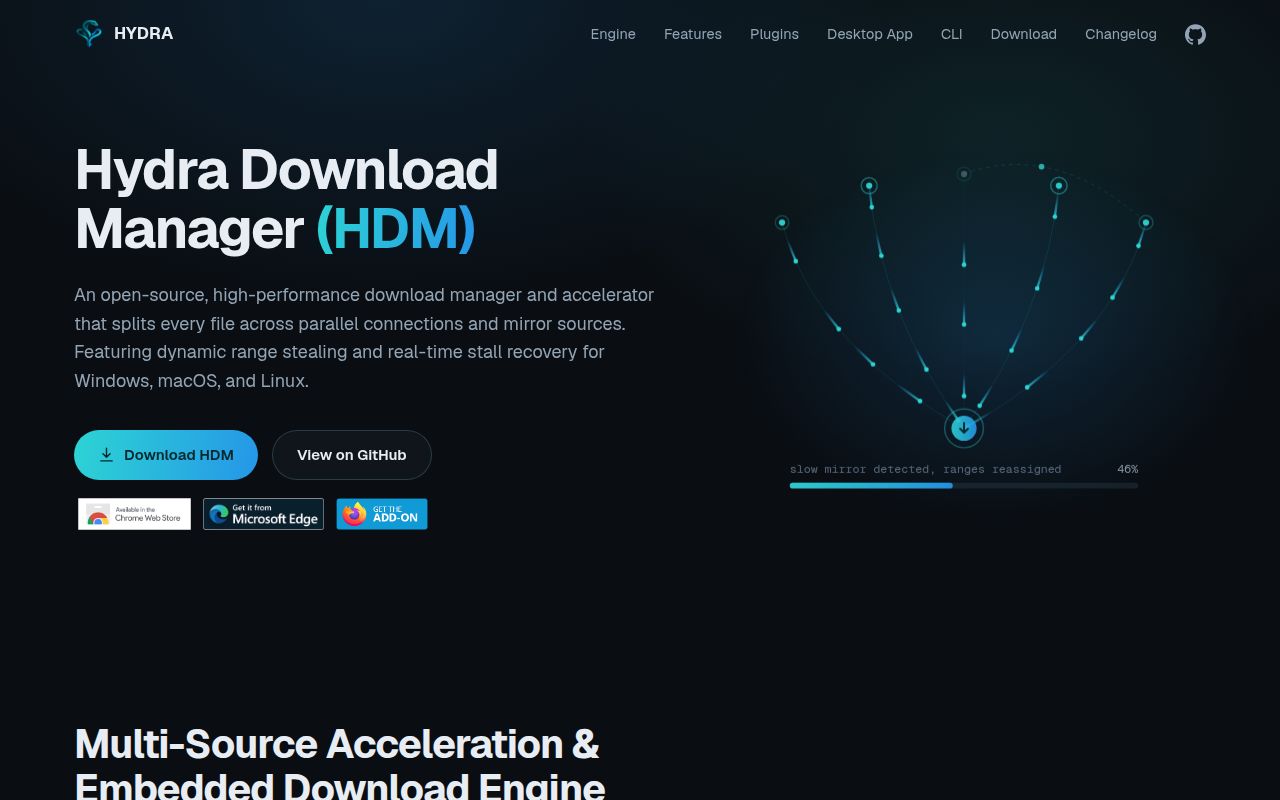
The README documents a command-line downloader and a desktop app for Windows, macOS and Linux. Its engine partitions work across connections and mirrors and reassigns work from slower peers. The GUI adds queues, scheduled starts and stops, and browser integration. Those are upstream descriptions of the product's behavior.
That combination is attractive when you want a download to move out of a browser and into an explicit queue. It is less persuasive for a script that already retrieves a URL successfully. More controls are useful only when they solve a problem you have, such as organizing several downloads or keeping their progress outside the browser window.
Browser capture has an integration chain: the extension talks to a native-messaging host, which connects it to the application. Treat that chain as part of the installation you choose. Installing a CLI binary is a different task from making a browser hand a download to the desktop application.
What happened when we ran it
Our November 11, 2026 run at commit 952376b installed Hydra Download Manager in 38 seconds, built it in 400 seconds and passed 781 of 781 cargo tests in 835 seconds. The record lists 661 dependencies. Source contributors should budget for the build and test cycle, even though the installation step itself finished much sooner.
The recorded sandbox configuration had 3 CPUs, 12 GB RAM and image label lab-rust:1. The checkout contained 582 files, approximately 176,750 source lines and 13.5 MB. The scan found seven CI workflow files, no Dockerfile and no tests directory. The cargo result supplies the test evidence regardless of the directory naming.
These measurements describe repository setup and checks at one commit. They do not establish that choosing a prebuilt desktop release takes the same effort. The actual runtime and operating-system versions require raw toolchain logs, rather than an interpretation of the image label.
The standalone Linux CLI cannot load native plugins
The README distinguishes Wasm plugins from native modules. Wasm code runs with memory and execution limits and uses host permission checks for operations such as network requests. Native code runs inside Hydra with the application's operating-system permissions. Package signatures authenticate contents and publisher identity; they do not turn native code into sandboxed code.
The standalone static musl CLI cannot load native libraries. For native plugins on Linux, the README directs users to the CLI in the desktop bundle, a distribution package or a GNU-target source build. This is a practical reason to choose the artifact before building a workflow around a plugin.
Torrent support illustrates the distinction: the documented plugin imports libtorrent into Hydra's process. A user expecting every extension to have Wasm's restrictions would be making the wrong trust decision. Check both what a plugin does and which kind of code it contains.
Portable profiles can take over browser capture
The desktop app can keep settings, download state and logs in a selected directory through its config option. A separate profile gets its own download list and single-instance lock, so it can coexist with the ordinary installation.
Browser capture while that portable instance is closed needs a per-user native-host registration. The README says enabling "Let this copy handle browser capture" transfers that role away from the ordinary installation on the same account. If you keep personal and work profiles apart, decide which copy should receive browser downloads before enabling that option.
Current issue activity includes browser download failures
Issue #431, updated November 12, 2026, reports invalid-ticket and forbidden responses while attempting Nitroflare and YouTube downloads. The report names Hydra 1.2.1 on Windows, but supplies no terminal log. This is an attributed user report, separate from our cargo results, and it should not be generalized to every source or release.
GitHub records the last repository push on November 11, 2026. That recent push and the following day's issue activity show ongoing development and reporting. They do not promise that a particular site's browser flow will work. A downloader still has to work with the source and authorization conditions you actually use.
aria2 and curl remain sensible choices for CLI work
aria2 documents HTTP(S), FTP, SFTP, BitTorrent and Metalink support. Choose it when those protocols and a command-line workflow already meet the job. curl transfers data to or from servers using URLs. Keep it when a scripted transfer needs no desktop queue or browser integration.
What we have not tested yet
Community research was not collected. Download throughput, interrupted-transfer recovery, integrity handling, browser capture and native-plugin behavior remain outside our sandbox record. We have not reproduced issue #431 or compared Hydra's speed with the alternatives. The README's benchmarks are upstream results.
Packaged desktop behavior, macOS permissions and operating-system compatibility also need their own checks. The current README says the macOS app is not notarized.
Documentation scores 4/5 on a scale where 1 means no usable path, 3 means usable core guidance and 5 means detailed instructions corroborated across reviewed workflows. Other dimensions remain unassessed. Try one representative download with the exact artifact and browser you intend to keep, then interrupt and resume it before transferring your whole queue.