Thirty documented features cover the daily photo-library job
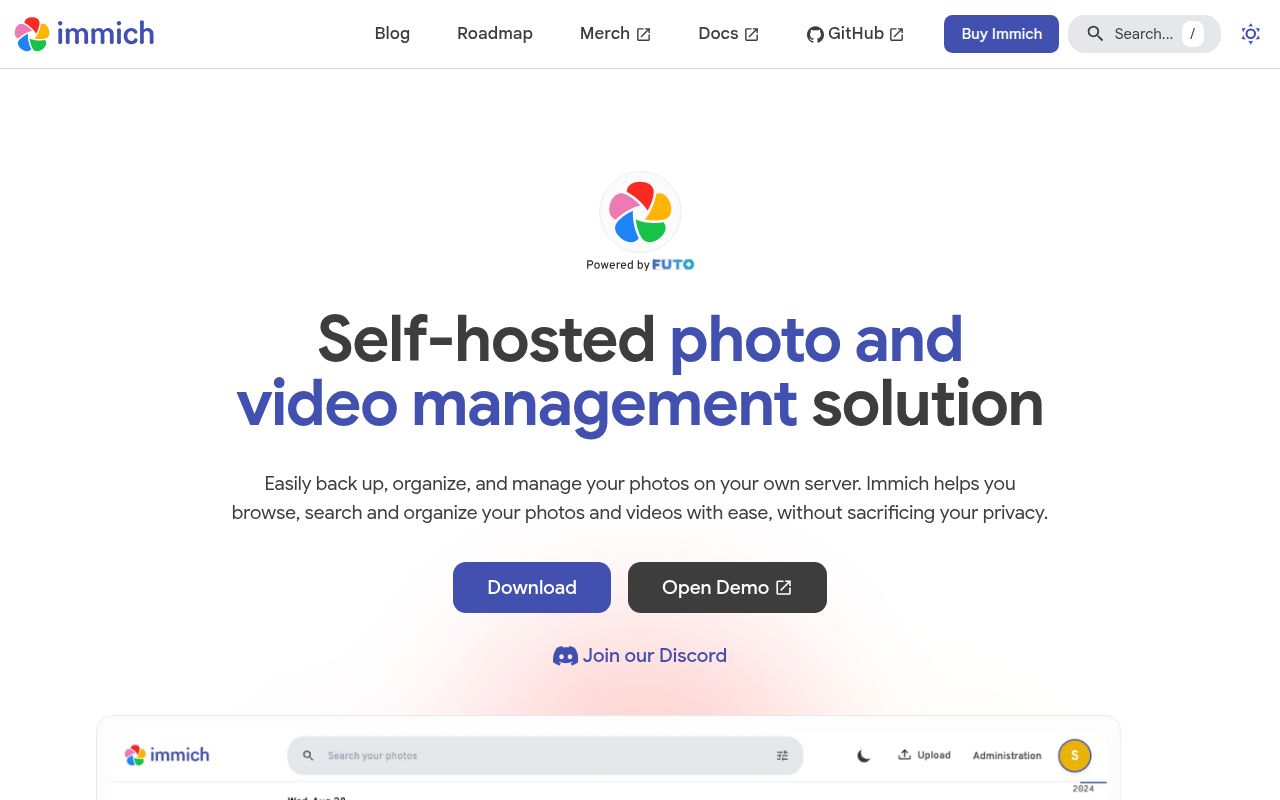
Immich handles the routine that decides whether a private photo service gets used. Its Android and iOS apps back up selected albums, show which assets reached the server, and keep some content available offline. The web app covers uploads, albums, public links, maps, metadata, administration, and search. The README lists 30 web or mobile features, including raw formats, Live Photos, Motion Photos, stacks, partner sharing, and face clustering.
Search works across metadata, objects, faces, and CLIP results. External libraries can bring an existing archive into the timeline, while storage templates control how managed uploads are arranged. This is a stateful catalog rather than a prettier directory listing: albums, people, generated previews, sharing relationships, and mobile sync records all depend on database state. That distinction matters when you plan recovery for a 467.5 MB codebase managing irreplaceable files.
What happened when we ran it
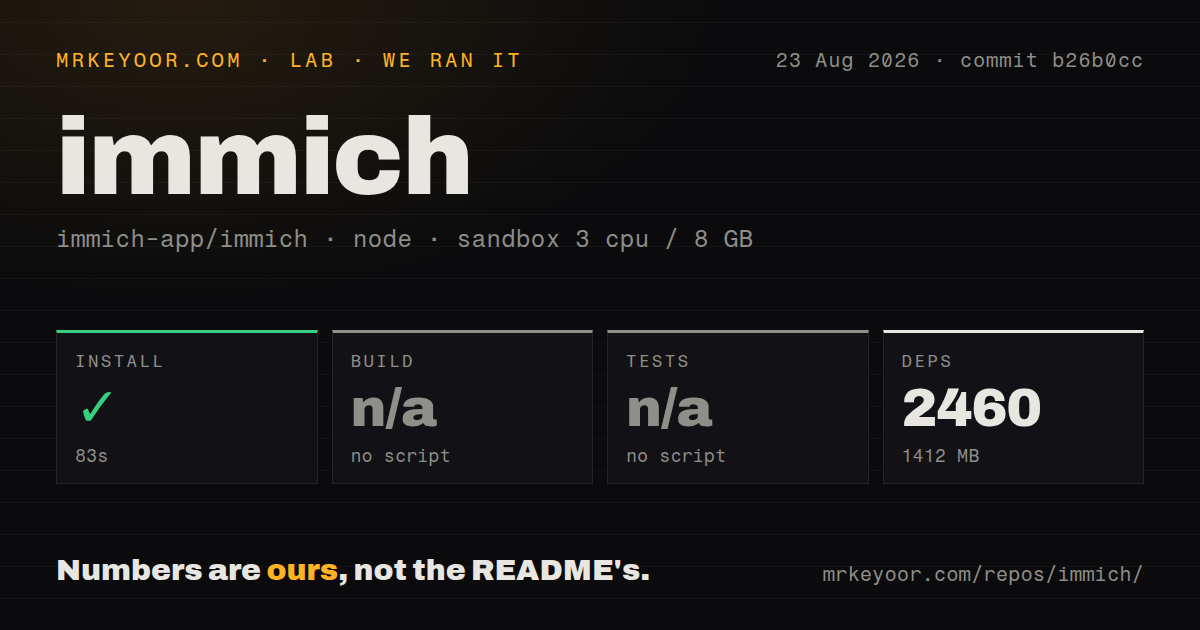
Our sandbox cloned commit b26b0cc into an unprivileged Debian container with 3 CPUs and 8 GB of RAM. The checkout contained 3,492 files, about 220,145 lines of source, and occupied 467.5 MB. It is a pnpm workspace monorepo with 24 CI workflow files. Our scan found no Dockerfile or tests directory at the repository root.
Installation succeeded in 83 seconds, adding 2,460 packages and consuming 1,412 MB. The root package offered no build script or target, so the harness skipped that step. It also offered no root test script or target, so tests were skipped. Those results are findings, not passes, and the available log had no build or test failure tail to interpret.
Our run measured repository setup only. We did not start the Compose services, upload a photo, download a machine-learning model, or exercise either mobile client. A production trial therefore needs more than the successful 83-second install: deploy the documented stack, upload representative photos and videos, check them on each client, and restore a copy before trusting automatic backup.
Production starts at 6 GB of RAM and local database storage
The supported route is Docker Compose on a 64-bit Linux or Unix-like host. Immich requires at least 6 GB of RAM and 2 CPU cores, while recommending 8 GB and 4 cores. The v3 machine-learning image on amd64 also requires the x86-64-v2 instruction level. The last x86-64-v1-compatible release is v2.7.5, which the requirements page says is unsupported.
Storage deserves more attention than the three Compose commands. PostgreSQL typically uses 1 to 3 GB and should live on a local SSD, never a network share. The database location needs Unix-style ownership and permissions, which rules out NTFS and exFAT. Generated thumbnails and transcoded video can add 10 to 20 percent to the original library size, before backups are counted.
The environment file sets upload and database paths, a release tag, timezone, and PostgreSQL password. Docker's current docker compose plugin is required; the deprecated docker-compose command is unsupported. Remote phone uploads need a reachable endpoint with trusted HTTPS. The FAQ warns that self-signed certificates, Basic Auth, custom headers, and mutual TLS are experimental and can break video playback or asset transfers.
A usable backup includes the database and the media
The README places a 3-2-1 warning above the feature table for good reason. Immich stores file paths and user metadata in PostgreSQL and does not reconstruct that state by scanning the upload directory. Automatic database dumps run daily at 2:00 AM by default and retain the latest 14, but those files contain no photos or videos. You must copy the upload location as well.
Recovery is better documented than in many home-lab projects. The web interface can restore a database dump, creates a restore point first, runs migrations when needed, and rolls back if its health check fails. That does not remove the operator's job. Keep database and media copies aligned, preserve external-library mount paths, and rehearse the procedure on spare storage. The README's 3-2-1 warning should be treated as an adoption condition.
Version 3.1.0 still has mobile and bulk-edit edge cases
One open report from two iPhones on server and mobile version 3.1.0 describes repeated duplicate-checksum insert errors. Resetting the app's SQLite database did not resolve the reporter's sync loop; deleting and reinstalling the app did. A single report does not establish a general failure, but it gives a precise acceptance test for multi-phone households: create new assets on 2 devices, wait for background work, and confirm later syncs settle.
Bulk metadata tools need the same caution. Issue 23074 reports that a shift-range selection in Manage Location unexpectedly selected about 28,000 assets after the interface paused for 5 to 10 seconds. The reporter recovered with XMP sidecars and ZFS snapshots. Issue 30010 documents portrait HLS video appearing unrotated in iOS browsers under a specific VAAPI setup. Test mass edits and representative video formats before rolling Immich out to less technical users.
An August 26 push and 714 open items show an active, busy project
GitHub recorded 112,733 stars, an August 26, 2026 push, and 714 open issues and pull requests combined. Release v3.1.0 arrived on July 29 with web upload wake locks, OIDC role synchronization changes, session invalidation during password resets, and an iOS 14 support drop. The current push plus continuing issue activity point to active maintenance; the combined open count should not be read as 714 confirmed bugs.
Immich offers the most convincing trial here when phone backup and family-friendly browsing come first. PhotoPrism is the sharper comparison for a web-first archive, while Ente makes more sense for encrypted service design. Our 2,460-package install shows the development tree is large, and the 6 GB server minimum confirms that deployment is a real service. If backups, upgrades, and storage checks will be neglected, choose a managed photo service instead.