PhotoPrism indexes an archive instead of replacing its files
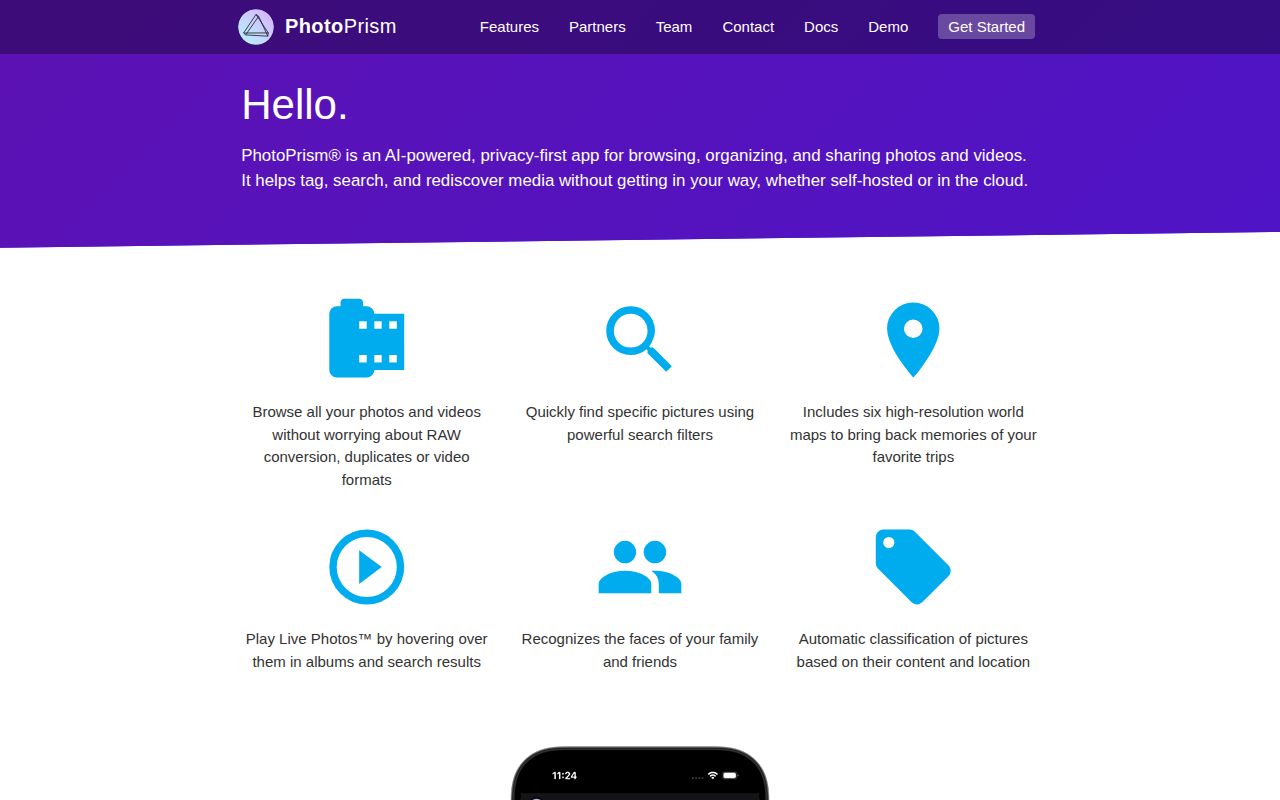
PhotoPrism is built for people who already have years of photos and videos and want a private, searchable view over them. It reads RAW files, common video formats, Exif and XMP metadata, Google Photos metadata, locations, and face regions. The browser app adds filters, labels, people, places, albums, sharing, slideshows, and WebDAV access. Originals remain files that the operator stores, which is reassuring for photographers who distrust proprietary cloud libraries.
The product is more archive browser than automatic phone-backup appliance. Its README recommends compatible mobile tools such as PhotoSync for background iOS and Android transfers. That can work well, but it means upload behavior, mobile permissions, duplicate handling, and remote connectivity cross application boundaries. Anyone replacing Google Photos should test the entire capture-to-backup path, not stop after the PhotoPrism timeline displays existing pictures. Immich is the more direct comparison when first-party mobile backup is the deciding feature.
Docker is the supported route because media dependencies are numerous
PhotoPrism says a browser and Docker are enough for its Community Edition, with stable and preview images for 64-bit AMD, Intel, and ARM processors. The same images cover Apple Silicon and Raspberry Pi deployments. This is the route to use. The July 28, 2026 release notes describe attached Linux packages as intended for experienced users and integrators, warn that they omit tested system dependencies, and recommend Docker for private servers and NAS devices.
A real deployment still needs decisions around originals, generated storage, database data, passwords, ports, and backups. SQLite keeps a small instance simple; MariaDB suits heavier deployments. PostgreSQL support was still an open priority issue on August 12, with an in-progress GORM upgrade pull request updated August 25. Do not design a mandatory PostgreSQL architecture around work that has not landed. Optional OIDC, WebDAV, external vision services, and remote access each add secrets or network exposure.
What happened when we ran it
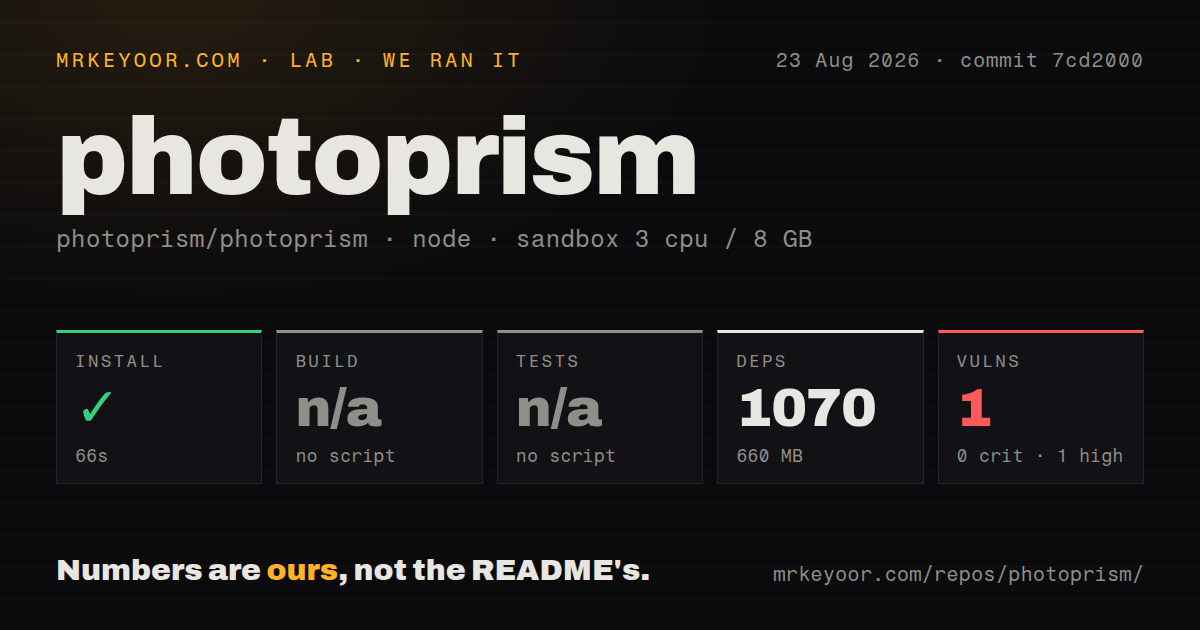
Our run at commit 7cd2000 installed 1,070 npm packages in 66 seconds and used 660 MB on disk. The Node workspace exposed no build script and no test script, so the lab skipped both steps. npm audit reported 1 known high-severity vulnerability, with 0 critical, 0 moderate, and 0 low findings. That advisory needs identification and triage before shipping a modified frontend.
This measurement describes only the npm workspace discovered by the generic runner. It does not prove that the Go server compiled, the Docker image started, a database migrated, or a photo library indexed. The repository is a monorepo with 6,055 files, about 470,428 source lines, and a 116.2 MB checkout. It had 1 GitHub Actions workflow, a Dockerfile, a Compose file, and no top-level tests directory. A successful dependency install is therefore a narrow finding.
The application workload is much broader than web assets. It creates thumbnails, extracts metadata, decodes RAW images, transcodes video, classifies content, recognizes faces, and writes an index. Slow disks or network-mounted database files can make a healthy container feel broken. Begin with a copied sample containing the camera formats, videos, sidecars, and Live Photos you actually own. Observe CPU, memory, temporary storage, and resulting metadata before allowing it to scan the only copy of an archive.
Face recognition can become the bottleneck at very large scale
Face grouping is useful because PhotoPrism can find family members across an old library, and the 2026 release added XMP face-region imports from sidecars and embedded metadata. Yet open issue 5393 reports slow face updates in a 2.5-million-photo collection. Related current work covers memory and performance while naming clusters, preventing accidental merges, and improving recognition. Those are exactly the operations that become painful after an index contains years of corrections.
The right test is not whether the demo recognizes a few portraits. Import enough images to create meaningful clusters, correct wrong matches, merge and reassign people, then measure how long updates take. Keep XMP sidecars if they are part of the existing workflow and verify round trips. PhotoPrism's file and metadata orientation is an advantage here, but only if the operator understands which edits live in the database and which survive an index rebuild.
The July 2026 release improved difficult media paths
Release 260728 added interactive 360-degree photos and videos, 16K thumbnail and video sizes for that media, a multi-page PDF viewer, native JPEG XL decoding, and more XMP imports. It also fixed duplicate creation during parallel indexing, failed WebDAV uploads being reported as successful, and several download and search errors. Security work included signed download tokens, WebDAV and indexing hardening, and dependency updates. The breadth shows a product maintained around real libraries rather than a simple gallery demo.
The repository was pushed on August 25, 2026, and recent issue activity covered ONNX Runtime, face performance, tests, thumbnails, video transcoding, and database support. GitHub's 457 open count combines issues and pull requests. The README enforces a strict issue policy, asking users to bring support questions to discussions and reserve issues for reproducible defects. That may feel formal to home users, though the documentation and troubleshooting checklists give them another route.
Membership boundaries belong in the evaluation
PhotoPrism is AGPL-licensed and self-funded, while memberships add features and support access. The README specifically names interactive world maps as a member benefit and directs readers to an edition comparison. This is not a reason to dismiss the Community Edition. It is a reason to list the features visible in screenshots, confirm their edition, and price the desired configuration before migrating a household library.
Choose PhotoPrism for control over original files, deep metadata handling, and search across mixed camera archives. Choose something else if effortless mobile backup or a lighter gallery matters more. Whatever the choice, keep independent backups: a photo index can be rebuilt, but deleted originals and lost sidecars cannot.