mrkeyoor.com_
Thu 03 Sept 06:56 UTC
Dev Toolsevaluationupdated 03 Sept 2026

ImHex review

ImHex is a graphical hex editor and binary-analysis workbench for reverse engineers, programmers, and file-format researchers. It combines byte editing with a C-like pattern language, disassembly, diffing, hashing, YARA scans, visualizers, remote data sources, and plugins.

Verdict

Our ImHex source install stopped after 4 seconds because CMake could not find dbus-1, so most users should start with a packaged build rather than compile it cold. Choose ImHex when its Pattern Language and many data sources will replace several smaller binary tools in your workflow. Choose a narrower editor for occasional byte changes, and keep nightly builds away from evidence-sensitive reload or command-line jobs until the cited reports are resolved.

We ran it

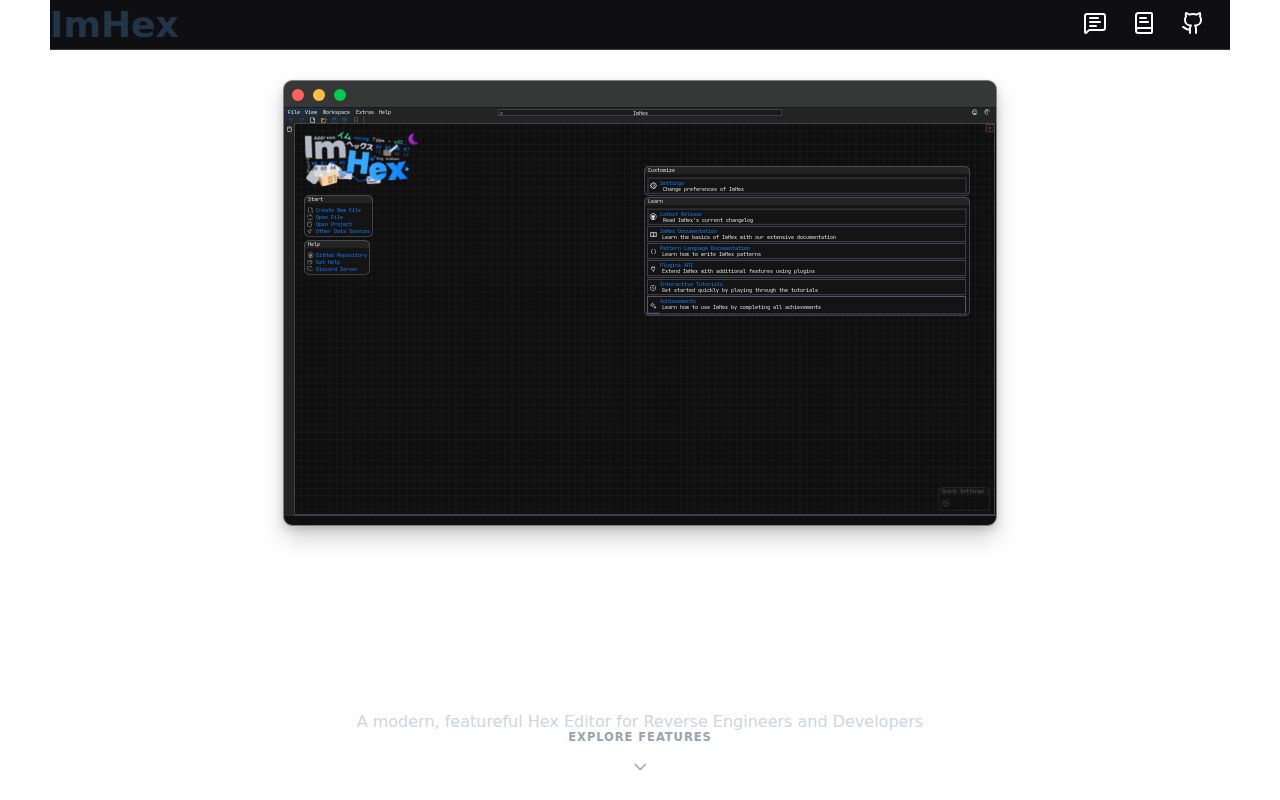
Lab card: what happened when we ran ImHexScreenshot of ImHex (imhex.werwolv.net)
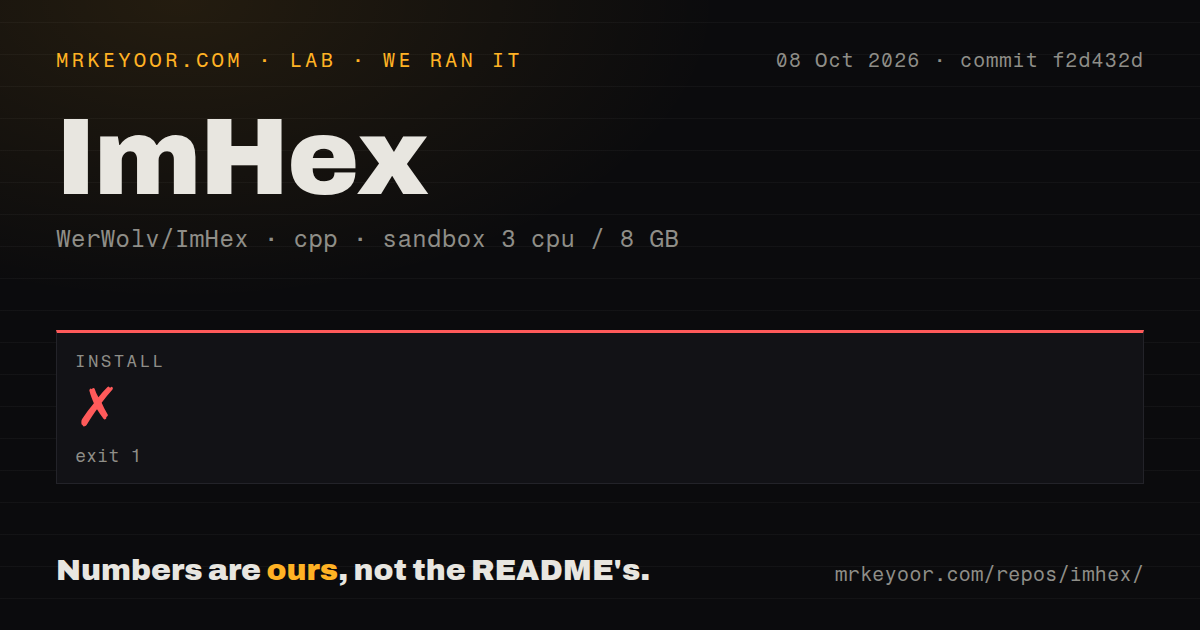
Install✗ · 4s
Build
Repo8200 files~1,473,355 lines of source · 205.8 MB · 7 CI workflows · tests dir

Answers from our run

Does ImHex build from source?

The dependency install failed, and the project has no separate build step. We cloned commit 53dbd48 into a clean Debian container with 3 CPUs and no project-specific setup.

Who should not use ImHex?

Developers wanting a source build on an unprepared Debian box: our CMake configuration stopped because pkg-config could not find the required dbus-1 module.

What are the alternatives to ImHex?

Okteta, radare2, Ghidra. Our ImHex source install stopped after 4 seconds because CMake could not find dbus-1, so most users should start with a packaged build rather than compile it cold.

Setup3/5Many packages exist, but our source configure failed in 4 seconds
Docs4/5Detailed feature, platform, install, compile, and plugin guidance
Community5/554,645 stars with September 2026 issue and code activity
Maturity4/5v1.38.1 is capable, though open data and CLI bugs deserve care

Who it’s for

Reverse engineers who want structure definitions, disassembly, and raw bytes in one desktop interface.
File-format developers who repeatedly inspect binary layouts and can write reusable Pattern Language definitions.
Firmware and embedded engineers working with disks, process memory, GDB, Intel Hex, SREC, or remote files.
Plugin authors who can build against the ImHex SDK and accept the project's license split.

Who it’s NOT for

Developers wanting a source build on an unprepared Debian box: our CMake configuration stopped because pkg-config could not find the required dbus-1 module.
Machines without OpenGL 3.0 that cannot use a NoGPU package: the README says software rendering is slower.
MSVC-only or AppleClang-only build environments: the current README requires C++23 and says those two compilers are unsupported.
Teams that need a permissively licensed core for proprietary changes: most of ImHex is GPLv2-only, with LGPLv2.1 reserved for named plugin-facing libraries.
Forensic workflows that reload changing evidence from a nightly build: issue 2872 reports incorrect displayed bytes after reload in version 1.39.0.WIP.
Command-line automation that must be dependable today: issue 2715 reports a stable 1.38.1 Linux crash when opening one file, while issue 2873 says a file opens without its requested pattern on a 1.39.0.WIP build.

Setup reality

Our sandbox install failed with exit 1 after 4 seconds during CMake configuration. pkg-config could not find the required dbus-1 module, so configuration ended incomplete. The 205.8 MB checkout contained 8,200 files and about 1,473,355 source lines. No build or test result was produced; the scan found 7 CI workflows, a tests directory, and no root Dockerfile.

End users can choose installers, portable builds, AppImage, Flatpak, Snap, DEB, RPM, or the web version without supplying credentials. Source builders must clone submodules, run the matching dependency script, and use GCC or LLVM Clang with C++23 support. The current Linux guide shows GCC 16, CMake, and Ninja.

The normal application expects OpenGL 3.0; NoGPU releases trade speed for software rendering. The README lists about 50 MiB of base RAM and 100 MiB of storage, with more memory for harder analysis. Current macOS binaries target macOS 15 and are unsigned, while older systems must compile from source.

ImHex 1.38.1 combines a hex editor with a binary workbench

ImHex 1.38.1 goes far beyond changing bytes in a file. The desktop interface includes multiple workspaces, bookmarks, structured data inspection, search, diffing, hashes, an integrated disassembler, YARA rules, and a node-based data processor. Data can come from local files, raw disks, process memory, a GDB server, UDP packets, Intel Hex or SREC records, and remote hosts over SSH or SFTP. That range makes it useful when binary investigation moves between formats and sources.

The distinctive part is ImHex's Pattern Language. A C-like definition can map structures, arrays, pointers, unions, bitfields, endianness, and conditional layouts onto raw data. Patterns can load according to MIME type or magic values, then label and color regions in the editor. The separate ImHex-Patterns database holds shared definitions, libraries, magic files, encodings, themes, and YARA rules. Repeated work on one proprietary format is where this system can repay the learning cost.

A 205.8 MB checkout contains the editor, plugins, SDK, and tests

Our measured source checkout was 205.8 MB before configuration, with 8,200 files and about 1,473,355 lines of source. ImHex uses C++ and splits much of its functionality into plugins. Plugin developers can build an SDK bundle and point their own project at its installed path. Most of the application is GPLv2-only, while libimhex and the shared UI plugin library use LGPLv2.1 so proprietary plugins can interact with the application.

That size buys breadth, though it also changes the maintenance question. A pattern parser, graphical editor, disassembler, remote providers, content updater, and plugin API all need platform-specific care. The measured checkout has 7 CI workflow files and a tests directory. Our scan found no root Dockerfile, while the current compilation notes describe specialized Dockerfiles under distribution folders for some package builds. End users can avoid most of this by installing a release package.

What happened when we ran it

Our sandbox attempted the install for commit 53dbd48 in a fresh unprivileged Debian container with 3 CPUs and 8 GB of RAM. It failed with exit 1 after 4 seconds during CMake configuration. The final log lines show pkg-config checking for dbus-1, reporting that the required package was not found, and ending with an incomplete configuration. The log points to nativefiledialog's CMake file when it reports the missing module.

No compiler result or test result followed that failure, so this run cannot support a claim about whether ImHex builds or passes tests once its native dependencies are present. The useful finding is concrete: direct configuration in our prepared C++ image still lacked a required DBus development module. The Linux guide tells source builders to clone recursively and run the dependency script matching their distribution before invoking CMake and Ninja.

Missing dbus-1 stopped CMake before one source file compiled

Source contributors have a stricter path. The README requires a GCC or LLVM Clang version with C++23 support and rejects MSVC and AppleClang for the documented build. The current Linux instructions show GCC 16 with CMake and Ninja after the distribution dependency script. No cloud credential or database is required. Network access becomes relevant when cloning submodules, obtaining packages, updating content, or opening remote data sources.

OpenGL 3.0 and macOS 15 narrow the binary choices

The normal interface requires OpenGL 3.0 or newer. Software-rendered NoGPU packages exist and the README warns they can be much slower. It lists roughly 50 MiB of base RAM and 100 MiB of storage, with analysis complexity increasing memory use. Integrated graphics are supported, although some Intel HD drivers on Windows are documented as producing graphical artifacts. That is worth testing before standardizing ImHex in a lab full of older machines or virtual desktops.

Current macOS release binaries target macOS 15 and are unsigned, so users must allow them through system security settings. The README says lower macOS versions may work after a source build. Linux has official packages for several distribution families plus universal formats. FreeBSD 14.3 is the named tested release. These are better platform notes than most desktop tools provide, but they still leave old Apple systems and unusual graphics setups with manual work.

Version 1.39.0.WIP has reload and command-line reports

Issue 2872 concerns a 1.39.0.WIP AppImage on Linux. After an object file changed externally, using the reload banner displayed incorrect bytes, and the reporter compared the result with xxd. That is a nightly-build report, not proof of a defect in stable 1.38.1. It is still serious for people examining changing artifacts, who should verify displayed content independently before relying on that workflow.

Command-line opening has two current reports. Issue 2715 shows stable 1.38.1 from Arch's AUR crashing on one supplied file when launched from the terminal. Issue 2873 says a 1.39.0.WIP Windows build opens a requested file but fails to load the accompanying pattern. These reports are specific enough to test against your files before automating launch commands.

A September 2026 push outweighs the older v1.38.1 tag

GitHub showed 54,645 stars and 390 combined open issues and pull requests when fetched. The latest stable release, v1.38.1, was published on December 21, 2025, while the repository's last push was September 2, 2026. New bug reports and pull requests were active through late August and early September 2026. The stable tag is older, but code and issue activity do not support calling the project abandoned.

ImHex is the right choice when structured patterns, visual inspection, and several binary data sources belong in the same session. Its 205.8 MB checkout and failed native configuration make source setup hard to justify for a quick hex edit. Okteta covers conventional editing, hexyl covers terminal viewing, and Ghidra or radare2 fit deeper executable analysis. Packaged ImHex is the sensible trial; source compilation is a separate engineering task.

Alternatives

ProjectWhat it isPick it when
OktetaKDE's graphical editor for viewing and changing raw file data.pick this instead when you need a conventional desktop hex editor with a smaller conceptual surface.
radare2 gh↗A scriptable command-line framework for binary analysis and reverse engineering.pick this instead when terminal automation and scripting matter more than a graphical workspace.
Ghidra gh↗A reverse-engineering suite centered on disassembly, decompilation, and program analysis.pick this instead when executable analysis and decompilation are the main jobs.
hexylA compact command-line hex viewer with readable color output.pick this instead when you only need a fast terminal view and do not need editing or patterns.

What people are saying

  1. [hackernews] Reverse Engineering Unknown File Formats with ImHex
  2. [velocity-scout] WerWolv/ImHex

Sources

  1. ImHex repository and README
  2. ImHex installation guide
  3. ImHex Linux compilation guide
  4. ImHex v1.38.1 release
  5. Nightly file reload report
  6. Stable command-line crash report
  7. Nightly command-line pattern report

More dev tools reviews

oh-my-posh · coreutils · refined-github · devdocs · v86 · Magisk · the whole board →