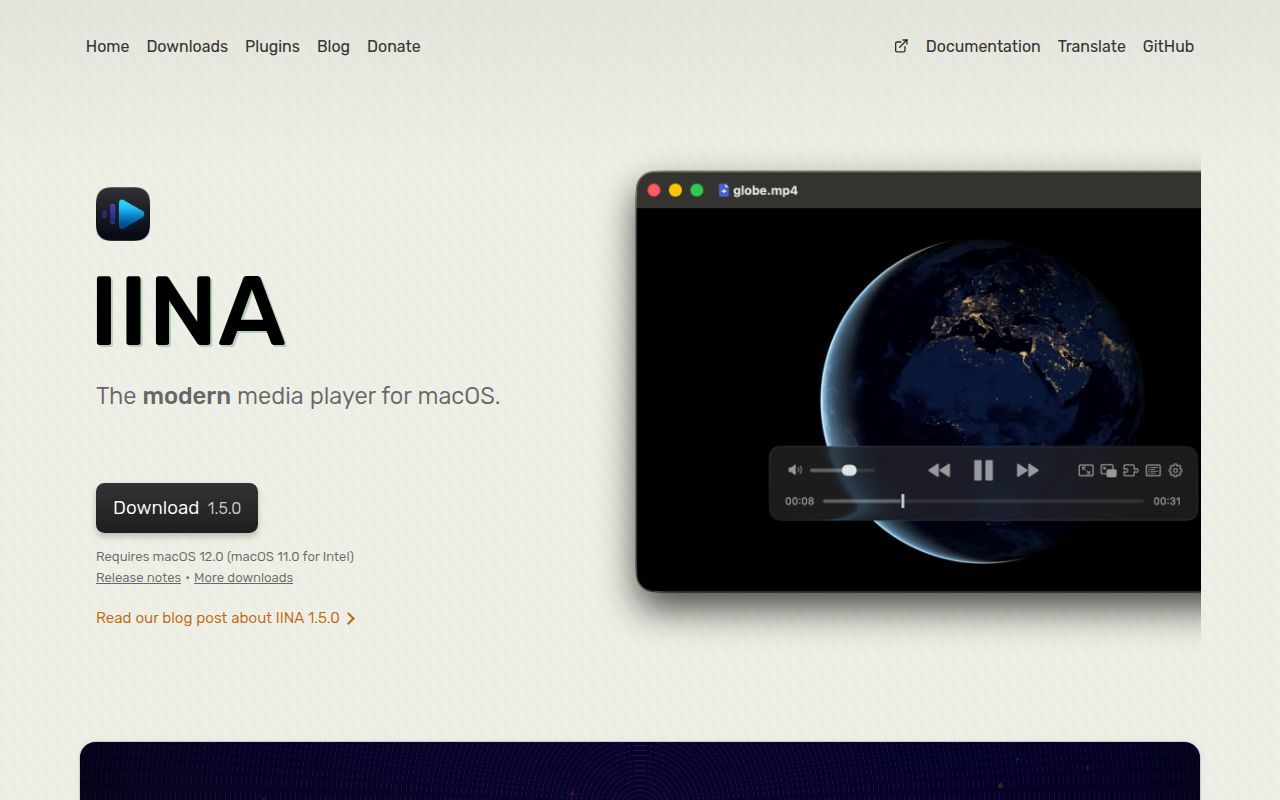
A native Mac shell around mpv is IINA's main advantage
IINA is a Mac-first interface for mpv, not a new playback engine. The project began in 2016 and has 46,086 GitHub stars, making it an established option rather than an obscure wrapper. Its purpose is practical: retain mpv's decoding and configuration depth while presenting playback through controls, windows, and conventions that feel at home on macOS. It suits people who value mpv but do not want everyday viewing centered on command-line flags.
The supported baseline is macOS 11.0 or newer, and the feature list reflects that choice. IINA supports picture-in-picture, Force Touch, Touch Bar controls, configurable gestures, multiple color schemes, and movable on-screen controller layouts. It also covers subtitles, playlists, chapters, playback history, thumbnails, and a separate Music Mode. This is more than a cosmetic front end: useful playback features remain approachable while advanced controls stay available.
What happened when we ran it: Linux stopped the test before installation
We cloned commit 8ca2c3c and examined it in our fresh Debian sandbox on 2026-08-26. Our box had 3 CPUs and 8 GB of RAM, but we did not run an install, build, or test command. This Swift project targets macOS, our runner had no supported ecosystem, and the repository supplied no Dockerfile. We therefore have no honest build times, test totals, or performance figures to report. This is an environment compatibility finding, not evidence that IINA fails on a Mac.
That limitation matters for Linux CI or reproducible containers. IINA's source path expects the latest public Xcode, which is tied to macOS. The easier route downloads precompiled libraries with ./other/download_libs.sh, using universal, arm64, or x86_64 binaries and 5 parallel downloads by default. It still ends in Xcode, not a portable build command. Regular users should install a stable release; compiling from source is for contributors and determined power users.
Playback features go well beyond opening a file
IINA can search for online subtitles, match local subtitles intelligently, display video thumbnails, retain unlimited playback history, and expose video and audio filters. Its flexible input system covers keyboard, mouse, trackpad, and gesture mappings. People with tuned mpv setups can use mpv configuration files and its script system. A command-line tool and browser extensions expand the workflow, while Music Mode gives audio a purpose-built presentation instead of squeezing songs into a video window.
The README lists 3 official plugins: Online Media, OpenSubtitles, and User Scripts. Community options cover Anime4K processing, automatic intro and outro skipping, bilingual audio separation, bookmarks, and clickable subtitles. These address real viewing habits, but community plugin quality and maintenance can vary. Evaluate extensions separately from the core player, because the README does not provide security reviews or support guarantees for each one.
Source builds demand careful dependency alignment
The main rough edge is the source toolchain. Building mpv manually requires matching mpv and FFmpeg headers to dynamic libraries, running other/parse_doc.rb to generate Swift files, and using another Ruby script to copy dependencies. Developers must then link yt-dlp, replace dylib references in Xcode, configure a Copy Dylibs phase, and verify linking. That 10-step manual-build section offers several opportunities for version drift or an incorrect setting to derail a newcomer.
Nightly builds are created for every commit and may be buggy or unusable. Stable release v1.4.4 arrived on 2026-06-24, while the repository was pushed on 2026-08-26, the day of our review. Those dates indicate current development despite the gap since the tag. They do not establish a regular release cadence, because one release date cannot show one. Code activity is fresh, while stable builds arrive less often than commits.
The community is large, active, and carrying a heavy queue
The 46,086 stars and project history approaching 10 years give IINA unusual visibility for a desktop player. The contribution guide welcomes reports, code, and translations, with Crowdin handling localization. A Telegram group adds another community channel. The less comfortable figure is 1,913 open issues. That queue can reflect popularity and maintenance pressure, not neglect, but users should search existing reports and avoid assuming every edge case will receive a quick fix.
Health looks good when the issue volume is considered alongside the 2026-08-26 push, rather than judging only by v1.4.4. Recent activity argues against abandonment, while the issue count sets realistic support expectations. Documentation is above average for contributors because it covers Homebrew and MacPorts, architectures, generated sources, and library-copy steps. Reproducibility is weaker: our Debian environment could not exercise them, and no container fallback exposed a portable test subset.
It belongs on the Mac desktop, not in a server rack
In a real stack, IINA is the endpoint where a person watches or listens. It can sit beside browser downloads, network files, subtitle services, mpv scripts, and a media server, but it is not the catalog, transcoding farm, or streaming backend. Choose VLC when one application must follow users across 3 operating-system families. Choose mpv when configuration and terminal automation are primary. Choose Kodi for a television-oriented library and remote-driven experience.
For Mac users, IINA makes a powerful engine approachable without erasing its advanced side. Its macOS interactions, subtitle handling, filters, scripts, and plugins form a persuasive package. The tradeoff is clear: source work assumes Apple's environment, maintainers face 1,913 open issues, and our Linux lab could not validate installation or tests. Install the stable app if its features match your habits; build it only if you can manage Xcode, mpv, FFmpeg, dylibs, and architecture-specific dependencies.