Give Highlight.js a code block with a known language and you can avoid asking it to guess. That's the approach I'd choose for a documentation site whose Markdown already labels its examples. Highlight.js supports automatic detection, but the README also documents explicit language selection and imports that load only the grammars you need. Those choices make it useful even when detection isn't part of your requirements.
Explicit languages give you control over the result
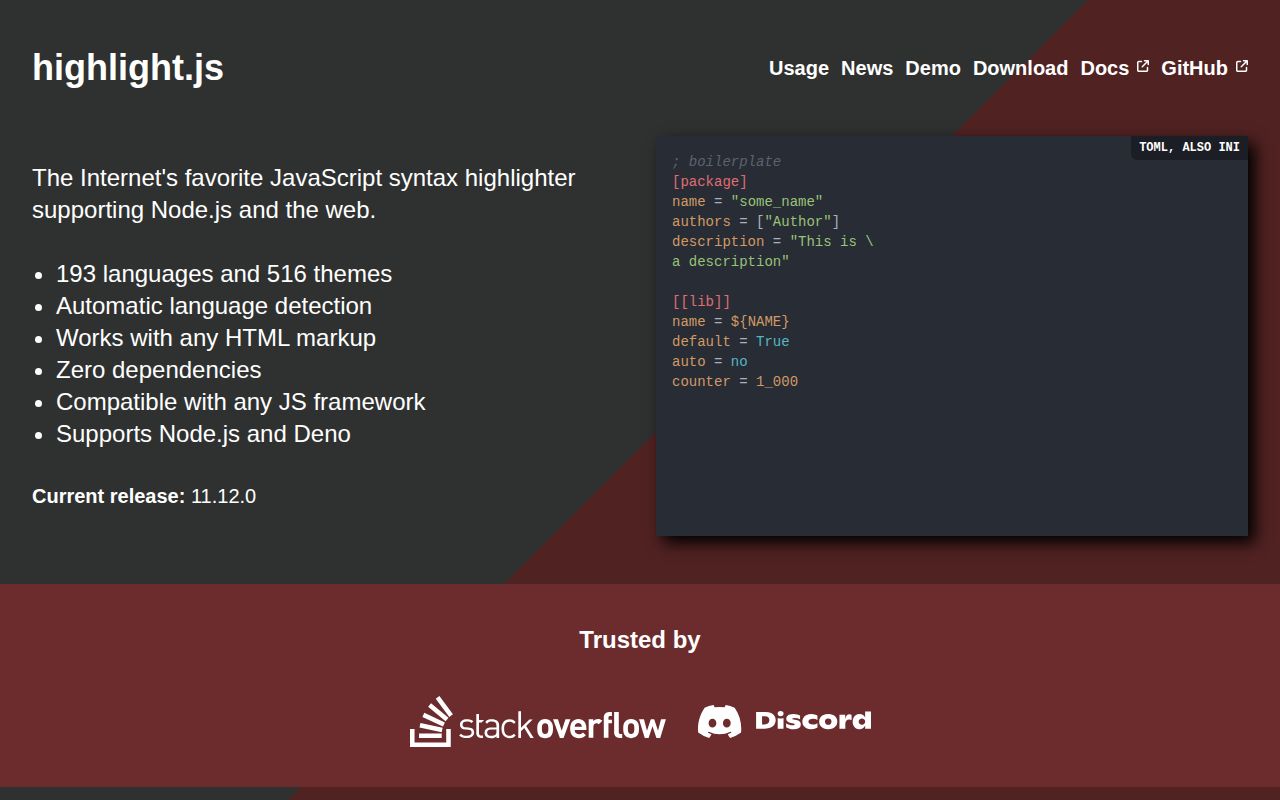
The Highlight.js README describes a JavaScript syntax highlighter for browsers and servers, independent of other frameworks. In a browser, its basic route combines a script, a theme stylesheet and highlightAll. On the server, the API returns highlighted HTML. You can therefore choose where highlighting belongs in your rendering pipeline instead of treating browser execution as mandatory.
For a site that already knows an example is JavaScript, select that language explicitly. Automatic detection is useful when labels are absent, but the README itself provides manual selection for cases where detection doesn't work for you. Our run didn't compare detection accuracy across languages. There's no reason to infer correct classification from a successful build.
What happened when we ran it
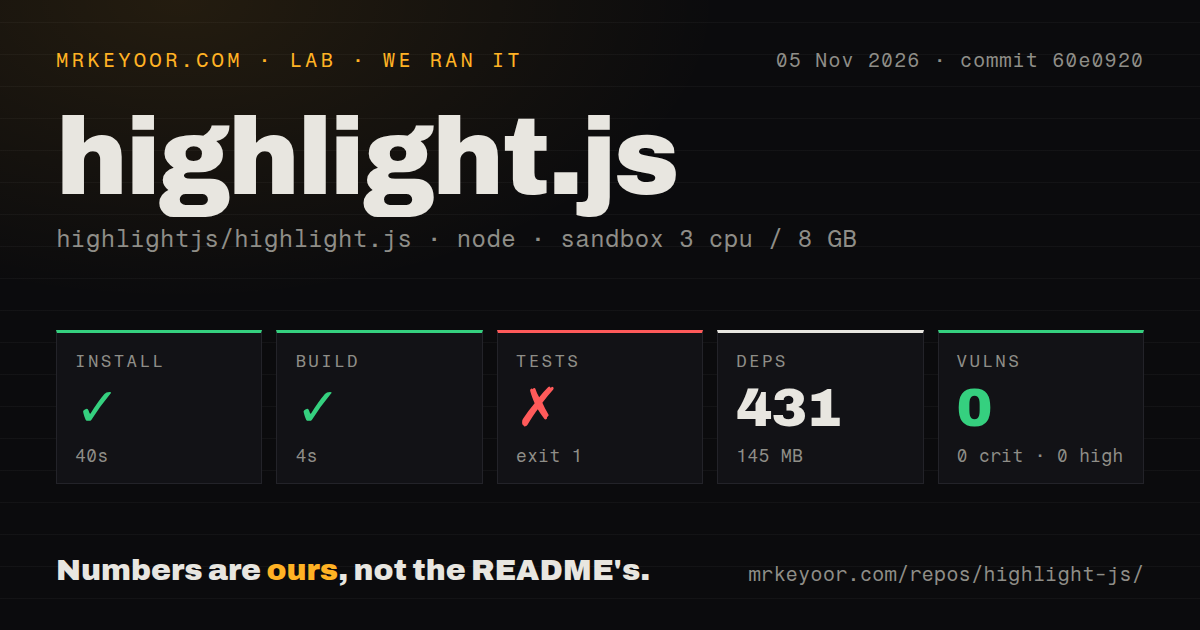
Our sandbox installed Highlight.js dependencies in 40 seconds and completed the build in 4 seconds, but the test step failed with exit 1 after 2 seconds. The November 5, 2026 run used commit 60e0920. It recorded 431 dependencies and 145 MB on disk. These measurements describe the repository environment, not the JavaScript delivered to a visitor's browser.
The supplied failure tail contains Node module-loading frames followed by Mocha import and file-loading calls. It doesn't include the originating exception message. That is enough to report a failed command, but insufficient to blame a missing dependency, an unsupported runtime or a Highlight.js grammar defect. We have no supported passing-test count from this run.
npm audit reported 0 known vulnerabilities. That is a dated audit result, not a security guarantee or evidence that highlighting arbitrary input is risk-free. The sandbox configuration lists 3 CPUs, 8 GB RAM and image lab-node:22. The image label doesn't establish the actual Node version or operating system used by the command.
The checkout contained 2,033 files, approximately 62,709 source lines and 5 MB. The repository scan found 5 CI workflow files, a Dockerfile and a tests directory. Their presence makes the failed command worth investigating through the project's intended workflow, without establishing whether upstream checks passed at the measured commit.
Import the grammars your pages actually need
The README distinguishes the full library, a common-language subset and the core with individually registered grammars. Choose the latter when you control the languages your site publishes. That keeps the language selection visible in your application instead of inheriting every grammar from a top-level import.
There is an important packaging distinction: the default npm import registers all languages, while the prebuilt browser bundle contains a common subset. A language missing from that browser bundle isn't proof that the project doesn't support it. Check whether it needs a separate grammar, and verify the spelling of its language identifier before changing libraries.
Browser ES modules have their own documented asset route through @highlightjs/cdn-assets. The README also warns against linking directly to GitHub source because that source requires building. For ordinary integration, start with the documented packaged assets. Our repository build result doesn't measure any particular selection of browser assets or establish download savings.
Very large blocks may need a worker
The README supplies a web-worker approach to avoid freezing the browser window on very large chunks of code. If you're publishing large generated files, that warning belongs in your evaluation. Calling a browser highlighter on those files without checking responsiveness leaves an unanswered application question.
Custom HTML also needs attention to line breaks. The project recommends the usual preformatted code wrapper and explains that other elements can need CSS to preserve whitespace. Include indentation and wrapping in your representative samples. Correct token colors won't rescue an example whose layout makes the code hard to read.
Recent contribution activity extends beyond the release date
GitHub's repository metadata records a November 1, 2026 last push. Release 11.12.0 was published August 12, and the recent issues and PRs feed includes November 10 activity. The release date alone would give an incomplete picture of maintenance. None of these dates establishes how quickly a newly reported grammar problem will be resolved.
Shiki is based on TextMate grammar. Consider it when that grammar model is a requirement for your renderer. We haven't established a comparative accuracy or speed advantage. Prism is another syntax-highlighting library, but its README currently says only security-relevant PRs are accepted while work on Prism v2 continues. That restriction matters if you expect to contribute a language fix soon.
For Highlight.js, evaluate the exact grammars and theme your pages need. Run representative examples through your chosen browser or server route, including a large block and an unlabeled sample if you intend to use detection. Contributors should obtain the complete failing test log before diagnosing our command failure. Site authors should judge the rendered examples on their own pages before adopting it.