Local dictation pastes into any active text field
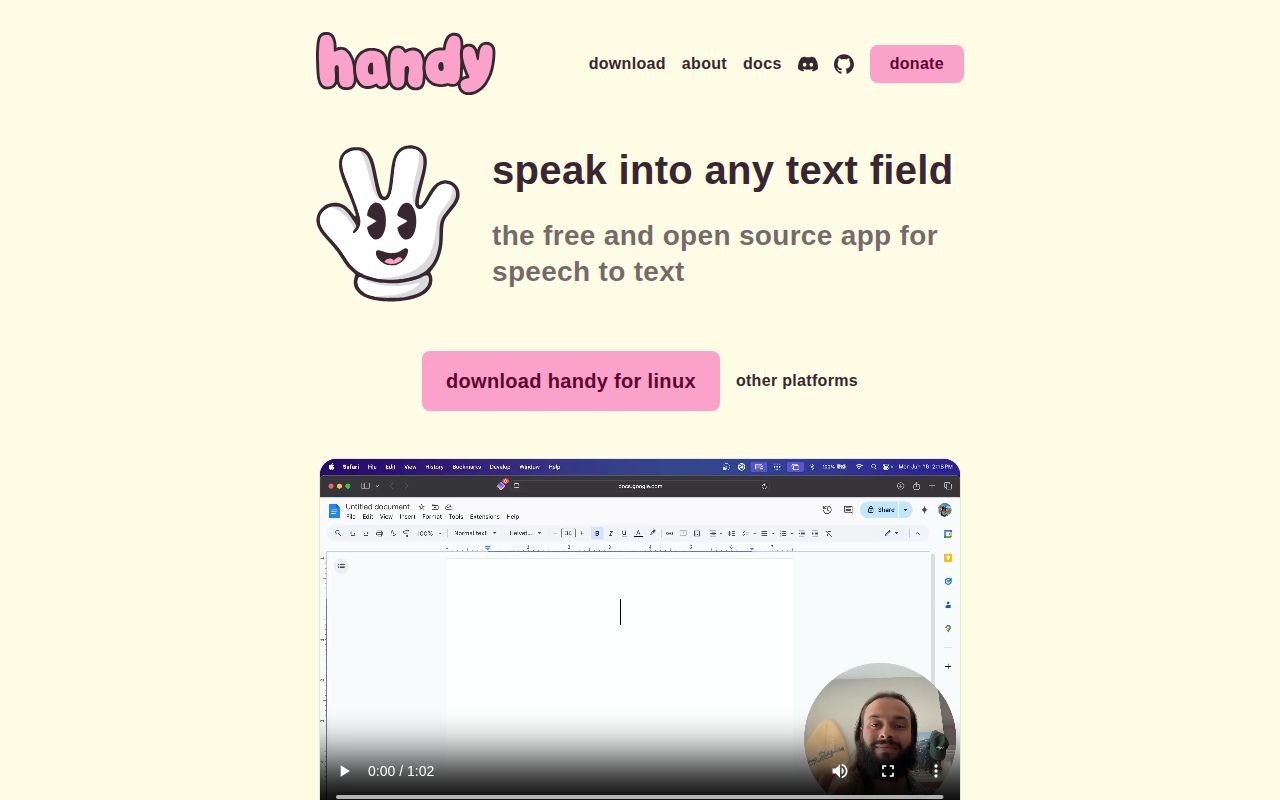
Handy has one clear job: start recording from a shortcut, transcribe the speech on the computer, and paste the words into the active application. That makes it useful across editors, browsers, email, and chat without a plug-in for each destination. Silence filtering uses Silero VAD. Speech recognition comes from Whisper-family or Parakeet models, and the recording does not have to leave the machine for ordinary transcription.
Our checkout at commit 0e50367 contained 371 files and about 43,016 lines of source in 7.2 MB. The desktop shell combines React and TypeScript with a Rust backend through Tauri. Native code handles audio, model inference, system events, and text insertion. The small source checkout does not include the selected speech model, which becomes the larger part of a user's local footprint.
Model downloads range from 473 MB to 1,600 MB
The model menu changes both capability and cost. Handy documents Whisper Small, Medium, Turbo, and Large files, plus Parakeet V2, V3, and a unified English model. Download sizes span 473 MB to 1,600 MB. Whisper can use supported GPU acceleration, while Parakeet V3 is presented as a CPU option with automatic language detection. Users should compare models with their own accent, microphone, vocabulary, and expected sentence length.
Manual installation is better documented than it is in many local AI apps. The README names the application-data folder on 3 operating systems, the exact filenames, and the required directory names for extracted Parakeet archives. Handy also finds compatible files in the shared Hugging Face cache and can list custom Whisper GGML models. Those paths help behind a proxy or on a machine where the built-in downloader cannot reach the host.
What happened when we ran it
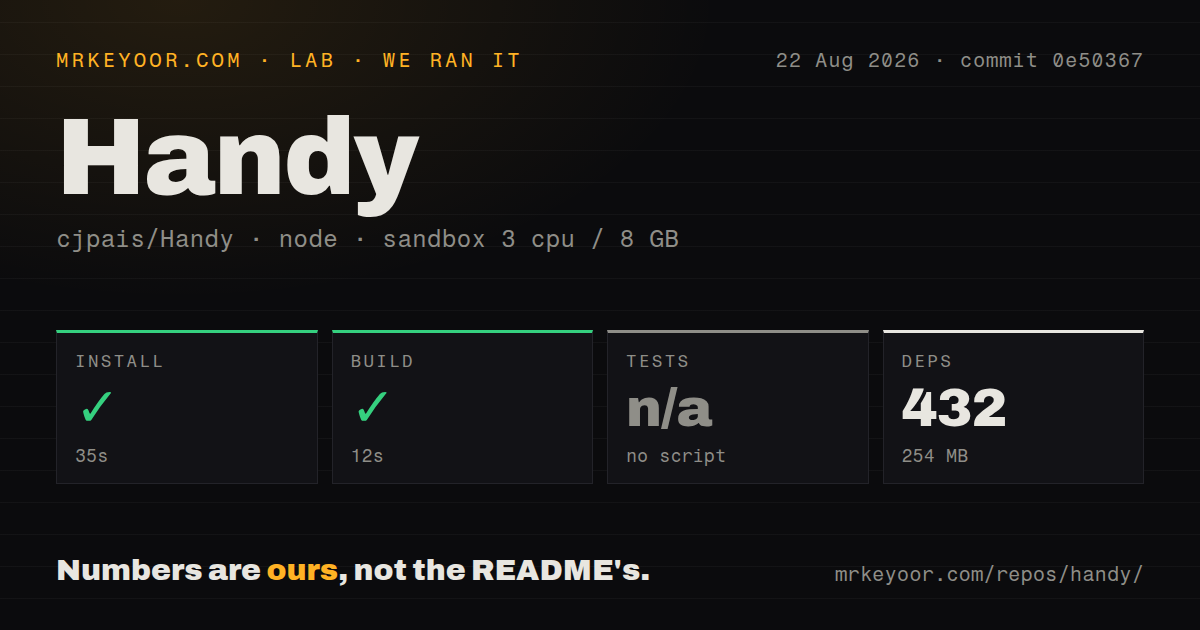
Our unprivileged Debian sandbox installed Handy in 35 seconds. Bun added 432 packages, and dependencies occupied 254 MB on disk. The build then succeeded in 12 seconds. That is a clean repository result for a Tauri desktop app, although it does not include a 473 MB to 1,600 MB speech model or prove that microphone and paste integration work on a real graphical desktop.
The harness found no tests script or target, so it skipped tests. The repository has a tests directory and 9 CI workflow files, but our measured command produced no test count that can be reported. The scan found no Dockerfile, which fits a native application that must use the host microphone, global shortcuts, WebView, clipboard, and desktop permissions. A container would not settle those platform behaviors.
Our successful 12-second build also says nothing about transcription accuracy or speed. The sandbox had 3 CPUs and 8 GB of RAM, but no voice sample, GPU workload, or model inference benchmark was part of the supplied run. Acceptance testing should cover the first spoken word, a long sentence, punctuation, microphone disconnects, and the exact paste target used each day.
Linux needs a typing tool and a shortcut owner
Handy supports Linux, but its README gives separate instructions for X11 and Wayland because inserting text is desktop-dependent. X11 generally uses xdotool. Wayland may use wtype or dotool; Ubuntu 26.04 needs ydotool configured as described by the project. Some choices require membership in the input group, and Wayland global shortcuts may need to be created in GNOME, KDE, Sway, i3, or Hyprland.
The overlay is disabled by default on Linux because certain compositors make it the active window, which can send pasted text to the wrong place. Handy also links gtk-layer-shell; missing libgtk-layer-shell.so.0 can prevent startup. The troubleshooting section provides environment-variable fallbacks for layer-shell and WebKit rendering problems. These are honest instructions, though they make Linux a hands-on setup rather than the 5-step desktop quick start.
Shortcut and microphone limits can break the basic loop
On macOS, microphone use over a Bluetooth headset can lower playback quality while recording because the device switches audio modes. The README suggests keeping the headset for output and choosing the Mac's built-in or another external microphone. It also says shortcuts containing fn or Globe work only on Apple keyboards, since third-party keyboards handle that key internally instead of sending the event Handy expects.
The project also documents configuration-dependent Whisper crashes on some Windows and Linux systems. Release v0.9.6 arrived on August 24, 2026 with fixes covering Linux pasting, Wayland overlays, compressed post-processing responses, microphone fallback, and model storage. Open reports after that release include a Windows 10 regression and a macOS history retranscription crash. Neither report proves all installations fail, but both justify a quick regression check after updating.
Current activity is high for a pre-1.0 desktop app
GitHub recorded 30,376 stars, 153 combined issues and pull requests, and a last push on August 26, 2026. Those figures show a large audience and current work, while the v0.9.6 version still signals that behavior can change before 1.0. The README is unusually candid about Linux, model storage, hardware shortcuts, known crashes, and signature verification. That candor makes evaluation easier.
Handy is worth trying because the packaged route is simple and the daily workflow is easy to understand. The 35-second install and 12-second build make contribution less forbidding, but the absent test target weakens our confidence in repository-wide regression coverage. Test one chosen model on the actual machine, keep the overlay off if it steals focus, and confirm the pasted text before using it for anything costly to correct.