One API contains Chromium, LibreOffice, and PDF tooling
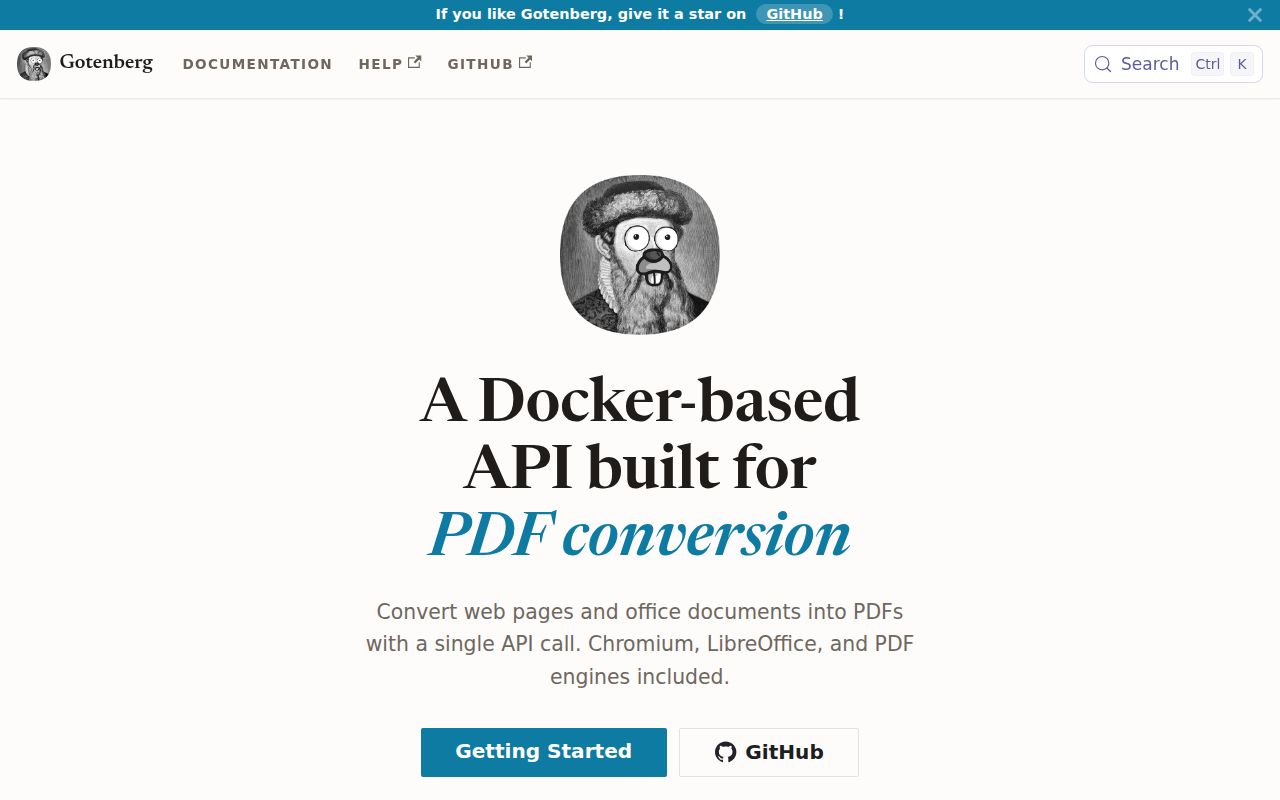
Gotenberg accepts multipart HTTP requests and returns PDFs. Chromium handles URLs, HTML, Markdown, and screenshots. LibreOffice handles more than 100 office formats. PDF engines merge, split, rotate, flatten, watermark, stamp, encrypt, optimize, and edit metadata or bookmarks. Putting those programs behind one service is easier to operate than embedding browser launches and office processes inside every application worker.
The README's quick start is a single container command exposing port 3000, followed by a form upload to a route. That is genuinely simple for a trial. Production still needs an image pin, queue or concurrency policy, CPU and memory limits, request-size limits, timeouts, authentication, logs, and a storage cleanup plan. Gotenberg removes engine packaging from the calling application; it does not remove document-processing operations.
Browser output and office output follow different engines
HTML users get a modern browser engine, which suits JavaScript-heavy pages, web fonts, and applications already designed for Chromium. Office documents go through LibreOffice. That boundary matters because a DOCX can render differently from Microsoft Word even when its content is valid. Issue 1342 describes an A4 document coming out as Letter, matching LibreOffice's local result. Issue 1389 reports different spacing for mathematical equations.
The current release is v8.36.0, published August 14, 2026. It added image optimization, repeated watermarks and stamps, single-element screenshots, merge bookmarks, storage clearing, and OIDC bearer authentication. It also fixed landscape single-page sizing, some PowerPoint show extensions, workbook rendering, and client-cancelled status handling. This is an actively developed version 8 service, not a frozen wrapper around two old binaries.
What happened when we ran it
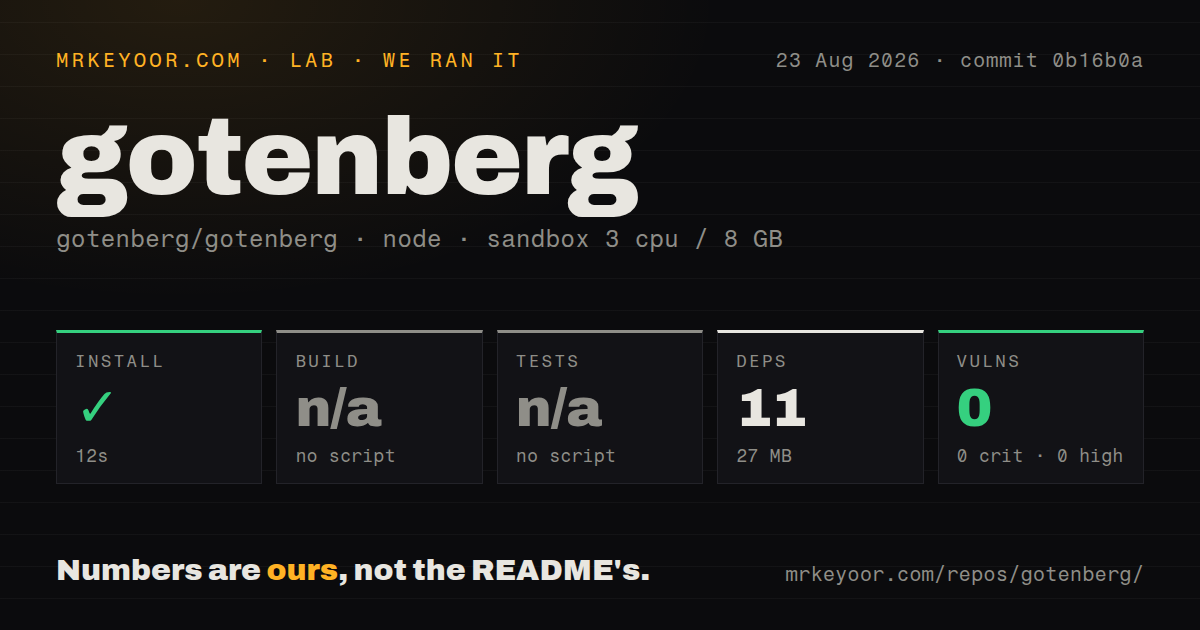
Our Node 22 harness completed npm installation in 12 seconds. It added 11 packages, used 27 MB on disk, and npm audit found 0 known vulnerabilities. The checkout contained 390 files, about 39,332 source lines, and occupied 4.8 MB. Our scan found 3 CI workflow files, a Compose file, and a tests directory, though it did not detect a Dockerfile.
There was no npm build script or target, so we skipped the build. There was also no npm test script or target, so we skipped tests. These results cover the small npm surface detected by our generic sandbox, not the Go application or the published image. We did not start Chromium, invoke LibreOffice, convert a file, or inspect a PDF. The 0-audit result must not be read as a container or system-package security scan.
The documented deployment route pulls gotenberg/gotenberg:8, while a serious deployment should pin the full version or digest. The floating major tag can change Chromium, LibreOffice, fonts, and internal PDF tools without an application-code change. The repository's 12-second npm result tells you almost nothing about that upgrade risk. A golden set of source files and rendered PDFs is the useful acceptance test.
URL conversion requires an outbound security policy
Converting a user-supplied URL asks Chromium to make network requests. That can expose private services or metadata endpoints unless egress is constrained. Release v8.36.0 fixed WebSocket handshakes so they are checked by the outbound policy rather than bypassing it. The fix is a concrete reason to stay current and to test HTTP, redirects, WebSockets, DNS changes, and blocked private ranges rather than relying on one successful URL fetch.
The same release added optional OIDC bearer authentication, mutually exclusive with basic authentication. Put the service on a private network even when auth is enabled, because uploaded files and returned PDFs may contain sensitive business data. Separate callers by credentials where possible, limit accepted destinations, and avoid exposing the conversion endpoint directly to browsers. A document API is often an internal dependency, not a public upload product.
Renderer upgrades can change valid output
Issue 1491 reports blank PDF sections involving CSS backdrop-filter after the floating version 8 tag brought a newer Chromium; the reporter says pinning 8.26.0 avoided the regression. Issue 1371 reports custom fonts no longer loading after an upgrade past 8.21.1 in one image customization. These reports do not prove every document is affected, but they show why a 200 response and nonempty PDF are weak release gates.
For web output, compare page count, dimensions, screenshots, text extraction, links, and font names. For office documents, include tables, equations, headers, embedded fonts, tracked changes, spreadsheets, and page-size variants. Issue 1175 also reports a LibreOffice conversion hitting a 30-second client timeout. Timeouts should distinguish a complex but valid conversion from a wedged engine, with caller retries designed to avoid duplicate work.
PDF operations are broad, while OCR and signing remain outside
Gotenberg can work on existing PDFs as well as create them. The README names merge, split, rotate, flatten, watermark, stamp, encryption, PDF/A, PDF/UA, screenshots, metadata, and bookmarks. Version 8.36.0 added image optimization across several routes. This breadth makes the service appealing when an application otherwise needs both a renderer and a separate PDF utility process.
OCR and digital signing are different jobs. Issue 1454 asks for OCR support, and issue 401 asks for digital signatures. They should be read as requests, not current features. If searchable scans or certificate-backed signatures are mandatory, pair Gotenberg with a focused tool or choose another pipeline. Do not mistake PDF/A or PDF/UA options for OCR or cryptographic signing.
Active maintenance supports a pinned production trial
GitHub showed 12,940 stars and 28 combined open issues and pull requests. The repository's latest recorded push was August 21, 2026, one week after v8.36.0. Current issue activity covers security scanning, conversion timeouts, renderer fidelity, fonts, and proposed version 9 changes. The version 9 issue explicitly says its list may change, so it is a roadmap discussion rather than a promise.
Gotenberg is easy to recommend for an internal service that needs both web and office conversion. The condition is disciplined pinning and output comparison. Start the exact image, restrict outbound access, install the fonts you own, and run a golden document set. If those PDFs survive an upgrade review, the single API is likely worth the container's size and moving renderer parts.