GitHub Stacked PRs can help a GitHub team review dependent changes in smaller pieces. The adoption question is whether its documented branch workflow fits your team and whether you have verified the remote operations you plan to automate.
What the extension manages
The README describes an ordered chain of branches above a trunk branch. On submission, each branch becomes a pull request whose base is the branch below it, giving reviewers the diff for that layer. Navigation moves through the chain; rebase updates dependent history; modify previews changes such as inserting, folding, renaming, or reordering layers.
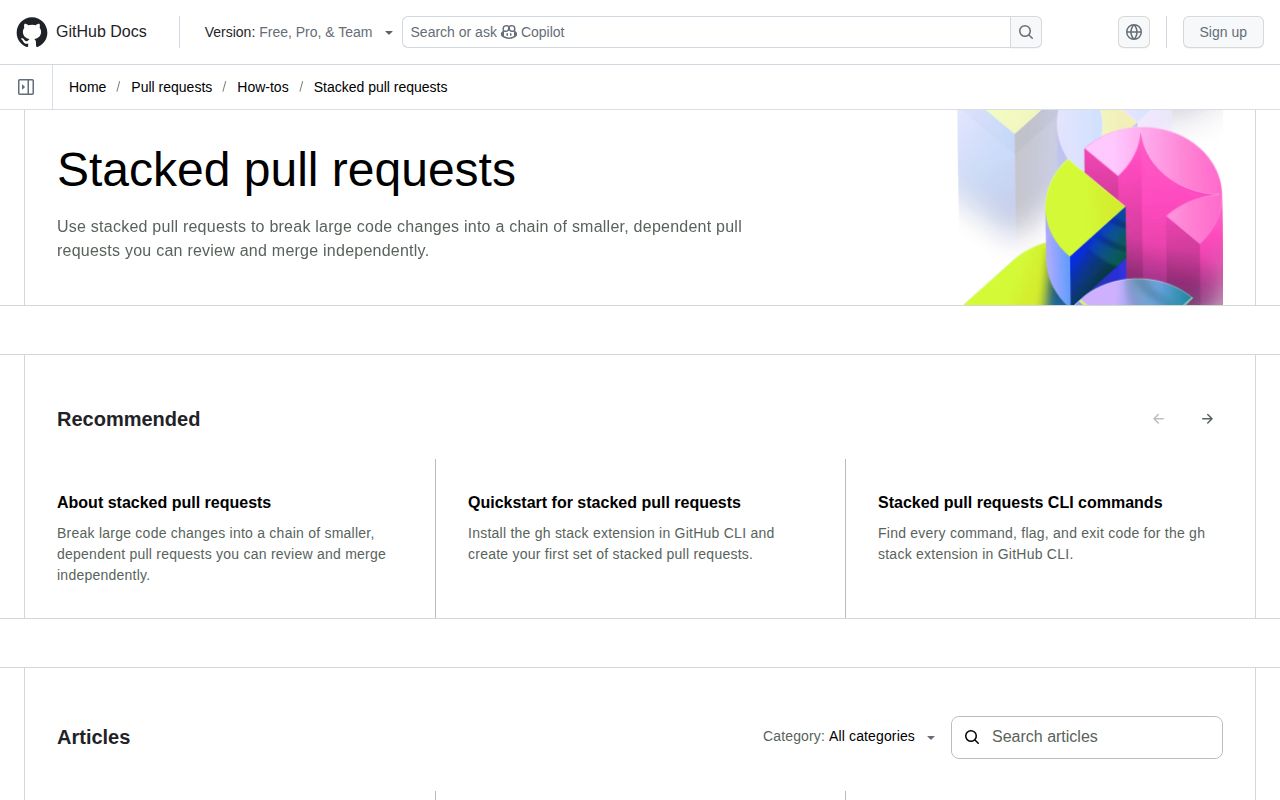
The documented quick start uses gh stack init, adds another layer, pushes branches, views the stack, and submits PRs. Initialization also enables Git rerere to remember conflict resolutions. These are documented capabilities, not operations demonstrated by our sandbox run.
What our recorded run establishes
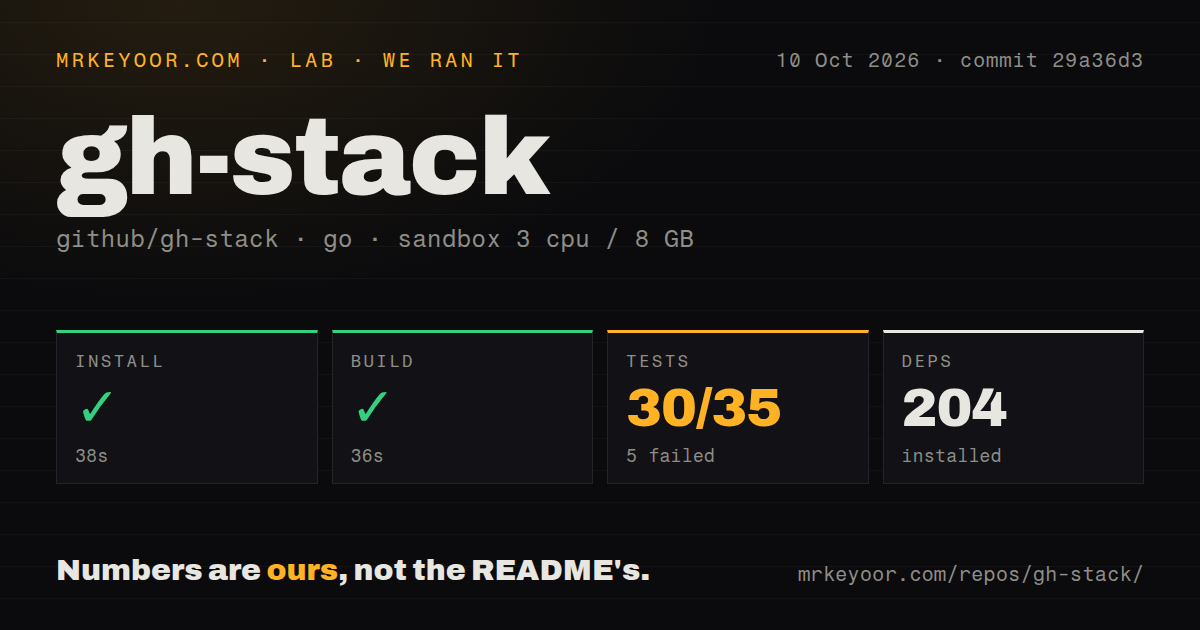
Our run was recorded on October 10, 2026, at commit 29a36d314be664583705f18e41cebdf2b61ad514. The environment record lists 3 CPUs, 8 GB of memory, and image golang:1.24-bookworm.
The install-labelled step exited 0 after 38 seconds. Its retained output is a Go 1.26.0 toolchain download, and the dependency metric records 204. This does not prove that gh extension install ran or that an extension binary was installed. The build-labelled step exited 0 after 36 seconds, but its retained output is vet-exit:0; compilation and binary execution are not independently established by that tail.
The go test step exited 1 after 379 seconds. The stored parser summary records 30 package successes and 5 package failures, plus a separate no-tests package entry. The summary has not been reconciled against complete logs for unique, exhaustive coverage. It must not be presented as 30 individual tests passing out of 35.
The retained output names failures in github.com/github/gh-stack/cmd and github.com/github/gh-stack/internal/modify, with durations around 360 seconds. The harness records that the overall step was not timed out. The available tail does not explain every failure or establish whether the cause was a product defect, test behavior, or the environment.
The checkout scan recorded 201 files, approximately 68,885 source lines, 6.5 MB, and 3 CI workflows. It detected no Dockerfile or tests directory. That directory result says nothing about the absence of Go tests, which the command did execute. No authenticated GitHub operation, installed-binary check, or measured user workload is documented.
Check remote results before trusting automation
Issue 472 reports that gh stack sync printed success and exited 0 after its internal push failed on v0.1.0. A commenter confirmed the behavior on v0.2.0 on October 6, 2026. This is an attributed issue report, not a failure reproduced in our run or proof that every later build behaves the same way.
The current README also documents a separate case: in a non-interactive terminal, genuinely divergent local and remote stacks cause sync to stop with exit success without pushing or updating PRs. Scripts therefore need to verify the intended remote result rather than equating exit 0 with changed remote state.
Push and merge have different guarantees. The README says push uses explicit per-branch force-with-lease checks and is not atomic: some branches may update while another is rejected. It describes direct stacked merges as all-or-nothing, while merge queues may process the selected PRs in separate groups. Repository rules still apply.
Issue 467 records a one-PR stack whose submit command reported success while merge said the stack had not been submitted, on v0.1.0 and commit ab00aa4. Treat that as a version-specific report. The supplied evidence does not establish its behavior in the version you will install.
Worktree documentation has moved beyond the original report
Issue 459 originally described worktree-local metadata that could disappear when a linked worktree was removed. The current README instead documents a shared catalog at <common-dir>/gh-stack, normally .git/gh-stack, along with shared recovery journals. The issue author wrote on October 23, 2026 that the problem looked resolved. That supports removing the old blanket worktree warning, without claiming our run verified the fix.
The README says rebase and sync update clean worktrees that own affected branches and stop when owners are dirty, busy, missing, or changed. Its locks coordinate gh-stack processes, not arbitrary Git commands or editors. Keep affected worktrees idle during history rewrites, and follow the documented continue or abort path for paused operations. Do not mix old and new gh-stack versions within one clone.
Installation and a useful next step
The README requires GitHub CLI v2.0+ and Git 2.36+ and documents gh extension install github/gh-stack. A successful dependency download in our sandbox is separate from completing that installation.
For an evaluation, confirm the installed extension version, use a disposable repository with the permissions your real workflow needs, and check remote branch tips and PR bases after submit and sync. Include conflict recovery and your repository's merge policies before relying on unattended operation. These are recommended checks, not tests we performed.
The supplied v0.1.0 release notes document the addition of stacked merging and fixes for stale-trunk handling and amended-parent history. They do not establish v0.1.0 as the latest release; issue 472 includes a later v0.2.0 report.
Alternatives and rating scope
Git Town documents branch creation, synchronization, shipping, cleanup, and stacked changes across several Git workflow styles. It fits readers looking for a broader branch workflow tool. git-spice documents stacked branches and pull or merge requests on GitHub, GitLab, Bitbucket, Gitea, and Forgejo. It fits readers who need those hosting options. Neither alternative was tested in our run.
Scores use a five-point editorial rubric: 1 means little usable support or a substantial documented obstacle; 2 means limited evidence with important unresolved checks; 3 means a documented path with material qualifications; 4 means detailed support with narrower gaps; 5 requires strong corroboration within the stated scope. These scores assess the evidence available for each category, not overall reliability. Unknown adoption is not evidence of a strong community, and a failed test command alone is not a maturity verdict.