Three previews replace a written style questionnaire
Frontend Slides tells the agent to create 3 genuine title-slide previews and ask the user to choose visually. One option comes from 12 documented presets, at least one comes from a 34-system bold template pack, and the remaining slot can be a second template or a custom design. This is a better fit for people who can react to a page but struggle to name a typeface, palette, or layout system before they see one.
The workflow then expands the selected direction into a single HTML file with inline CSS and JavaScript. Its 1920×1080 stage, keyboard controls, motion patterns, optional inline text editing, and comments make the result understandable to a web developer. The authoring intelligence remains the coding agent. This repository gives that agent constraints, reference files, and scripts; it does not supply a fixed rendering application that turns the same input into a guaranteed identical deck.
The 18-second install is easier than checking the generated deck
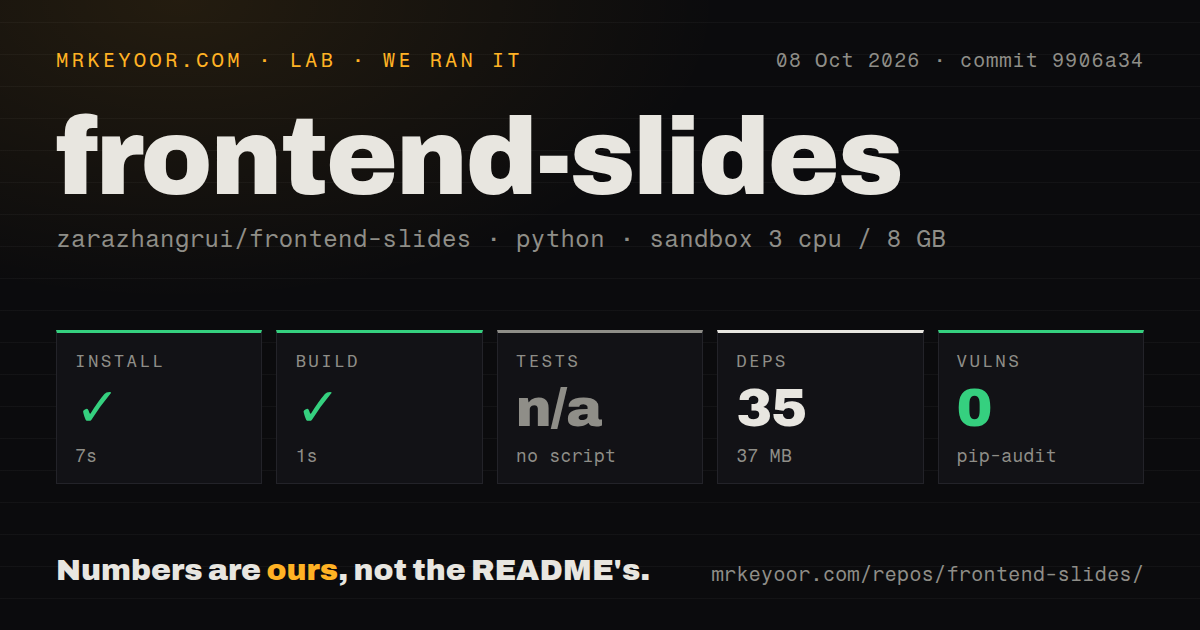
Our sandbox installed 35 Python packages in 18 seconds, consuming 37 MB, and the build finished in 11 seconds. Those numbers make the repository cheap to try. The basic new-deck path needs no hosted slide service: a local agent reads SKILL.md, collects the content and density choice, creates 3 previews, and writes the selected presentation. Claude Code users get plugin commands, while other agents can work from the files directly.
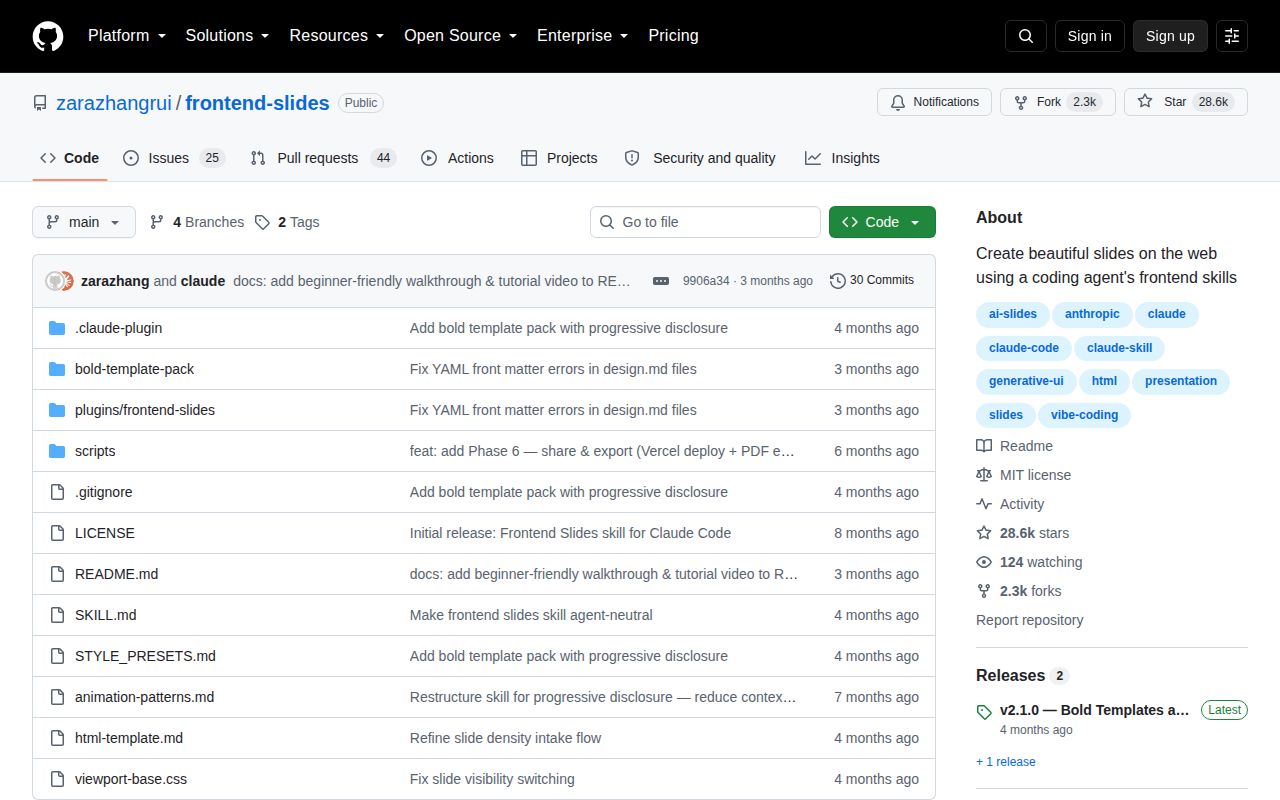
The repository itself is small at 163 files, about 2,710 source lines, and 3.5 MB checked out. The generated output may have zero package dependencies, but the full workflow does not. PowerPoint extraction needs Python plus python-pptx; PDF export uses Node.js and Playwright; deployment uses Vercel and requires an account. The zero-dependency claim describes the final one-file HTML deck, not every conversion, export, or sharing path around it.
What happened when we ran it
Our run used commit 9906a34 in a fresh unprivileged Debian container with 3 CPUs and 8 GB of RAM. Installation succeeded in 18 seconds with 35 packages and 37 MB on disk. The build passed in another 11 seconds. Pip-audit reported 0 known vulnerabilities in the installed Python environment, which is a clean dependency result for the exact checkout and environment we measured.
There was no test script or target, so the lab skipped tests rather than inventing a command. The scan also found 0 CI workflow files, no Dockerfile, and no tests directory. A passing build therefore confirms that the measured build step completed; it does not confirm slide layout, keyboard operation, PowerPoint fidelity, PDF output, or Vercel deployment. Each produced deck still needs browser screenshots and interaction checks before it reaches an audience.
The 1920×1080 canvas stays fixed on phones
Every generated presentation must use a 1920×1080 stage, according to SKILL.md. The browser scales that stage uniformly to the available viewport, preserving 16:9 composition and allowing letterboxing. The instructions forbid responsive breakpoints that rearrange slide content on phones. This makes a carefully composed talk look consistent across projectors and shared links, while dense text can become physically small on a narrow device. A mobile reading experience is outside this design choice.
Content density is chosen up front as speaker-led or reading-first. The agent is told to split overflowing material instead of shrinking it, and to verify screenshots at 1280×720 plus one phone viewport when modifying a deck. PowerPoint conversion extracts text, images, notes, and order, then restyles them as HTML. It is a conversion into a new medium, not an editable PPTX round trip, and speaker notes become HTML comments rather than PowerPoint-native notes.
A relative PDF path can end with no exported file
The PDF helper captures slides at 1920×1080 and combines static screenshots, so animations and browser editing are absent from the result. Issue 106 documents a sharper failure: when the caller supplies an explicit relative output path, the script changes into a temporary directory, writes the PDF there, prints a success message, and removes the directory during cleanup. Pull request 112 proposes resolving the destination first, but it remained open when checked.
Keyboard access needs similar verification. The template documentation calls for semantic sections, ARIA labels, keyboard navigation, and reduced-motion support. Open pull request 100 targets the exact commit we measured and says button focus outlines were suppressed, leaving keyboard users without a visible focus indicator in deck-stage controls. With 0 automated test targets in our run, browser testing is the practical way to catch both visual and interaction failures.
August discussion continued after the June 23 push
GitHub listed 28,604 stars and 69 open issues and pull requests. The main repository's last push was June 23, 2026, while issue and pull-request discussion continued through August 31. Latest release v2.1.0 was published May 26 with the bold template pack, direct visual previews, agent-neutral instructions, and repaired Claude Code plugin packaging. That pattern shows strong attention and outside contribution, alongside a main branch that has not absorbed every proposed fix.
Frontend Slides is most persuasive when the alternative is starting a custom web deck from an empty file. Our 18-second install and 11-second build lower the cost of a trial, and the preview-first process gives non-designers a useful way to choose. The missing test target, fixed phone composition, open focus patch, and relative-path export bug mean the agent's output needs a human acceptance pass. Treat the HTML as authored code, then review it like authored code.