fd is easier because it deliberately does less than find
fd netfl searches recursively for names containing netfl. That single example captures the appeal: no quoted wildcard, no explicit starting path, and case-insensitive matching until the pattern contains an uppercase letter. Regular expressions are the default, glob matching is available, and extension or file-type filters use short flags. The command feels designed for someone at a terminal inside a project rather than for a standards document.
The limits are intentional. fd says it does not support all of find's functionality, and current requests still ask for find -printf fields and hard-link-count filtering. Our checkout was small enough to understand as a focused tool: 60 files, about 8,727 lines of source, and 0.6 MB. If a script uses nested predicates, pruning, portable POSIX behavior, or unusual metadata tests, rewriting it in fd may lose capability for little practical gain.
Hidden and ignored files stay out unless you ask for them
By default, fd skips dot-prefixed entries and honors .gitignore, .ignore, and its own .fdignore rules. It also matches the file name rather than the entire path. Those choices make searches inside repositories quieter and more useful. They can also produce a convincing but incomplete result when you forget which paths were excluded. -u includes hidden and ignored entries, and -p switches matching to the full path.
This distinction matters more than speed claims for choosing the tool. A developer looking for source files usually wants ignored build output gone. An inventory script usually wants every reachable entry. The 63 Rust packages in our install do not change that semantic choice. Write fd -u explicitly in exhaustive jobs, and test ignore behavior against nested repositories. If completeness is a safety property, GNU find's plainer defaults are easier to audit.
What happened when we ran it
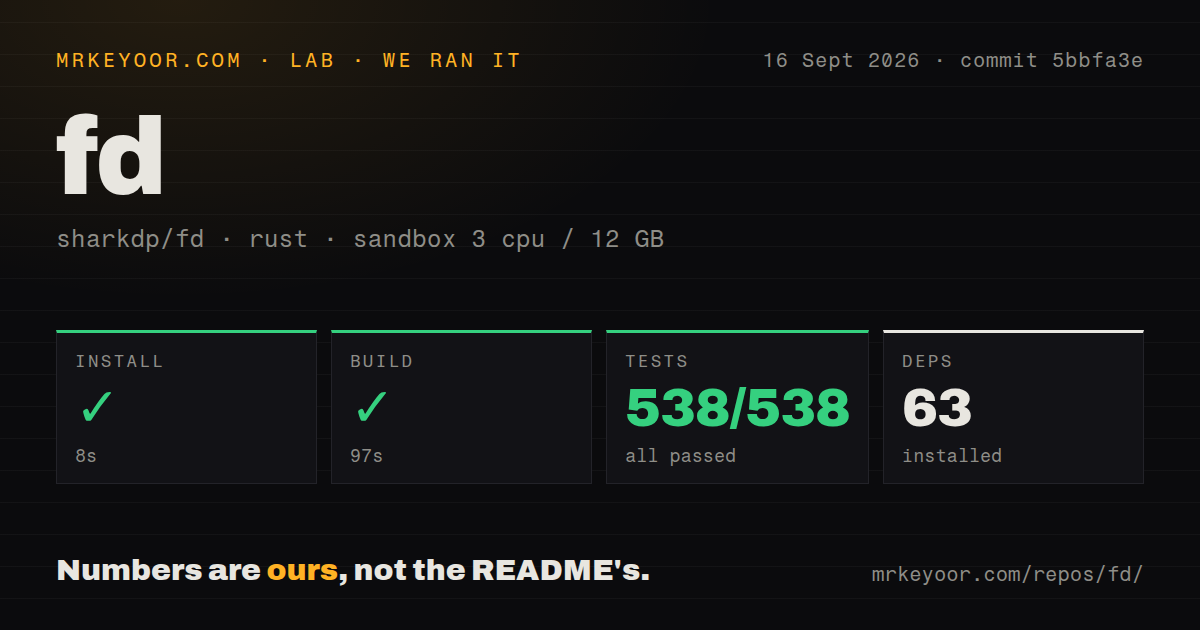
Our fresh unprivileged sandbox installed commit 5bbfa3e in 8 seconds, adding 63 packages. The Rust build succeeded in 97 seconds. The checkout had 1 CI workflow and a tests directory, with no Dockerfile. A native file-search binary does not need a container definition to be useful, and there were no credentials, daemons, databases, or external services to configure.
Cargo test completed in 12 seconds with 538 passed and 0 failed. That is the strongest setup result in this four-project batch: every measured step finished successfully, and the entire stated test count passed. The run used 3 CPUs and 12 GB of RAM in an unprivileged container. It did not measure search speed on a real home directory, network mount, or Windows filesystem, so this result supports build and test confidence rather than a performance ranking.
Parallel command execution is powerful enough to require a preview
-x runs one command per result, potentially in parallel. -X sends all results to one command. Placeholders can insert the full path, basename, parent, or name without its extension, which covers jobs such as formatting source files or converting images. Setting --threads=1 makes per-result work serial, and null-delimited output remains available for external xargs.
The same convenience can delete or overwrite many files. The README recommends running the search alone before appending a removal command and documents a race when recursively removing nested matching directories. Our 12-second suite and 538 passing tests are reassuring, but they cannot validate a pattern against your filesystem. Preview the exact result set, constrain the type with -tf or -td, and use an interactive destructive command when a mistaken match would be expensive.
Packaging is broad, with one Debian naming trap
Prebuilt archives cover Linux, macOS, and Windows, including static musl builds. Package instructions span common Linux distributions, Homebrew, MacPorts, Scoop, Chocolatey, Winget, Nix, Cargo, and npm. Shell completions ship in release archives and can also be generated for Bash, Zsh, Fish, or PowerShell. No user account or network service is involved after the binary is installed.
Debian and Ubuntu packages name the executable fdfind because fd is already taken by another package. The README suggests adding a link in ~/.local/bin if you want its examples to work unchanged. Building from source needs Rust 1.90.0 or newer and make; our source build took 97 seconds after the 8-second dependency install. For most users, a release binary or system package is the simpler route.
Version 10.5.0 fixes edges without changing the basic contract
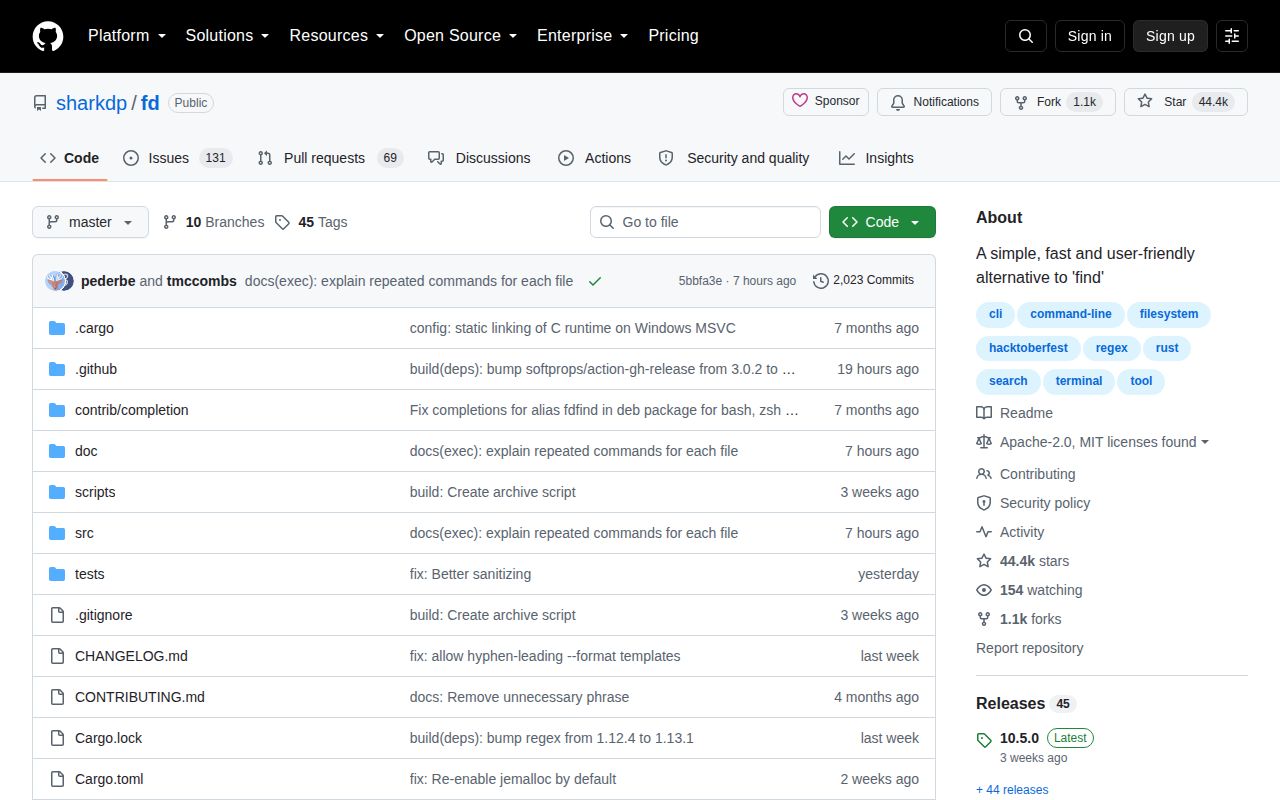
Release 10.5.0 arrived on August 26, 2026. It added exact whole-filename matching and another ignore-control option, while fixing invalid timestamp handling, path diagnostics, and terminal rendering of hostile filename characters. GitHub recorded a push on September 16, with 44,434 stars and 200 combined issues and pull requests. Recent work covers clearer date errors, thread-count validation, path formatting, and filesystem-error exit behavior.
That active queue does not weaken the central recommendation. fd's contract has stayed narrow: quick name searches, quiet project defaults, useful filters, and direct command execution. The 538 passing tests make the current checkout easy to trust for that job. Keep the boundary visible in scripts, especially where ignored files or traversal failures affect correctness. Used within that boundary, fd earns a place beside find, not as a forced replacement for it.