The 4.3 MB checkout covers most modern Excel work
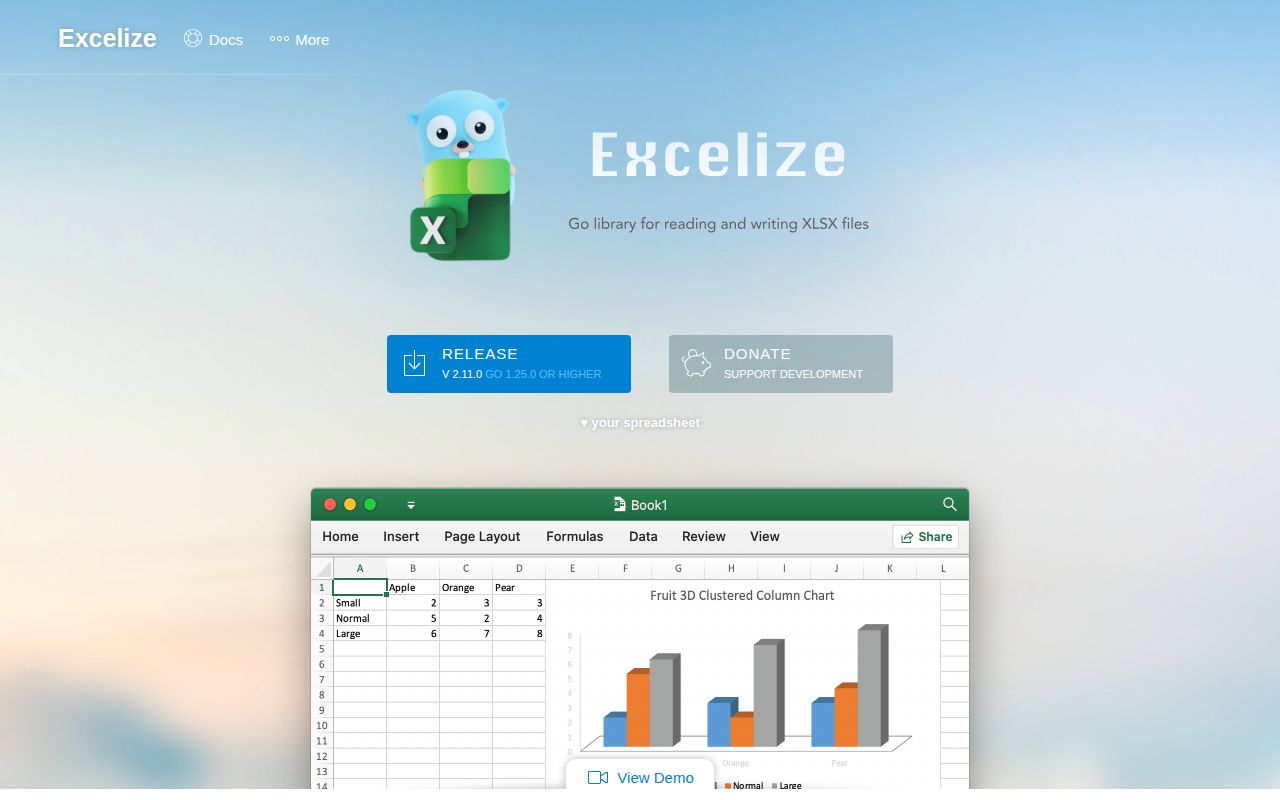
Excelize reads and writes XLAM, XLSM, XLSX, XLTM, and XLTX files from Go. The 4.3 MB checkout contains 125 files and roughly 89,444 lines of source, which is substantial for a library with no separate server. Its public examples cover workbook creation, cell reads, row iteration, charts, and pictures. The wider API also handles styles, formulas, tables, pivot tables, comments, encryption, and worksheet structure.
That breadth is the reason to start here if your application already uses Go. A report service can create a workbook and save it directly, while an import path can open a user-supplied file and iterate its rows. The README describes Excelize as pure Go, so it does not ask you to install desktop Excel or coordinate an office-process worker. The module path remains github.com/xuri/excelize/v2, even though the repository lives under qax-os.
What happened when we ran it
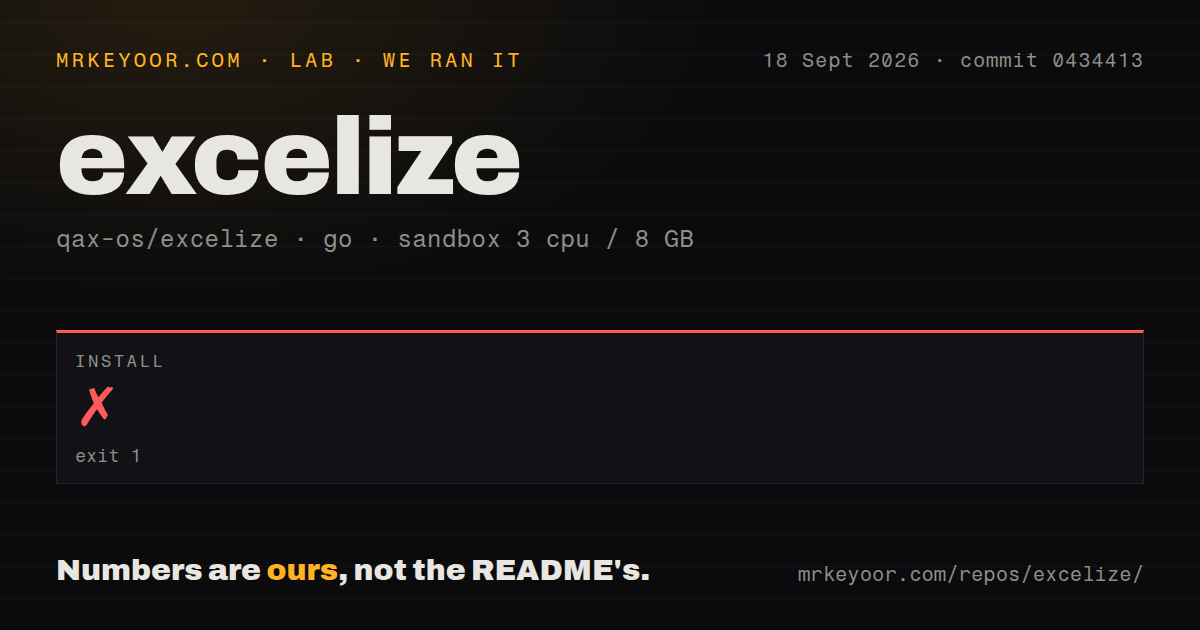
Our sandbox cloned commit 0434413 and attempted installation in a fresh unprivileged Debian container with 3 CPUs, 8 GB of RAM, and the golang:1.24-bookworm image. Installation failed with exit code 1 after 39 seconds. The final log lines show the Go command downloading the Go 1.26.0 toolchain, then failing while verifying golang.org/toolchain through a request to sum.golang.org.
The log does not establish why that request failed, so a network diagnosis would be guesswork. Installation did not finish, and the harness did not proceed to a build or test run. The checkout had 2 CI workflow files, no Dockerfile, and a tests directory. Those repository signals cannot substitute for a passing run in our sandbox. The useful result is simple: this exact commit did not install in the stated Go 1.24 environment.
v2.11.0 and master require different Go toolchains
The released v2.11.0 module declares Go 1.25.0, while commit 0434413 on master declares Go 1.26.0. The public README still says Go 1.25 or later. That wording is technically compatible with 1.26, but it hides the practical difference for a team whose builder is pinned to 1.25. Release and branch choice now affect the minimum toolchain, so they belong in the same dependency update.
Go can download a newer toolchain automatically, which is what our 39-second attempt tried to do. That convenience depends on the builder being allowed to reach the module distribution and checksum services. Hermetic or air-gapped builds should provide the required toolchain in the base image and cache the module dependencies rather than discovering the mismatch during CI. Excelize itself needs no service credentials once the code and dependencies are available.
Streaming handles rows, while bulk pictures need scrutiny
Across roughly 89,444 source lines, Excelize has separate paths for ordinary worksheet access and streaming large amounts of data. The streaming API is the right place to begin when exports contain more rows than the application should retain as an in-memory workbook model. It still deserves fixture tests for styles, formulas, merged cells, and the exact consumer that opens the result, because a valid OOXML package can render differently across spreadsheet programs.
Pictures are a more specific warning. Open issue 2393 reports O(n²) behavior when AddPictureFromBytes inserts many distinct images into one sheet. The report traces repeated scans through drawing, media, and relationship state and says the same paths remain in v2.11.0. That does not make ordinary logos or a few product images impractical. It does mean catalog generators with thousands of unique pictures should reproduce their workload before committing to the current API path.
XLSX support does not include legacy XLS files
The README names 5 modern Excel-family formats, all based on Office Open XML packaging. It does not list the older binary .xls format. Teams ingesting long-lived customer archives should inspect their actual file extensions and contents before adoption, because renaming an old workbook does not convert it. Apache POI is a better comparison when a JVM service also has to deal with older Excel formats.
Feature coverage also differs from running Microsoft Excel. Excelize can store formulas and calculate many functions, but it is still a file library rather than the desktop application's calculation and rendering engine. The safest acceptance suite opens representative output in every consumer that matters, including Excel, LibreOffice, or a browser viewer. Test charts, print areas, pivot tables, macros, and encrypted files only when your product depends on them.
Two CI workflows and same-day fixes show active maintenance
The repository had 20,920 stars and 129 open issues and pull requests when fetched. Its last push was September 18, 2026, and the tested commit on that date closed an image-positioning issue with a unit-test update. The latest tagged release, v2.11.0, was published on July 6, 2026. Fresh commits plus current issue and pull request work support an active-maintenance judgment even though the newest release is older than master.
Our failed 39-second install keeps the recommendation conditional. Excelize offers enough workbook coverage to justify a trial, but the trial should begin with a builder that already matches the chosen module. Pin v2.11.0 if Go 1.25 is your supported floor, or move to master only after adopting Go 1.26 and running the repository's tests yourself. The version decision is complete only when your own XLSX fixtures open correctly in their final destination.