Escrcpy turns scrcpy into a device-workbench desktop app
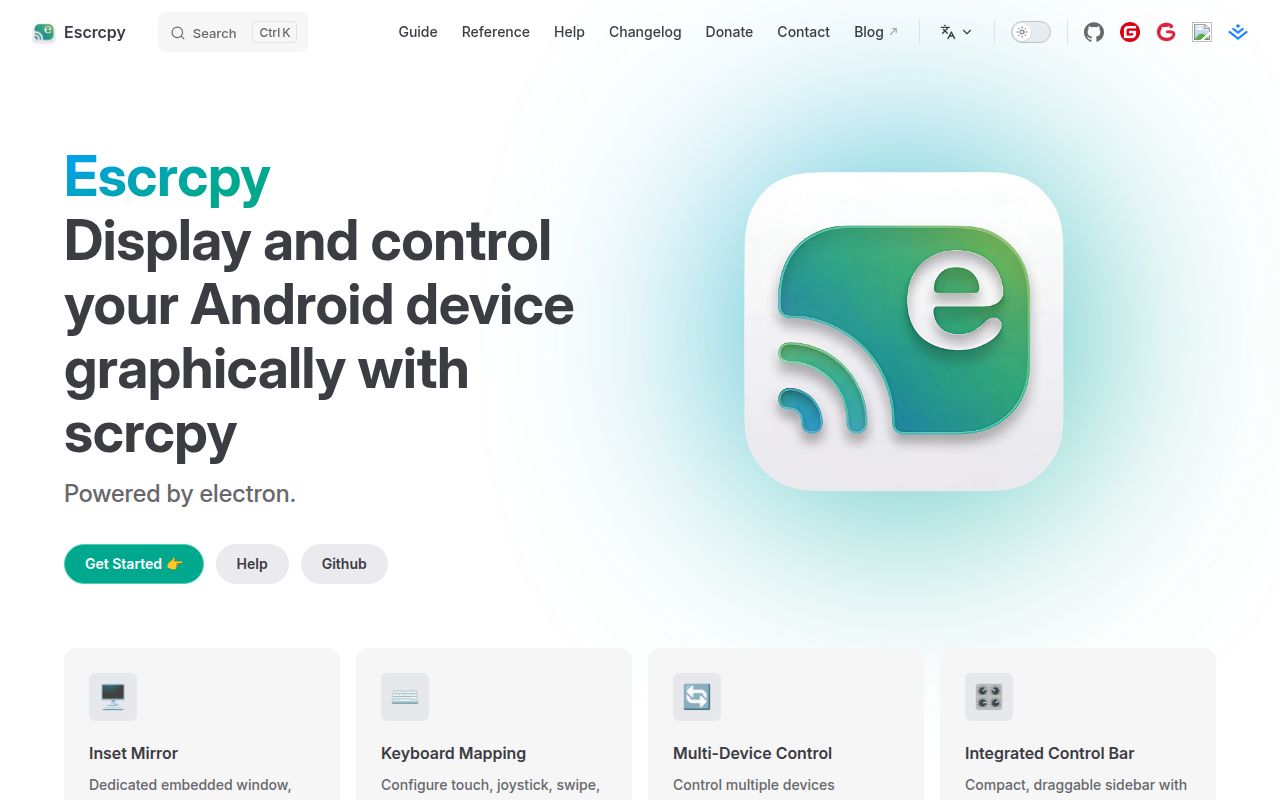
Escrcpy sits above the established scrcpy core and packages Android display and control into a more approachable graphical workspace. At v3.2.0, it is not merely a mirror window with a prettier frame: the README describes embedded mirroring, device operations, mappings, automation, wireless discovery, reverse tethering, and an assistant based on MCP.
In v3.2.0, the central problem it solves is tool sprawl. A developer or test operator can control multiple devices in one window, broadcast input, capture screenshots in batches, and install APKs without switching constantly between terminals and separate utilities. The embedded mirror automatically fits resolution and orientation, while a draggable control bar puts rotation, files, apps, terminal access, screenshots, automation, and the assistant close to the device view.
What happened when we ran it
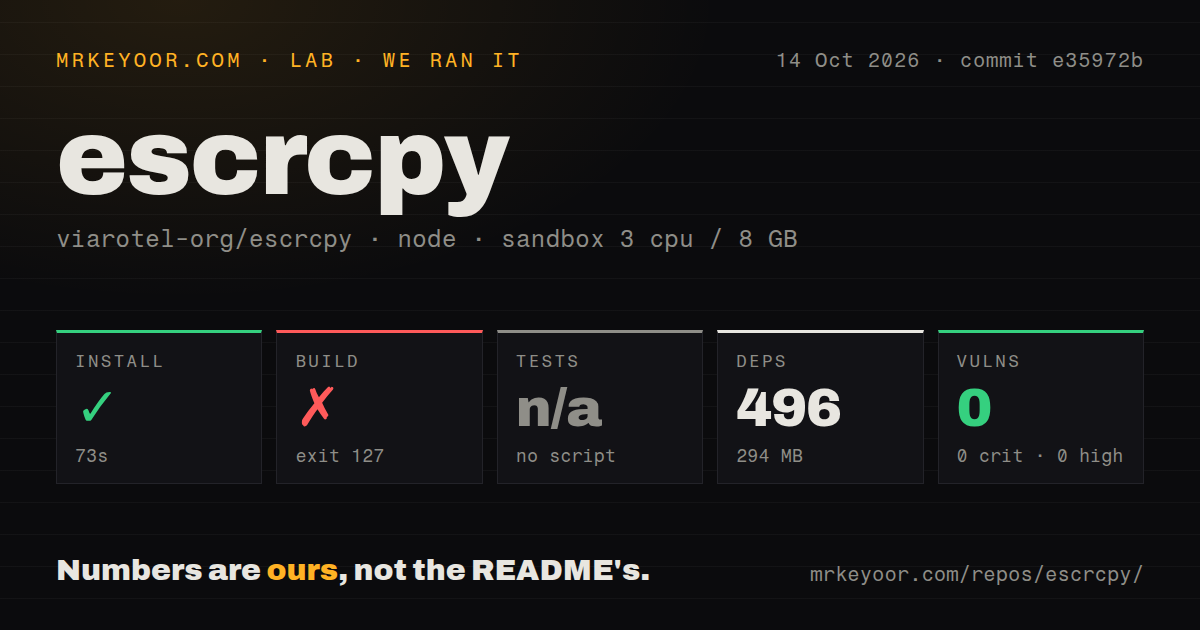
Our run used commit 1e87397 in an unprivileged Debian container with 3 CPUs, 8 GB of RAM, Node 22, and no secrets. Installation succeeded in 103 seconds: it installed 495 packages and occupied 291 MB. The checked-out repository contained 536 files, about 33,595 lines of source, and totaled 196.3 MB.
The source build did not complete. It failed after 24 seconds with exit code 127, and the useful part of the log is specific: the @escrcpy/electron-ipcx build attempted to run tsdown, but that command was not found. The log also warned that a local package.json existed while node_modules was missing. The task runner reported 0 successful tasks out of 3 and identified @escrcpy/shared#build as failed.
There was no tests script or target, so our test step was skipped rather than passed. npm audit found 0 known vulnerabilities across critical, high, moderate, and low severities, which is reassuring for the resolved dependency set but does not replace behavioral tests. We also found 6 CI workflow files, a workspace-based monorepo, and no Dockerfile.
Multi-device control is the strongest reason to choose it
The feature set is unusually well aimed at people operating several phones. Escrcpy can control multiple devices simultaneously, broadcast input, take batch screenshots, install APKs in batches, and organize device windows centrally. Those are concrete improvements over repeating the same manual action across a test bench. The README also promises customizable global shortcuts and a compact, reorderable sidebar, details that matter when the application is open for hours rather than used for a 5-minute screen check.
Keyboard mapping gives it another clear identity. Users can map touch, joystick, swipe, scroll, and automation actions directly against the embedded display, covering 5 distinct input styles named in the documentation. Visual workflow orchestration adds screen-image recognition and batch execution across multiple devices. This is not proof that every workflow will be reliable on every Android build, but it is a coherent set of tools for repetitive interaction, demonstrations, game controls, and manual quality-assurance routines.
Wireless ADB support, LAN auto-discovery, and Gnirehtet reverse tethering broaden the app beyond a USB-bound mirror. The MCP-based Copilot adds multi-model chat for Android control, while keeping the assistant inside the same operational surface as files, terminal access, and automation. That combination is distinctive in v3.2.0. Buyers should still separate the open repository from the private EscrcpyX extension, because the README explicitly says some advanced capabilities are paid rather than part of the open foundation.
The rough edges are source reproducibility and missing test evidence
The largest reservation is not visual polish, which we did not benchmark, but the reproducible evidence available to a technical adopter. A successful 103-second install followed by a missing build command is a poor first contributor experience, particularly when the build log also points to missing package-local dependencies. The absence of a test target leaves no project-supplied regression suite for us to run. Six CI workflows show automation infrastructure exists, yet our clean checkout still provides no passing build or test result to cite.
Support expectations also need calibration. The maintainers say support is limited and updates are irregular, and some advanced features live in the paid private extension. That is honest, but a team building a device lab around Escrcpy should decide who owns troubleshooting and whether the open feature boundary meets its needs. The 21 open issues are not alarming by themselves, though issue count alone says nothing about response time, closure quality, or the difficulty of outstanding bugs.
Current activity looks healthy, but popularity is not maintenance proof
The project was pushed on September 1, 2026, the same date as the v3.2.0 release, only 7 days before this review. Combined with 11,188 stars and 21 open issues, that is evidence of strong adoption and very recent maintenance. It is more useful than judging health from release frequency alone. Still, without measured issue-response data or successful tests, we cannot convert stars and recent commits into a guarantee of support or stability.
It belongs on an operator desktop, not as a headless service
In a real stack, Escrcpy fits at the human-control edge: Android devices and ADB sit underneath it, while a developer, tester, support technician, or lab operator works through its desktop UI. The lack of a Dockerfile and emphasis on embedded windows, draggable controls, hotkeys, mappings, and visual workflows make it a weak match for headless infrastructure. For scripted CI, the upstream Genymobile/scrcpy project or direct ADB tooling may be easier to constrain; for a 10-device manual bench, Escrcpy's orchestration is the point.
The sensible adoption path is to try the published v3.2.0 package on the intended desktop OS, verify USB and wireless behavior with noncritical devices, and confirm that required features are in the open edition. Source contributors should reproduce the tsdown failure before investing in changes, then look at the project's development documentation and workspace setup. Escrcpy earns a trial for demanding Android desktop workflows, but our failed build and skipped tests keep it short of an unconditional recommendation.