Peer-to-peer links remove a required controller
EasyTier builds a virtual network in which each node can connect through any reachable peer. There is no mandatory central control service. Nodes try NAT traversal and direct links first; a shared node can relay traffic when peer-to-peer connection fails. That design is attractive for home labs, remote support, and small fleets where running a coordination plane feels disproportionate. The cost is that operators own peer discovery, secrets, firewall rules, and relay selection.
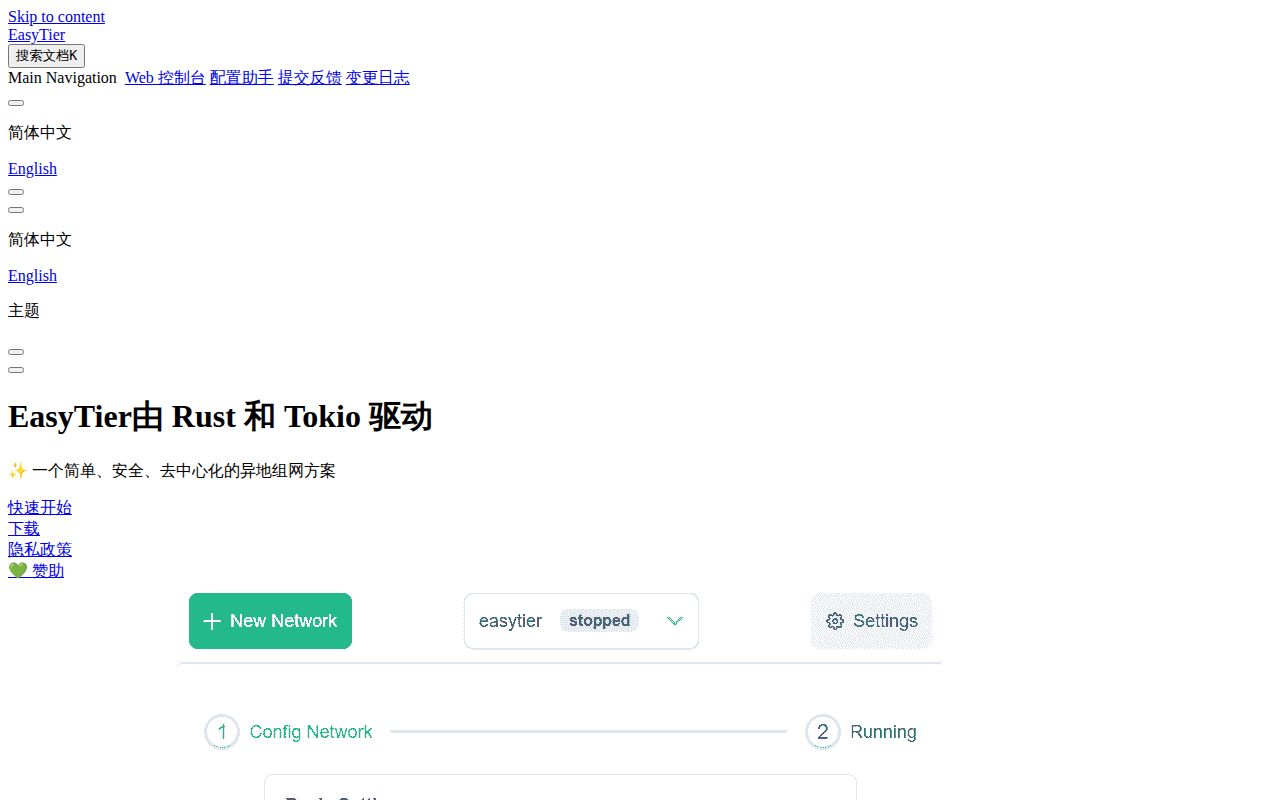
The English README covers Windows, macOS, Linux, FreeBSD, Android, and several processor families. Chinese documentation and release notes sit alongside it, while many current issue reports are written in Chinese. Prebuilt binaries, graphical clients, command-line tools, web management, Docker instructions, Homebrew, Cargo, and OpenWrt packages provide several entry points. Choosing one is easy; predicting identical behavior across that platform range is much harder.
Five default listeners widen the network surface
A first decentralized node listens on TCP and UDP port 11010, WebSocket port 11011, secure WebSocket port 11012, and WireGuard port 11013. The next node connects to one of those addresses and receives a virtual IP. EasyTier can also advertise a private subnet, choose routes by latency, and expose a WireGuard portal for phones or other standard clients. KCP and QUIC proxy options target difficult lossy links.
Those features alter routes and move traffic between trust zones. The quick start therefore uses root or administrator privileges. A container deployment needs access to /dev/net/tun plus NET_ADMIN and NET_RAW, usually with host networking in the documented example. Treat the network name and secret as credentials, restrict public listener ports, and decide whether community relays are acceptable. A simple ping confirms reachability, not isolation or least-privilege routing.
What happened when we ran it
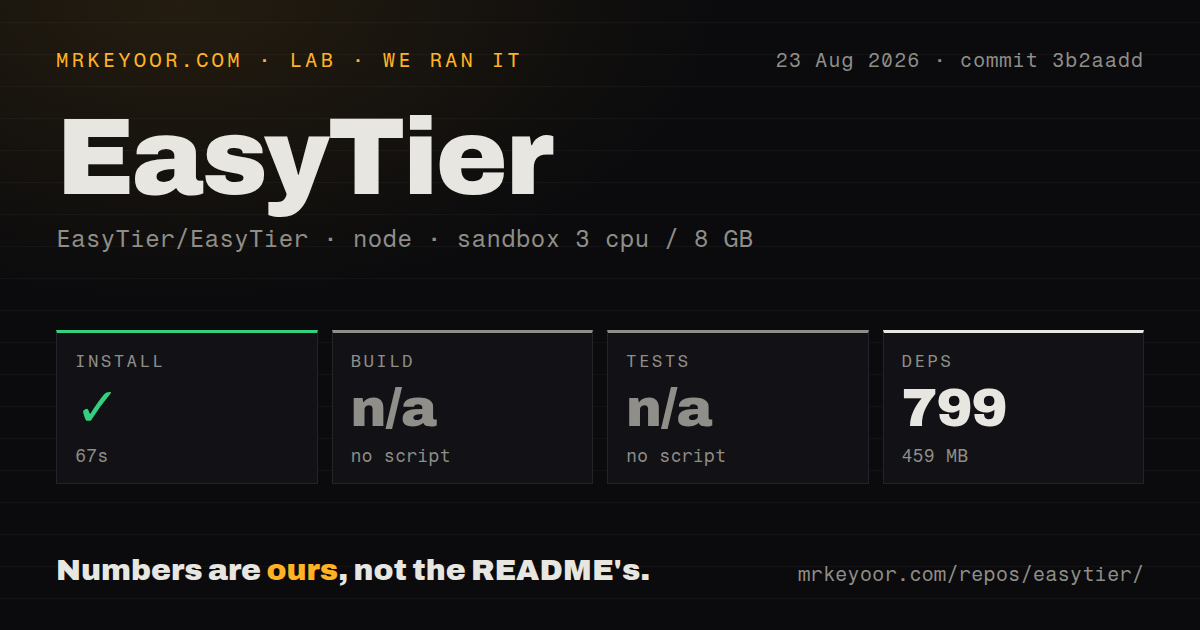
Our sandbox installed 799 pnpm packages in 67 seconds and occupied 459 MB. The checkout at commit 3b2aadd had 970 files and roughly 216,447 lines of source in a workspace monorepo. The root package provided no build script or target, so we skipped the build. It also provided no test script or target, so tests were skipped. Neither skipped step should be read as a pass.
The scan found 8 CI workflow files, no Dockerfile in the repository root, and no tests directory. The README still links a Docker installation path and the project ships Rust networking components, but our standard Node run exercised only the detected pnpm surface. We did not grant network administration capabilities, create a TUN device, join 2 peers, or measure throughput. The 67-second install says nothing about tunnel quality.
Windows default routes can lose with metric 9000
Issue 2465 traces a Windows exit-node problem to a default route metric of 9000. The reporter found that EasyTier added 0.0.0.0/0, but Windows continued using the physical adapter because its metric was lower. Manually changing the route caused traffic to use the intended exit node, yet the adjustment had to be repeated after reconnecting. The issue requests a persistent GUI, file, or command-line setting.
That report matters because the route can appear present while traffic leaves through the wrong interface. Anyone using an exit node for policy or location control should verify the public address, IPv6 path, and DNS behavior after startup and reconnection. Version 2.6.4 also has issue 2493, where one Windows 10 user reports repeated driver-load errors filling the system log. Neither report establishes behavior on every Windows machine, but both justify a limited pilot.
A 280-device LAN report argues for staged rollout
Issue 1504 describes an office with about 280 EasyTier devices where starting the GUI client coincided with sustained traffic, a saturated LAN, and a switch attack alarm. Closing the client restored the network according to the report. The listed server and client versions differ, and the issue does not provide packet captures or a confirmed cause. It is evidence of a deployment failure, not proof that every large mesh will repeat it.
The responsible response is operational. Introduce a few nodes, observe broadcast and discovery traffic, set bandwidth alerts, and expand in controlled groups. Test mixed versions because real fleets rarely upgrade at once. Release 2.6.4 added an optional Windows UDP broadcast relay for LAN discovery and fixed long-running memory growth. Broadcast forwarding is useful for games and DLNA, but it should stay disabled unless the application requires it.
OpenWrt v2.6.4 has a reported startup panic
Open issue 2370 shows EasyTier 2.6.4 panicking at startup on one aarch64 OpenWrt system. The recorded message says zstd returned a null pointer while creating a context. The report does not identify a confirmed fix or show that all OpenWrt targets are affected. Router deployments should test the exact package, architecture, storage, and firmware combination before replacing remote access. Keep an out-of-band management path during the trial.
GitHub listed 13,324 stars and 469 combined issues and pull requests, with a last push on August 26, 2026. Release 2.6.4 was published on May 12, and issue activity continued through August. That pattern shows active development beyond the latest tag. It also means users must judge the current release separately from main-branch fixes and unreleased changes.
EasyTier fits operators who want to own the mesh
The project offers a rare combination: peer-equal topology, broad client support, subnet routing, optional relays, and a WireGuard portal. It can reduce dependence on a hosted coordinator and fit devices that mainstream mesh products neglect. The trade is direct responsibility for privileged clients, public listeners, route selection, and upgrades across unlike operating systems.
Start with prebuilt binaries on 2 disposable nodes, then add one subnet or exit route at a time. Check reconnects and remove a peer to see how traffic reroutes. The lab's 459 MB Node installation is not the deployment decision; network behavior is. EasyTier is worth that test for a self-hoster, but the open Windows, office-LAN, and OpenWrt reports make an unattended fleet rollout premature.