dsh-web adds an ecosystem around DeepSeek Harness
The repository's primary documentation is Chinese, with a full English README maintained beside it. The project has also been renamed from dsh-web-ui to dsh-web; GitHub redirects the requested repository URL, and v0.3.5 is the final release that dual-publishes the old aggregate package name. That migration detail matters because existing DSH profiles may still refer to @linxin666/dsh-web-ui-all.
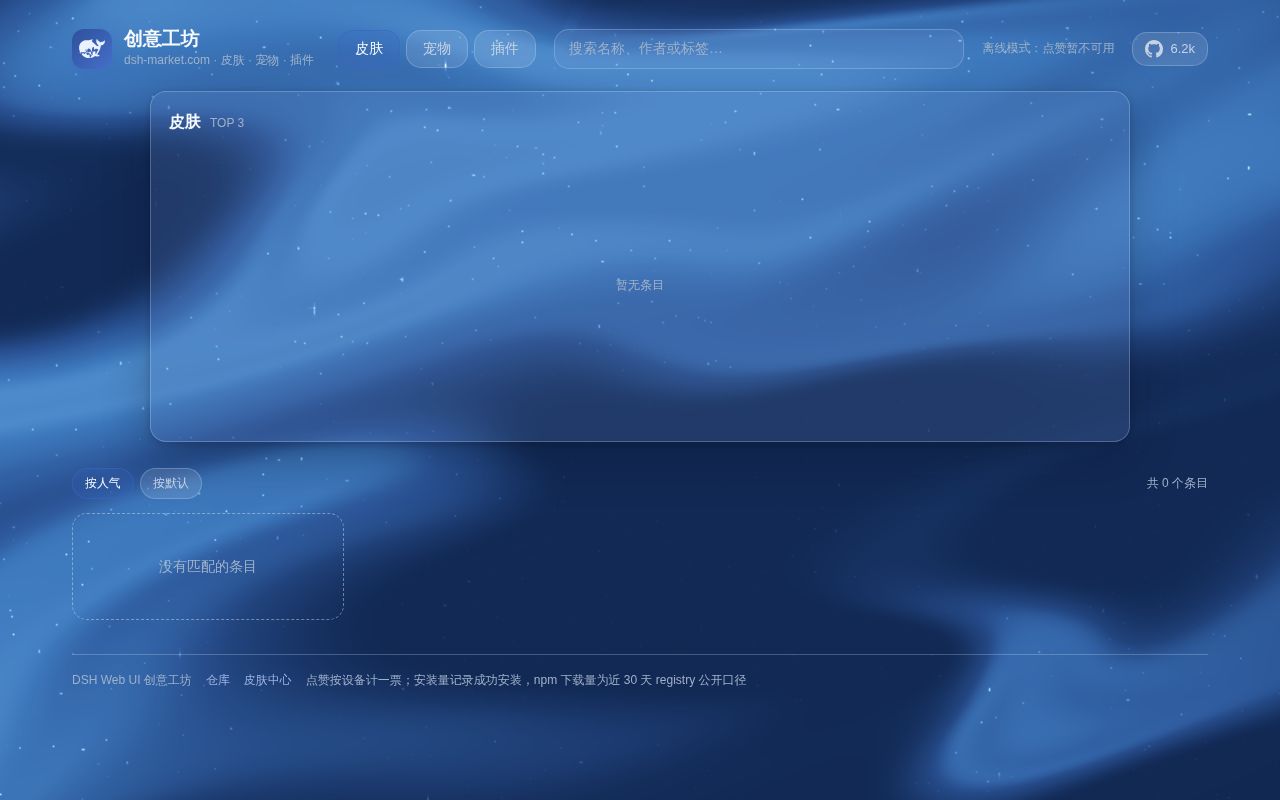
The new aggregate, @linxin666/dsh-web-all, mounts through the official DeepSeek Harness profile mechanism. It does not patch the DSH source checkout. The bundle covers a task board, remote browser and mobile sessions, SSH operations, Git history and worktrees, a vision tool, skins, plugin discovery, and a Doctor service for failed profiles. Each capability is also packaged separately, which is the safer way to start.
One plugin is easier to reason about than the full bundle
Installing the aggregate puts many UI and host behaviors into one profile. Some plugins touch the same screen: skins can alter root layout, a right sidebar changes content width, and performance controls change rendering behavior. Open issue 1222 documents a v0.3.5 conflict between the skin center's width: 100% !important rule and the better-sidebar layout. The reporter measured a 597-pixel panel covering the conversation.
That report is a good argument for selective installation. A user who wants only SSH can add @linxin666/dsh-ssh; skins have their own package, and the task board is separate too. Fewer mounted packages reduce the number of CSS, lifecycle, and profile interactions to diagnose. The aggregate is convenient after those pieces have proved useful together, not necessarily on the first DSH setup.
What happened when we ran it
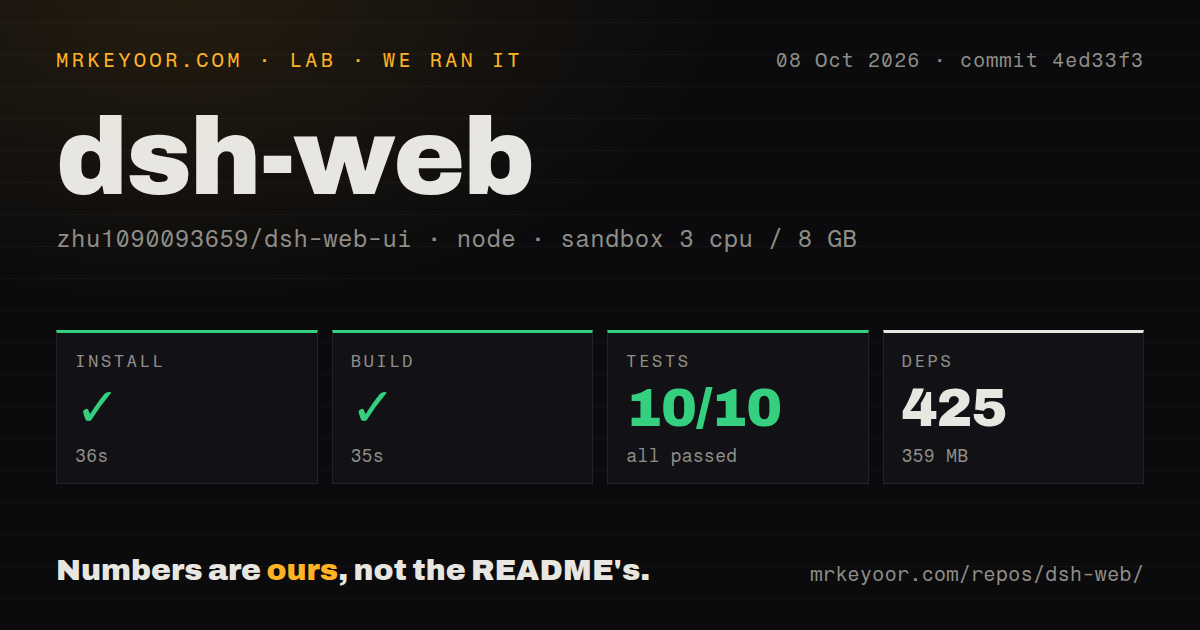
Our sandbox installed 581 pnpm packages in 68 seconds and occupied 742 MB. The monorepo build succeeded in 32 seconds. The test command ran for 51 seconds and returned exit code 1. These results cover commit 82a9bb4 in an unprivileged container with 3 CPUs, 8 GB of RAM, no secrets, and Node 22.
The test reporting had two layers. The supplied overall measurement recorded 2 Vitest tests passed and 0 failed out of 2. Deeper in the recursive workspace output, @linxin666/dsh-ssh reported 17 passing files and 1 failing file, with 139 passing tests and 1 failure out of 140. Pnpm then emitted ERR_PNPM_RECURSIVE_RUN_FIRST_FAIL and stopped the workspace sequence.
The log points to tests/engine.test.ts at line 342 but does not include the failed assertion in the supplied tail. We cannot say why it failed. The defensible result is that installation and build worked, while the full workspace test command did not. The checkout had 1,749 files, about 218,951 source lines, 13 CI workflow files, a tests directory, and no Dockerfile.
Remote access is paired, with an SSE tunnel caveat
The remote UI uses a one-time, limited-life pairing token and can serve a phone or another desktop browser. Stopping the session revokes paired devices. The README recommends the plugin's pairing path for remote PCs and warns against assigning a tunnel domain to --trusted-host, because that SDK setting allows /api to bypass the pairing gate. That is a concrete security boundary, not a cosmetic preference.
Live updates travel over Server-Sent Events. Cloudflare quick tunnels and Tailscale Serve are documented as unable to carry that stream in this setup, so the plugin falls back to polling and new messages may arrive a few seconds later. An SSE-capable named tunnel or direct forwarding is required for immediate updates. Teams should test disconnect, revocation, and reconnection from outside the local network before exposing a DSH session.
SSH and vision features hold real credentials
The SSH panel supports terminals, SFTP transfers, local port forwarding, and commands across groups of hosts. Configuration lives in ~/.dsh/dsh-ssh.json, and hosts may use keys or passwords imported from SSH config. The agent can call the same connection definitions. That is useful, but it places production access inside an AI workbench, so use restricted accounts and review which sessions can invoke remote tools.
Image understanding sends a referenced image to a configured OpenAI-compatible vision endpoint and returns text to the conversation. The user supplies the endpoint, model, key, and default instruction. The README says the image itself is not stored in the DSH conversation record, but it still leaves the machine for a remote endpoint unless the configured service is local. Sensitive-image policy must cover that separate request.
v0.3.5 is active and still changing quickly
GitHub showed 6,180 stars, 12 combined issues and pull requests, and a last push on August 26, 2026. Release v0.3.5 landed the same day with 13 features, 12 fixes, and 12 other changes. The notes explicitly say its automated compatibility audit was not a real upgrade drill from an older version and did not cover a real macOS or Windows upgrade matrix.
The release provides a Doctor-based migration from the legacy aggregate, with a profile snapshot, config check, and rollback path. A bare dsh web launch does not run that preflight. Back up the profile and use the documented Doctor path when changing package names. Apache-2.0 covers the repository, while several skins have separate asset terms or missing declarations listed in the README. Commercial teams should inspect each installed skin rather than treating the bundle license as permission for every asset.