Chat access depends on the host's access boundaries
DSH-IM connects messaging bots to DeepSeek Harness. For an existing Harness user, it provides a way to continue coding conversations through services such as Telegram, Slack, and WhatsApp. Before sharing a bot, check who can send commands, what group content it records, and which files the host can return.
The English README documents separate bot workspaces, model choices, and session bindings. These settings organize conversations. They do not establish a file-access boundary, and group archives have their own sharing rules.
What happened when we ran it
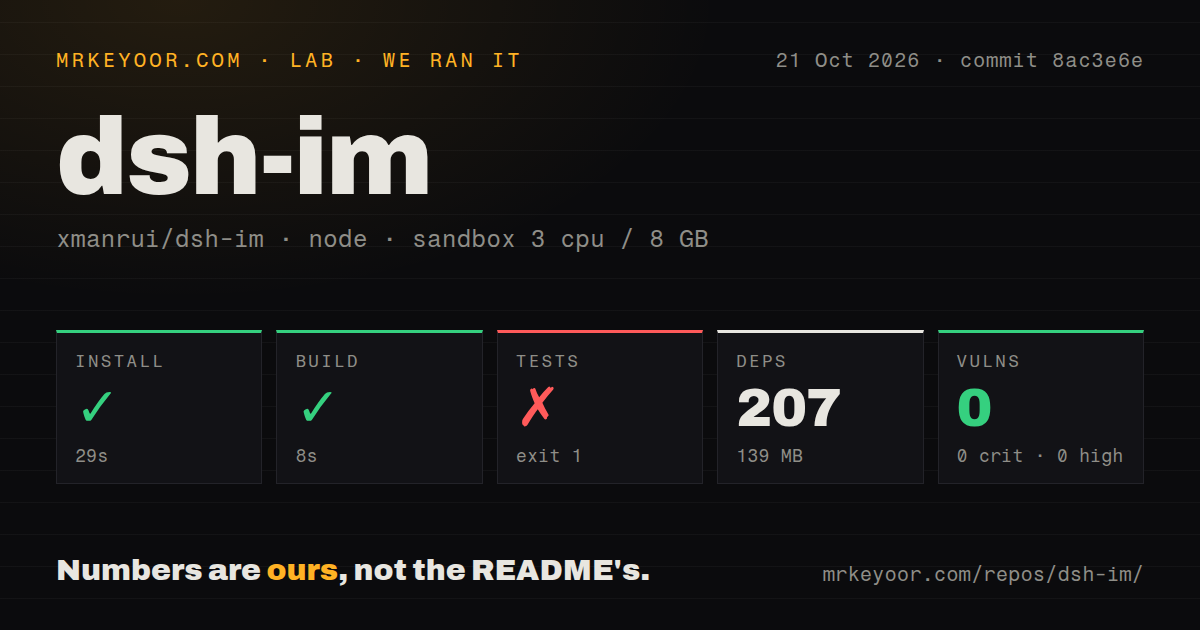
Our sandbox installed commit 8ac3e6e in 29 seconds, recorded 207 dependencies, and used 139 MB on disk. The build passed in 8 seconds. Tests exited 1 after 315 seconds. The run took place on October 21, 2026, with 3 CPUs, 8 GB of RAM, and image lab-node:22. The image label does not establish the actual runtime or operating-system version.
The supplied tail ends with an ok 4088 entry about workspace prompt preparation after a stale session binding. The preceding entries also report successful workspace cases. These lines do not establish a total passing-test count or identify the reason for exit 1. The recorded run was not marked as timed out.
The v5.4.0 release page identifies the same commit, 8ac3e6e. The maintainer reports that full build, tests, and package checks passed, along with Linux CI checks and Windows workspace/QR regressions. These are maintainer-reported results, separate from our sandbox measurements. The supplied logs cannot reconcile the runs. Neither result establishes successful delivery through every live messaging service; the release notes explicitly distinguish automated and local checks from that broader testing.
Npm audit reported 0 known vulnerabilities. That audit does not establish safe bot permissions or file exposure. The checkout contained 850 files, about 256,533 source lines, and occupied 30.9 MB. The scan found one CI workflow and a tests directory, with no Dockerfile. Live message delivery and agent-task reliability were not measured in our run.
Install into the Harness profile you use
The README recommends the published @xmanrui/dsh-im package and provides separate Desktop and Web installation commands. Restart the corresponding host afterward, refresh the browser for Web, and open Settings → IM Bot. Local Desktop and Web setups reuse the host's internal services by default, without an additional loopback Harness URL.
Slack needs a bot token and an app token. Telegram uses a token generated by BotFather. WhatsApp links through a QR code. A successful repository build does not demonstrate that any of these accounts has been connected to a working Harness host.
The supplied repository README states a supported baseline of DSH 0.2.1-rc.2 with Session format v4 and directs older hosts to historical plugin releases. Treat this as the project's compatibility statement. Our measurements do not establish a live installation on that host version.
Group recording starts enabled
On the documented group-history channels, DSH-IM can save received messages and attachments, including unmentioned messages when the platform delivers them. Recording is enabled by default and does not itself trigger a model reply. Retention defaults to a rolling 14 days, and full history is not backfilled.
Records are shared by group independently of bots, AI Sessions, and workspaces. QQ archives are currently isolated by app, and Discord threads have separate archives. Separate bot workspaces therefore do not establish separate group archives. Review retention and collection settings before adding a bot to a discussion with confidentiality requirements.
Sender defaults also differ. New Feishu and QQ bots connected through the QR flow allow all users to chat and execute built-in commands by default. Existing bots retain their saved settings. WhatsApp defaults to self-chat only. Check the chosen channel's access settings before inviting another sender.
File returns add no workspace boundary
The README says the file-return tool adds no workspace-boundary restriction. The file only needs to exist and be readable by Harness; the channel can still reject delivery under its own permissions, quotas, and capabilities. File delivery is available by default to connected bots on channels that support it, without a per-bot allowlist.
If your deployment requires file isolation, establish it through controls outside this plugin before sharing access. A selected workspace alone is insufficient. A disposable project with no unrelated readable documents is a sensible starting point for an acceptance check.
Channel limits also affect the decision. Supported remote-approval channels share one allow-once or reject decision with Web, and iMessage is excluded. iMessage's documented initial scope is text direct messages without attachments. Matrix encryption is for non-sensitive testing only; device verification, key backup, SSSS, and attachment-content encryption are unimplemented, and the README says live homeserver/Element interoperability was not validated for that release.
Documentation helps identify the checks still needed
Documentation scores 4/5 under this review's coverage rubric: 1 means prerequisites are unclear; 2 covers prerequisites but leaves setup gaps; 3 covers setup; 4 also explains operating defaults and material limits; 5 requires complete operating and troubleshooting guidance for the assessed workflow. The supplied README supports 4 because it covers installation, credentials, retention, access defaults, file returns, and channel limitations. The linked procedures were not supplied in full, so their completeness remains unverified.
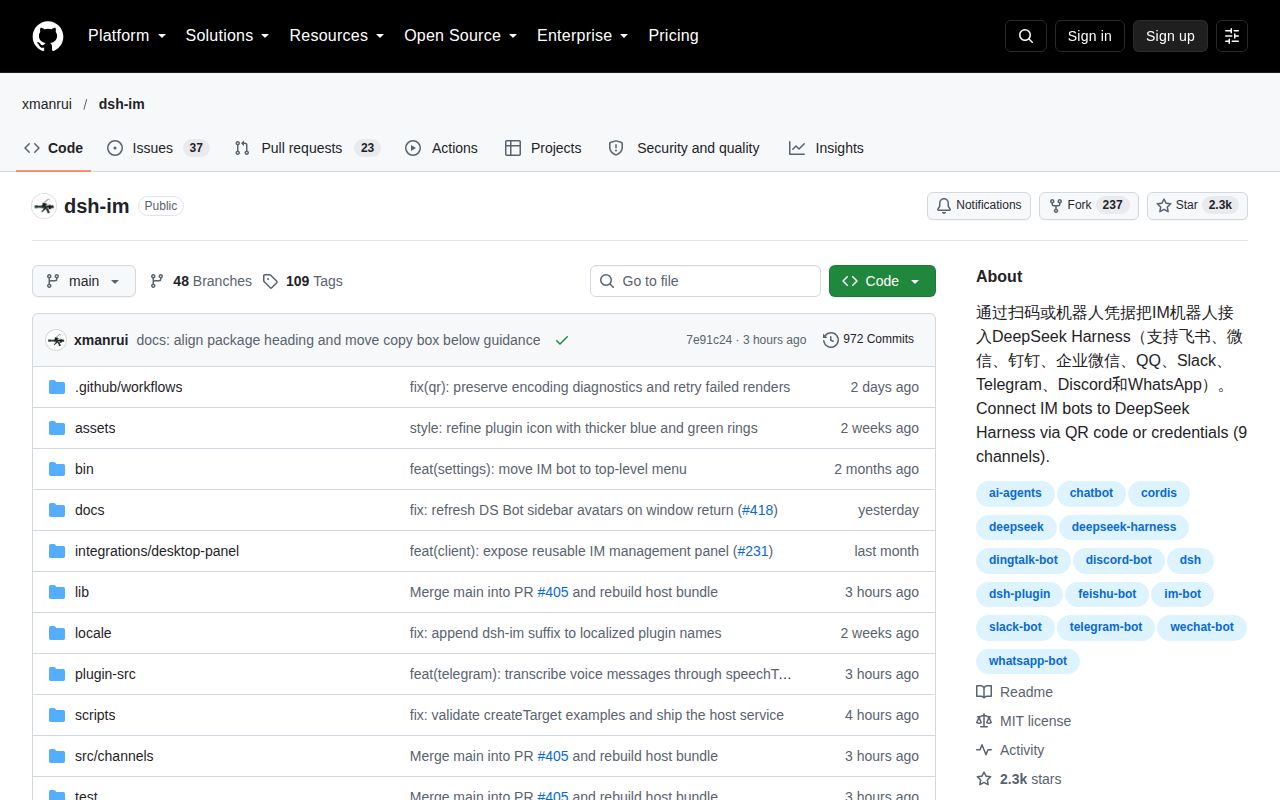
The repository metadata records a push on October 21, 2026, and 60 open issues and pull requests. The v5.4.0 release was published that day. These observations do not establish support responsiveness or explain the difference between the maintainer's verification and our failed test command.
Alternatives depend on the agent and client you want
CC-Connect lists support for local agents including Claude Code and Gemini CLI. Compare it when you want messaging access to one of those agents rather than using DeepSeek Harness.
Happy documents an original CLI that wraps Claude Code and Codex and lets you continue from a phone. Compare it when you prefer a dedicated mobile client. These are documented capability comparisons, not comparative test results.
For an existing Harness user, DSH-IM warrants a controlled trial if its documented boundaries fit the intended use. Start with one private bot and a disposable project. Check sender permissions, group recording, and readable-file exposure before sharing access. Reproduce the failing test command with complete logs before relying on this snapshot for unattended work.