Eight video stages can run in an order you control
Visual Enhancer puts eight available cards in its initial video pipeline: neural rendering, conventional scaling, DLSS Super Resolution, RTX Super Resolution, RTX Video HDR, DLSS Frame Generation, coloring, and sharpening. Every card starts disabled. You turn on the ones you need, drag them into order, preview the result, and export a file or batch. Preflight checks dimensions, frame rates, hardware support, and HDR compatibility before processing.
Image work can produce PNG, JPEG, WebP, AVIF, or TIFF, including 16-bit PNG and TIFF. Video options include H.264, H.265, AV1, ProRes Proxy, ProRes HQ, and 10-bit RGB FFV1. A 5 GB rolling cache limits temporary storage, while stage-by-stage mode keeps complete intermediates. Live mode applies neural rendering during playback.
Our 37 MB source install did not run the 724 MB Windows app
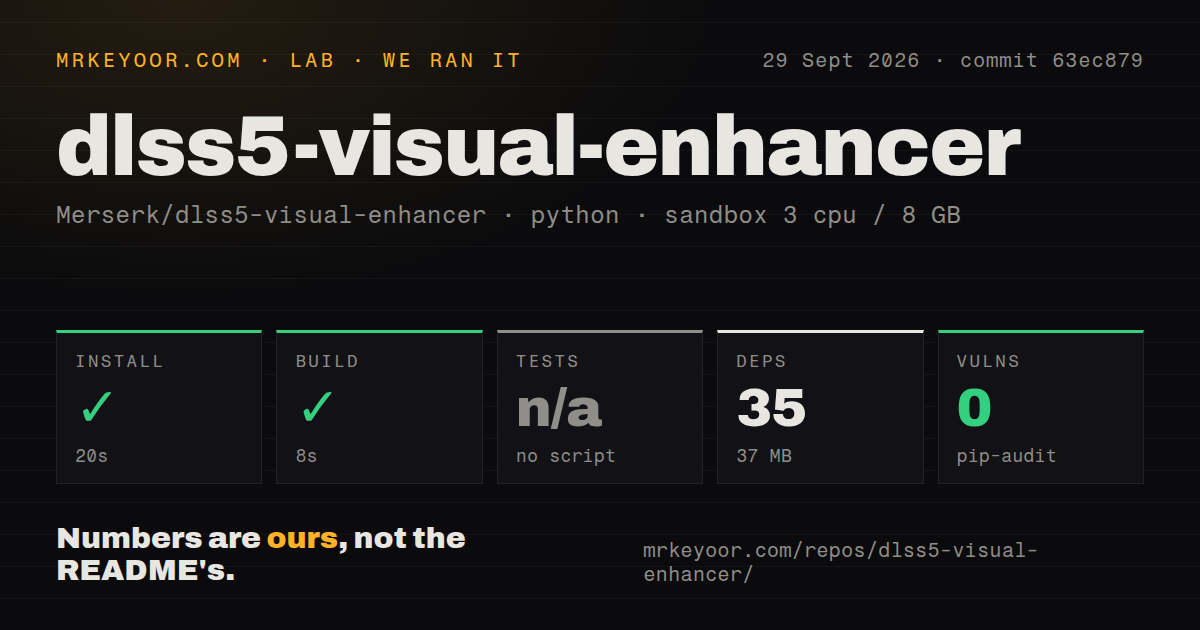
The source checkout was small: 950 files, roughly 34,795 lines, and 3.7 MB. Our sandbox installed 35 packages in 20 seconds and occupied 37 MB afterward. The build completed in another 8 seconds. Those numbers describe the repository path at commit 63ec879, not the end-user package or a finished neural-rendering job.
Release v13.2 is a different-sized object. Its ZIP was 724,867,853 bytes in GitHub's API, and the instructions say to extract the whole archive before running Visual Enhancer.exe. The release includes the app beside its source tree and binary dependencies. Treat our compact Linux install as a packaging check, not evidence that the Windows bundle, video encoders, or NVIDIA effects worked.
What happened when we ran it
Our run installed successfully in 20 seconds and built successfully in 8 seconds inside a fresh Debian container with 3 CPUs, 8 GB of RAM, Python 3.12, no secrets, and no elevated privileges. Pip-audit reported 0 known vulnerabilities in the 35-package Python environment it examined. Our test method did not include a Windows VM or GPU.
There was no test script or target, so the harness skipped tests. The repository also had no tests directory, CI workflow file, or Dockerfile. That is a missing verification layer, not a failed test result. The same run cannot tell us whether a frame was enhanced correctly, audio stayed synchronized, HDR metadata survived, or the interface recognized an RTX card. Those checks need representative media on supported hardware.
Windows 11 and RTX are hard requirements for the headline effects
The application requires 64-bit Windows 11 and Direct3D 12. DLSS 5 Neural Rendering, DLSS Super Resolution, Frame Generation, and RTX Video each depend on compatible NVIDIA hardware, a current driver, and successful runtime initialization. Frame Generation may refuse to start without hardware-accelerated GPU scheduling. GPU filtering also needs a working Vulkan device.
The 724,867,853-byte ZIP needs no separate Python install, but portability means moving an extracted Windows folder. Issue 67 reports system-wide flickering after about 5 minutes on an RTX 3060 and had no maintainer reply when we checked. One report does not establish a general defect, but it gives RTX 3060 owners a specific trial case.
The CLI exposes four commands and machine-readable results
VE_CLI.exe provides render, upscale, interpolate, and devices. It accepts files, folders, multiple inputs, and quoted wildcards, then processes jobs one at a time. A dry run prints the planned media properties, stages, dimensions, frame rates, and output paths. JSON mode writes one result object, and exit codes distinguish success, failure, invalid input, and cancellation.
The command line starts from factory defaults. Reusing an eight-stage arrangement requires exporting a JSON preset and passing it explicitly. Existing output files are not silently overwritten, and cancellation keeps completed files while cleaning up the active unfinished output. Teams still need their own media regression set because the repository supplies no test target.
Subtitle streams and original image metadata are dropped
Video export carries source audio, chapters, and metadata when the codec and container allow it, but subtitle streams are not mapped. Image exports do not retain original EXIF or other source metadata. That can be acceptable for web delivery and disastrous for archival or editorial work. Plan a separate metadata and subtitle remux step if either must survive.
HDR depends on stage order and export settings. Scaling, DLSS Super Resolution, RTX Super Resolution, and nonzero sharpening must occur before HDR conversion. Odd video dimensions are adjusted to even values unless the output is 10-bit RGB FFV1. Preview a 1, 3, 5, 10, 20, or 30-second clip with the same order used for export.
The license permits commercial output, not open-source redistribution
The Merserk Source License 1.0 explicitly identifies itself as proprietary and source-available. It permits personal, professional, and commercial use, including paid work and sale of outputs. It also permits private source modifications. Publishing modified builds, mirroring the software, bundling it into another product, or providing hosted access to the software itself requires written permission.
GitHub's license field returned no standard identifier, and the repository says it is not under an OSI open-source license. Visual Enhancer can still serve a commercial editing desk, but it is a poor base for a redistributable product or public community fork without a separate agreement.
Seventeen releases in one month show speed and churn
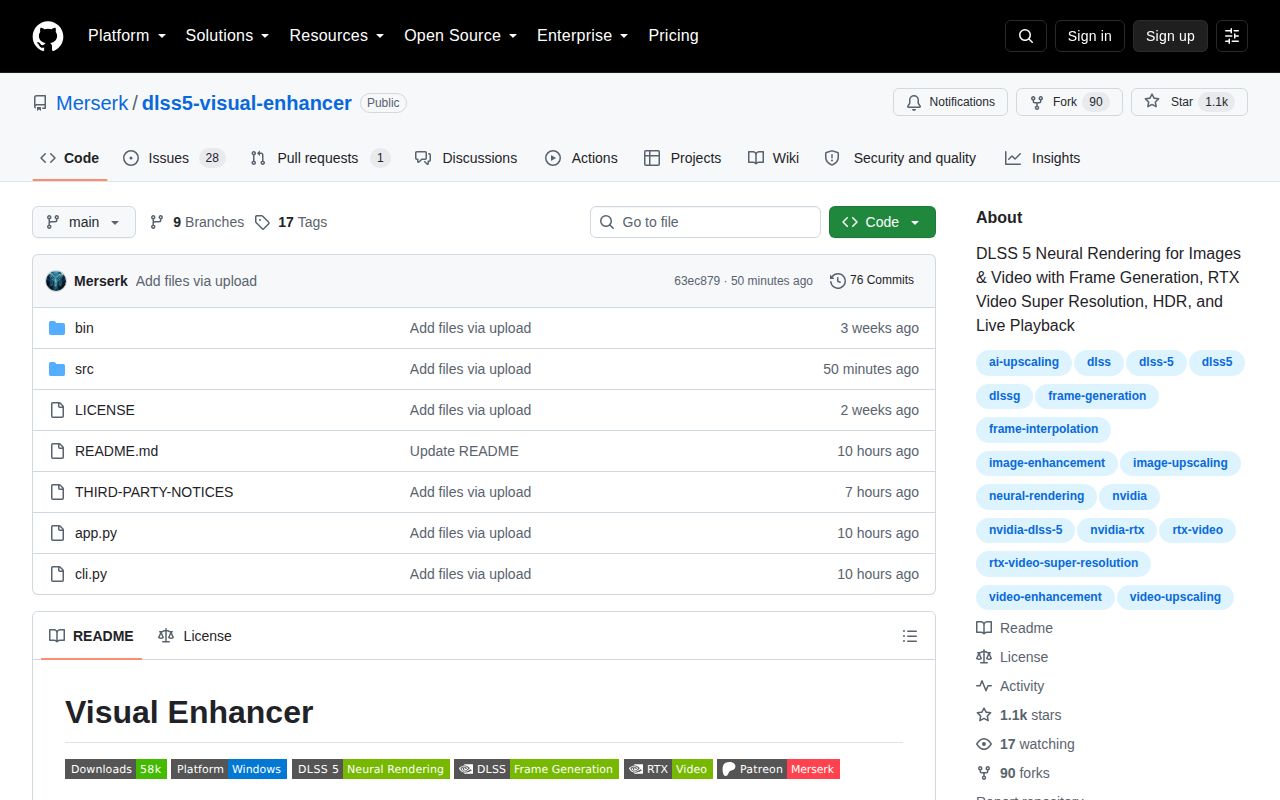
The project published 17 tagged releases between August 30 and September 29, 2026. GitHub showed 1,100 stars, 28 open issues, and 1 open pull request on September 29. The latest push and v13.2 release landed that same day. This is active maintenance from a very young project, with the usual cost: workflows can change quickly.
A v13 performance report said GPU work had fallen back to the CPU. Version 13.1 arrived within hours, and the reporter confirmed the fix. A color-slider report then led to v13.2 on the same morning. That response is encouraging. With no automated test target, keep a known image, a short video, subtitles, and one HDR sample as an acceptance set before replacing a working release.