Disk cleanup starts with a reviewable list
Deleting a large directory is easy. Knowing whether it contains an unpushed commit is harder. Disktree puts Git status beside a directory's size and lets you mark candidates before reviewing the removal list. The README describes a desktop treemap built for Omarchy, with keyboard navigation and a free-space meter. That combination suits a developer clearing old checkouts and build output who wants to see the consequences before acting.
Our checkout contained 57 files and about 25,656 source lines in 2 MB. The application separates its scanning and removal code from the GPUI interface. Its directory classifications use names and recognizable shapes, such as a Rust build directory beside a Cargo manifest. Treat the hatched areas as suggestions to investigate. A folder that looks like disposable build output can still contain something you chose to keep.
What happened when we ran it
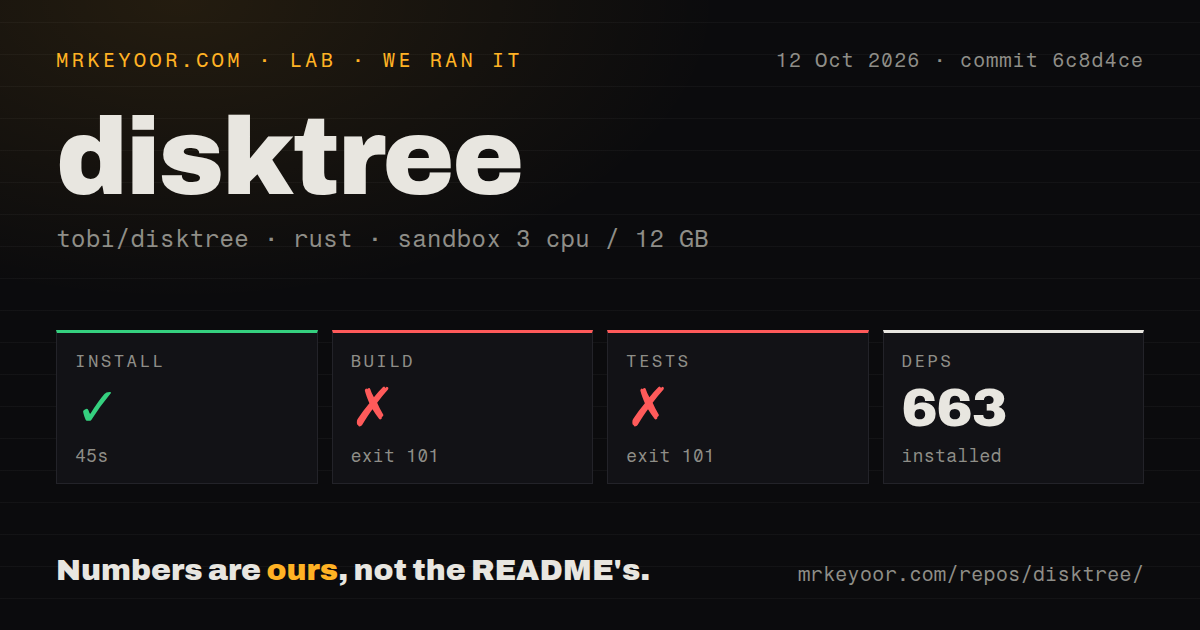
Our sandbox installed disktree's 663 packages in 45 seconds, then the build failed after 775 seconds with exit 101. We ran commit 6c8d4ce on October 12, 2026, in an unprivileged Debian container using image lab-rust:1, with 3 CPUs, 12 GB of RAM, and no secrets. The log identifies the blocker directly: the linker could not find -lxkbcommon-x11, and compilation of the disktree-app binary stopped.
The test step failed after 194 seconds, also with exit 101 and the same missing linker library. That result does not tell us whether the scanner or removal assertions would pass. The test binary could not compile. The installation instructions name Rust, a graphical session, and Vulkan support, but do not name this Linux library requirement. Building from source on fresh Debian therefore needs preparation beyond the documented quick start.
The scan found 2 CI workflow files, no Dockerfile, and no tests directory. A directory-name check is a poor substitute for reading this repository: the README points to tests inside the application source. Still, our run supplies no successful test result. It also supplies no scan-speed benchmark or evidence that the graphical interface works in this container. Those are separate questions from fetching dependencies and linking an executable.
Linux needs a desktop session and native libraries
Even after a 45-second dependency install, this is a graphical application with system requirements. Linux needs Wayland or X11 and a Vulkan-capable GPU supported by GPUI. The documented source route requires Rust 1.97 or newer, pinned in the repository. Downloadable release archives and the AUR binary package provide other routes, but our sandbox measured neither. We cannot promise that choosing an archive removes every Linux compatibility problem.
There is no hosted service or API credential in the ordinary local workflow. The tool starts in your home directory, and you can point it at another folder or widen the scan to the whole disk. Hyprland users may need to float the window because the README says it works best with room. On a server reached only through SSH, a terminal disk tool is a more natural fit.
Removal guards limit what you can erase
Our 194-second test failure leaves the documented deletion protections unverified by this run. The removal implementation nevertheless makes its intended boundaries inspectable: permanent deletion runs without sending filenames through a shell, and the tool distinguishes blocked paths from accepted targets. The README refuses the scanned root, your home directory, protected system trees, and mount points. Those restrictions are useful when a large rectangle tempts you to delete first and investigate later.
Marking a parent absorbs marks underneath it, so the projected saving does not count the same data twice. Trash is the default when available, while permanent deletion asks for confirmation. After removal, the app rescans and reports the actual free-space change. I like the separation between selecting and deleting. It gives you a place to reconsider a checkout with local changes before the destructive action happens.
macOS totals can overstate the space you will recover
The 2 MB source checkout tells you little about filesystem accounting. On macOS, the README explicitly says APFS clones count in full even when they share blocks, and Time Machine snapshots do not appear as ordinary files. Finder also includes purgeable space in its free-space figure, while disktree uses the figure reported by df. A large marked total therefore cannot always predict the bytes you will recover.
Full Disk Access is needed to inspect protected macOS data, and a terminal launch can make that permission the terminal's responsibility. Cloud-only folders are left unopened. These are sensible boundaries, but they make disktree unsuitable as an exact accounting tool for every byte on an APFS volume. Start with a known disposable folder and compare the post-removal free-space change before trusting a whole-disk projection.
October activity supports a trial, not a blanket recommendation
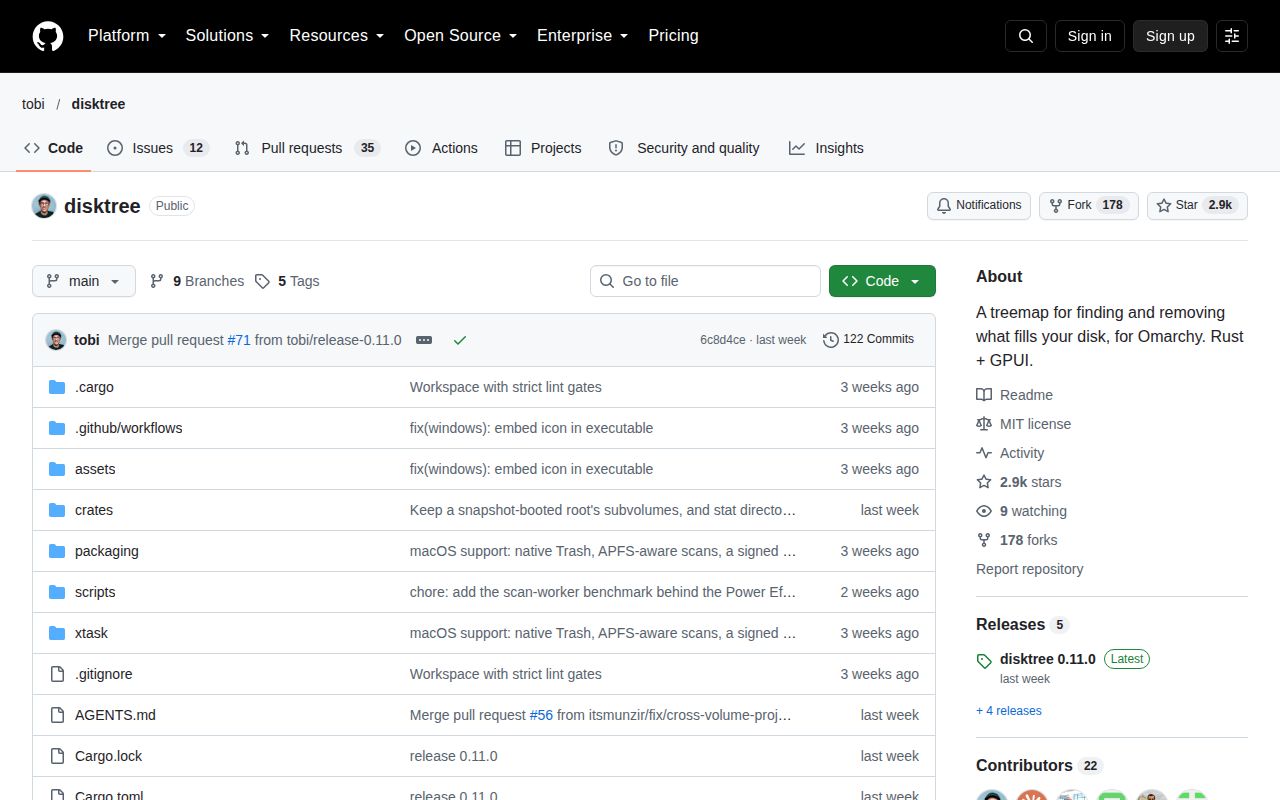
The last push was October 4, 2026, and v0.11.0 shipped that day. GitHub returned 2,902 stars and 47 open issues and PRs, with pull-request updates continuing into October 12. Release notes address Windows scanning and mount accounting, so this is current development. That activity does not change our failed Linux build or make the deletion paths independently proven.
Choose dua for interactive cleanup in a terminal, or Dust for a readable directory-size report. Disktree earns consideration when its desktop mosaic and removal review match how you work. For a fresh Debian source build, resolve the named linker requirement first. Keep the initial deletion small enough that you can inspect every selected path yourself.