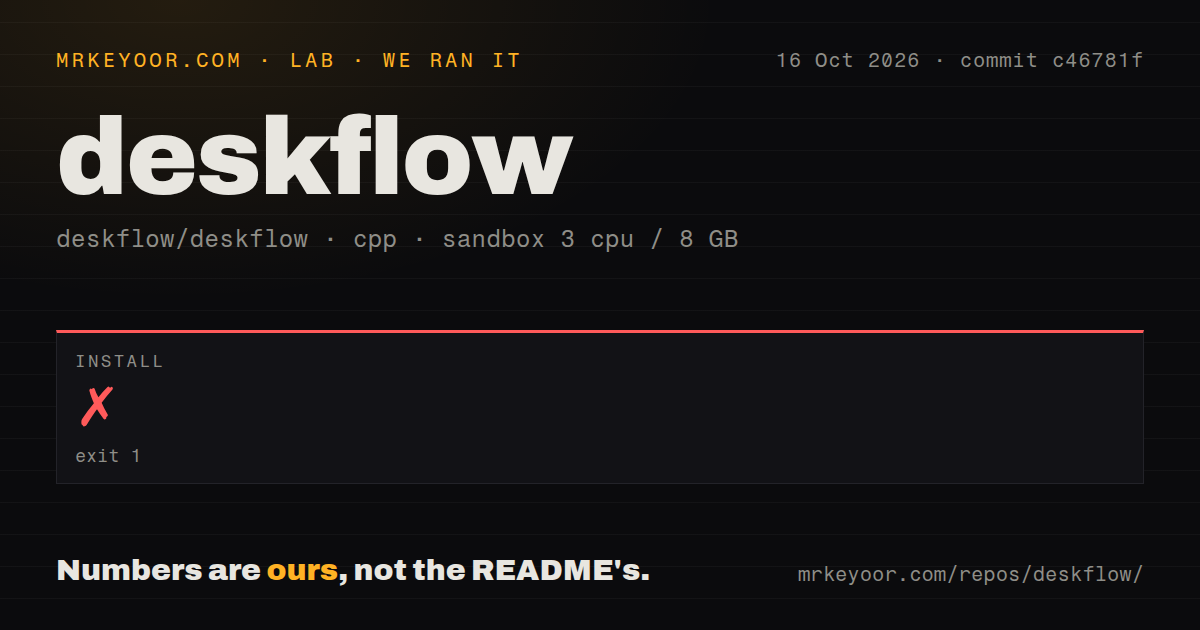
Our source install failed after 6 seconds because CMake could not find Qt 6.7.0, so a packaged build is the sensible starting point.
It replaces extra input hardware, not your display
Deskflow is a free, open-source way to use one computer's keyboard, mouse, or trackpad with nearby machines. Think of it as a networked KVM with the V removed: it moves input and clipboard data, but it does not switch video. A developer with 2 computers and separate monitors can move between them naturally, but display switching still requires another solution.
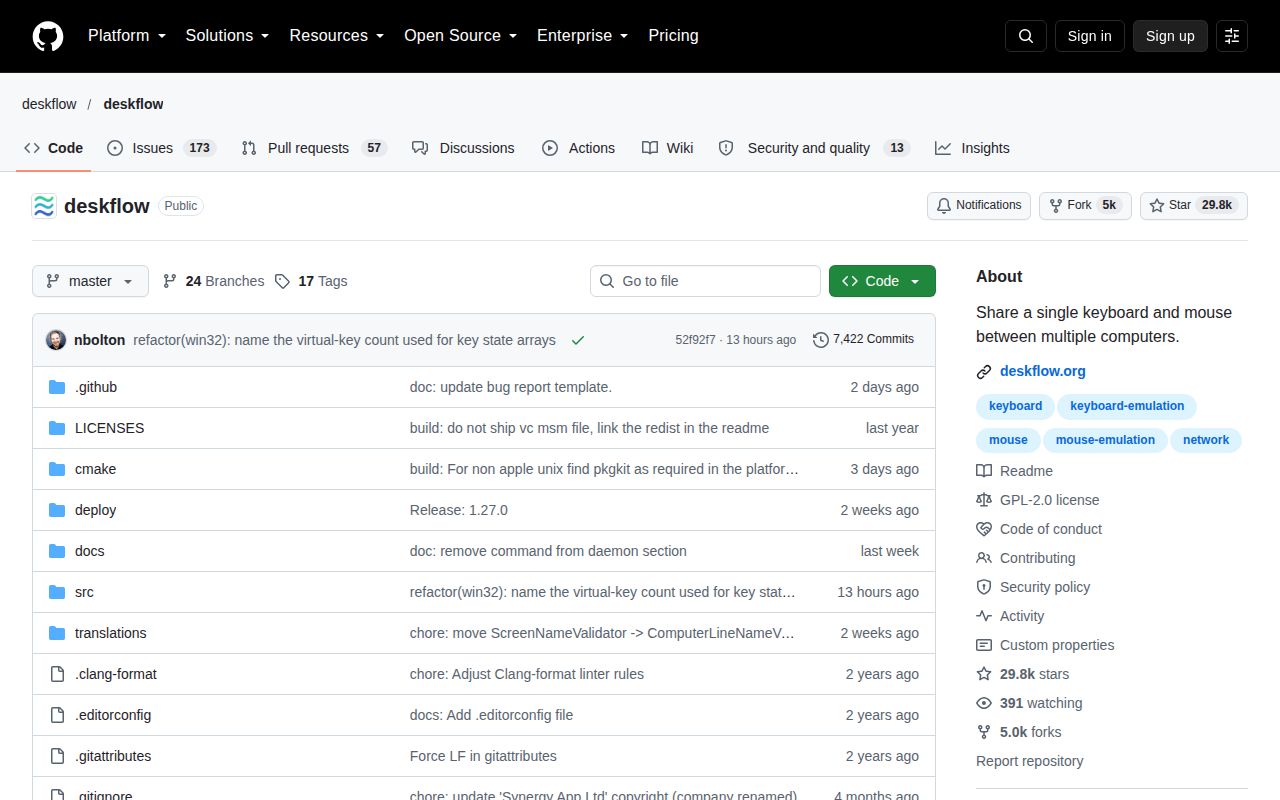
The project sits in a long-running family of input-sharing tools. The repository was created in 2014, has 28,747 stars, and is primarily C++. Deskflow describes Synergy as a commercial fork that sponsors it, while Lan Mouse pursues a Rust implementation and interoperability. It calls the related Input Leap project inactive.
Default encryption and Wayland support are the practical strengths
Deskflow covers Windows, macOS, Linux, and officially FreeBSD. TLS encryption is enabled by default, clipboard sharing is built in, and Wayland is supported. Those are substantial features for this category: input events and copied text can be sensitive, and modern Linux desktops make older input-injection approaches awkward. Version 1.26.0 presents a credible cross-platform base rather than a narrow experiment.
The README is unusually direct about platform constraints. Windows requires Windows 10 v1809 or newer. Apple Silicon CI builds require macOS 13 or newer, while Intel Macs or local builds require macOS 12. Linux needs libei 1.3+, libportal 0.8+, and Qt 6.7+ for the GUI. If a distribution cannot provide those versions, the project recommends Flatpak. That honesty saves time.
Distribution choices are another strength. Users can choose a stable release, continuous build, Flathub, package repository, Homebrew, or source build. On macOS, the Homebrew tap offers stable and development formulas. The project has Matrix, IRC, and GitHub discussion channels, plus CI, CodeQL, and SonarCloud badges. Five CI workflow files were present in our checkout.
What happened when we ran it
We cloned commit adb4f89 into an unprivileged fresh Debian sandbox with 3 CPUs and 8 GB of RAM. The checkout contained 831 files, about 89,319 lines of source, and occupied 5 MB. Installation failed with exit code 1 after 6 seconds, so the process never reached a successful build or test run. We did not invent a test result from that incomplete path.
The failure was specific: CMake could not locate the Qt 6 package configuration requested at version 6.7.0. It looked for Qt6Config.cmake and qt6-config.cmake, then stopped with configuration incomplete. That matches the stated Qt 6.7+ GUI requirement. It does not show that Deskflow is broken, but it shows that a plain C++ build image is insufficient and source setup depends on system packages or a configured Qt installation.
The repository has no Dockerfile and no top-level tests directory in the measured checkout. Neither fact proves that the project lacks tests, especially because it advertises CI and external quality checks. There is no container recipe to reproduce the toolchain directly from the repo, and our 6-second stop meant we could not validate runtime behavior, clipboard exchange, TLS negotiation, or cross-platform input control.
Packaged installs are the sensible route
For most people, the practical route is Flatpak on Linux, Homebrew on macOS, or a published Windows package. Windows users may need the Microsoft Visual C++ Redistributable. Direct macOS downloads are unsigned, so users may need to clear quarantine with xattr and grant Accessibility access to both the app and process. macOS Sequoia may also require Local Network permission, and upgrades can require removing old Accessibility entries.
Those steps are manageable for technical users, but they weaken the promise of invisible setup. The README gives the required commands and permissions, which earns documentation credit, yet a desktop utility is judged heavily on first launch. A 202-issue backlog suggests plenty of real-world edge cases, although the count cannot tell us response speed, severity, or how many reports await fixes.
Active development outweighs the older stable tag
The latest listed stable release, v1.26.0, shipped on February 16, 2026, roughly 7 months before this review. The repository's last push was September 10, 2026, just 1 day before today. Together, those signals show active development even if stable releases are less frequent than commits. The data does not establish a regular release cadence, so promising one would be speculation.
Adoption is substantial at 28,747 GitHub stars, and the project offers several places to ask questions. Still, 202 open issues deserve a scan before deployment, particularly for the exact OS pair and display-server combination you use. Community health looks above average from recent activity, long history, and visible collaboration, but an issue total cannot prove fast maintenance.
It belongs on a trusted local network between existing desktops
Deskflow is an endpoint utility, not infrastructure placed behind a web gateway. Install it on the computers whose input you want to share, decide which machine owns the keyboard and pointer, and keep normal OS access controls around each endpoint. Default TLS is a strong baseline, but it does not replace device security or careful clipboard habits when 2 machines hold different data.
The best fit is a stable multi-computer workstation where displays already have a home and input switching is the daily annoyance. Deskflow offers the right features and current development signals, but our run did not clear configuration. Start with an official package, verify behavior on your OS combination, and treat source compilation as a development task. For users accepting those boundaries, it is a persuasive first choice among open-source software KVM tools.