Dashy turns 579 files into a homelab front door
We counted 579 files in the Vue checkout, enough machinery to check HTTP responses, ping hosts, search by name and tag, and render service data in widgets. Multiple pages keep work, media, and network tools apart. A minimal view behaves like a start page, while the workspace view opens several apps inside one screen. That range is the reason to choose Dashy over a hand-written links page.
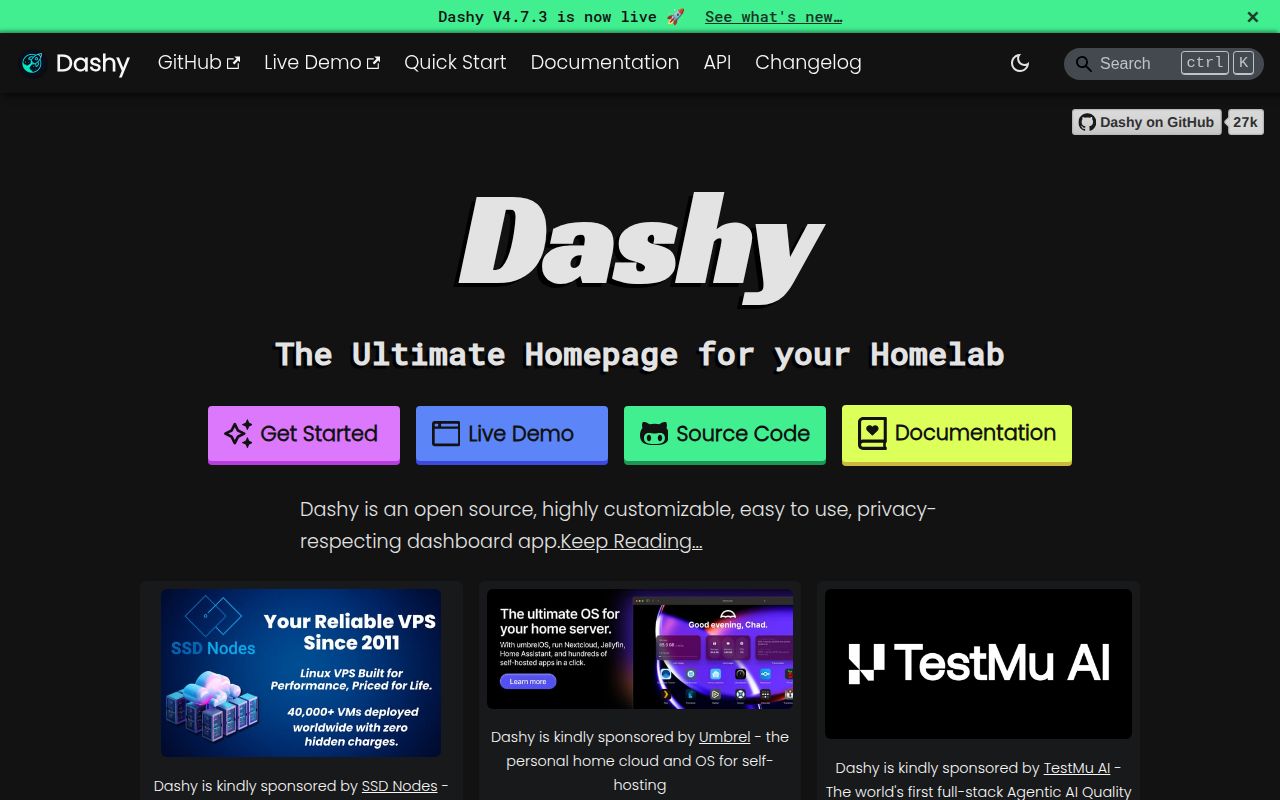
Version 4.7.0 adds a calendar widget, better Uptime Kuma support, and smaller fixes around status checks and weather details. Dashy also supports custom CSS, several icon sources, browser shortcuts, different link-opening methods, and a progressive web app mode. It can tell you whether a service responds and bring selected data forward. If all you need is twelve bookmarks, much of that code will sit unused.
One conf.yml file remains the source of truth
The user-data/conf.yml file holds page content and app settings, while the visual editor can change the same configuration from the browser. That gives you a friendly first pass without hiding the underlying YAML. The editor previews changes before saving, and the config menu can export or back up the result. Keeping the file in version control still makes sense, especially once several pages, custom icons, access rules, and widget credentials have accumulated.
The Docker example maps host port 4000 to container port 8080 and mounts the whole user-data directory. Published images cover AMD64 and ARM64. A source install needs Node LTS and Yarn, with Node 24.x recommended in the README. The project also documents static hosting, but server-backed features such as proxying widget requests affect which route is practical. Our 24-second install makes a quick trial plausible; a safe remote deployment asks for deliberate network and identity choices.
What happened when we ran it
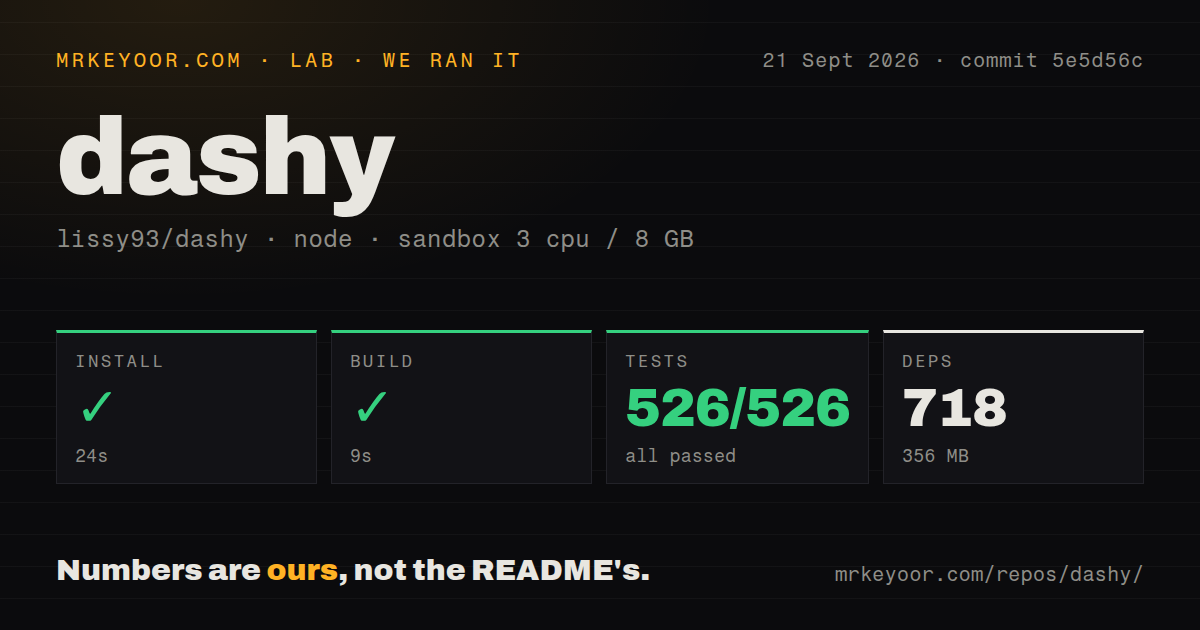
Our sandbox installed 718 Yarn packages in 24 seconds, leaving 356 MB on disk. The production build succeeded in 9 seconds. Vitest then passed 526 of 526 tests in another 9 seconds, with no failed case to explain. Those results came from commit 5e5d56c inside an unprivileged Debian container with 3 CPUs, 8 GB of RAM, no secrets, and the lab-node:22 image.
The checkout itself occupied 84.2 MB and contained 579 files with about 45,819 source lines. We counted 9 CI workflow files, a Dockerfile, a Compose file, and a tests directory. That is a substantial application behind a home page, yet the build and test each finished in 9 seconds. Our run says the repository is straightforward to verify on a clean machine. It does not measure browser speed, widget latency, or memory use after deployment.
Widgets trade a cleaner page for proxy and secret work
Dashy's widget catalog reaches weather providers and many self-hosted services, while v4.7.0 adds calendars to that list. Status checks can use an HTTP URL, and host checks send ICMP pings. These features save trips into individual admin pages, particularly when a failed service is visible beside its launch link. They also turn a passive start page into software that makes network requests, handles service addresses, and sometimes carries API credentials.
Many home services do not send browser CORS headers, so Dashy routes those requests through its server-side proxy. The widget guide says conf.yml is a poor place for secrets because it stores them in plaintext, and recommends DASHY_ environment variables instead. Some widget options are sent to the browser. For v4.7.0 deployments, administrators should use narrow service credentials, keep the proxy behind authentication, and disable proxy endpoints entirely when neither widgets nor status checks need them.
Client-side login is not an internet security boundary
Dashy's security guide describes the intended audience as a small number of trusted users on a private network. Client-side login compares a SHA-256 password hash in the browser, and the built-in auth guide says that mode can be bypassed. It also lacks password reset, lockout, and rate limiting. The login screen alone is unsuitable for an instance reachable by strangers.
Server-side enforcement can protect Dashy's endpoints and return HTTP 401 to unauthenticated requests. The project also documents OIDC, Keycloak, header authentication, VPN access, and reverse-proxy identity systems. Internet-facing operators should choose one of those paths, add HTTPS, and restrict the proxy. Dashy organizes links to other services; it does not grant protection to the applications behind those links. Each linked service still needs its own access policy. Its threat model also rules out multi-tenant dashboards with per-user audit trails.
September activity supports the top health scores
GitHub recorded 26,532 stars and a last push on September 20, 2026. Release v4.7.0 arrived on September 17. The open queue contained 19 issues and 8 pull requests when fetched, rather than 27 confirmed bugs. Several older requests remain open, but current commits and a release four days before this review show active maintenance. The release also includes dependency updates and CI work alongside user-facing changes.
Choose Dashy when the homepage needs behavior
Homepage advertises more than 100 service integrations and Docker discovery. Homer takes the opposite route with a static YAML-driven page. Homarr supplies drag-and-drop configuration plus built-in users and permissions. Dashy sits between them: more interactive and visually adjustable than a plain static page, but still centered on a configuration file and a trusted small-group deployment. Your choice depends on which maintenance burden you already accept, YAML, application state, or a smaller feature set.
Our 24-second install, 9-second build, and complete 526-test pass make Dashy easy to recommend for a serious homelab trial. Keep it if you use the status checks, widgets, pages, or workspace view often enough to justify 718 installed packages. If the page remains a grid of links after a week, Homer is the cleaner answer. If you need tenant records and audit trails, Dashy's own threat model has already made the decision for you.