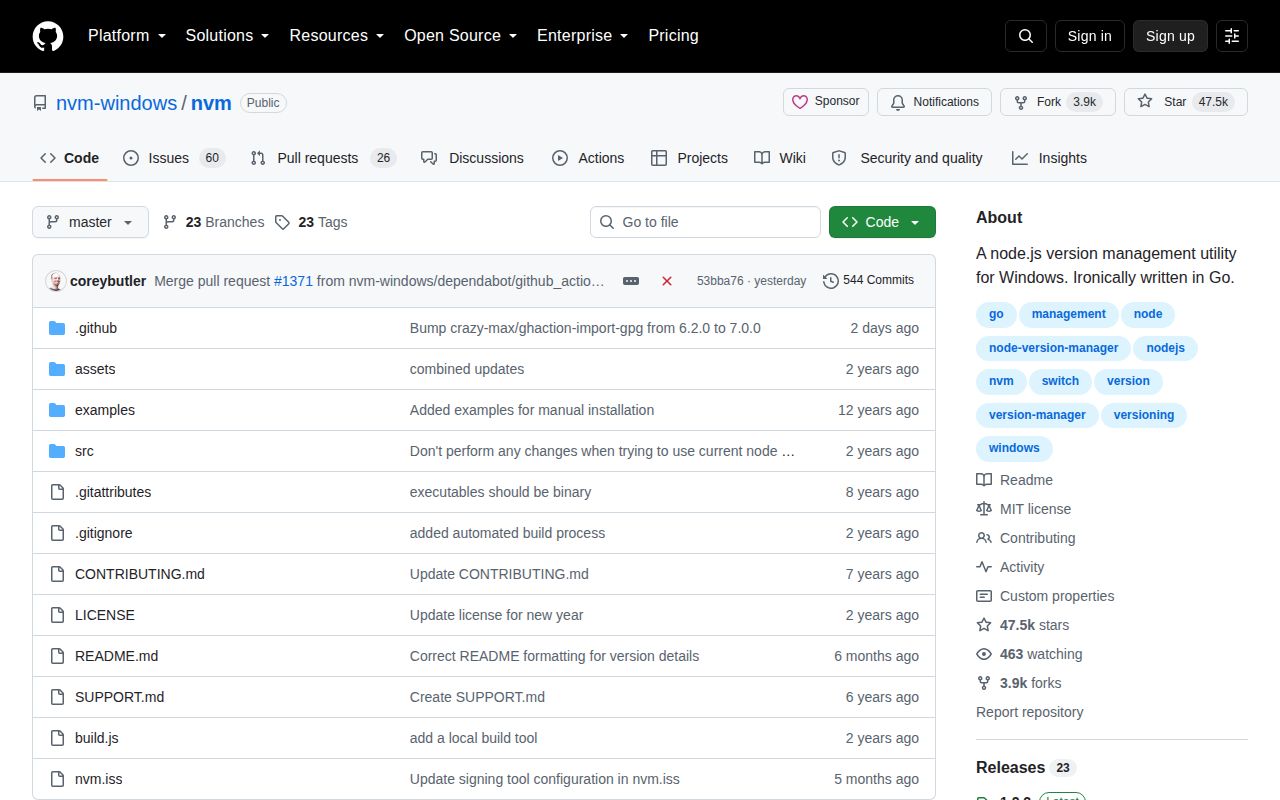
NVM for Windows switches one system symlink
NVM for Windows installs multiple Node.js versions and points one directory on the Windows PATH at the selected version. The implementation is written in Go and does not require Node to install Node. When nvm use changes the symlink target, open consoles see the active version without adding a shell hook to every terminal session. The choice also persists after a reboot.
This is not the Windows build of nvm-sh/nvm. It has different commands, installation behavior, and platform constraints. GitHub redirects the requested coreybutler/nvm-windows address to nvm-windows/nvm, but existing links still resolve. The tool is aimed specifically at Windows; macOS and Linux users should choose the original nvm or another cross-platform manager.
Existing Node installations cause most of the setup work
The recommended path begins with uninstalling any previous Node installation. NVM for Windows uses a symlink such as C:\nvm\node, and it cannot replace a physical directory already occupying the chosen path. A leftover C:\Program Files\nodejs directory or an earlier Node entry ahead of NVM on PATH can make nvm use appear to do nothing. Version 1.1.11 and later include nvm debug to identify PATH conflicts.
The installer attempts to copy an existing installation, global modules, and configuration into its managed root, but Windows will not let one vendor's installer remove another vendor's application. The README therefore tells users to back up the global npmrc, remove old install directories, and avoid conflicting global npm locations. These are real migration steps, not rare troubleshooting notes.
What happened when we ran it
Our sandbox tested commit 5b18223 from the src/ directory. Installing the Go dependencies took 5 seconds and added 32 packages. The build succeeded in 1 second. The test command then ran for 13 seconds and failed: 0 passed and 6 failed out of 6.
The log tail gives a precise reason for the observed failure. utility/logging.go referenced syscall.NewLazyDLL and syscall.GetConsoleMode, which were undefined in our Go 1.24 Debian container. Packages including nvm/upgrade, nvm/node, nvm/utility, and nvm/web consequently reported setup or build failures. We should not turn that output into a claim about Windows behavior; the sandbox was Linux and the project calls Windows APIs.
The checkout held 59 files, roughly 5,334 lines of source, and 7.6 MB. Five CI workflow files were present, with no Dockerfile and no tests directory. Our result shows that a generic Linux go test path is not portable even though the source build step completed. A meaningful release check still needs a supported Windows environment and the signed installer.
Administrator rights and global packages are lasting tradeoffs
Changing the symlink normally requires an Administrator PowerShell or Command Prompt. That is acceptable on a developer-owned workstation and awkward in a corporate environment governed by group policy. Users should confirm they can elevate before rearranging an existing Node installation. Antivirus software can also interfere; the README specifically records McAfee problems involving the VBScript engine and documents code-signing history.
Global npm packages are installed separately for each Node version. Switching from Node 14 to Node 12 does not carry a global Yarn installation with it, so the user must install that tool under both versions. This isolation prevents some compatibility surprises but makes global CLI management repetitive. Project-local dependencies remain the safer default.
Directory-aware switching is another difference from tools such as Volta. The README's nvm use entry directs .nvmrc users to issue 16 rather than promising native automatic selection. Developers moving among many repositories may find manual switching easy to forget, particularly when terminals remain open across projects.
The current release line has an old-Node warning
The latest GitHub release is 1.2.2, published on 2025-01-01. The README labels v1.2.x a transition line and warns of a bug that can affect installation of old end-of-life Node versions; it identifies 1.1.12 as the stable choice for most of those versions. The same page says the maintainers are working on Runtime, a successor, but that aspiration should not be treated as an available replacement.
Project activity continued well after the release. The repository was pushed on 2026-08-26, and GitHub listed 86 open issues and pull requests combined. Current work included signed-build dependencies, silent extraction failures, npm installation, older Node versions, and paths containing spaces. That activity argues against calling the project abandoned, while the unresolved installer reports justify testing the exact Node versions and path layout you need.
It remains a practical Windows-specific choice
NVM for Windows has a clear job and a mature command set: install a version, list installed or available releases, change architecture, configure mirrors, switch the active version, and remove it later. The MIT license is simple for individuals and companies. Its Windows symlink model is understandable once the machine has been cleaned up.
Choose it for a Windows-only workstation where administrator access and manual switching are acceptable. fnm is a better fit for one workflow across operating systems. Volta is preferable when repositories should select Node and JavaScript tools automatically. The deciding cost is not download speed; it is whether you can safely hand NVM for Windows control of PATH, the Node symlink, and per-version global tools.