BrewUI keeps the command visible behind the button
BrewUI puts Homebrew's everyday jobs into a native SwiftUI window. You can discover packages, inspect what is installed, find upgrades, change Homebrew configuration, and run Doctor without remembering the matching commands. The console remains part of the experience. When BrewUI asks Homebrew to do something, you can see the operation rather than trusting a progress spinner with no explanation. That is the right design for a package manager, where an apparently simple update can unlink binaries, move applications, or ask macOS for permission.
The app still depends on Homebrew's own CLI and JSON API. It is not a separate package system with another catalog or database to reconcile. The current code uses Swift 6.0 with strict concurrency and requires macOS Tahoe 26 or newer. That platform floor is the first decision point. A Mac that cannot run Tahoe cannot use the current BrewUI release, even if Homebrew itself works there.
A clean shell makes operations repeatable, but your aliases disappear
Every Homebrew process starts through /bin/zsh with optional user and system startup files disabled. BrewUI rebuilds PATH around the located brew executable plus /usr/bin:/bin, then clears the environment again after the unavoidable /etc/zshenv step. This prevents a stray alias, language manager, or startup banner from changing app behavior. It also explains why a command can work in your Terminal and behave differently in BrewUI.
Configuration has one supported home: Homebrew's brew.env files. The README documents user, installation, and system scopes, plus the variable that reverses their normal precedence. It also warns that a shell-exported XDG_CONFIG_HOME is ignored. That is unusually candid documentation. Before blaming the GUI for a missing mirror, proxy setting, or cleanup preference, compare the Configuration report inside BrewUI with brew config in your usual shell.
What happened when we ran it
Our sandbox did not run commit ef9a1d5 because the lab has no supported Swift ecosystem. The checkout also has no Dockerfile, so there was no project-supplied container route for the fresh Debian environment. We have no measured install duration, build result, test outcome, dependency count, or vulnerability audit for BrewUI. Any claim that its source built cleanly on our box would be false.
That limitation matters less for the cask install than for contributor setup. Users get brew install --cask homebrew-app. Contributors run ./scripts/bootstrap, which installs Mint from a Brewfile, builds the pinned SwiftFormat and SwiftLint tools, installs repository hooks, and resolves packages for Homebrew.xcodeproj. Staged Swift files then pass through formatting and strict lint checks before a commit. The repository contains test code, but our lab did not execute it.
v0.4.1 is moving quickly and still finding desktop edge cases
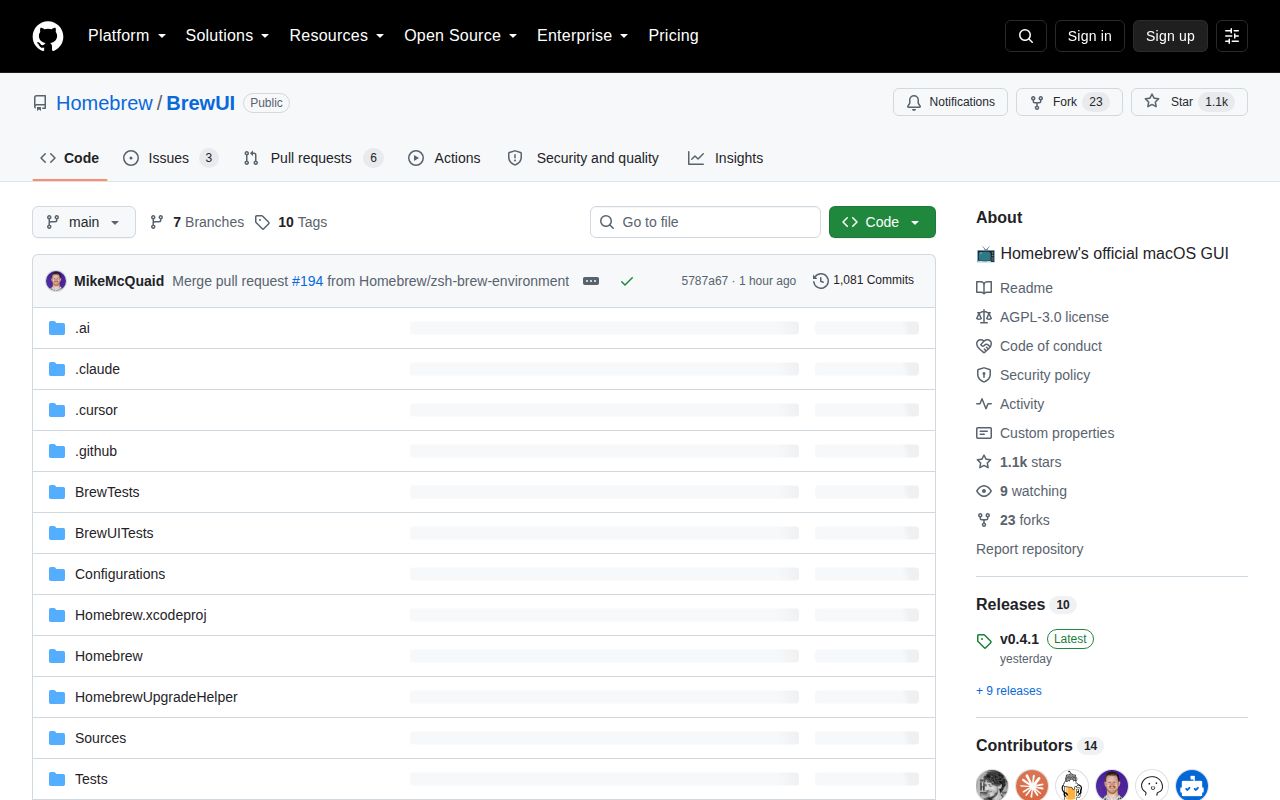
GitHub recorded a push on September 15, 2026, one day after v0.4.1 was published. The repository had 1,113 stars and 9 combined issues and pull requests when fetched. Releases arrived several times during early September, with changes to sidebar symbols, shell-startup noise, Doctor behavior, UI testing, console output, and the self-upgrade path. This is an active project with visible maintenance, not a dormant experiment.
Fresh activity also means fresh defects. Issue 201 describes a Cursor cask upgrade that emitted repeated chown: Operation not permitted messages in BrewUI v0.4.1. The reporter finished the job in Terminal with a forced cask upgrade, but the report does not establish the underlying cause. Issue 180 says deprecated formulae and casks can show a check mark that a newer user may read as verification. Issue 174 reports that window size and position reset after quitting. None is universal proof of failure, but all affect the audience this GUI is meant to help.
The official app is the best fit for transparent basics
BrewUI earns its place when someone wants Homebrew itself, including formulae and casks, presented with fewer opportunities to mistype a command. The visible console is more useful than an interface that hides errors, and the Doctor and Configuration screens give support helpers something concrete to inspect. The clean-shell policy should also make two BrewUI installations behave more alike than two heavily customized terminals.
Cork goes further into package tags, taps, services, and menu-bar updating. Its prebuilt version is paid, while self-compilation remains available. Applite takes the opposite route: it focuses on graphical casks, can bring its own Homebrew installation, and aims at people who may never need formulae. BrewUI sits between them. It is free, first-party, and broad enough for normal Homebrew use, but it assumes Homebrew already exists.
The license and platform floor narrow the easy recommendation
The project uses AGPL-3.0, and its README specifically calls out the network-use clause for reuse or adaptation. Reading or installing the app is straightforward, but companies planning to modify and redistribute it should have their license obligations reviewed. The macOS Tahoe 26 floor is just as firm in practical terms. Neither caveat appears after a long setup guide; both are stated plainly.
For a current Tahoe machine, BrewUI is worth trying alongside the Terminal rather than replacing it on day one. Use a low-risk formula or cask first, compare the console output, and confirm your brew.env settings appear in Configuration. Keep the CLI available for recovery while v0.4.1's permission and status-display reports are investigated. A GUI for package management earns trust one completed operation at a time.