One local library handles five separate e-book jobs
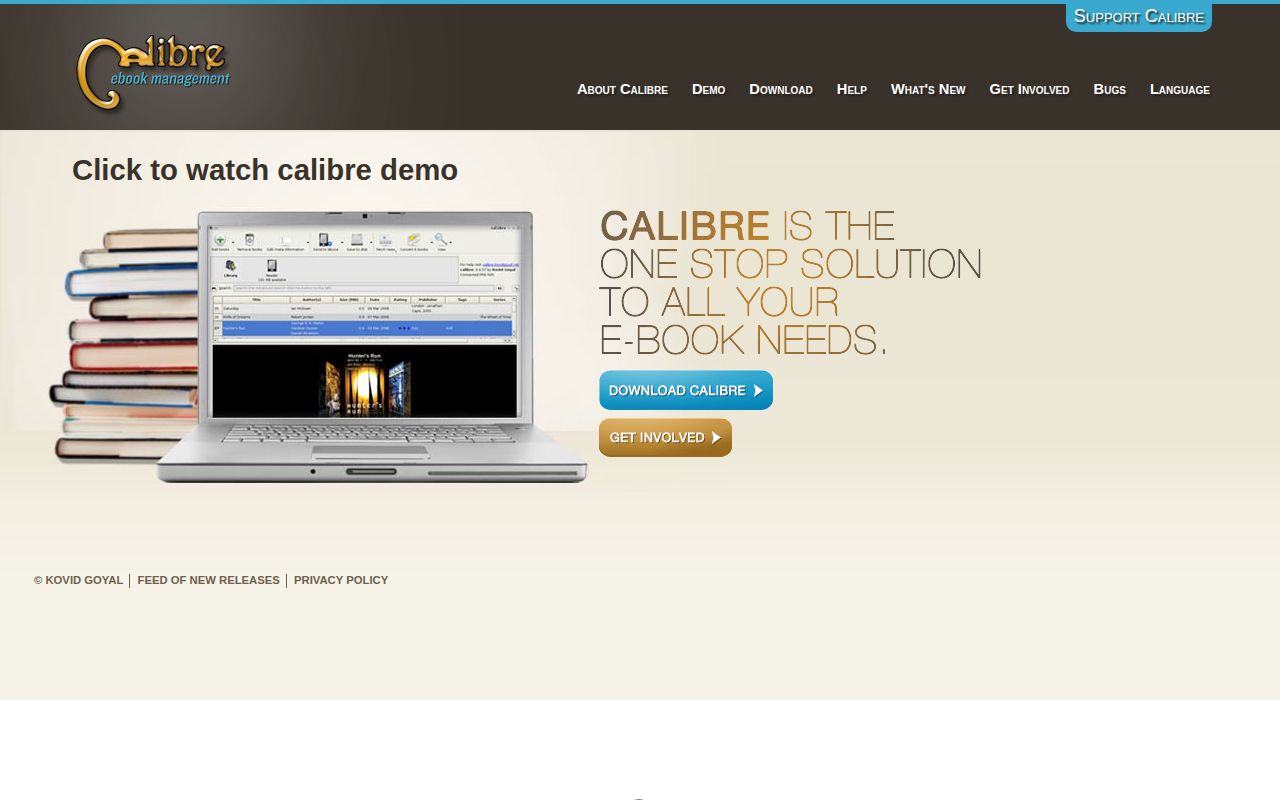
calibre combines cataloging, format conversion, reading, book editing, and device transfer in one application. It downloads covers and metadata, supports custom fields and tags, talks to common e-readers, and can serve the collection to a browser. News recipes can turn websites or feeds into e-books. Command-line tools expose much of the same machinery for scripts.
The breadth has a cost: calibre is a large desktop application with 4,914 files and roughly 915,577 lines of source in our measured checkout. Its interface exposes many options because e-book formats and devices disagree about metadata, tables of contents, covers, and layout.
The library folder belongs to calibre, not your file manager
Adding a book copies it into calibre's managed library. The application organizes files by author and title and stores catalog data in metadata.db, a SQLite database at the library root. The FAQ is blunt: do not add or rearrange files inside that folder manually because calibre may move or delete them. Use its metadata dialog, import actions, and Save to disk feature instead.
Backups must include the complete library folder and every subfolder. Google Drive is specifically ruled out for a live library because the manual warns of data loss. Dropbox or rsync are possible only when the sync tool and calibre never touch the library at the same time, and even then the documentation warns about corruption. For access from several computers, the recommended shape is 1 running calibre instance with the Content server or remote desktop.
What happened when we ran it
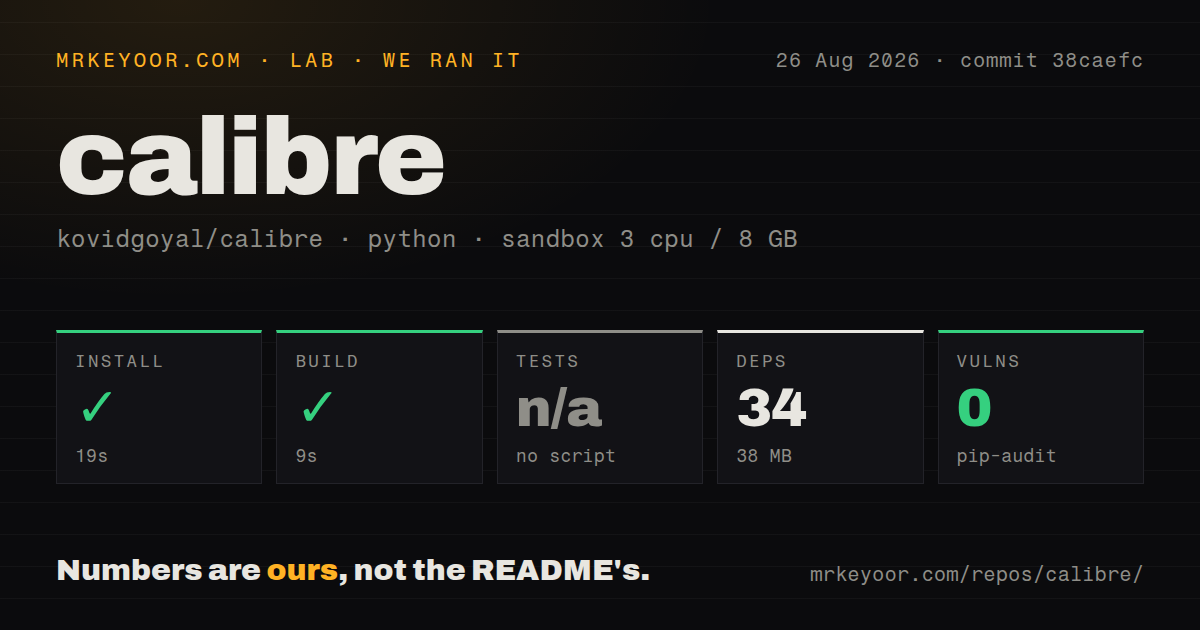
Our sandbox installed the source dependencies in 19 seconds. It added 34 Python packages and occupied 38 MB on disk. The build finished successfully in 9 seconds, and pip-audit reported 0 known vulnerabilities in that resolved environment. We tested commit 38caefc in an unprivileged Debian container with 3 CPUs, 8 GB of RAM, and no secrets.
No generic test script or target was exposed to the lab, so tests were skipped. That is not the same as a failed suite, and it is not evidence that the 915,577-line application is fully covered. The scan found 4 CI workflow files but no tests directory and no Dockerfile at the measured commit. Our run checked repository setup mechanics, not the graphical application, USB device detection, conversion fidelity, or Content server behavior.
Conversion is broad, while PDF and store validation remain traps
The manual lists inputs ranging from EPUB, KEPUB, MOBI, and AZW variants to DOCX, HTML, comic archives, and PDF. Outputs include EPUB, KEPUB, AZW3, DOCX, PDF, and several older reader formats. calibre can adjust styling, create navigation, improve punctuation, and pick a suitable device format.
Two limits deserve space in the decision. The FAQ calls PDF a terrible conversion source because fixed-page layout does not map cleanly to reflowable text. It also says calibre does not promise that every produced EPUB will validate unless fed valid XHTML 1.1 and CSS 2.1. A publisher sending files to a store should run an EPUB validator and inspect the result on target readers rather than treating conversion success as publication approval.
DRM stays outside the reading and conversion workflow
Most purchased EPUB books use DRM, and calibre's FAQ says that protection prevents the application from opening them. It can store and transfer those files after the reader has been authorized through the vendor's software, but it is not a universal storefront client. An ACSM file must first be opened with Adobe Digital Editions to obtain the actual EPUB before that file can be added to the library.
This boundary matters because calibre looks like one place for every e-book. In practice, vendor authorization and locked purchases remain attached to their ecosystems. The best calibre collection is made of DRM-free EPUBs, documents you created, and files you are permitted to convert. Readers whose library lives entirely inside Kindle, Apple Books, or another store may gain less than collectors buying from several sources.
Device support and the web server extend its useful life
USB drivers cover major e-readers, phones, and tablets, while the Connect to folder option handles devices that appear as ordinary storage. Apple no longer permits the old third-party USB route for iPhones and iPads, so the manual directs those users to wireless access through the Content server. Android and newer Kindle connections can also have operating-system-specific requirements. The debugging guide collects device information when automatic detection fails.
The Content server is useful beyond device work. A browser can search the collection, download a suitable format, and read books without copying the database to another machine. Treat an internet-facing server as a real service: set authentication, control network exposure, update version 9.13.0 when fixes ship, and back up the library. calibre is strongest when one machine owns the files and other devices consume them through supported interfaces.
Current releases and active patches support a long-term choice
GitHub showed 25,731 stars, 6 combined issues and pull requests, and a last push on August 26, 2026. The project routes bug reports and feature requests to Launchpad, so GitHub's small open count is not the whole support queue. Recent merged pull requests fixed macOS image handling, store search, language fields, and added news recipes. Release v9.13.0 was published on August 7.
That activity matches calibre's mature shape: frequent device and format maintenance around a stable core idea. The 9-second lab build is encouraging for contributors, though the absent generic test target limits what our sandbox proves. For readers who want custody of a DRM-free collection, the application's firm rules about its library folder are a fair price for reliable metadata, conversion, editing, and transfer tools.