Bun 1.4 puts five development jobs in one executable
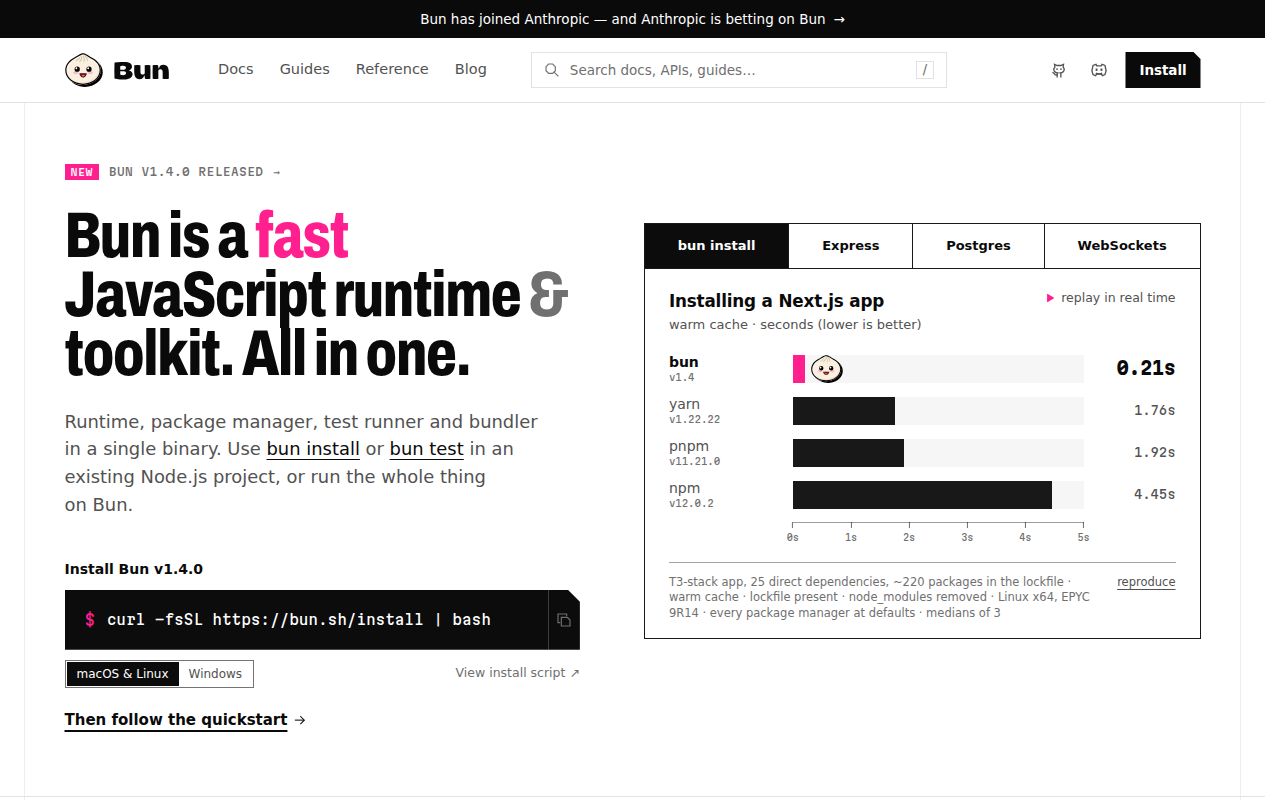
Bun 1.4 runs JavaScript and TypeScript, installs packages, executes scripts, runs tests, and bundles applications. That single command surface is the practical appeal. A new service can use TypeScript directly, start an HTTP server, manage a workspace, and run Jest-style tests without choosing a separate tool for each job. Bun also includes APIs for SQLite, PostgreSQL, Redis, S3, WebSockets, shell commands, and file handling. The savings are real when those built-ins match the application.
The same breadth raises the cost of choosing Bun as a platform. Code written against Bun.serve, Bun.sql, or Bun.s3 carries a runtime dependency that standard web APIs do not. A team can limit that exposure by keeping Bun-specific calls in small modules. If the only complaint is package installation, pnpm solves that narrower problem while leaving Node in place. Bun makes more sense when the runtime, package manager, test runner, and bundler all earn their place.
Bun 1.4.0 still differs from Node v24.15.0 at observable edges
An open Windows report compares Bun 1.4.0 with Node v24.15.0 for recursive node:fs directory creation. With a relative input, the reporter found that Bun returned a relative path while Node returned the absolute first path created. That is a small API edge, yet code can persist or join the returned value. It is exactly why a stated drop-in goal cannot replace an application test suite. Compatibility is a property of the code and dependencies you use.
Workspace behavior needs the same skepticism. Issue 40544 reports that bun --filter test did not load a package's .env.test file under Bun 1.4.0, while changing the working directory did. The report was opened and discussed on August 26, 2026, so it is current activity rather than an old compatibility anecdote. Teams using filtered monorepo commands should test environment loading, lifecycle scripts, lockfile changes, and native packages before swapping their CI runner.
What happened when we ran it
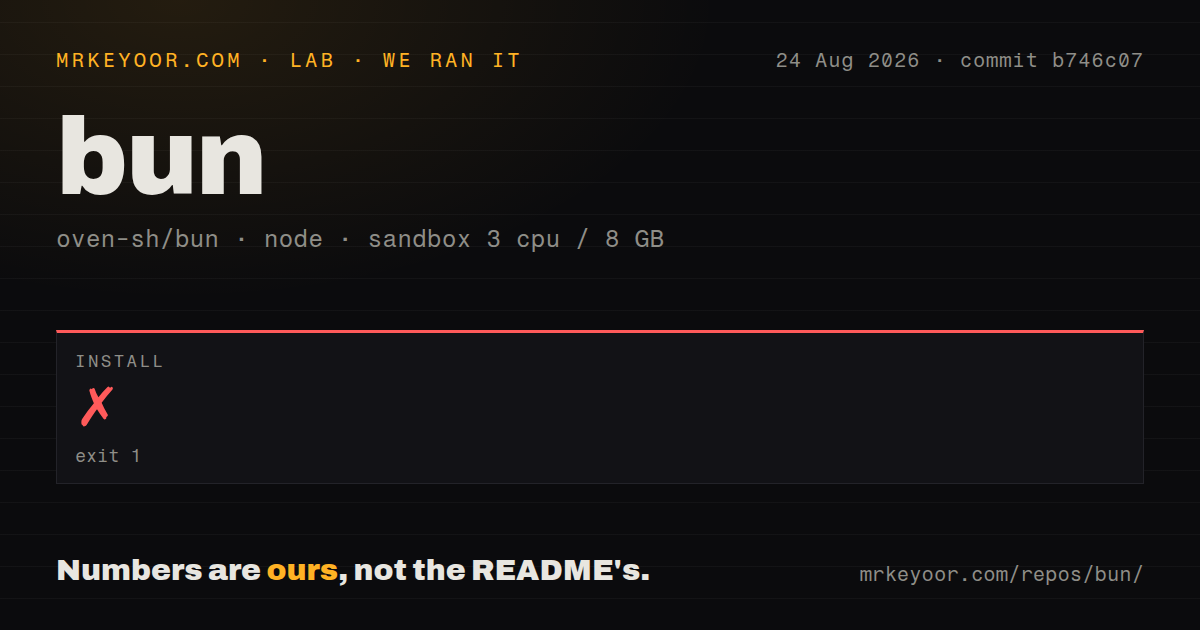
Our sandbox cloned commit b746c07 and measured 19,365 files, about 2,969,178 source lines, and 194.8 MB checked out. The unprivileged Debian container had 3 CPUs, 8 GB of RAM, Node 22, and no secrets. Install failed with exit code 1 after 9 seconds. The final npm message said it could not determine executable to run. That line does not identify a missing package, a broken script, or any other cause, so assigning one would be guesswork.
The failed install stopped the exercise before a build or test result was recorded. Our measurement setup found 31 CI workflow files, a tests directory, and monorepo workspaces, but no Dockerfile in the checkout. The README does document an official oven/bun image for users. Those facts describe different things: a published container is available, while the measured source tree did not include a Dockerfile. The 9-second failure describes commit b746c07 in our lab, not the released binary installer.
Source work requires LLVM 21.1.8 and an existing Bun binary
Bun's product README makes release installation look straightforward, with shell, npm, Homebrew, Windows, and Docker routes. The contributor guide is much more demanding. It requires a release build of Bun before compiling the checkout because Bun handles code generation and bundling during its own build. It also pins a Rust nightly and requires LLVM 21.1.8, along with CMake, Go, Ninja, Ruby, and other native packages on Debian-based systems. Nix is documented as another route.
Platform requirements matter even for the published executable. Linux kernel 5.1 is the stated minimum, and the README recommends 5.6 or later. Bun supports Linux and macOS on x64 and arm64, plus Windows on both architectures. x64 users have a separate CPU requirements page for illegal-instruction errors. A release install may be one command, but deployment approval should still check the kernel, processor, native dependencies, and every production startup path.
The August 2026 activity is healthy and noisy
GitHub recorded 95,703 stars, 8,523 open issues and pull requests combined, and a last push on August 26, 2026. Bun v1.4.0 was released six days earlier on August 20. Fresh issue updates on August 26 covered filesystem compatibility, filtered workspace tests, and an older S3 presigning request. The combined open count mixes issues with pull requests. It shows how much discussion and change an adopter may have to search when a package behaves differently.
Canary builds are published from every commit to the main branch. That gives developers a quick way to check whether a fix has landed, while production should stay on a pinned release. The release pace and same-day issue activity do not suggest neglect. They suggest that migration notes, lockfiles, runtime versions, and rollback paths deserve attention. A fast-moving runtime can fix incompatibilities quickly and can also change underneath loose version policies.
MIT licensing includes linked components worth reviewing
Bun itself is MIT-licensed, but the repository license is deliberately longer than one sentence. The binary statically links JavaScriptCore and WebKit code under LGPL-2, and the file explains the relinking requirement. It also lists components under Apache-2.0, BSD, zlib, LGPL v2.1, and other terms. This is ordinary systems-software territory, though a company shipping Bun inside a product should send the actual license file through its normal compliance process.
The measured checkout had 31 CI workflows and a tests directory, evidence of a serious engineering operation, yet our own install still ended before those tests could run. That contrast is the useful conclusion. Try Bun on a bounded service, run the complete application suite under Bun and Node, then compare production behavior on the real operating system. If the suite passes and the built-in tools replace code you maintain today, Bun earns adoption. If compatibility work dominates, Node remains the cheaper choice.