BongoCat's documented Windows and macOS packages remain unassessed by our failed source build. The sandbox stopped at a Linux backend requirement before we could evaluate the Live2D pet or its input reactions. That distinction matters if you are deciding whether to try a desktop package.
Choose it for character reactions and custom models
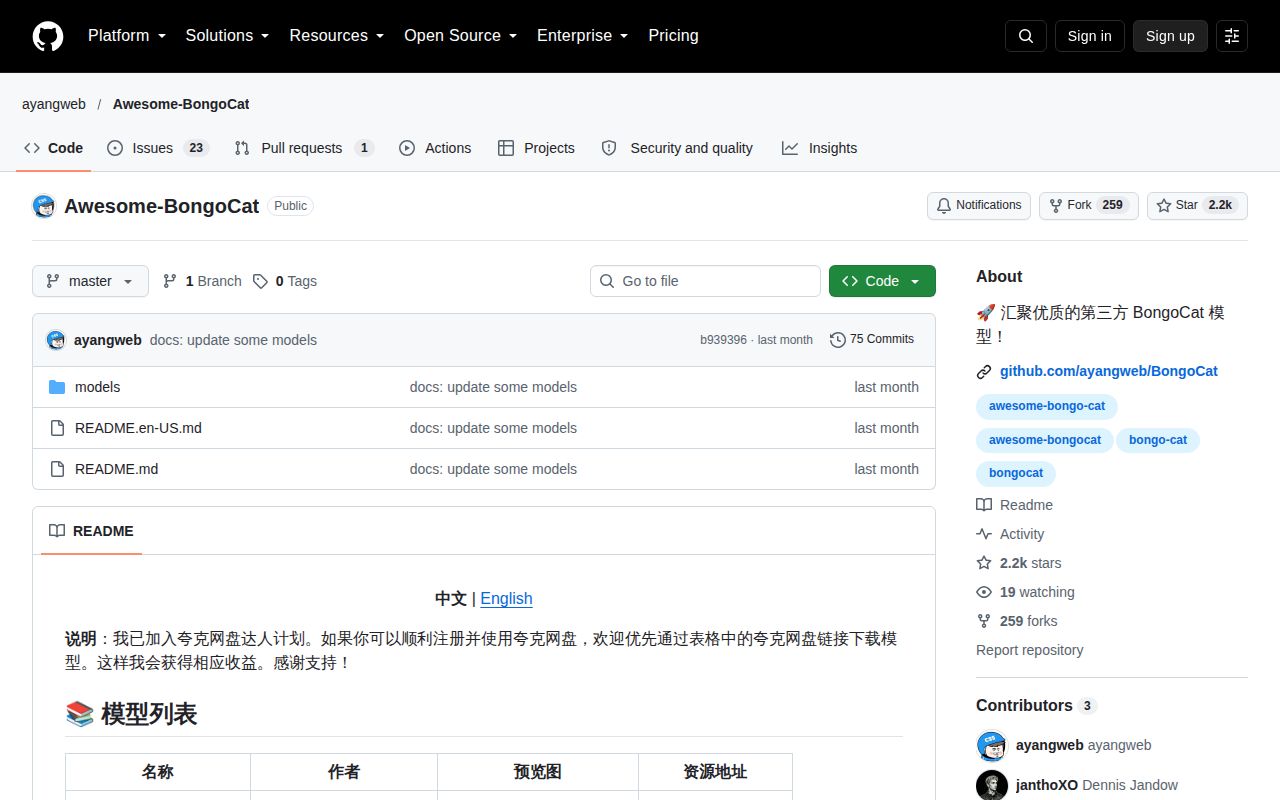
The BongoCat README describes a Live2D cat whose eyes and paws follow the mouse and whose motions respond to keyboard, mouse and gamepad input. It also supports bringing your own Live2D models and links a separate model collection.
Consider it if those reactions are what you want from a desktop companion. Our run did not assess model importing, motion mapping or window behavior above other applications. Before making it part of your daily desktop, check your chosen model and its visibility controls in the applications you use.
The README is available in English and Simplified Chinese. Its community section links QQ groups, but those links do not establish English-language support availability or response times.
What happened when we ran it
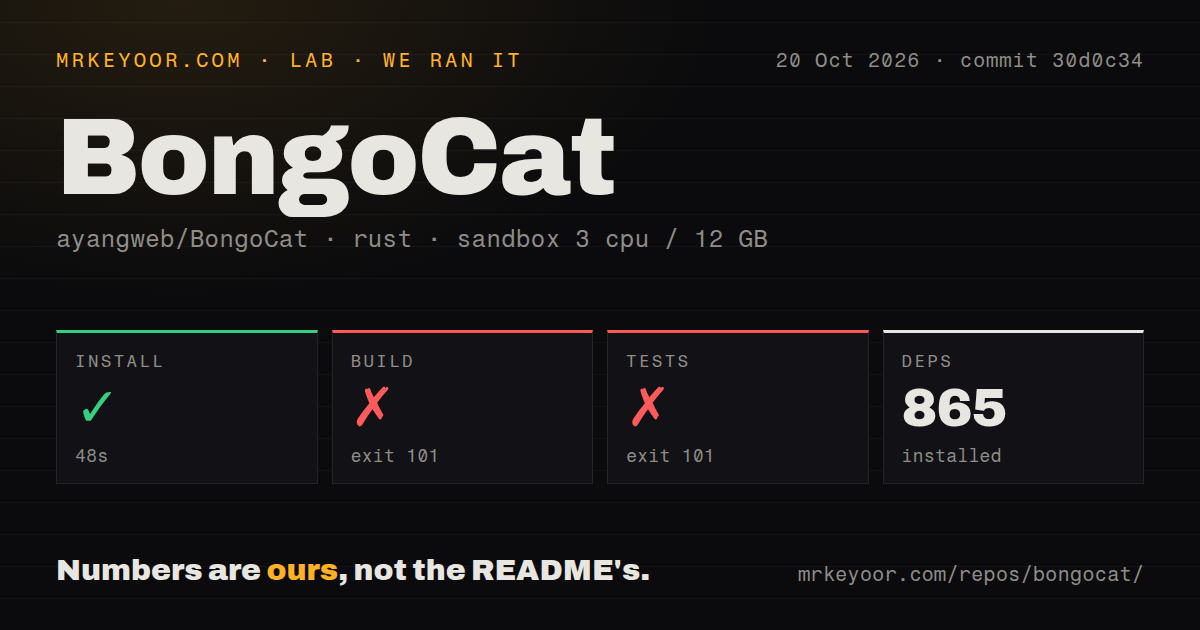
Our sandbox installed BongoCat commit 30d0c34 on 2026-10-20 in 48 seconds, recording 865 dependencies. The build failed with exit 101 after 223 seconds. The test step failed with exit 101 after 23 seconds.
Both log tails identify the custom build command for rfd v0.17.2. The error requests at least one backend, gtk3 or xdg-portal, for x86_64-linux. The test command stopped during compilation, so it does not establish a failing assertion in BongoCat's behavior or a completed test suite.
That backend requirement is the diagnosis supported by the logs. They do not establish that selecting a feature would make the whole application work on Linux. Compilation and desktop behavior beyond this stopping point remain unknown.
The recorded sandbox configuration was 3 CPUs, 12 GB of RAM and image lab-rust:1. That image label does not verify the actual Rust or operating-system version. The checkout contained 1,130 files, roughly 161,045 source lines and 12.7 MB. The scan found 3 CI workflow files, no Dockerfile and no tests directory. A missing directory named tests does not establish that the repository contains no tests.
Source development has platform requirements
The contributor guide explicitly says Linux is not a release target. It names rustup, just and Python 3 as development prerequisites.
Windows builds require MSVC because the Windows distribution of Live2D Cubism Core is available in MSVC format. macOS builds also need an Xcode Swift toolchain; the guide says the Swift package asks for tools version 6.1. It identifies just build as the only supported build and packaging entry point. These are documented requirements, not steps reproduced by this review.
For contributors, the next step is to follow that guide on an affected supported platform and record any checks left unrun. For users who simply want the pet, the release packages provide a separate route that our source attempt did not assess.
Match the v2.3.1 package to your system
Release v2.3.1, published on 2026-10-13, lists Windows 10+ and macOS 12+ downloads. Windows ARM64 users are directed to the x64 build through emulation. macOS has separate Apple Silicon and Intel packages, plus a Homebrew link.
The release notes report fixes for hover-to-hide behavior and macOS window handling, including a settings window disappearing after the Dock icon was turned off. These notes give you specific visibility controls to check; our run did not verify the fixes.
The supplied repository metadata records a push on 2026-10-21. That push and the October 13 release show recent repository activity, but they do not establish release reliability or support response quality.
The README says BongoCat works offline without network access and collects no user data. Those are project statements. Our failed source run did not perform a network or privacy audit.
Alternatives depend on where you want the pet
bongocat-osu describes a C++ osu! overlay with smooth paw movement and simple skinning. Consider it for an osu! overlay. Its README documents fullscreen and Linux caveats, including Windows 7 compatibility mode for fullscreen use on Windows 10 and WINE Staging requirements for its described WINE setup. Read those requirements before choosing that route; we did not test it.
VS Code Pets puts pets inside the VS Code editor. Choose it when the editor is where you want a companion. We have no comparative performance measurements for either alternative.
For BongoCat, start with the v2.3.1 package matching your supported system, then check model behavior and window visibility in your own workflow. Our failed build leaves those adoption questions unanswered.